Have you ever experienced such a "darkest hour"?
Faced with layers of nested multi-level headers and intricate cross-sheet linkages, you attempt to replicate this "complex Chinese-style report" within a dashboard—only to find that the results consistently fall short of your expectations, leaving you feeling utterly powerless. Ultimately, you can only let out a helpless sigh, close the system, and reopen that all-too-familiar Excel file. The data is once again confined to your local machine; version control fragments, and true collaboration becomes nothing more than a distant fantasy.

Whether standing before the command center’s massive display in the company lobby or beneath the spotlights of an annual strategy meeting, you present a basic, standard-issue dashboard: a dense cluster of charts crammed together—lacking focus and visually as bland as water. An executive furrows their brow: "I see the data, but where is the story I’m supposed to be hearing? What is the core operational narrative?" In that moment, the true value of the data is severely underestimated—all because of the mediocrity of its presentation.
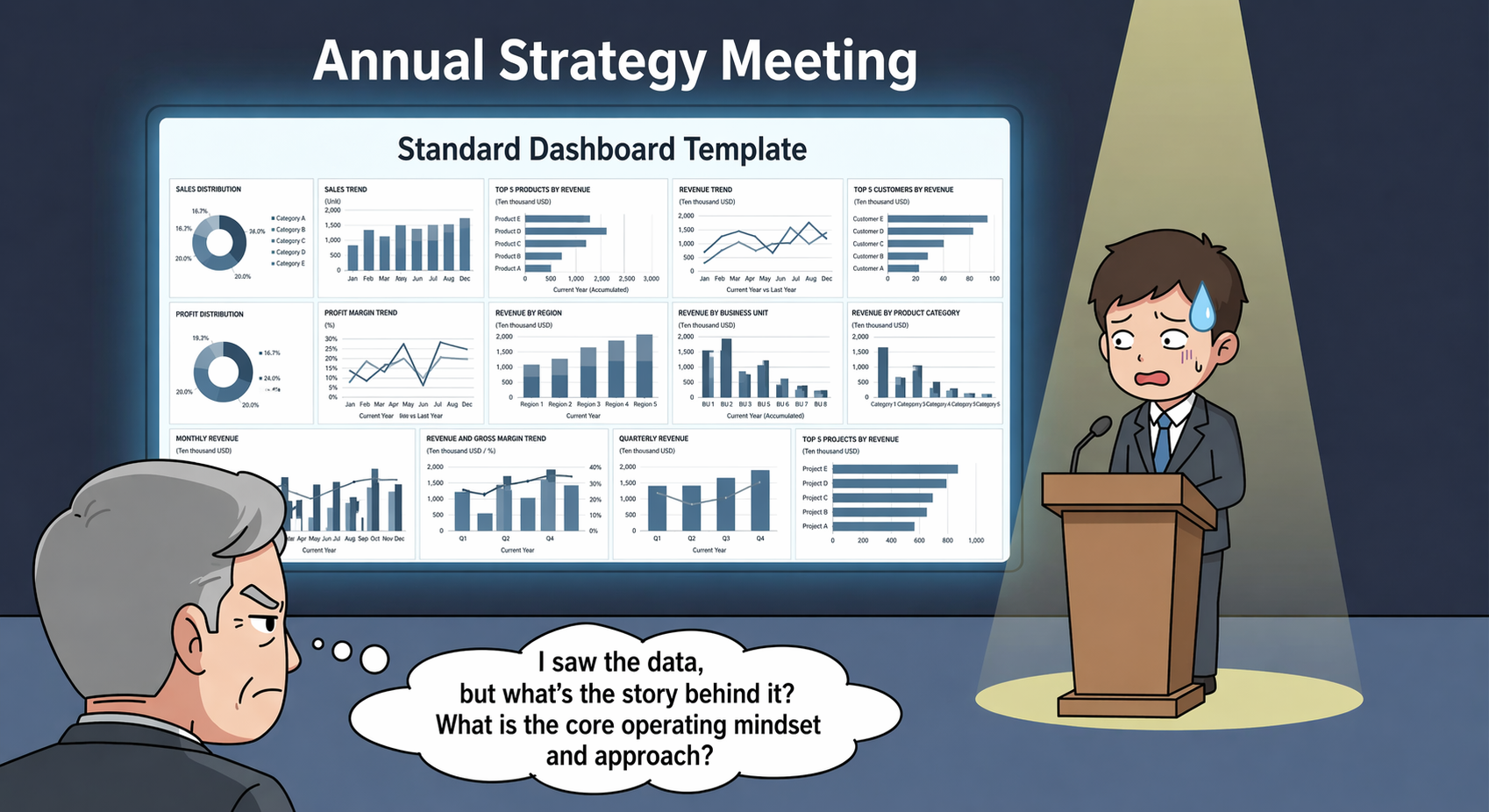
This isn't a matter of your ability; rather, it's a case of using the wrong tool for the situation.
Conventional dashboards excel at standardized analysis but struggle to accommodate the extreme flexibility of "complex Chinese-style reports"—nor can they convey the visual impact required for "high-stakes executive presentations." Today, Quick BI shatters these situational barriers with a "Spreadsheet + Data Dashboard" dual-engine approach! It ensures that every piece of data delivers its maximum value within the most appropriate medium.
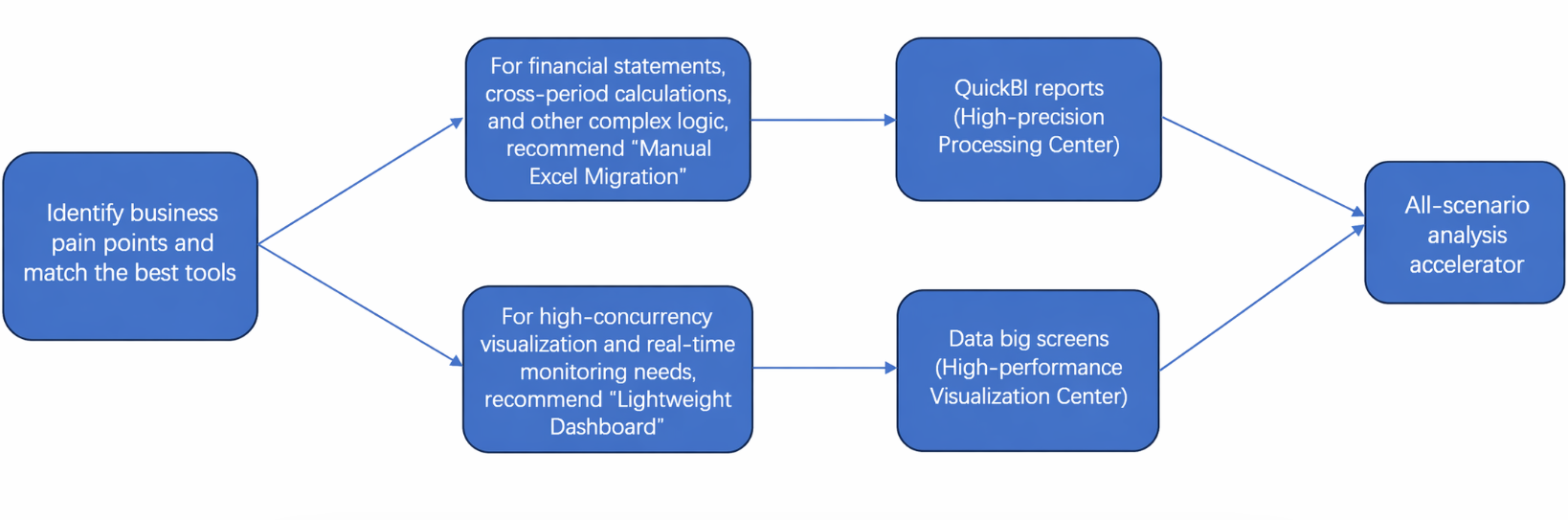
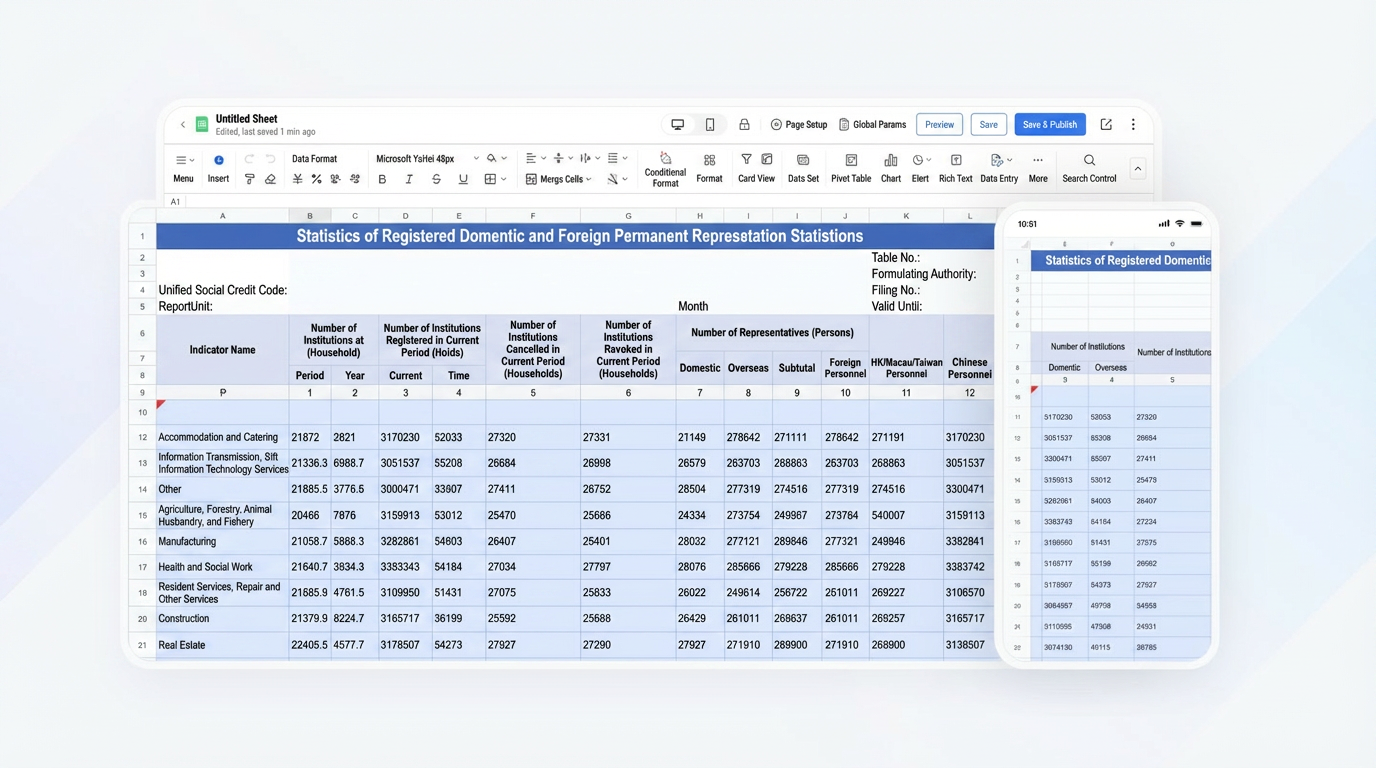
For complex scenarios—such as financial reconciliation, detailed supply chain analysis, and multi-dimensional accounting—we advocate adapting to, rather than attempting to reshape, user habits. While preserving the familiar and proficient operational experience of Excel, we infuse it with an intelligent layer that transcends the capabilities of traditional spreadsheets. By fully retaining the established workflows and habits associated with Excel, we have designed and integrated an even richer suite of tools and applications.
Furthermore, Quick BI Spreadsheets bid farewell to the era of "manual updates" and the endless struggle with VLOOKUP. More powerful than Excel, they align even more closely with real-time business operations.
Data is not merely a collection of backend business records; it serves as the foundation for frontend decision-making and the embodiment of brand identity. Bid farewell to traditional, static data lists; Quick BI Data Dashboards infuse your data with narrative power and visual impact. Featuring cinematic-quality rendering, these dashboards can be deployed instantly—no coding required. Now, anyone can create stunning data displays for company lobbies, command centers, and major corporate meetings.
Cool Component Library:
No-Code Building:
Narrative Data Presentation:
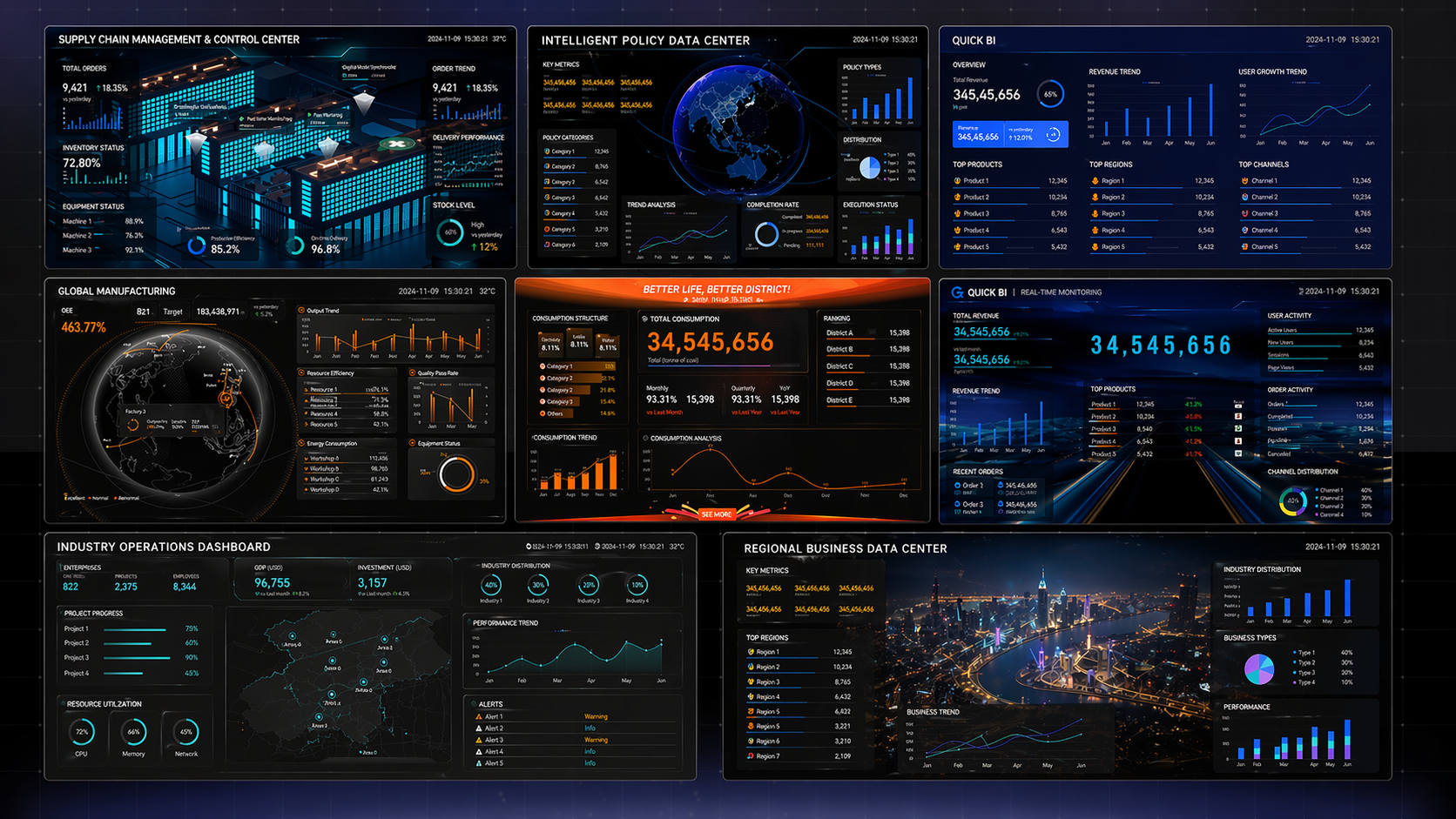
Transform dry numbers into vivid business narratives, making your reports more persuasive and enabling decision-makers to grasp at a glance exactly "where we are" and "where we are headed."
True data intelligence is not about using a single hammer to strike every nail, but rather about providing a complete toolkit.
Complex Backend Calculations 👉 Leave them to a spreadsheet—precise, flexible, and automated.
Core Front-End Display 👉 Leave it to the Data Dashboard—stunning, intuitive, and rich with narrative.
From late-night account reconciliation in the finance office to strategic meetings among top-tier leadership; from meticulous tracking within the supply chain to the real-time monitoring of sales data.
The integration of spreadsheets and data dashboards not only bridges the entire workflow—from granular processing to macro-level visualization—but also instantly awakens dormant data across diverse scenarios. It renders complex logic clearly visible and delivers critical insights directly to the core of decision-making; regardless of how the context shifts, the professional depth and commercial value of the data remain in perfect resonance.
Don't let tools limit the imagination of your data!
Experience Quick BI Spreadsheets + Data Dashboards now, and embark on a journey of comprehensive, scenario-based analytics.
Transform your presentations into standout moments and ensure your reports are flawlessly accurate—thereby simultaneously resolving the dual dilemma regarding both the substantive core and the outward presentation of your enterprise data.
Facing a challenge? Looking to level up? Seeking a solution?
Don't hesitate—scan the code right now! Our experts are online, ready to help you unlock advanced data strategies.


1,397 posts | 492 followers
FollowAlibaba Clouder - September 15, 2020
Alibaba Clouder - December 6, 2016
Alibaba Cloud Indonesia - December 6, 2023
Vitarag Shah - April 13, 2026
ApsaraDB - December 5, 2018
Alibaba Cloud Native Community - March 19, 2026
1,397 posts | 492 followers
Follow Quick BI
A new generation of business Intelligence services on the cloud
Learn More Big Data Consulting for Data Technology Solution
Alibaba Cloud provides big data consulting services to help enterprises leverage advanced data technology.
Learn More Big Data Consulting Services for Retail Solution
Alibaba Cloud experts provide retailers with a lightweight and customized big data consulting service to help you assess your big data maturity and plan your big data journey.
Learn More ApsaraDB for HBase
ApsaraDB for HBase is a NoSQL database engine that is highly optimized and 100% compatible with the community edition of HBase.
Learn MoreMore Posts by Alibaba Cloud Community

