The person who knows the system best is the person with no time to teach it. Their notes become a deck in an hour instead of a week — slides, speaker notes, and a quiz — as a real PowerPoint file. QwenWork does the structuring; the expert keeps the authority.
Internal training dies in the gap between knowledge and slides. The engineer who built the retry logic can explain it brilliantly in person — but a 30-minute deck means an evening of bullet points, and the speaker notes (the actual teaching) never get written.
So the deck gets made by someone else, from a wiki page, and teaches the wrong thing slightly. Or it doesn't get made, and the knowledge stays in one head.
QwenWork takes the expert's raw notes and produces the deck: slide structure, per-slide speaker notes in the expert's voice, and a comprehension check at the end — exported as an editable .pptx the expert can adjust in ten minutes.
From one page of subject-matter notes:
Time to set up: about 8 minutes. The expert reviews; QwenWork drafts.
Raw is fine — that's the point:
Build a 30-minute training deck for new engineers from these notes.
10-12 slides, speaker notes on every slide, one idea per slide.

Notes — how payments handles retries:
- every payment request gets an idempotency key from the client;
  same key = same payment, never double-charge
- keys stored 30 days; after that a repeat key is treated as new
- retries: client retries up to 3x, exponential backoff 1s/4s/16s
- our side: if a request times out we do NOT assume failure; the
  payment may have landed — check status before retrying
- status endpoint is the source of truth, not the webhook
- webhooks can arrive out of order; always re-fetch status
- common bug: teams retry on timeout and double-charge; the key
  prevents this ONLY if the client sends the same key
- gotcha: keys must be generated client-side per intent, not per
  HTTP request, or a UI retry creates a new payment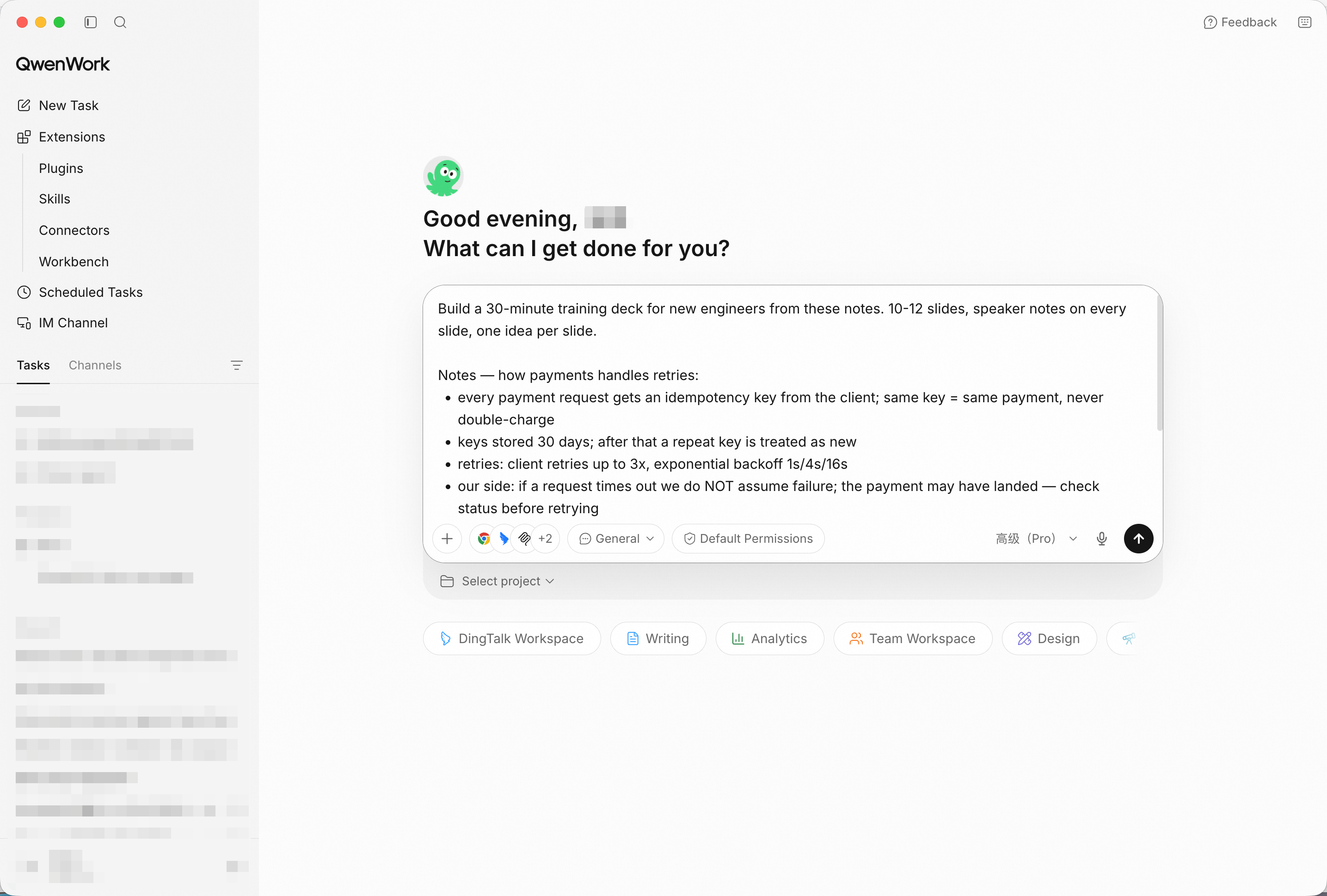
The expert's notes go in unpolished — structuring is the job. Screenshot shows sample input entered by hand for the demo; in production, point QwenWork at your connected source and the same prompts run unchanged.
Check the teaching order before the file exists: concept first (idempotency), then mechanics (retries, backoff), then the traps (timeout ≠ failure, key-per-intent). The speaker notes should read like the expert talking, not like slide text repeated.
Export it as a PowerPoint file with the speaker notes included.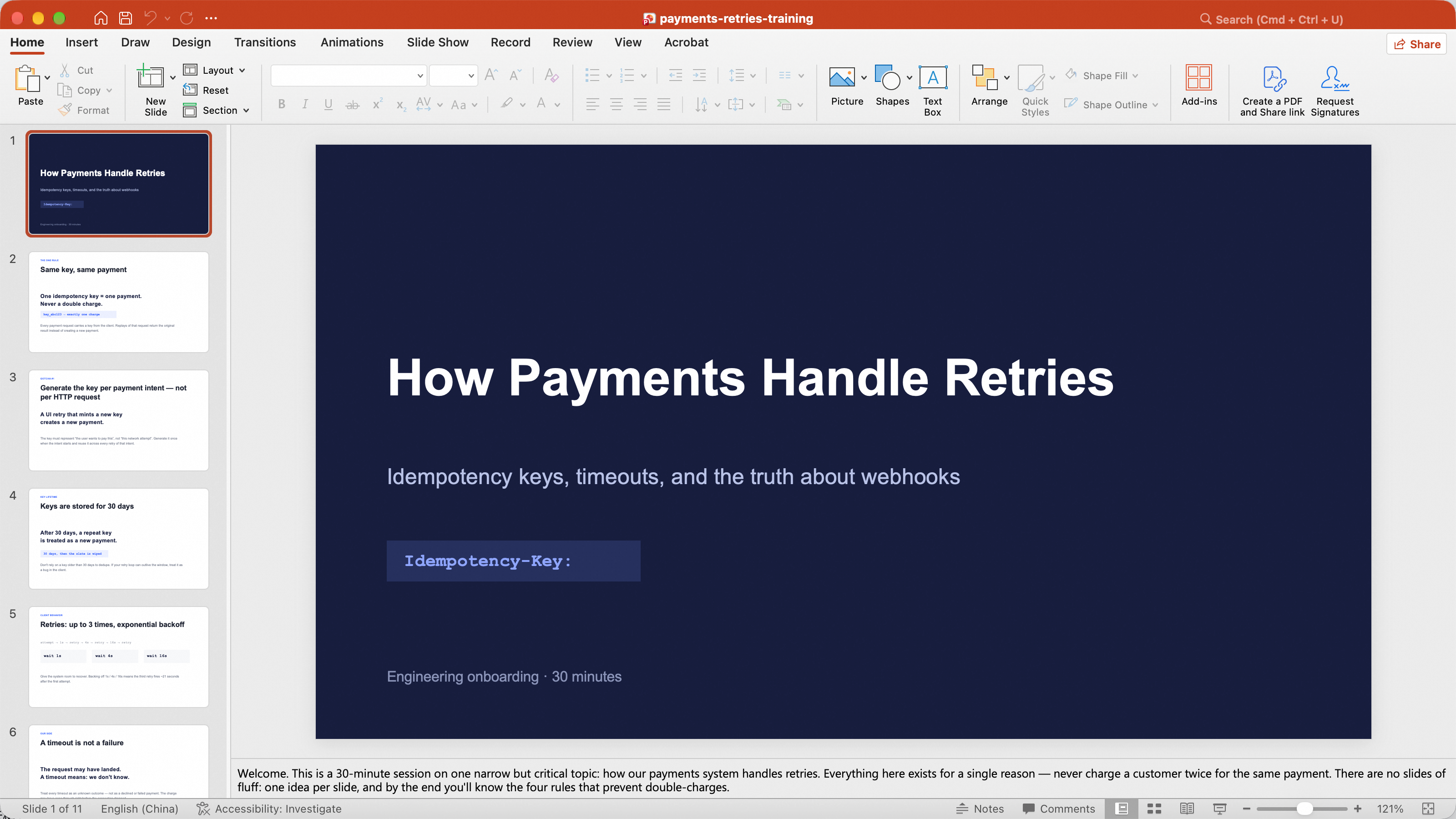
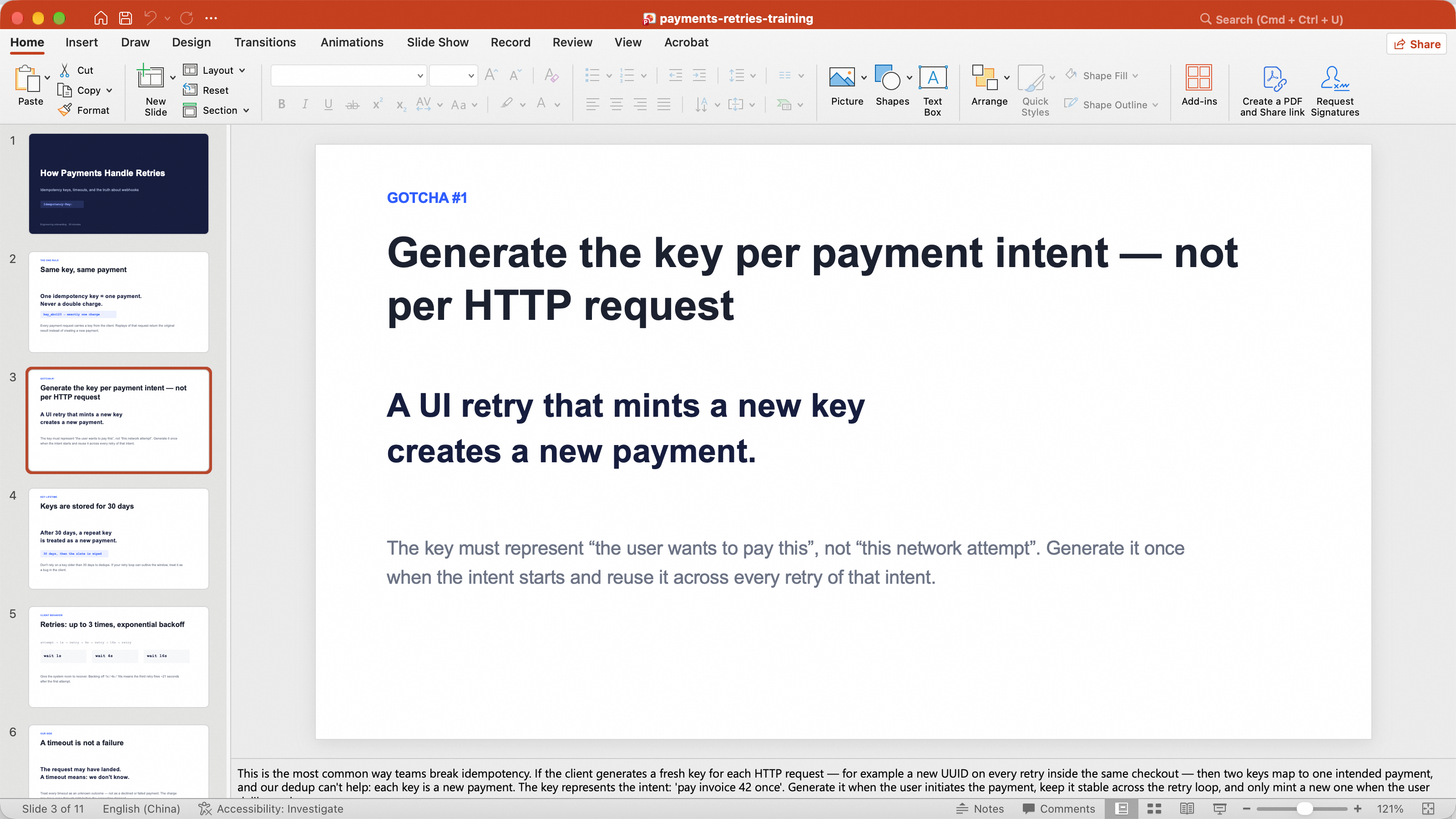
A real .pptx file card — editable, notes intact, not a PDF dead end.
Training without a check is a monologue:
Add a five-question quiz slide at the end, with the answers in the
speaker notes.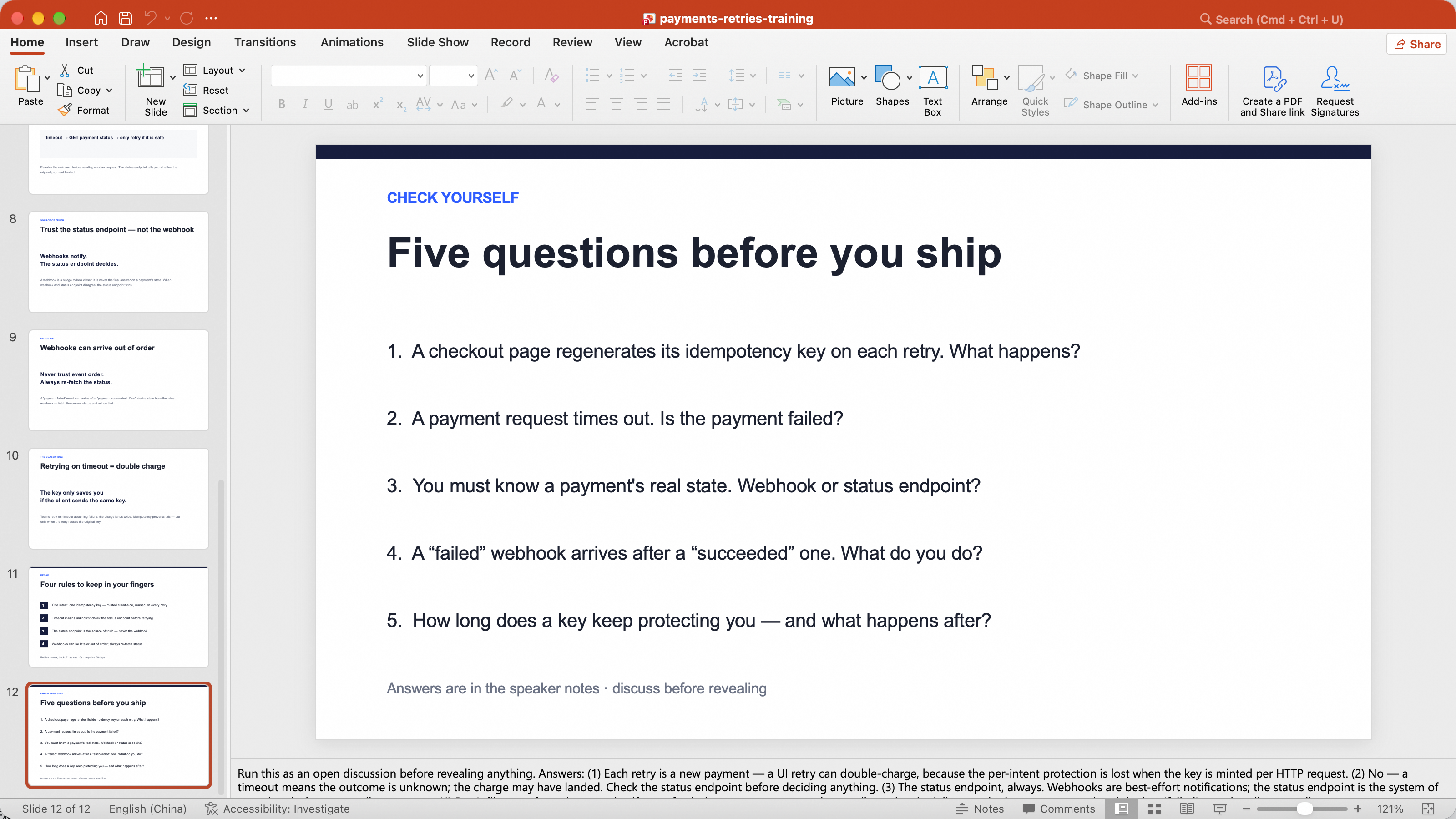
Quiz slide added; answers live in the notes where the presenter can see them and the room can't.
Open the file in PowerPoint or Keynote. The expert will always find one slide that's doing too much:
Tighten slide 4: split it into two slides, one idea each, and move
the diagram explanation into the notes.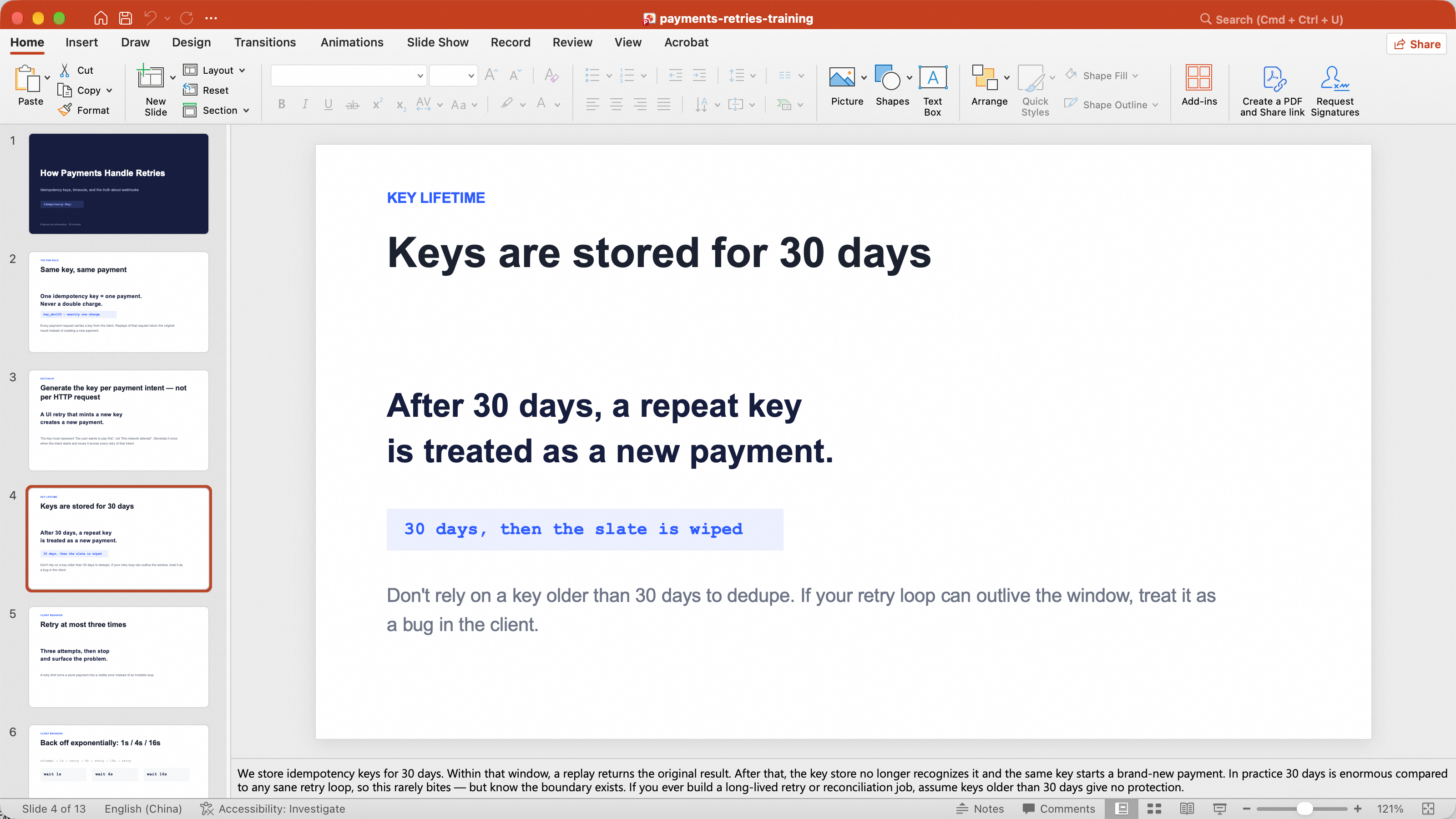
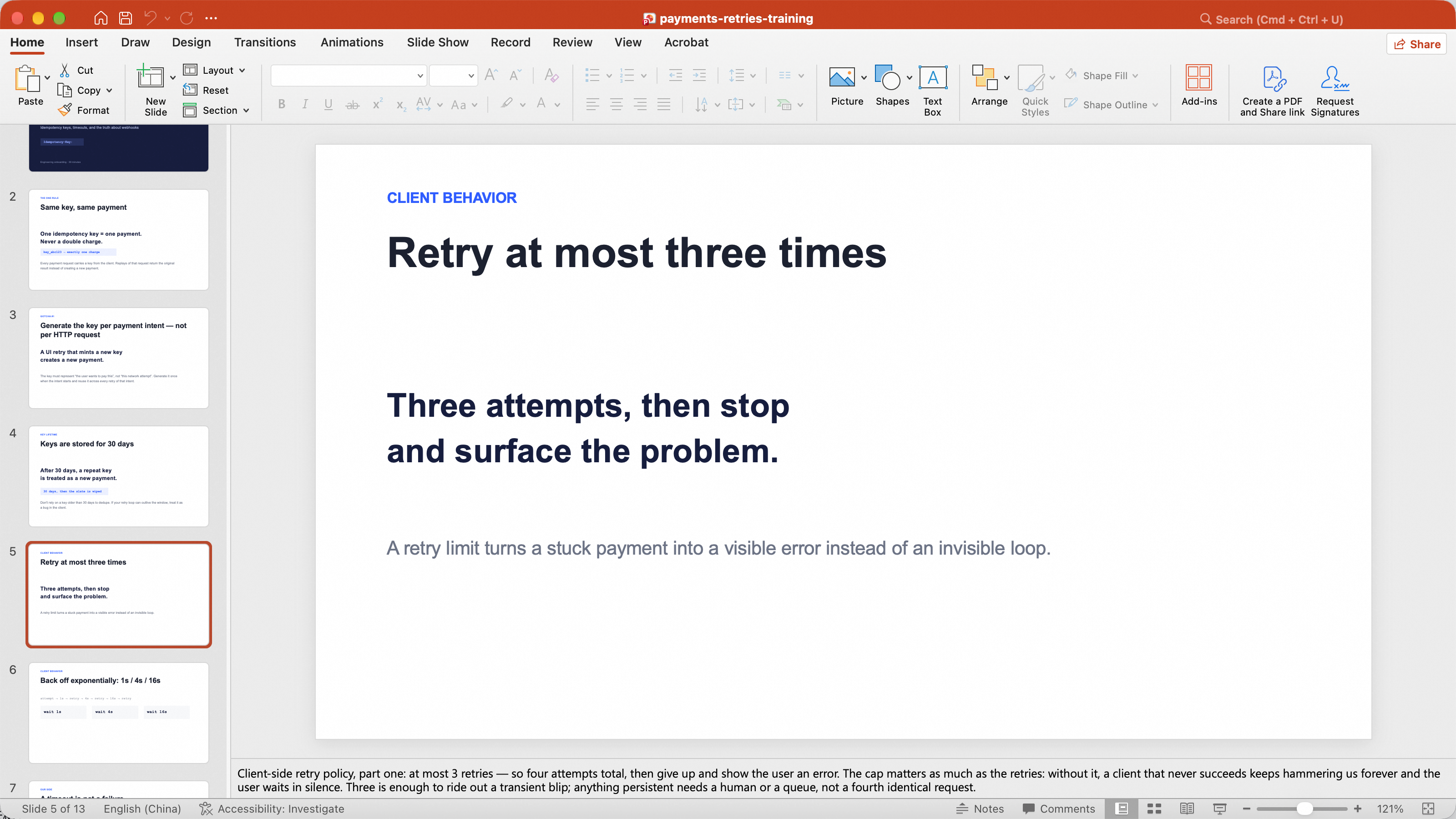
The deck open in PowerPoint — speaker notes pane visible, expert's edits applied.
You didn't spend an evening making bullets. The expert handed over their notes, and QwenWork returned a teachable deck — structure, speaker notes, quiz — as a file the expert owns and edits.
That's the pattern for a lot of the work that quietly eats your week: the knowledge was always there; the deck was the tax.
Alibaba Celebrates Brooklyn Nets Home Opener with Cutting-Edge Technology
Rewrite a Flat Product Listing into One That Converts with QwenWork

1,584 posts | 525 followers
FollowAlibaba Cloud Community - September 25, 2026
Alibaba Cloud Community - October 26, 2026
Alibaba Cloud Community - October 23, 2026
Alibaba Cloud Community - October 23, 2026
Alibaba Cloud Community - October 12, 2026
Alibaba Cloud Community - October 26, 2026
1,584 posts | 525 followers
Follow QwenWork
QwenWork is dedicated to helping employees strengthen their professional competitiveness in the AI era and to enabling enterprises to improve organizational effectiveness.
Learn More Token Plan
Build more, spend less. One plan, every modality.
Learn More Qwen
Qwen
Full-range, open-source, multimodal, and multi-functional
Learn More
Alibaba Cloud Model Studio
A one-stop generative AI platform to build intelligent applications that understand your business, based on Qwen model series such as Qwen-Max and other popular models
Learn MoreMore Posts by Alibaba Cloud Community

