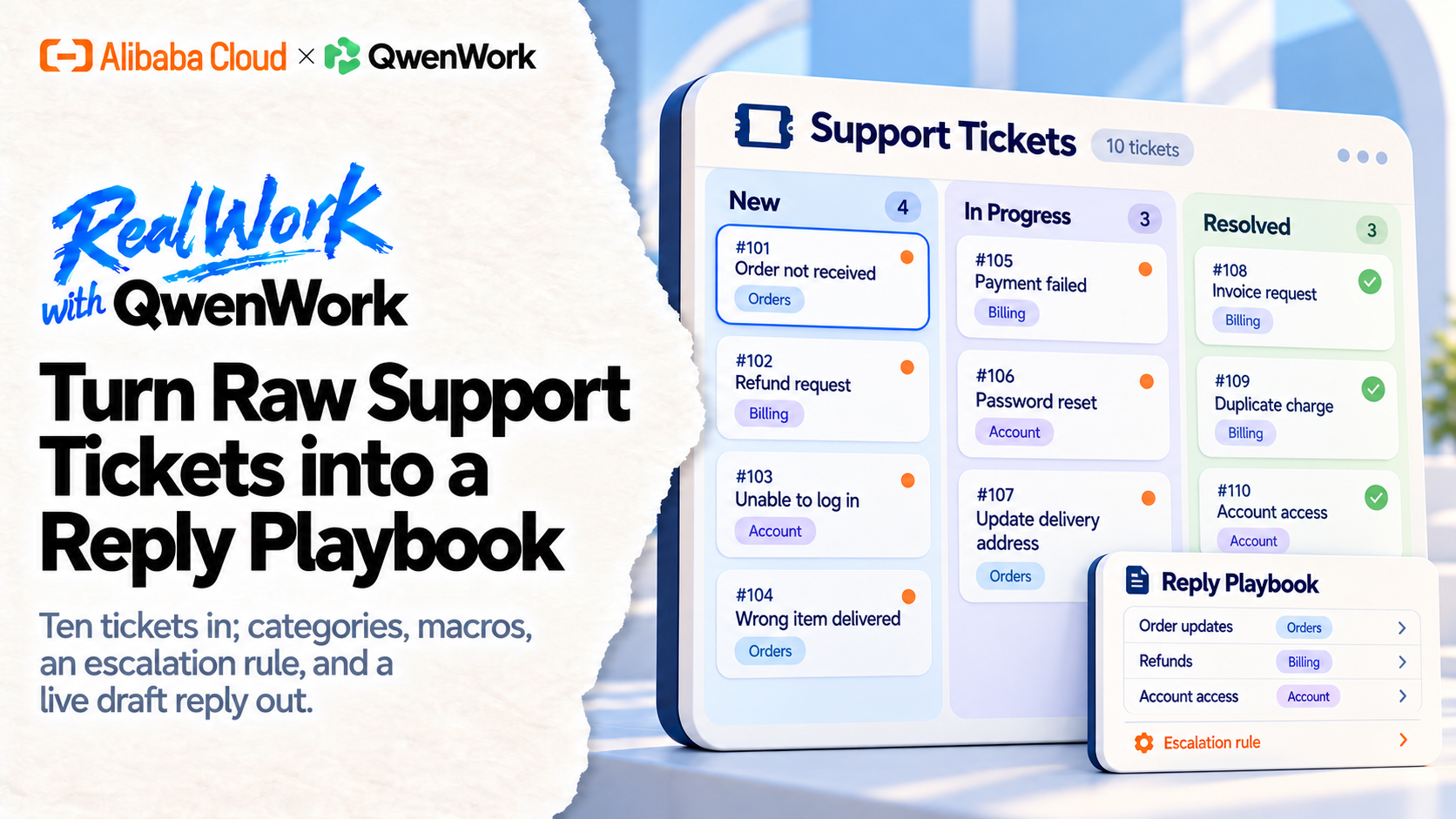
Your best support answers live in last month's tickets, unsearchable. QwenWork mines them into a playbook — categorized issues, ready-to-send macros, and an escalation path — then drafts the reply for the ticket sitting in your queue right now.
Every support team re-answers the same five questions in slightly different words, every week. The good answers exist — buried in resolved tickets nobody can search. New agents guess; veterans retype.
A playbook fixes that, and nobody has time to write one. It means reading hundreds of tickets, finding the patterns, and drafting replies that sound like your best agent on a good day.
QwenWork reads the pile. It clusters the issues, drafts the macros in your voice, and draws the line between "reply" and "escalate" — then proves the playbook works by drafting a live reply with it.
From a block of raw tickets:
Time to set up: about 6 minutes. Paste tickets from any helpdesk export.
Your helpdesk holds the raw material — connect it, or export and paste a batch while you're testing. Ten to twenty real tickets is enough to start. Anonymize names and emails first:
Here are 10 support tickets from last month. Group them into issue
categories and rank by frequency.

T-101 "Lamp won't pair with app, tried restarting twice" — resolved:
firmware update fixed
T-102 "Where's my order? placed 9 days ago" — resolved: sent
tracking, carrier delay
T-103 "Pairing fails at step 3 every time" — resolved: firmware
update
T-104 "How do I set a schedule per room?" — resolved: feature not
available, logged request
T-105 "Order status hasn't changed in a week" — resolved: carrier
delay, sent tracking
T-106 "App crashes when I open the pairing screen" — resolved:
firmware update
T-107 "Can I get the manual as PDF?" — resolved: sent link
T-108 "Second week, no shipping update" — resolved: carrier delay,
offered refund of shipping
T-109 "Does Lumen work with Google Home?" — resolved: not yet,
roadmap Q3
T-110 "Pairing screen freezes on Android" — resolved: firmware
update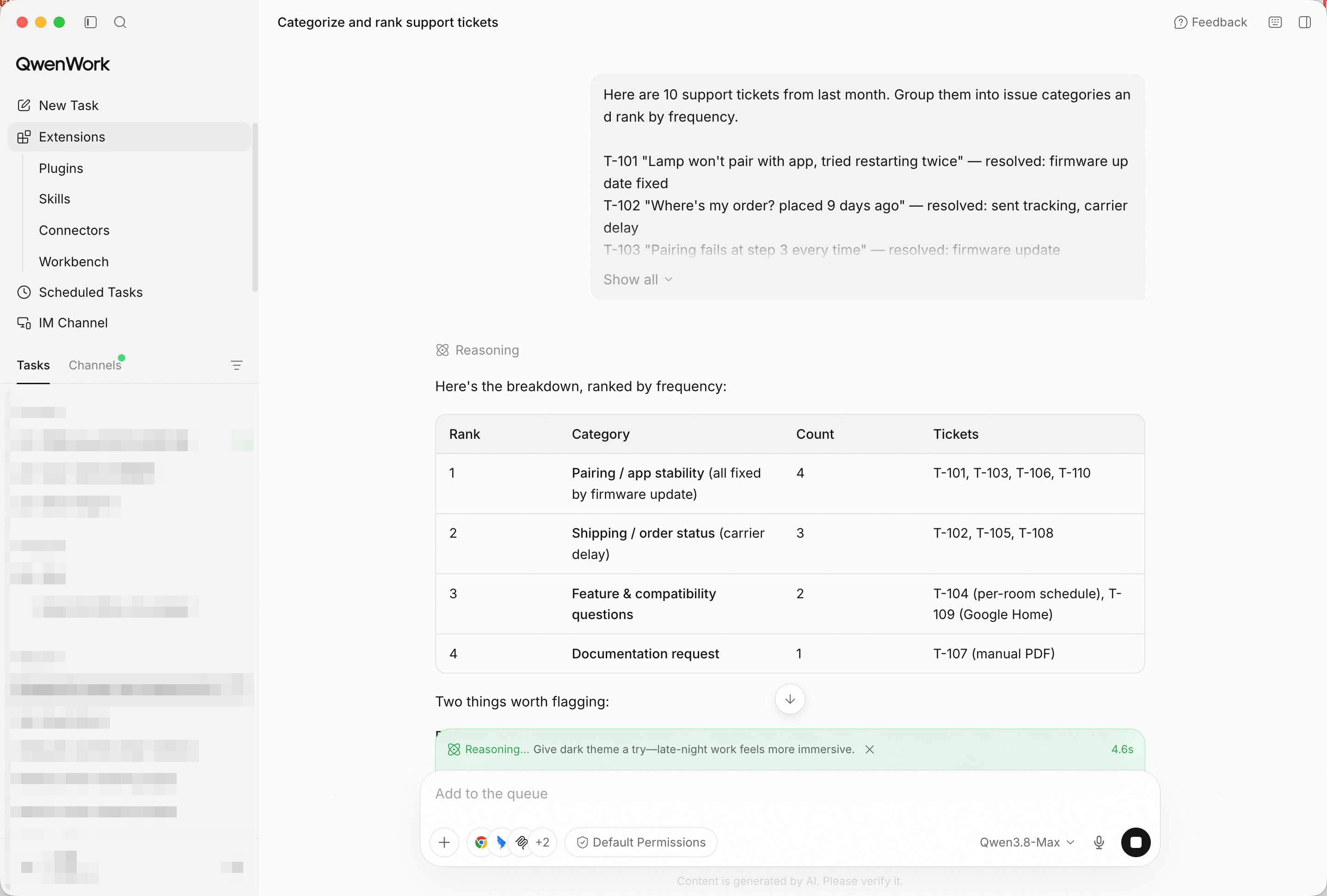
Ten tickets in, categories out — the patterns surface immediately. Screenshot shows the paste path, the fastest way to try it; in production, point QwenWork at your connected source and the same prompts run unchanged.
Categories alone don't save typing. Ask for the replies:
For the top 3 categories, draft a reply macro in our brand voice:
warm, direct, no jargon. Include a placeholder for the customer's
name.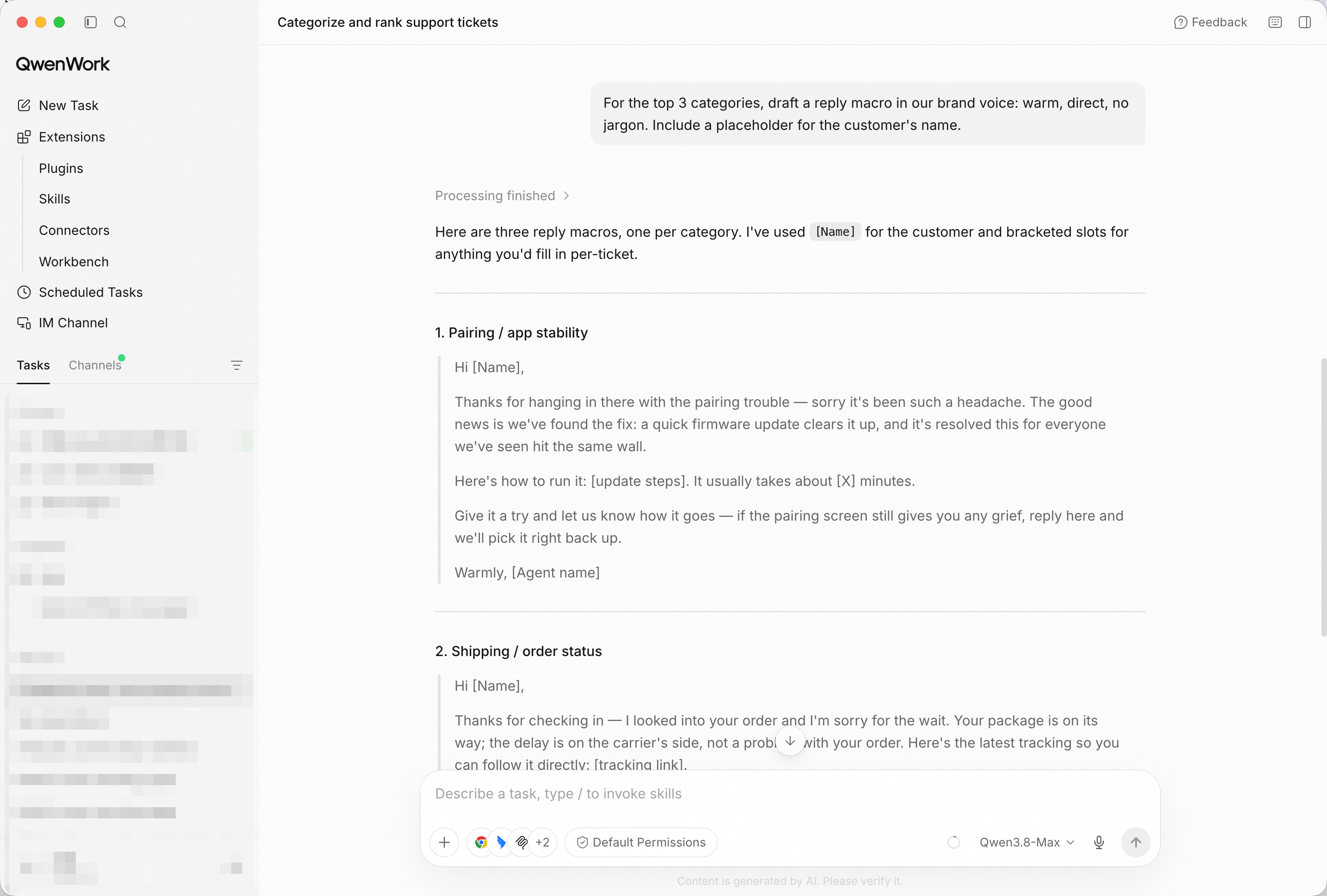
Three macros, ready to paste — the tone set once, reused forever.
A playbook that only replies is a liability. Some tickets need a human with authority:
Add an escalation rule: when should an agent stop replying and
escalate instead?
Expect something like: refunds above a threshold, safety language, or the same issue reported twice by one customer — each with the reason attached.
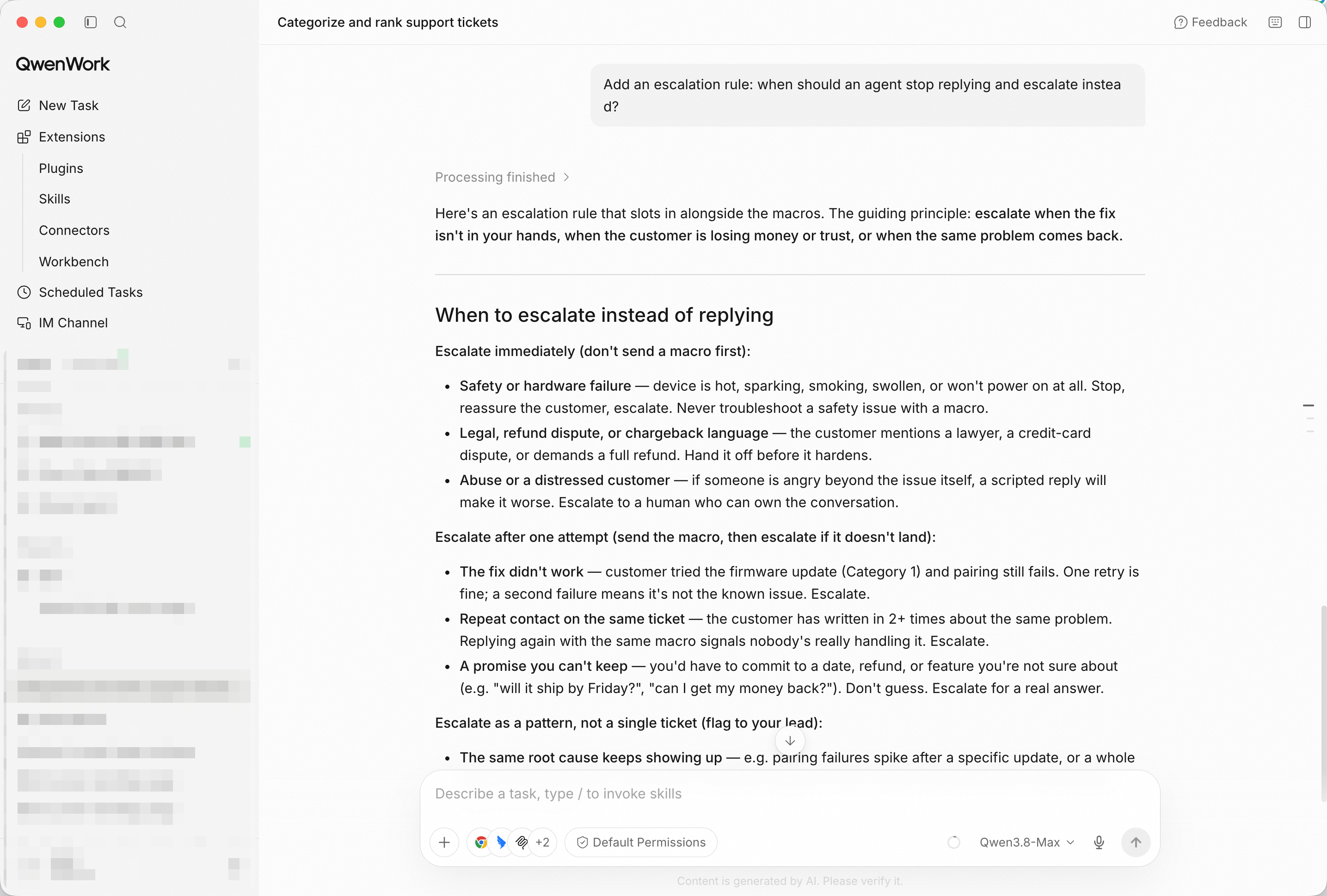
The escalation rule — the playbook knows its own limits.
The test that makes the playbook real:
Now draft a reply to this new ticket using the playbook:
"My lamp pairs fine but the schedule resets every night."
The draft should map to a category, use the macro's structure, and — if the ticket matches the escalation rule — say so instead of guessing a fix.
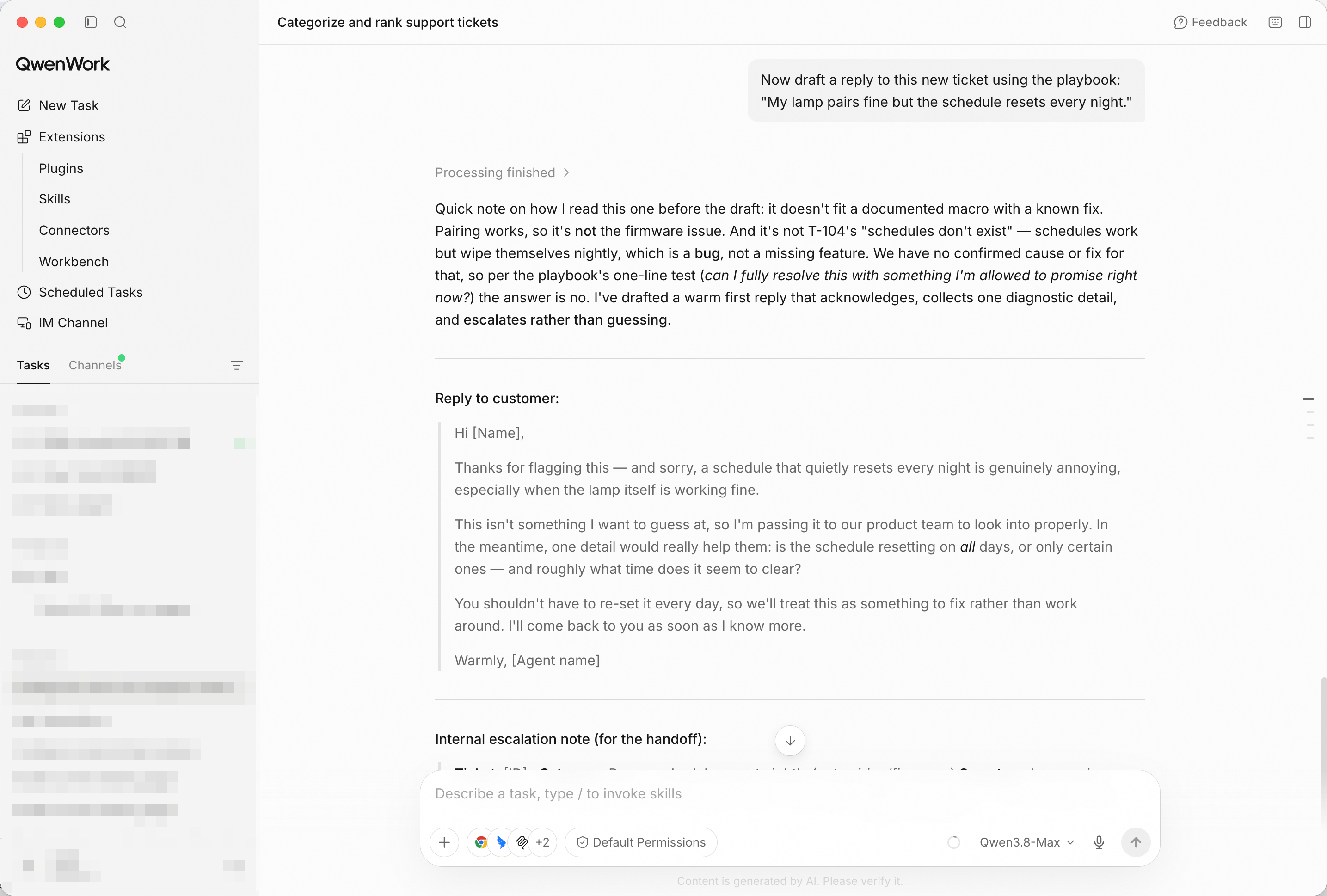
A live reply drafted from the playbook — category, macro, and judgment applied.
Compile everything into one markdown playbook I can share with the
team.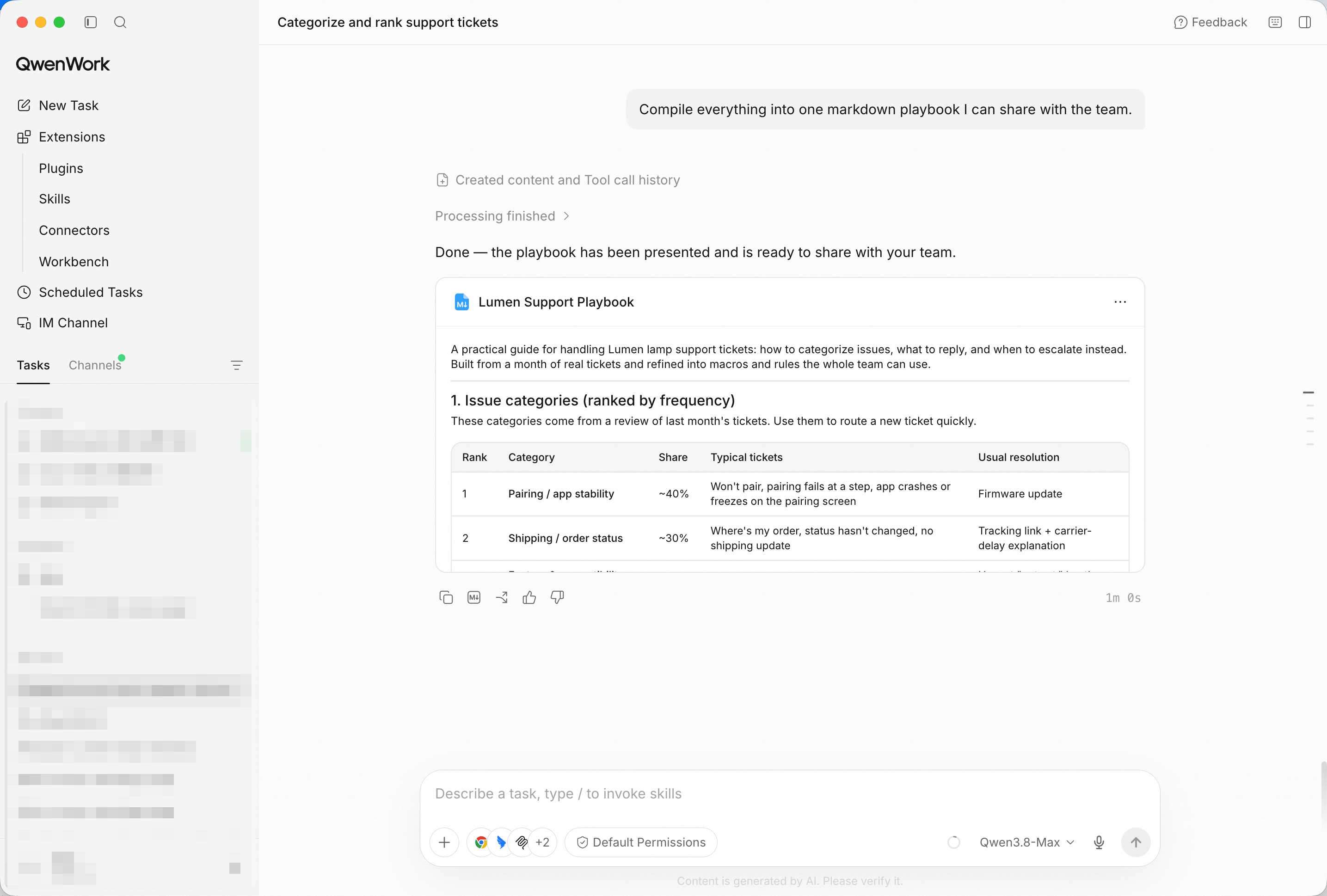
Categories, macros, escalation rule, and examples — one document, whole team.
You didn't spend a week writing documentation nobody asked for. You pasted the tickets, and QwenWork turned your team's scattered best answers into a playbook — then demonstrated it on a live queue item.
That's the pattern for a lot of the work that quietly eats your week: the knowledge is already in your data; make it reusable.
One Launch, Three Languages: Localize a Campaign with QwenWork
Flag the Risky Clauses in a Contract Before You Sign with QwenWork

1,578 posts | 525 followers
FollowAlibaba Cloud Community - October 23, 2026
Alibaba Cloud Community - October 23, 2026
Alibaba Cloud Community - October 26, 2026
Alibaba Cloud Community - October 23, 2026
Alibaba Cloud Community - December 4, 2025
Alibaba Cloud Community - October 12, 2026
1,578 posts | 525 followers
Follow QwenWork
QwenWork is dedicated to helping employees strengthen their professional competitiveness in the AI era and to enabling enterprises to improve organizational effectiveness.
Learn More Token Plan
Build more, spend less. One plan, every modality.
Learn More Qwen
Qwen
Full-range, open-source, multimodal, and multi-functional
Learn More
Alibaba Cloud Model Studio
A one-stop generative AI platform to build intelligent applications that understand your business, based on Qwen model series such as Qwen-Max and other popular models
Learn MoreMore Posts by Alibaba Cloud Community

