• PolarDB for MySQL 8.0.1 whose revision version is 8.0.1.1.25.4 or later.
• PolarDB for MySQL 8.0.2 whose revision version is 8.0.2.2.1 or later.
ossutil allows you to efficiently manage objects in Object Storage Service (OSS). For example, you can use ossutil to upload large objects, download objects, and delete objects whose names contain a specific prefix. ossutil can be run on Windows, Linux, or macOS. For more information, see https://www.alibabacloud.com/help/en/oss/developer-reference/install-ossutil
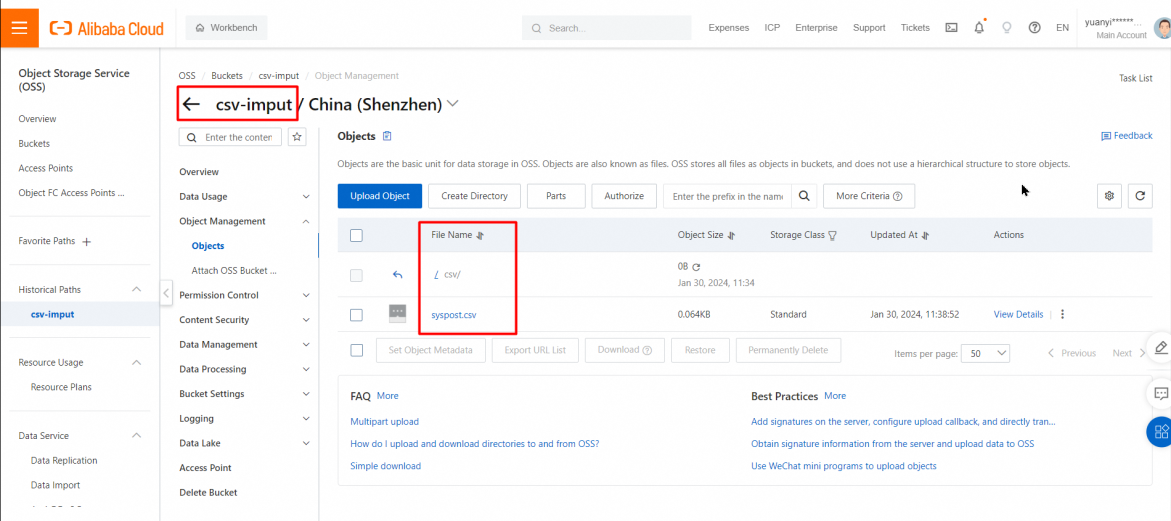
Corresponding CSV file records:
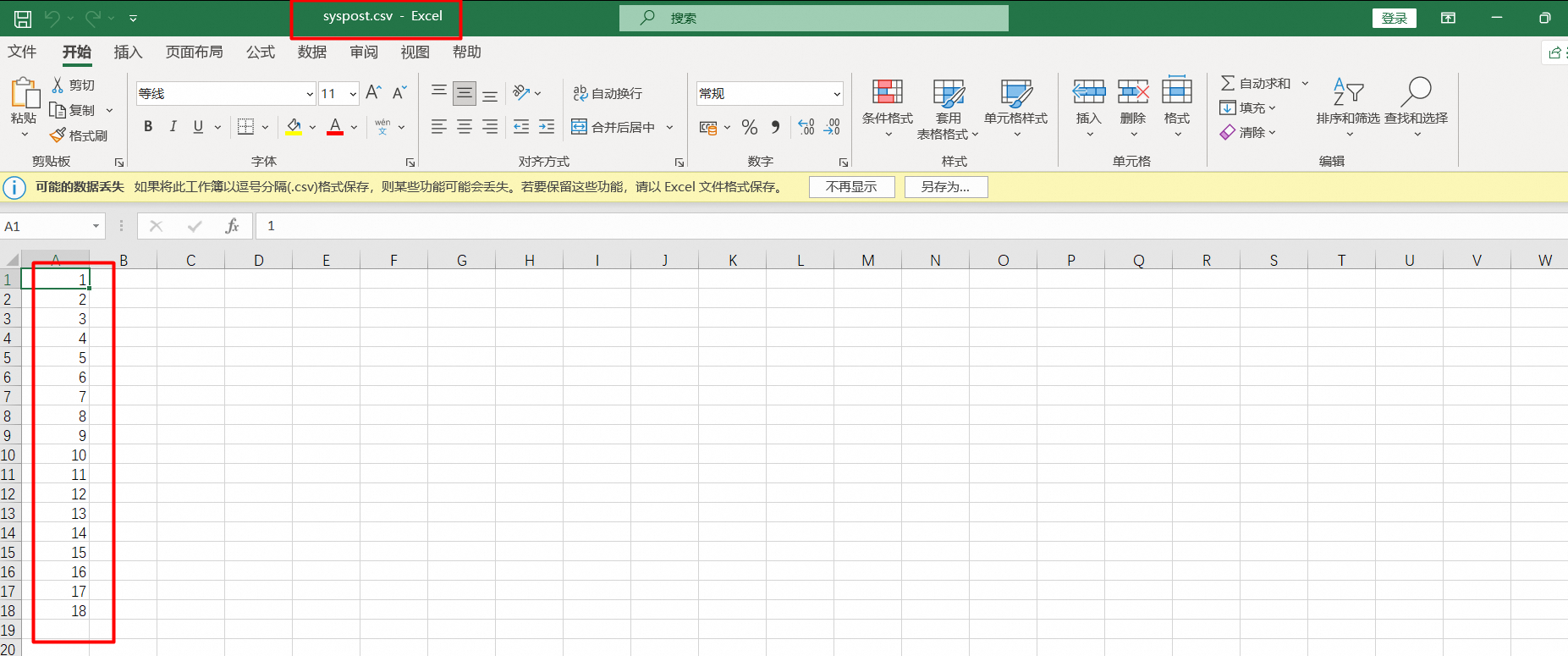
Take note of the following items:
• You can use OSS foreign tables to query only data in the CSV format.
• You can perform only three operations on OSS foreign tables: CREATE, SELECT, and DROP.
• Upload data in the CSV format to OSS. You can use the ossutil tool to upload local data in the CSV format to a remote OSS bucket.
• The CSV file name must be OSS foreign table name.csv. For example, if the OSS foreign table name is t1, the CSV file name must be t1.csv.
Creation statement:
CREATE SERVER <server_name>
FOREIGN DATA WRAPPER oss OPTIONS
(
EXTRA_SERVER_INFO
  '{"oss_endpoint": "<my_oss_endpoint>",
  "oss_bucket": "<my_oss_bucket>",
  "oss_access_key_id": "<my_oss_access_key_id>",
  "oss_access_key_secret": "<my_oss_access_key_secret>",
  }'
);

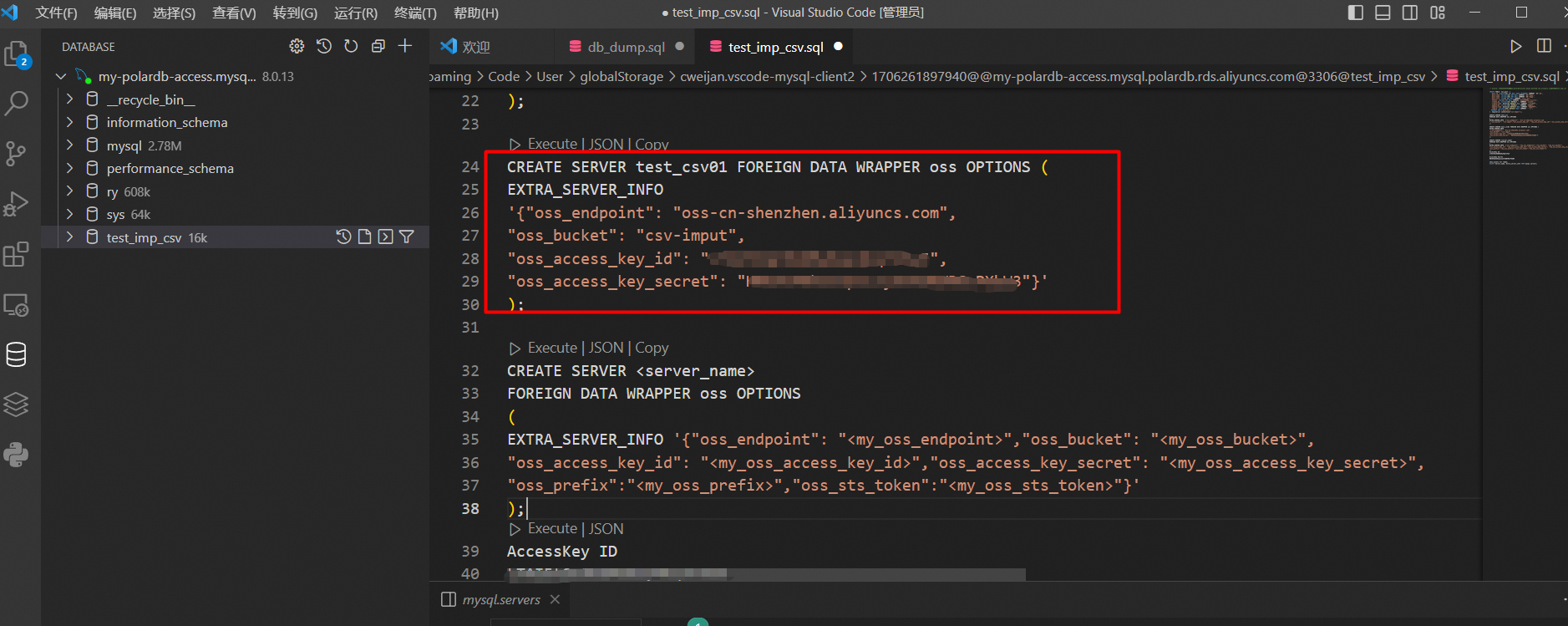
Example:
CREATE SERVER test_csv01 FOREIGN DATA WRAPPER oss OPTIONS (
EXTRA_SERVER_INFO
'{"oss_endpoint": "oss-cn-shenzhen.aliyuncs.com",
"oss_bucket": "csv-imput",
"oss_access_key_id": "**************",
"oss_access_key_secret": "***************"}'
);
SELECT Server_name, Extra_server_info FROM mysql.servers;
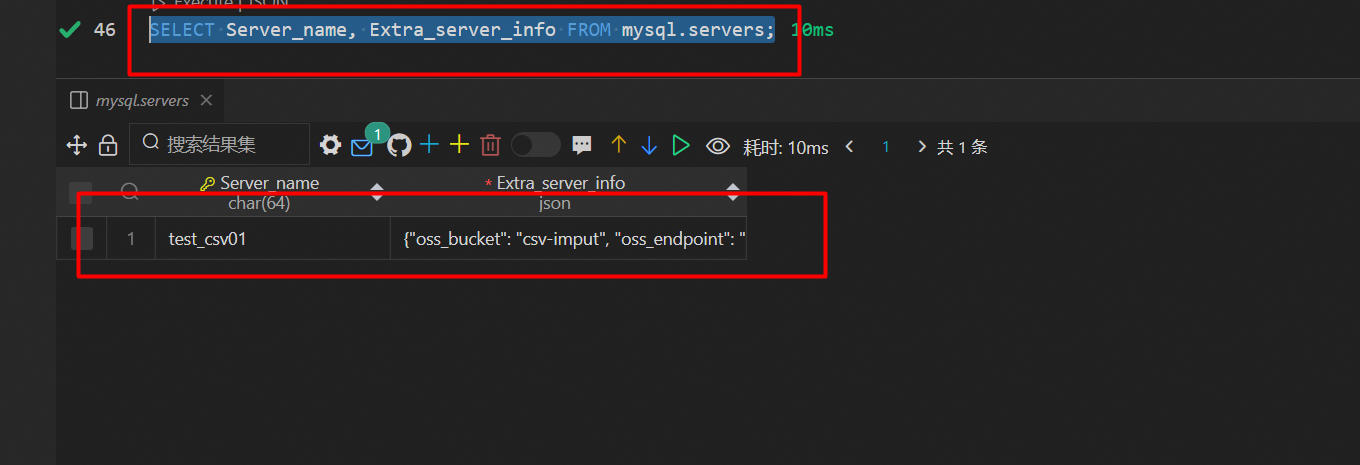
After you define an OSS server, you can create an OSS foreign table on PolarDB to connect to OSS. Example:
create table t1 (id int) engine=csv connection="connection_string";The connection_string is filled by the name of the OSS server.
Method 1 reference link: https://www.alibabacloud.com/help/en/polardb/polardb-for-mysql/user-guide/use-oss-foreign-tables-to-access-oss-data
Directly specify the connection to OSS by using the CONNECTION parameter.
If you do not use Method 1 and only one foreign table needs to be imported, you can directly create a corresponding OSS table by using CONNECTION to connect to the OSS foreign table.
create table `syspost02` (
  `post_id` VARCHAR(20)
) ENGINE=CSV    CONNECTION="oss://********:*************@oss-cn-shenzhen.aliyuncs.com/csv-imput/csv/syspost";
ENGINE must be specified as CSV,
Syntax: CONNECTION="oss://access_key_id:access_key_secret@endpoint/bucket/database/table";
access_key_id and access_key_secret are the AccessKey ID and AccessKey secret of the account used to access OSS. "endpoint" is the endpoint of the OSS bucket in the full form. "bucket" is the name of the OSS bucket. "database" is the name of the OSS directory for the CSV file. "table" is the name of the CSV file name excluding the .csv extension.

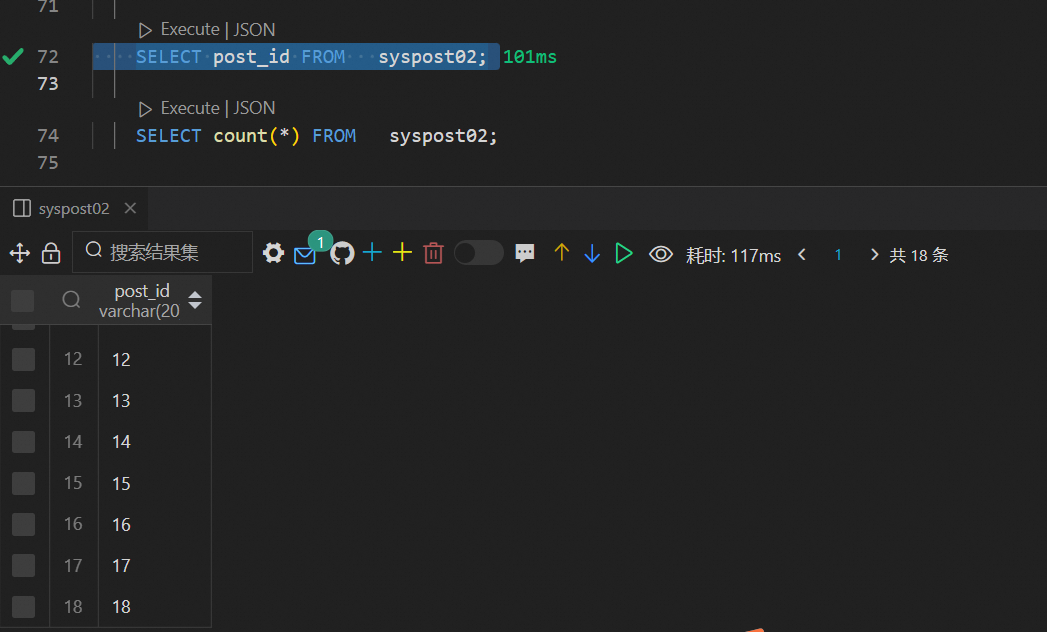
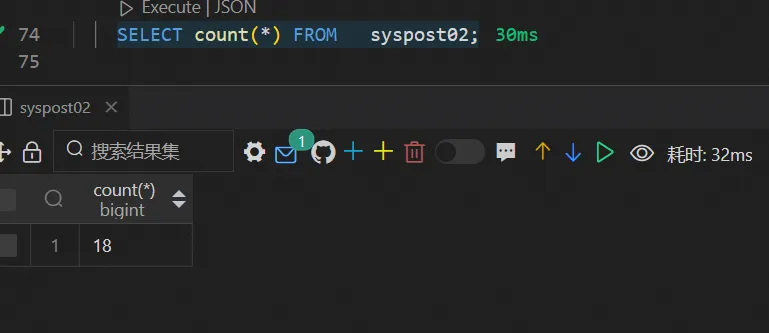
The queried foreign table records correspond to the CSV files uploaded to OSS for subsequent import to a new table.
CREATE TABLE new_post(
post_id   VARCHAR(20)

) COMMENT 'Import data records by using INSERT INTO';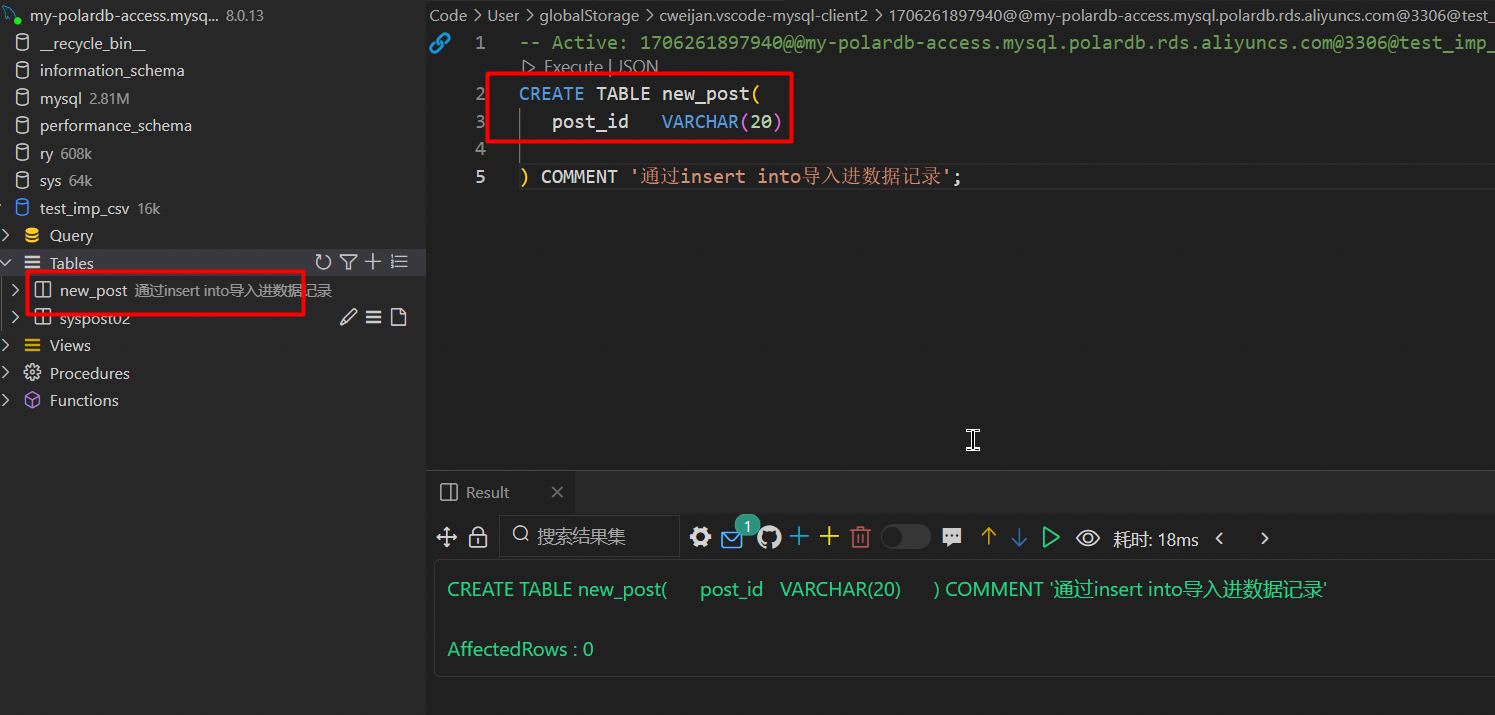
INSERT into new_post SELECT * FROM syspost02;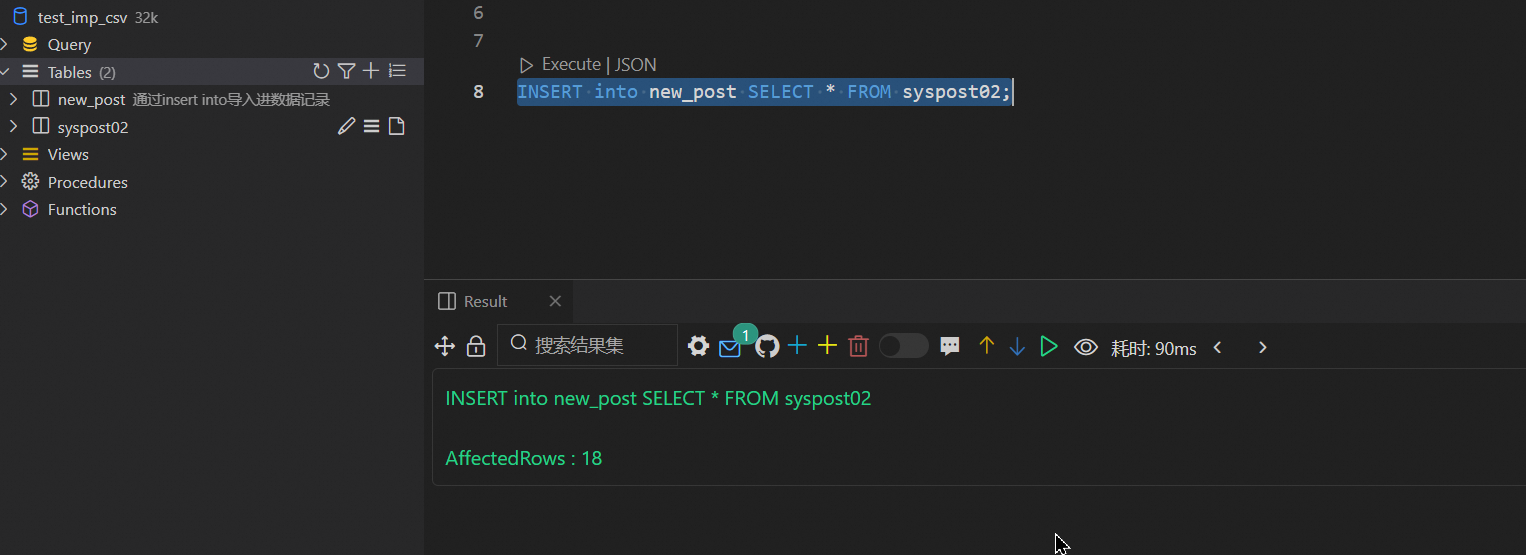
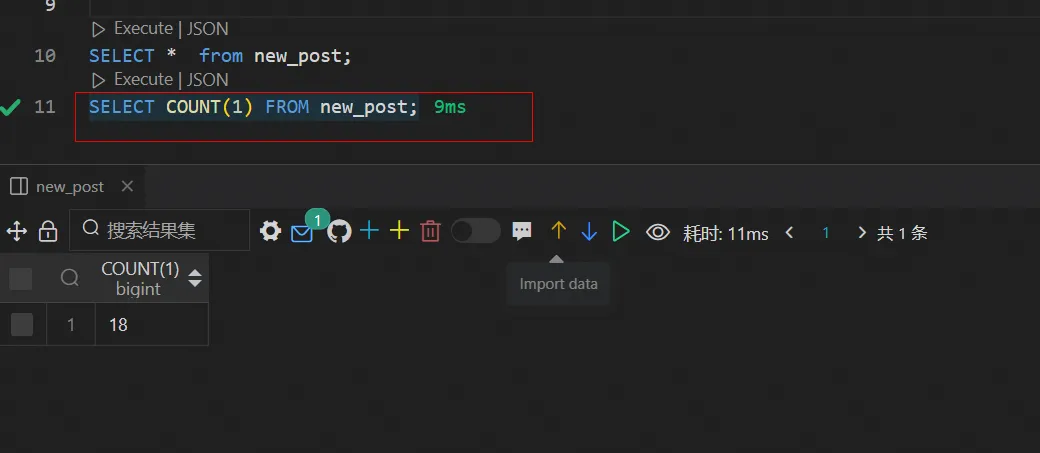
View the number of records in the new table. If it is consistent with the number of records in the foreign table, the import is successful.
[Infographic] Highlights | Database New Features in May 2025
ApsaraDB - March 13, 2024
Alibaba Cloud Community - March 22, 2024
ApsaraDB - April 25, 2025
ApsaraDB - March 26, 2024
ApsaraDB - January 15, 2024
ApsaraDB - July 20, 2021
 PolarDB for Xscale
Alibaba Cloud PolarDB for Xscale (PolarDB-X) is a cloud-native high-performance distributed database service independently developed by Alibaba Cloud.
Learn More OSS(Object Storage Service)
An encrypted and secure cloud storage service which stores, processes and accesses massive amounts of data from anywhere in the world
Learn More Hybrid Cloud Distributed Storage
Provides scalable, distributed, and high-performance block storage and object storage services in a software-defined manner.
Learn More
PolarDB for PostgreSQL
Alibaba Cloud PolarDB for PostgreSQL is an in-house relational database service 100% compatible with PostgreSQL and highly compatible with the Oracle syntax.
Learn MoreMore Posts by ApsaraDB


