This topic describes how to perform O&M operations on the assets by using the O&M portal of a bastion host after the O&M administrator obtains the O&M address.
O&M methods supported by Bastionhost
O&M method | Reference | |
Single sign-on (SSO)-based O&M | Bastionhost supports SSO-based O&M. You can download an SSO tool and a client tool based on the operating system of your on-premises machine, complete the configurations, and then select Local Client Logon for the Logon Method parameter on the asset O&M page. This way, Bastionhost can automatically call the specified local client tool to connect to the assets on which you want to perform O&M operations. For more information, see SSO-based O&M. | |
Client-based O&M | Windows client-based O&M | |
macOS client-based O&M | ||
Web-based O&M (Enterprise Edition and SM Edition) | Example: O&M portal (non-Resource Access Management (RAM) user) | |
Bastionhost console (RAM user) | ||
Use a bastion host to perform O&M operations on the assets
This section describes how to perform O&M operations on the assets by using the O&M portal of a bastion host.
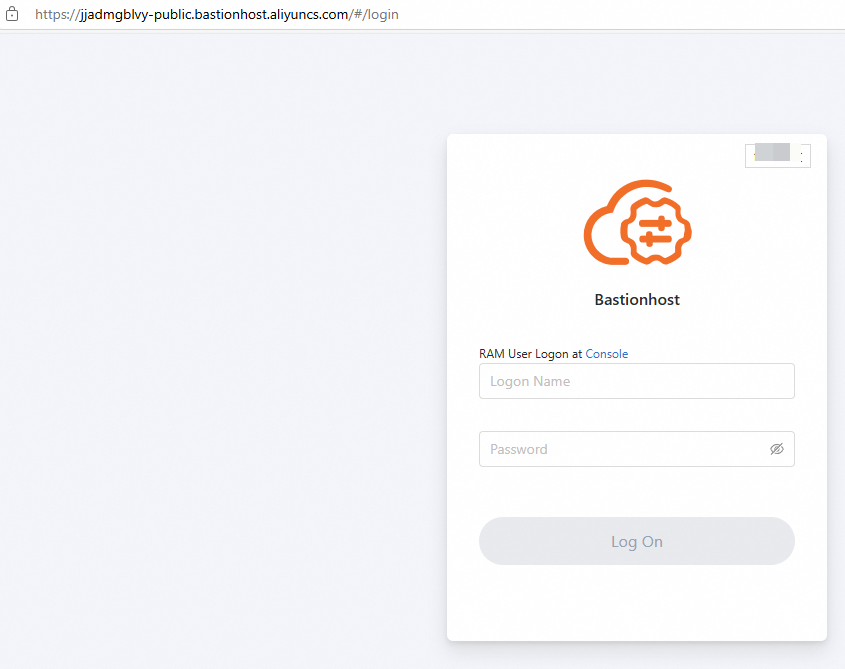
In the address bar of your browser, enter the address of the O&M portal sent by an administrator.
For more information, see Get started with Bastionhost as an administrator.
On the Bastionhost logon page, enter the username and password and click Log On.
Optional. If two-factor authentication is enabled for bastion host users, the O&M administrator must follow the on-screen instructions to select a two-factor authentication method.
For information about how to configure two-factor authentication for bastion host users as an administrator, see Enable two-factor authentication.
In the left-side navigation pane, click Hosts.
In the bastion host list, find the bastion host that you want to manage, select an asset account and a logon method in the Remote Connection column, and then click Log On.
If you use a Basic edition bastion host, you can view only the O&M portal page. You cannot perform O&M operations.
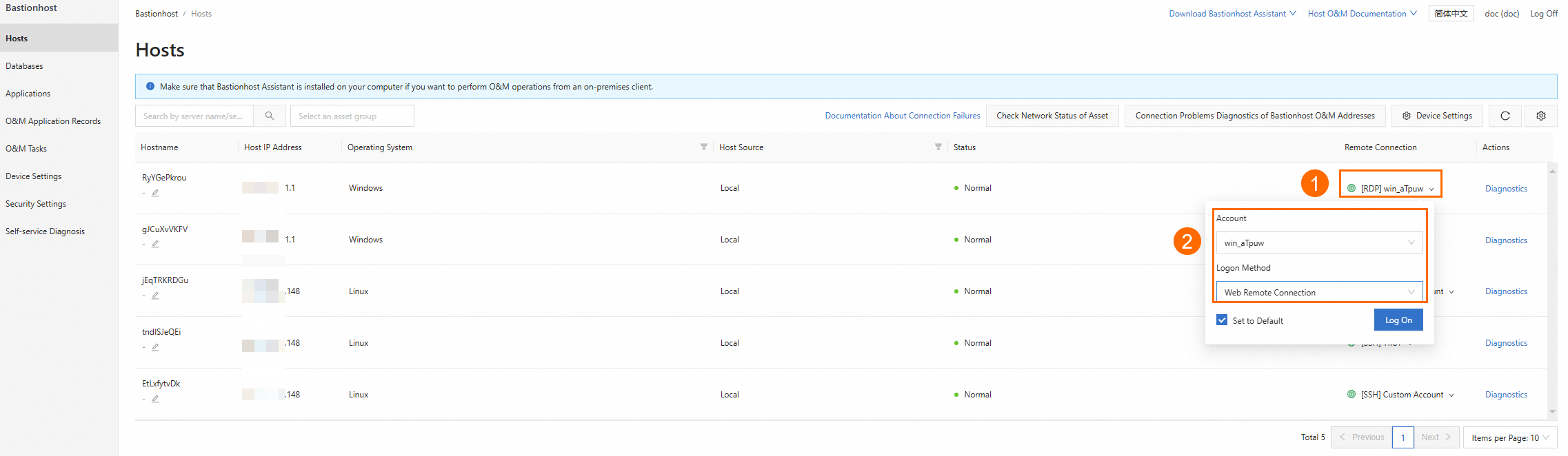
Go to the O&M web page of the bastion host and perform O&M operations on assets by using the bastion host.