With the popularization of cloud-native architecture and the rapid growth of AI applications, the types of applications enterprises need to manage are becoming increasingly diverse—from traditional Java microservices to AI Agents, and from Go backends to various AI gateway components. Meanwhile, configuring the integration for observability platforms involves numerous parameters and steps, placing higher demands on operational efficiency.
As the unified observability management platform for Alibaba Cloud, Cloud Monitor (CMS) 2.0 integrates core capabilities such as Application Monitoring (application performance management, APM), Real User Monitoring (RUM), Managed Service for Prometheus, and Alert Management. To enable users to efficiently complete observability integration in terminal environments, the CMS team introduced the aliyun cms2CLI tool. Taking it a step further, by encapsulating CLI capabilities into the alibabacloud-cms-manage Skill, we have achieved intelligent observability integration based on AI Agents. Users simply describe their requirements in natural language, and the AI Agent automatically orchestrates CLI commands to complete the entire process.
This article will introduce the application integration capabilities of the CMS CLI, with a focus on demonstrating how to achieve automated integration in K8s scenarios using the AI Agent Skill.
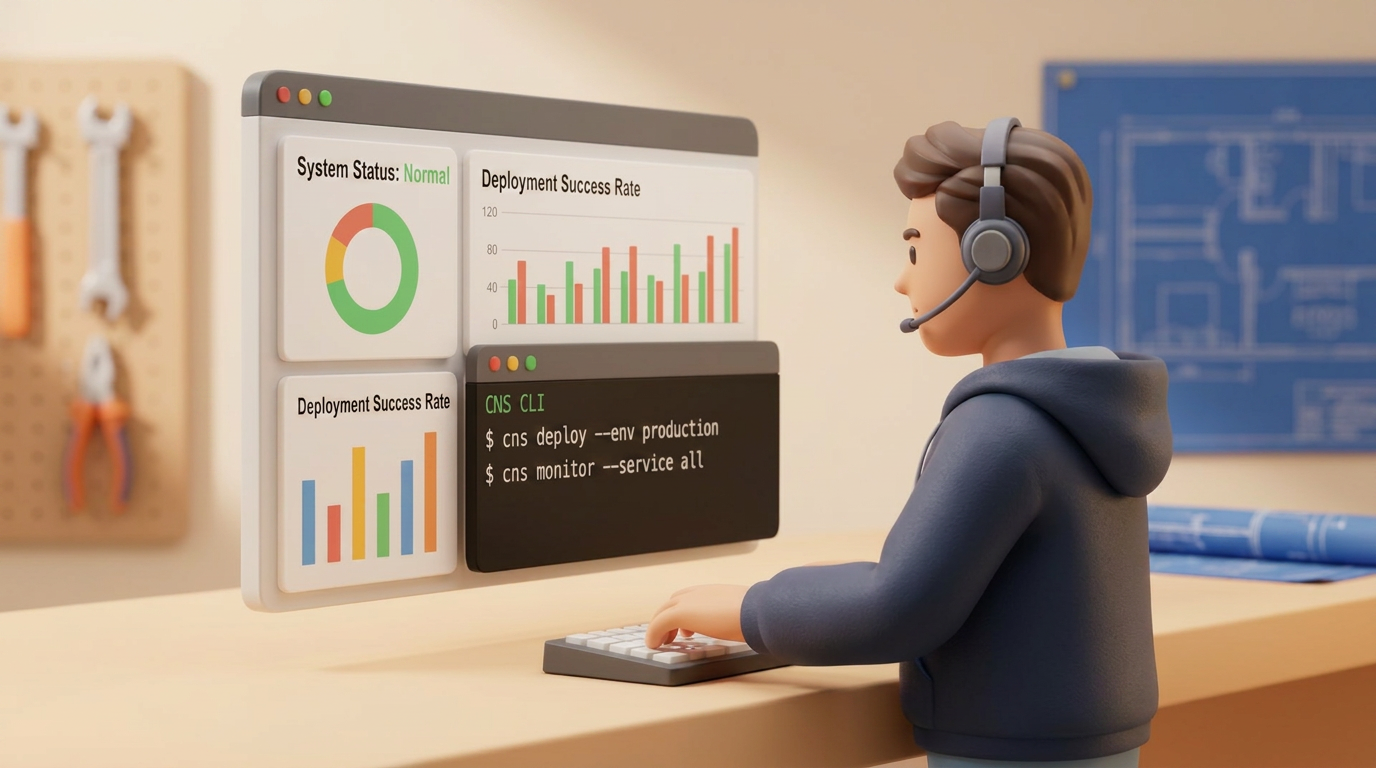
Figure 1: CMS CLI + AI Agent Skill
The aliyun cms2 is a subcommand plugin for the Alibaba Cloud CLI that covers command-line operations for all modules in CMS 2.0:
| Module | CLI command prefix | Typical scenarios |
|---|---|---|
| Application Monitoring | aliyun cms2 apm |
Application integration, agent management, service registration |
| RUM | aliyun cms2 rum |
Web/Mobile application integration and configuration |
| Integration Center | aliyun cms2 integration |
Cloud product monitoring integration, Addon management |
| Alert Management | aliyun cms2 alert |
Alert rules, templates, and notification channel management |
| Event Center | aliyun cms2 event-hub |
Event aggregation and alert correlation |
| Metrics Query | aliyun cms2 metric |
PromQL queries, metric metadata |
Ensure your environment is ready before use:
# Confirm the CLI is installed and the version is >= 3.3.15
$ aliyun version
3.3.20

# Verify the cms2 plugin is available
$ aliyun cms2 --help

# Configure credentials (if not configured)
$ aliyun configureThe Application Monitoring module of the CMS CLI supports application integration for multiple languages and provides three integration methods: ack-onepilot (for K8s containers), manual proprietary agent, and native OpenTelemetry:
| Language | ack-onepilot (K8s) | Proprietary agent | OpenTelemetry |
|---|---|---|---|
| Java | Yes | AliyunJavaAgent | OTel Java Agent |
| Go | Yes | instgo | OTel Go SDK |
| Python | Yes | aliyun-bootstrap | opentelemetry-instrument |
| Node.js | — | @loongsuite/cms_node_sdk | OTel Node SDK |
| PHP | — | — | OTel PHP extension |
| .NET | — | — | OTel .NET Auto-Instrument |
For AI Observability, CMS 2.0 provides an out-of-the-box integration experience for mainstream AI frameworks:
| AI framework | Underlying agent |
|---|---|
| LangChain/LangGraph | Python aliyun-bootstrap |
| DashScope (Qwen) | Python aliyun-bootstrap |
| Dify | Built-in OTel for Dify |
| AgentScope | Python aliyun-bootstrap |
| OpenAI | Python aliyun-bootstrap |
| Coze | Golang instgo |
| OpenClaw/CoPaw/Hermes | Dedicated installer script |
Regardless of the application's language or integration method, CLI integration follows these 6 steps:
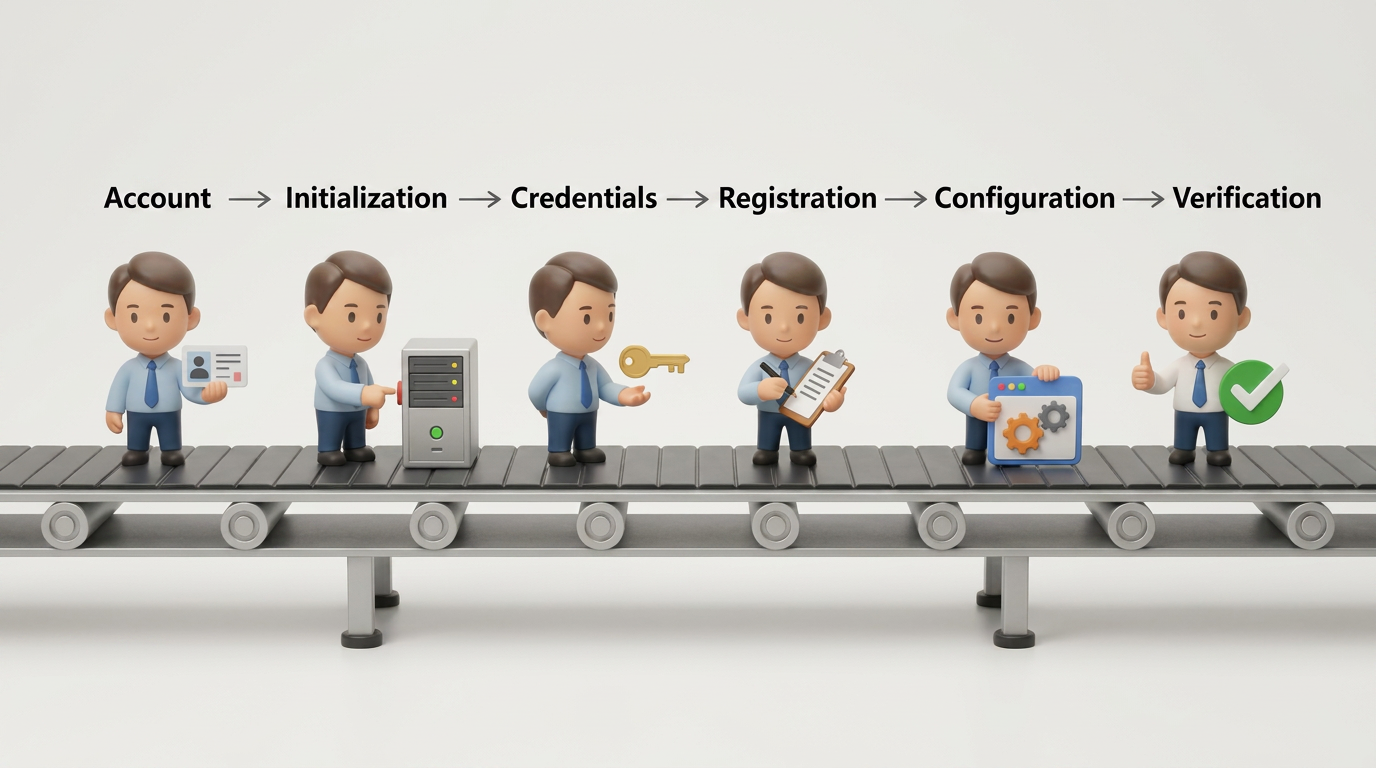
Figure 2: 6-step CLI integration workflow
Below are the core commands for each step:
# Step 1: Get the account ID
$ aliyun sts get-caller-identity --force -o json
# → AccountId: 1108xxxxxxxxxxxx

# Step 2: Initialize Application Monitoring infrastructure (idempotent)
$ aliyun cms2 apm configuration create \
    --workspace default-cms-1108xxxxxxxxxxxx-cn-hangzhou \
    --region cn-hangzhou

# Step 3: Get access credentials (license key, endpoint, etc.)
$ aliyun cms2 apm configuration get \
    --workspace default-cms-1108xxxxxxxxxxxx-cn-hangzhou \
    --region cn-hangzhou -o json
{
"success": true,
"data": {
"entryPointInfo": {
"authToken": "a]***@***************4b70",
"privateDomain": "proj-xtrace-***-cn-hangzhou.cn-hangzhou-intranet.log.aliyuncs.com",
"project": "proj-xtrace-***-cn-hangzhou",
"publicDomain": "proj-xtrace-***-cn-hangzhou.cn-hangzhou.log.aliyuncs.com"
},
"status": "Running",
"workspace": "default-cms-1108xxxxxxxxxxxx-cn-hangzhou"
}
}# Step 4: Register the application service
$ aliyun cms2 apm service create \
--workspace default-cms-1108xxxxxxxxxxxx-cn-hangzhou \
--region cn-hangzhou \
--body '{"serviceName":"my-app","serviceType":"TRACE","attributes":"{\"language\":\"java\"}"}' \
< /dev/null
# → serviceId: a]***@*********************7f1
# Step 5: Get the integration configuration template (using Java OTel as an example)
$ aliyun cms2 integration addon get --addon-name apm-java-batch --env-type Client -o json
# Step 6: Verify the integration
$ aliyun cms2 apm service list \
--workspace default-cms-1108xxxxxxxxxxxx-cn-hangzhou \
--service-name my-app --region cn-hangzhouAlthough the above workflow is clear, executing 6 steps and passing multiple parameters can still present a learning curve for O&M engineers who do not use the CLI frequently. Next, we will introduce how to simplify this entire process into a single natural language sentence using the AI Agent Skill.
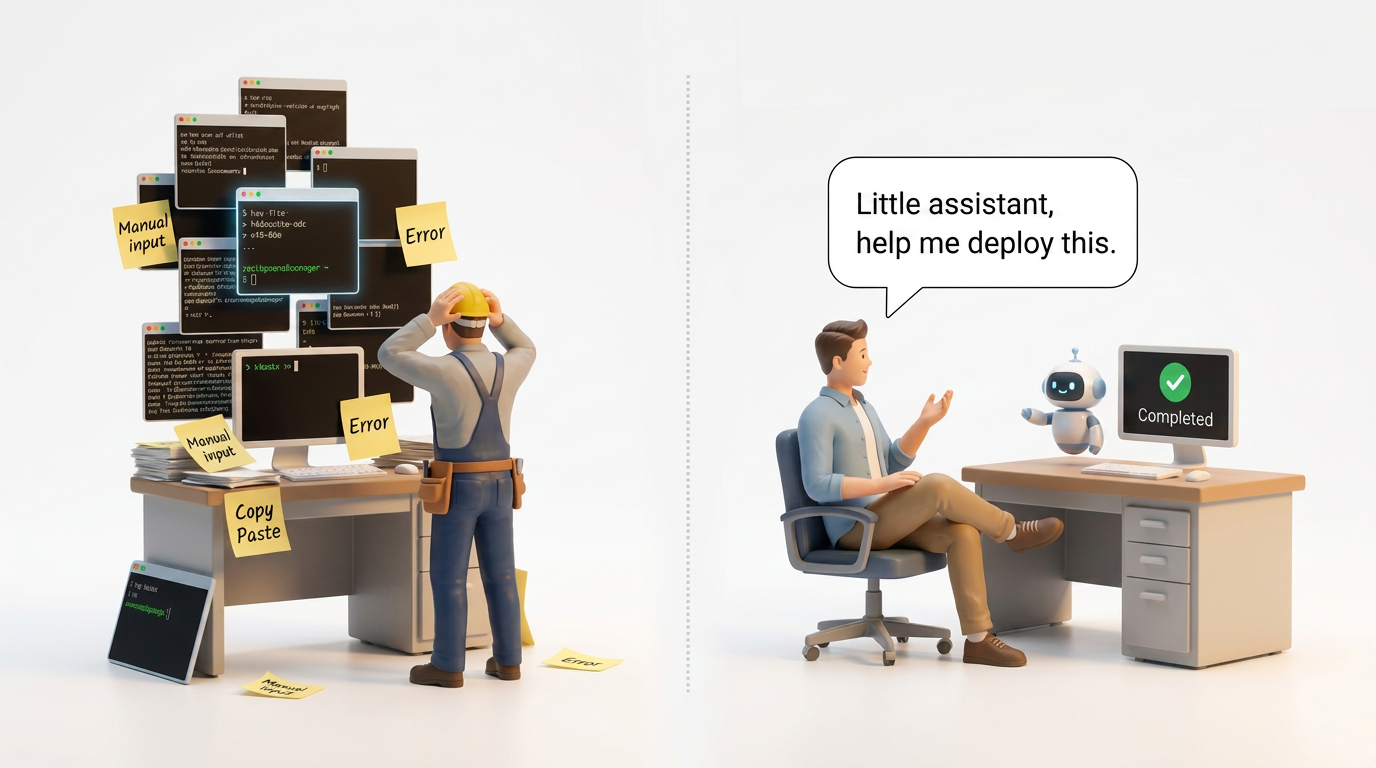
Figure 3: Easy integration with a single sentence using the Skill
The CMS team has encapsulated the complete CLI operational knowledge into an out-of-the-box Skill: alibabacloud-cms-manage. Its core concept is to transform the CLI operational workflow into a structured workflow executable by the AI Agent. Users do not need to memorize commands and parameters; they simply describe their needs in natural language to complete the integration.
The Skill covers the following modules:
| Module | Example trigger keywords | Capabilities |
|---|---|---|
| Application Monitoring | "Integrate a Java application", "Python agent", "ack-onepilot" | Mainstream language applications × various mainstream deployment and integration methods |
| AI Observability | "LangChain integration", "AI Agent monitoring" | Supports integration for mainstream AI frameworks |
| Integration Center | "Monitor ECS instances" | Monitor cloud products |
| Alert Management | "Create a CPU alert", "Configure notifications" | Alert rules/templates/notification channels |
| RUM | "Integrate with frontend monitoring", "mini-program monitoring" | Enables configuration for frontend application integration |
For details on installing and using the Skill, see https://skills.alibabacloud.com/skills/alibabacloud-cms-manage.
When a user describes their requirements in Claude Code, the AI Agent operates according to the following workflow:
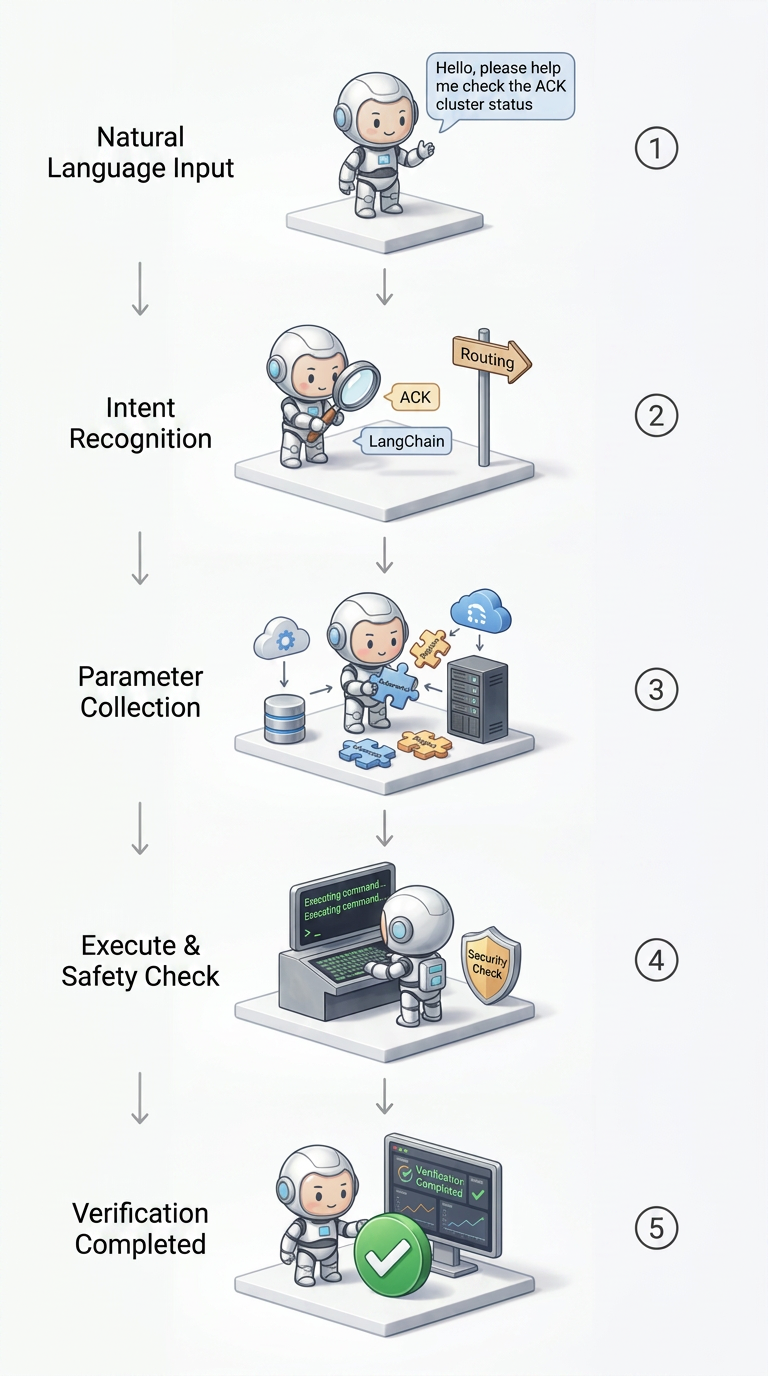
Figure 4: Intelligent Skill integration workflow
For operations that may affect the user's cluster (such as installing components or deploying patches), the Skill strictly enforces a two-phase confirmation:
| Phase | Behavior |
|---|---|
| Phase A (Plan) | Displays the target resource, specific command, scope of impact, and rollback plan, then pauses the current step pending user confirmation |
| Phase B (Execution) | Executes only after explicit user approval ("yes"/"confirm") |
Read-only commands (get, list) and CMS backend resource creation (apm configuration create) do not require confirmation and can be executed directly by the Agent.
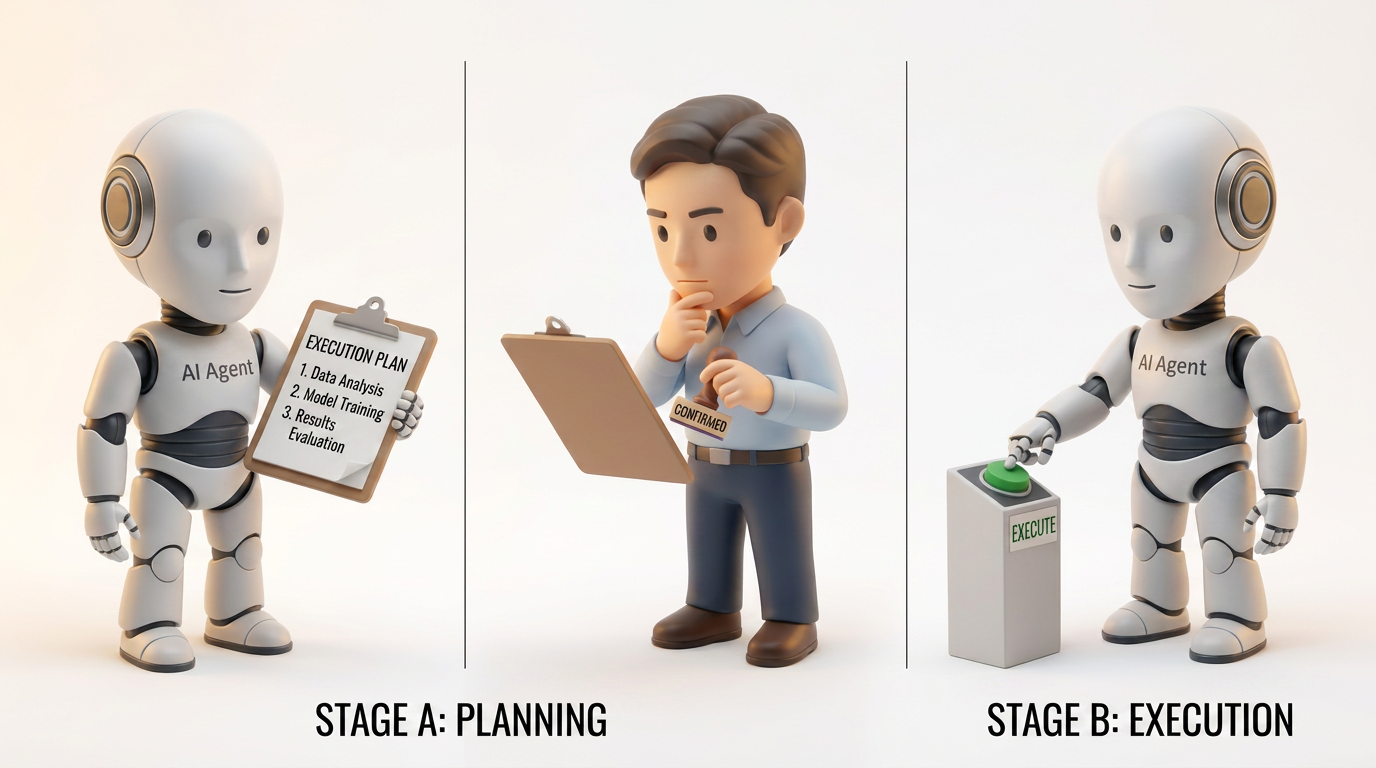
Figure 5: Two-phase confirmation protocol
Below is the complete interaction process for using this Skill to automaticallyintegrate a LangChain application into a Container Service for Kubernetes (ACK) cluster. The ack-onepilot runs an Agent Pod on each cluster node via a DaemonSet. Once a Deployment is annotated with the specified label, ack-onepilot automatically injects the agent — no changes to the application code or Dockerfile are required.
User:
Help me integrate the LangChain application customer-support-agent in my ACK cluster into CMS.
AI Agent:
Detected a container integration scenario. Fetching cluster information...
$ aliyun sts get-caller-identity --force -o json
# → AccountId: 1108xxxxxxxxxxxx

$ aliyun cs describe-clusters
# → clusterId: c8d3f***********, region_id: cn-hangzhou
Initializing APM infrastructure and obtaining credentials...
$ aliyun cms2 apm configuration create \
    --workspace default-cms-1108xxxxxxxxxxxx-cn-hangzhou --region cn-hangzhou
# → 成功

$ aliyun cms2 apm configuration get \
    --workspace default-cms-1108xxxxxxxxxxxx-cn-hangzhou --region cn-hangzhou -o json
# → LicenseKey: a]***@***************4b70

$ aliyun cms2 apm service create \
    --workspace default-cms-1108xxxxxxxxxxxx-cn-hangzhou --region cn-hangzhou \
    --body '{"serviceName":"customer-support-agent","serviceType":"TRACE","attributes":"{\"language\":\"python\"}"}' \
    < /dev/null
# → serviceId: a]***@*********************7f1
Checking the status of the ack-onepilot component...
$ kubectl get pods -n ack-onepilot
# NAME                      READY   STATUS    RESTARTS   AGE
# ack-onepilot-7d8f9        1/1     Running   0          5d
The ack-onepilot is installed and running normally. Searching for the target Deployment...
$ kubectl get deployment --all-namespaces | grep customer-support
# default   customer-support-agent   3/3     3    3    12d
Found the target Deployment default/customer-support-agent (3 replicas). Execution plan — Patch K8s Deployment. Please confirm the execution (yes/no).
User:
yes
AI Agent:
Executing the patch...
$ kubectl patch deployment customer-support-agent -n default \
    --type=strategic -p '{
      "spec":{"template":{"metadata":{"labels":{
        "aliyun.com/app-language":"python",
        "armsPilotAutoEnable":"on",
        "armsPilotCreateAppName":"customer-support-agent",
        "armsPilotAppWorkspace":"default-cms-1108xxxxxxxxxxxx-cn-hangzhou"
      }}}}}'
# deployment.apps/customer-support-agent patched
Verifying the rolling update...
$ kubectl rollout status deployment/customer-support-agent -n default --timeout=120s
# deployment "customer-support-agent" successfully rolled out
Integration completed. The application has had the Python agent automatically injected via ack-onepilot. In 2-3 minutes, you will be able to view monitoring data such as LLM invocation latency, Token usage, and Agent traces in the CMS console.
Throughout this process, the user needed only to provide a single natural language description. The AI Agent automatically handled account retrieval, cluster information derivation (eliminating the need to manually supply a region ID), infrastructure initialization, credential retrieval, service registration, component status checks, and Deployment lookups — while also applying a two-phase confirmation mechanism that lets the user review the patch content before execution. Compared with the 8+ commands required for manual operation, this Skill distills the integration experience — from memorizing commands, looking up parameters, and assembling JSON — down to a single sentence.
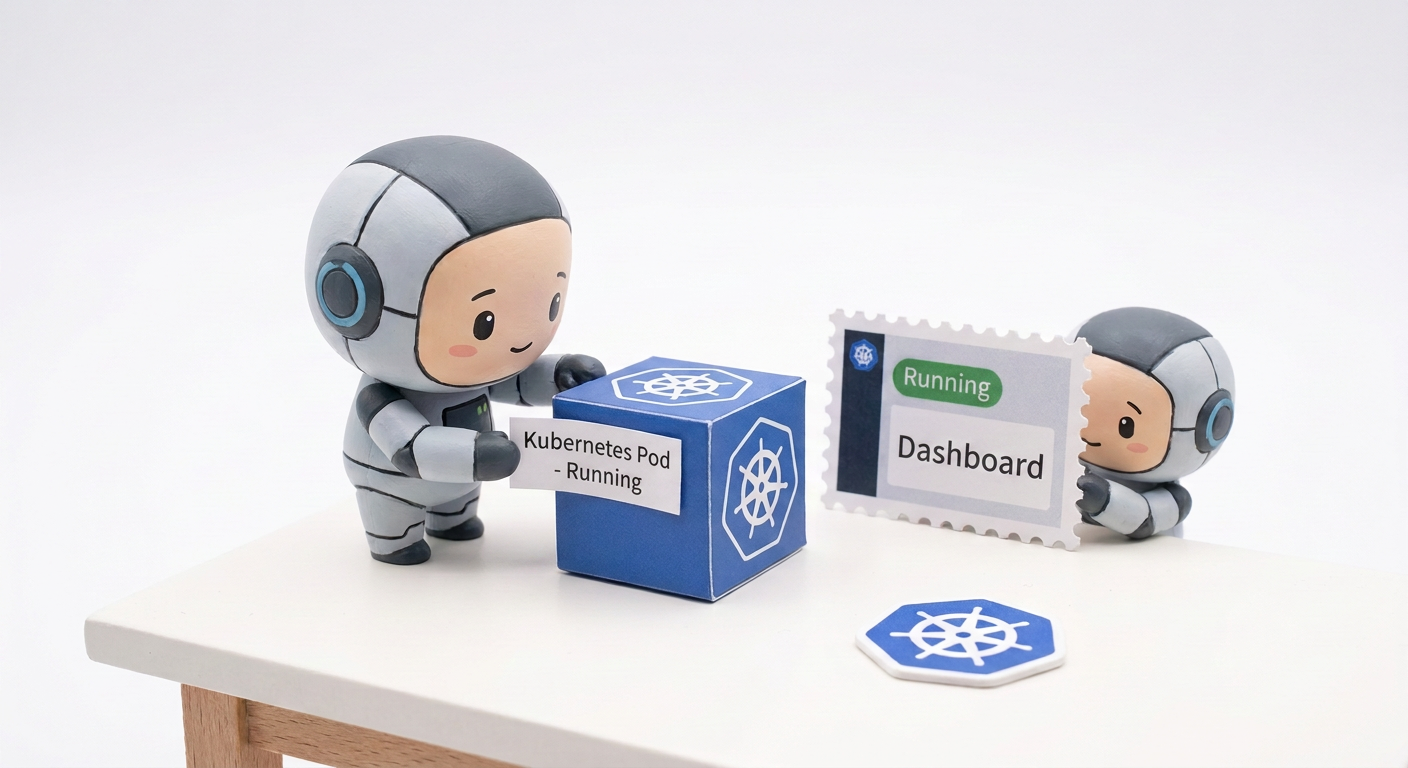
Figure 6: K8s ack-onepilot automatic integration
If you are interested in the CMS CLI or AI Agent-driven observability integration, check out the following resources:
Seeing Every User Step: How Session Replay and Heatmaps Drive Evidence-Based UX Optimization
3 Days, 7 Steps: Optimizing Game Agent Performance Based on AgentLoop

801 posts | 61 followers
FollowAlibaba Cloud Native Community - May 26, 2026
CloudSecurity - April 21, 2026
Alibaba Cloud Native Community - June 29, 2026
ApsaraDB - June 11, 2026
ApsaraDB - June 4, 2026
ApsaraDB - March 30, 2026
801 posts | 61 followers
Follow Token Plan
Build more, spend less. One plan, every modality.
Learn More QwenWork
QwenWork is dedicated to helping employees strengthen their professional competitiveness in the AI era and to enabling enterprises to improve organizational effectiveness.
Learn More
Alibaba Cloud Model Studio
A one-stop generative AI platform to build intelligent applications that understand your business, based on Qwen model series such as Qwen-Max and other popular models
Learn More Container Service for Kubernetes
Alibaba Cloud Container Service for Kubernetes is a fully managed cloud container management service that supports native Kubernetes and integrates with other Alibaba Cloud products.
Learn MoreMore Posts by Alibaba Cloud Native Community

