Wan3.0 accepts documents, webpages, images, audio, and video as creative reference, so teams start from the brief they already own instead of compressing it into a single text prompt. This article covers the supported formats, the intake limits, and the source discipline the workflow demands.
The popular image of generative video starts with an empty text box. Professional creative work rarely does. A marketer begins with a product deck, a campaign brief, a webpage, a spreadsheet, a brand reference, a music track, or an existing video. A director already knows the characters, the setting, the camera language, and the mood.
The problem is not a lack of information. The problem is translation. Text-only prompting forces teams to compress a full production brief into one instruction, and compression loses material at every step.
Wan3.0 takes text, images, audio, and video as reference input, and adds structured documents and webpages. The supported formats:
| Reference type | Supported formats |
|---|---|
| Documents | DOC, XLS, PPT, PDF, TXT, KEY, Pages, Numbers, Markdown |
| Text | Free-form text instructions |
| Media | Images, audio, video |
| Web | Public webpages |
The intake limits: one file or link per request, up to 100MB, page limit of 50. These numbers define how much context can enter a single generation.
One file or link per request. Up to 100MB. Page limit of 50.
The phrase is broad on purpose. The useful reading is context intake: the model can start from more of the material teams already use to define a project.
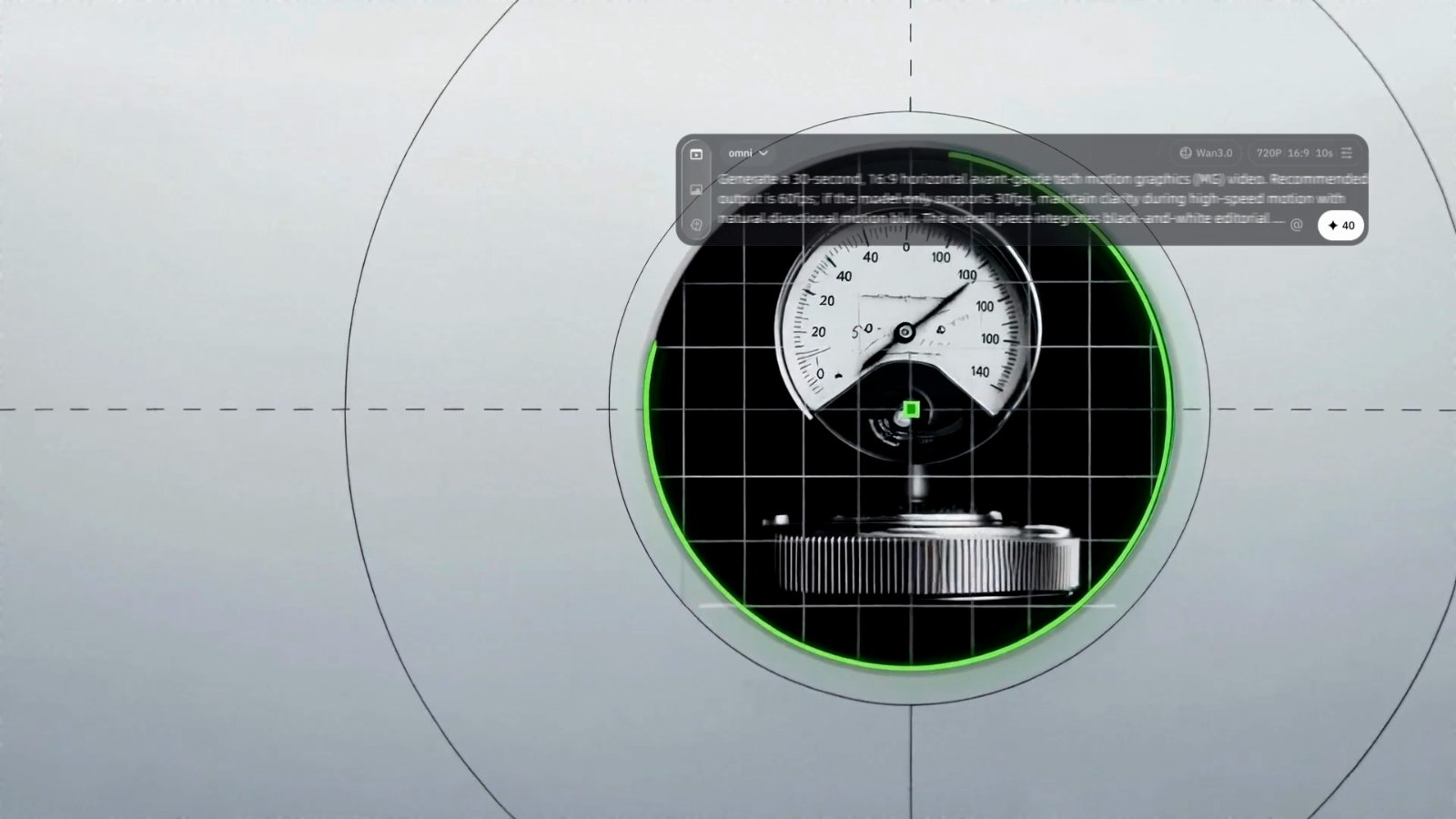
When a deck or webpage carries the underlying information, the prompt moves up one level. Instead of restating every product detail, the user spends the instruction budget on intent: audience, tone, pacing, visual language, emphasis, emotional effect, and desired output.
A real brief has multiple layers. Facts live in a deck. Product identity lives in reference images. Tone comes from an existing video. Voice and rhythm come from audio. Brand claims live on a webpage. That suggests a four-layer context model:
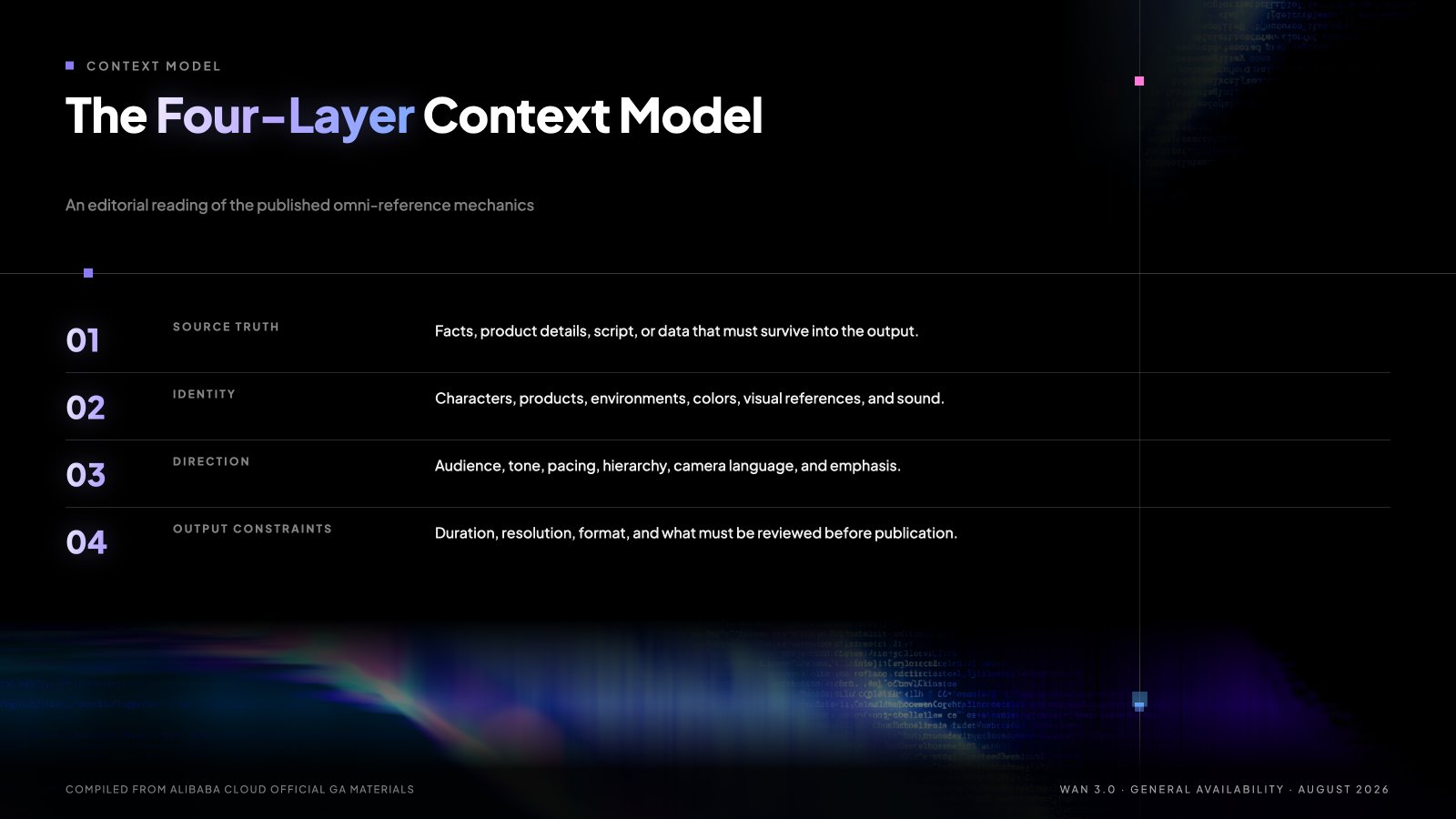
Text-only prompting collapses all four layers into one instruction. Omni-reference separates them. The model receives more source context directly, and the prompt acts as a director's instruction rather than a container for every fact.
Marketing organizations sit on large libraries of structured content: launch decks, sales decks, product pages, brand guides, analyst materials, training documents, event presentations, customer FAQs, and reports. The historical challenge has been converting those static assets into motion at acceptable speed and cost.
Document input earns its place in real work:
Those examples move the conversation from "the model accepts PPT" to "the model can begin from the artifact the business already uses."
The value is not that AI reads PowerPoint. The value is that an existing source of truth moves closer to the creative system without a manual rewrite from zero.
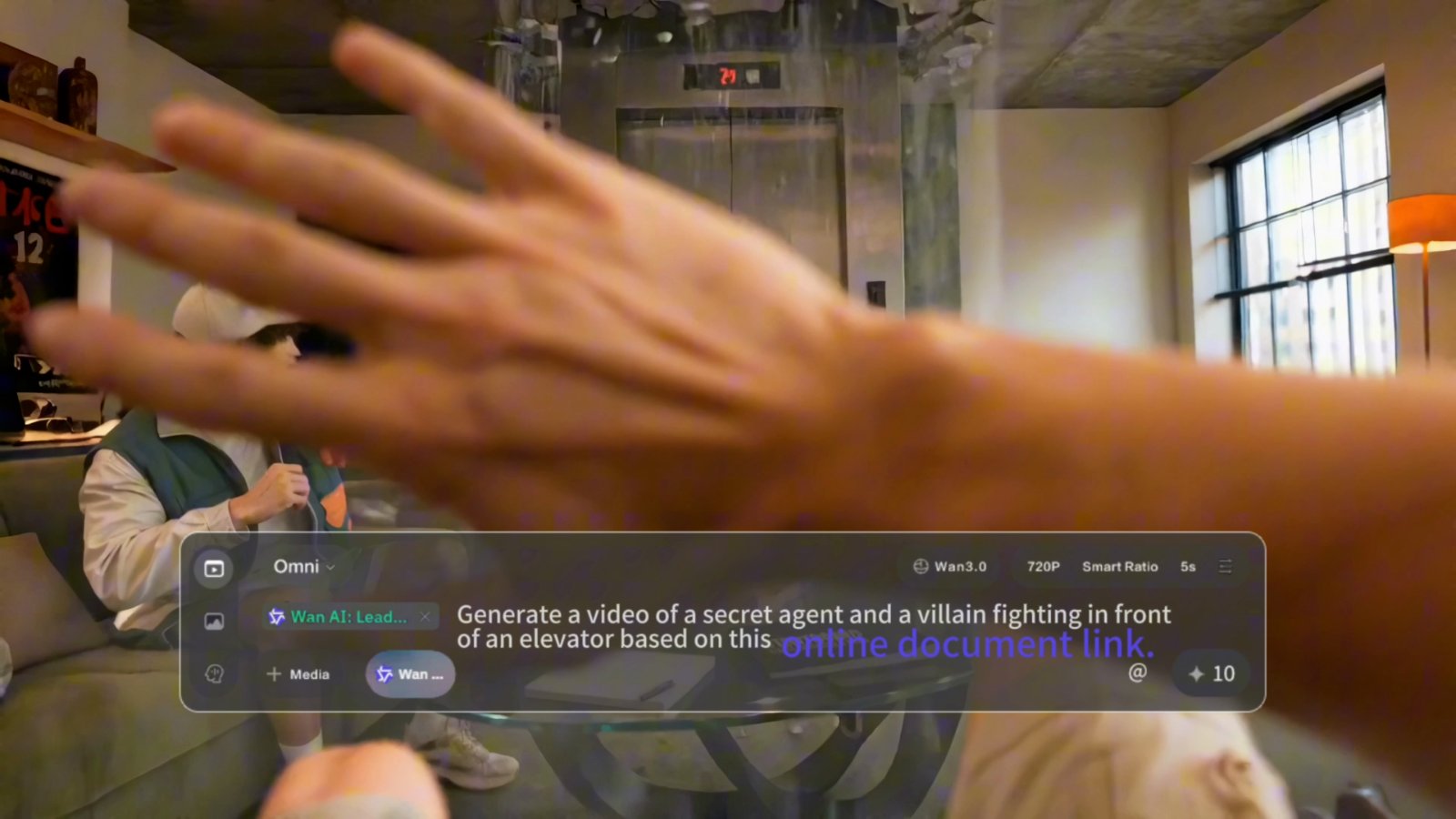
Caption: Frame from the official Wan3.0 TVC, showing the omni UI generating video from an online document link (Alibaba Cloud).
If you want to talk through what Wan3.0 changes for your team, start the conversation with us. Bring the brief you already own: one minute, no login.
On developer platforms such as fal, the reference-to-video interface exposes a document URL and a public webpage URL alongside reference images, video, and audio. Application builders can therefore design products where the user supplies business or creative context and the system turns it into a directed video workflow.
The application opportunity is broader than a generic text-to-video box: campaign generators, product demo systems, training video creation, tourism content, internal communications, data storytelling, and creator tools that begin from structured source material.
This matters for enterprise software because users often do not want to become prompt engineers. They want to provide the material they already own and describe the transformation they need. A well-designed interface can hide much of the model complexity behind familiar business objects: deck, report, page, product, campaign, lesson, or briefing.
Richer input does not mean every document belongs in the model. The same context-engineering principle from agents and RAG applies here: relevance still matters. A 50-page deck can contain repeated claims, outdated slides, internal notes, or material that should never enter a public-facing asset. A webpage can change over time. A spreadsheet can contain fields that must never appear in published video. If the source is noisy, the creative output can be grounded in the wrong thing.
None of this is an argument for feeding the model confidential decks, personal data, unreleased product information, or third-party copyrighted material without authorization. Source selection and permissions come first.
That creates product responsibilities around source selection, permissions, document hygiene, brand governance, and output review. Teams need to decide which source is canonical, which pages are outdated, which claims are approved for external use, which assets carry rights restrictions, and which internal notes must never reach a public video. Richer context intake makes source discipline a product requirement.
A practical production framework follows six steps:
Document input does not guarantee factual fidelity, and this article does not claim it does. Review stays in the loop. Omni-reference moves part of the craft from prompt engineering to context engineering: selection, permissioning, version control, and review. That is not a weakness of the concept. It is what happens whenever an AI system becomes more connected to real organizational material. The more useful the context interface becomes, the more important it is to know which context is authoritative.
Before adopting an omni-reference workflow, test it the way a production team would:
In the first phase of generative media, the prompt was the product interface. The next phase will be defined by how well systems accept the messy, multimodal context of actual creative work.
The future of AI video depends on giving the model a high-quality production brief, not on writing a perfect prompt. Start with one approved source document. Filter what should not enter. Direct with intent. Review before publication.
If you want to talk through what Wan3.0 changes for your team, start the conversation with us. Bring the brief you already own: one minute, no login.
Johnny Mai,
Director, Gen AI Product Strategy & GTM
About Wan.
Wan is Alibaba Cloud's generative video model family. Wan3.0 is available through Alibaba Cloud Model Studio and supported international channels, with API pricing billed per generated second. Learn more at alibabacloud.com.
Disclaimer: This post is provided for general information only. Figures from third-party research are quoted as published in those reports and are not independently verified by Qwen, WAN or Alibaba Cloud. Product and service availability, features, and program terms vary by region and may change over time. Nothing in this post constitutes professional, legal, or investment advice. © 2026 WAN. All rights reserved.
Wan3.0 at General Availability: Capabilities, Benchmarks, Pricing, and the Workflows It Changes
Pricing Enterprise AI Products: Lessons from Real-World Production

14 posts | 2 followers
FollowJohnny Mai - August 27, 2026
Johnny Mai - August 27, 2026
Data Geek - September 4, 2026
Neel_Shah - July 2, 2026
Neel_Shah - May 21, 2026
Alibaba Cloud Big Data and AI - June 18, 2026
14 posts | 2 followers
Follow Wan3.0
Unleash Your Creativity Try Wan 3.0 now — longer narratives, greater control, endless creativity.
Learn More Alibaba Cloud Model Studio
A one-stop generative AI platform to build intelligent applications that understand your business, based on Qwen model series such as Qwen-Max and other popular models
Learn More Qwen
Qwen
Full-range, open-source, multimodal, and multi-functional
Learn More Alibaba Cloud for Generative AI
Accelerate innovation with generative AI to create new business success
Learn MoreMore Posts by Johnny Mai

