This topic shows how to quickly deploy OpenClaw (Clawdbot) on Elastic Desktop Service Enterprise Edition.
Before you begin
Account and verification
You have an Alibaba Cloud account and have completed your account profile.
Download the WUYING client
Download the WUYING client for your OS from the download page. Clients are available for macOS, Windows, Android, and iOS.
Create and log on to a cloud desktop
Follow these steps to deploy a cloud desktop that includes the OpenClaw (Clawdbot) service. For more information about configuration options and parameters, see Create a cloud desktop.
Log on to the Elastic Desktop Service Enterprise Edition console.
Click Create Cloud Desktop, and then select Custom Purchase.
For OS, select Community Image, and then select the
OpenClawimage. Note
NoteThis image is available in the following regions: China (Hangzhou), China (Beijing), China (Shanghai), China (Shenzhen), China (Hong Kong), Japan (Tokyo), Singapore, Thailand (Bangkok), Germany (Frankfurt), and US (Virginia).
We recommend a computing specification of at least 4 vCPUs and 8 GiB of memory.
Complete the remaining configurations. For details on each parameter, see Create a cloud desktop.
After the cloud desktop is created and a user is assigned, use the client to log on to the cloud desktop.
NoteIf you have not created a user, see Create a convenience account or Create and manage AD accounts.
If the client is not installed, download it from the WUYING client download page.
Configure OpenClaw environment
On the cloud desktop, open the OpenClaw configuration panel.
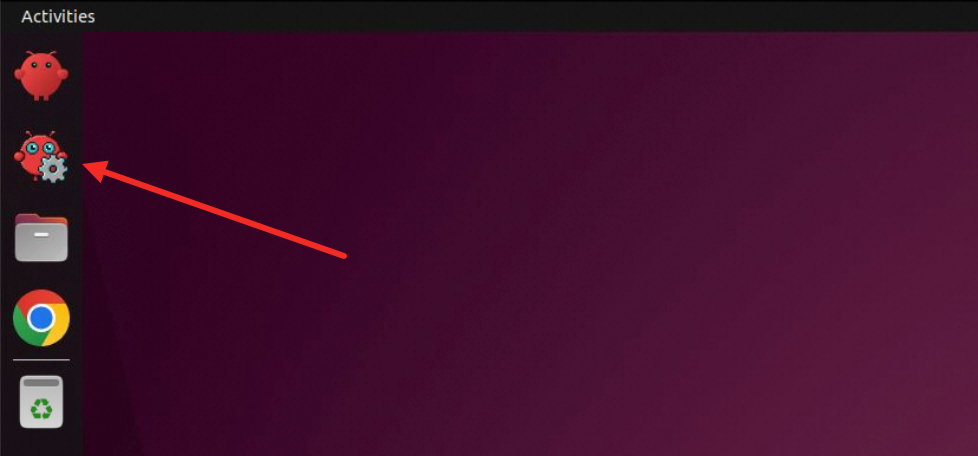
In the model settings, configure the API key. You can do this in one of the following ways.
Custom model
To add a custom model, click Add Model at the bottom of the page. The following example shows how to add a large language model (LLM) from Alibaba Cloud Model Studio.
Go to the Alibaba Cloud Model Studio platform.
In the left-side navigation pane, choose Key Management, and then click Create API Key.
NoteThe API key starts with
sk-.After you configure the API key, using OpenClaw incurs model call fees. To avoid unexpected charges, monitor the billing details of the models that you use.
After creating the API key, copy it from the key management page by clicking the copy icon.
Configure the following parameters:
Model Name: Enter a model name. For more information, see the list of models. Example:
qwen3-max-2026-01-23.BASE URL:
https://dashscope.aliyuncs.com/compatible-mode/v1.API KEY: Enter the API key you created.
Click Test Connection. After the connection is verified, click Save and Set as Default.
Model Studio Coding Plan
The default model,
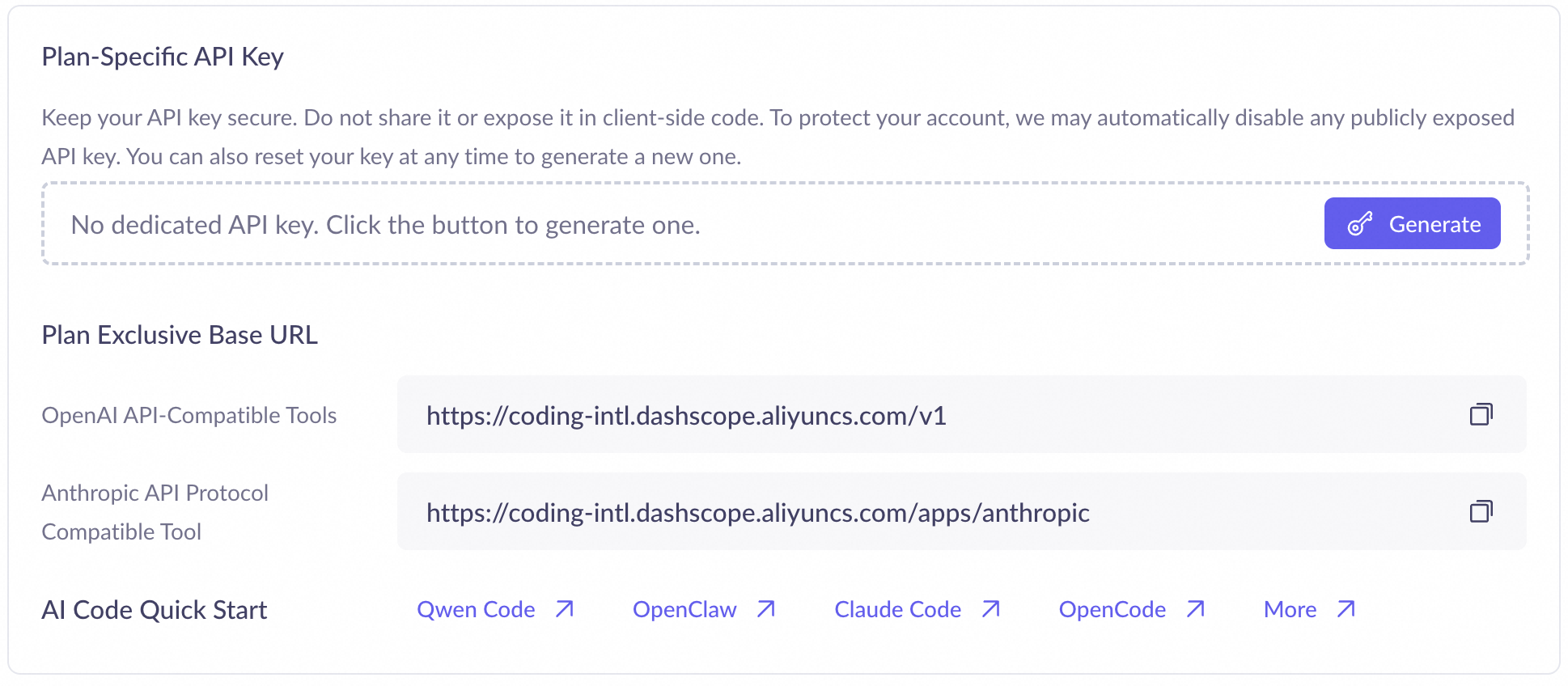
qwen3.5-plus, is provided by the Model Studio Coding Plan. You can subscribe to the Alibaba Cloud Model Studio Coding Plan to get a monthly quota of model calls for a fixed monthly fee. After subscribing to the plan, generate and save an API key from the Coding Plan API Key Management page.NoteThe Alibaba Cloud Model Studio Coding Plan supports models such as qwen3.5-plus, kimi-k2.5, MiniMax-M2.5, and glm-5. For more information about the supported models, see Supported models for Coding Plan. You must select one of these models to use with your Coding Plan API key.
Chat with OpenClaw
Once the model is configured, you can directly chat with OpenClaw on the cloud desktop or use it to send tasks and commands.
On the cloud desktop, click OpenClaw Dashboard in the upper-left corner.
Start a chat with OpenClaw to verify that the environment and model are configured correctly.
Integrate an IM application
In Channel settings, select an IM application to integrate.
DingTalk integration
You can integrate a DingTalk application and chatbot, allowing users to control OpenClaw by interacting with the chatbot. The integration involves the following steps:
Create a DingTalk application.
Obtain the Client ID and Client Secret of the DingTalk application and configure them in OpenClaw.
Create and integrate a DingTalk chatbot to enable real-time user interaction.
For detailed steps, see Integrate with DingTalk.
QQ integration
You can integrate a QQ chatbot and QQ channels, allowing users to control OpenClaw by interacting with the chatbot. The integration involves the following steps:
Create a QQ chatbot.
Obtain the AppID, Token, and AppSecret of the QQ chatbot and configure them in OpenClaw.
Create a QQ channel and add the chatbot to it.
Configure network communication between the QQ chatbot sandbox environment and OpenClaw on the cloud desktop.
For detailed steps, see Integrate with QQ.
Lark integration
You can integrate a Lark application and chatbot, allowing users to control OpenClaw by interacting with the chatbot. The integration involves the following steps:
Create a Lark application and configure its security credentials in OpenClaw.
Configure the Lark application and chatbot.
Obtain the pairing code for the Lark chatbot and approve the code in OpenClaw.
For detailed steps, see Integrate with Lark.
Built-in skills
Skill | Source | Name | Description |
| skills.sh | Skill discovery | Finds and installs skills. |
| Browser automation | Performs web testing, autofills forms, captures screenshots, and extracts structured data. | |
| Word document expert | Creates, edits, formats, and extracts content from Word documents. | |
| Spreadsheet generator | Creates, edits, and analyzes data in spreadsheets. | |
| Professional PPT generator | Automatically generates professional presentations with templates and charts based on outlines or data. | |
| PDF processing tool | Merges and splits PDFs, extracts text, adds watermarks, performs OCR, and fills forms. | |
| Skill creator | Creates and packages new skills. | |
| Weather assistant | Retrieves current weather conditions and forecasts. | |
| WUYING | AI travel planner | Plans itineraries based on destination and time. |
| WUYING | Financial information assistant | Retrieves market and industry financial information. |