Click Advanced Configurations in the top toolbar of the dataset edit page to configure Basic Properties, Acceleration Settings, Permission Control, and Q-Analysis.
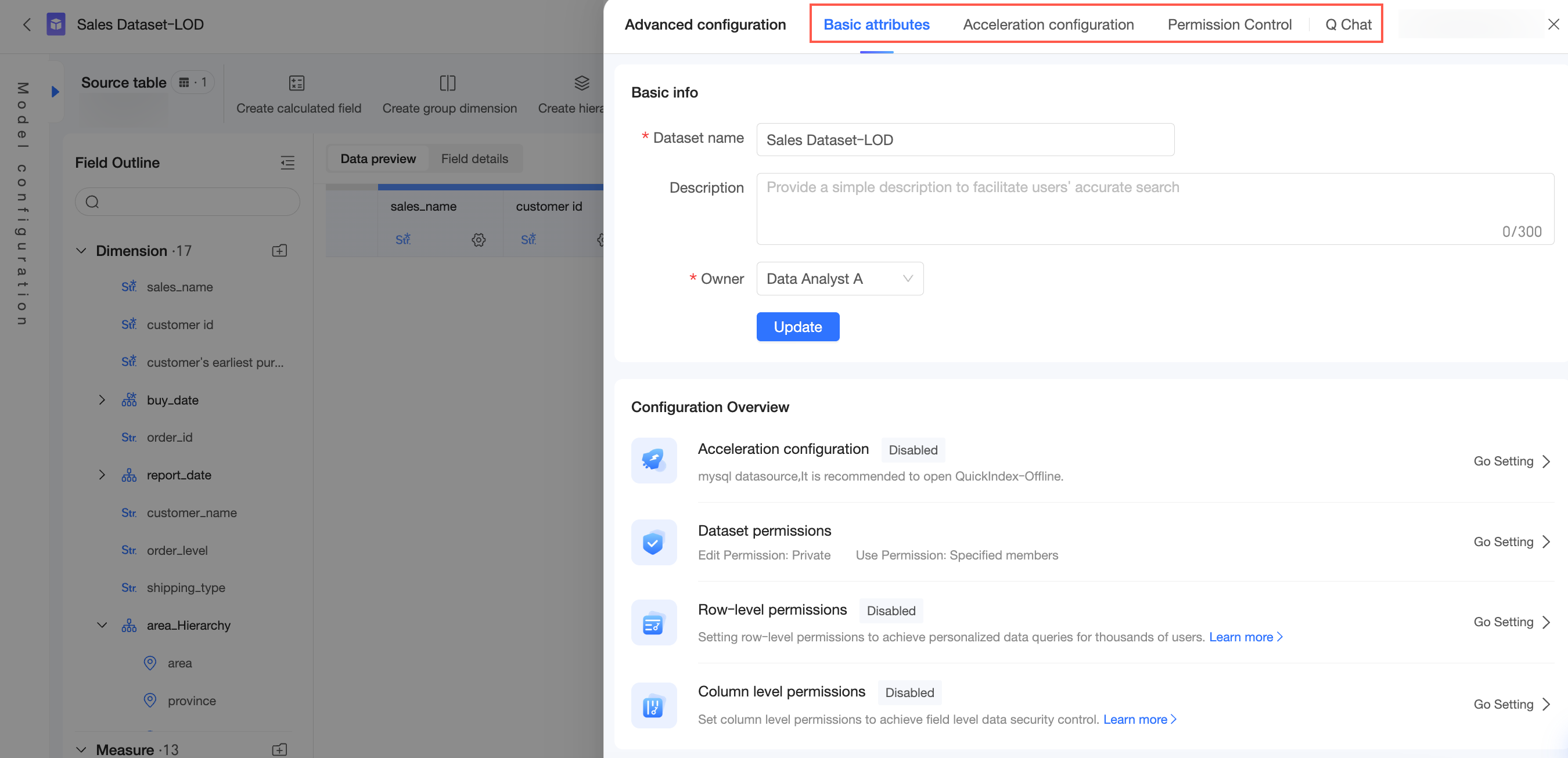
Basic properties
Edit the Dataset Name (①) and Description (②), and change the dataset owner (③). Click Update (④) to save your changes.
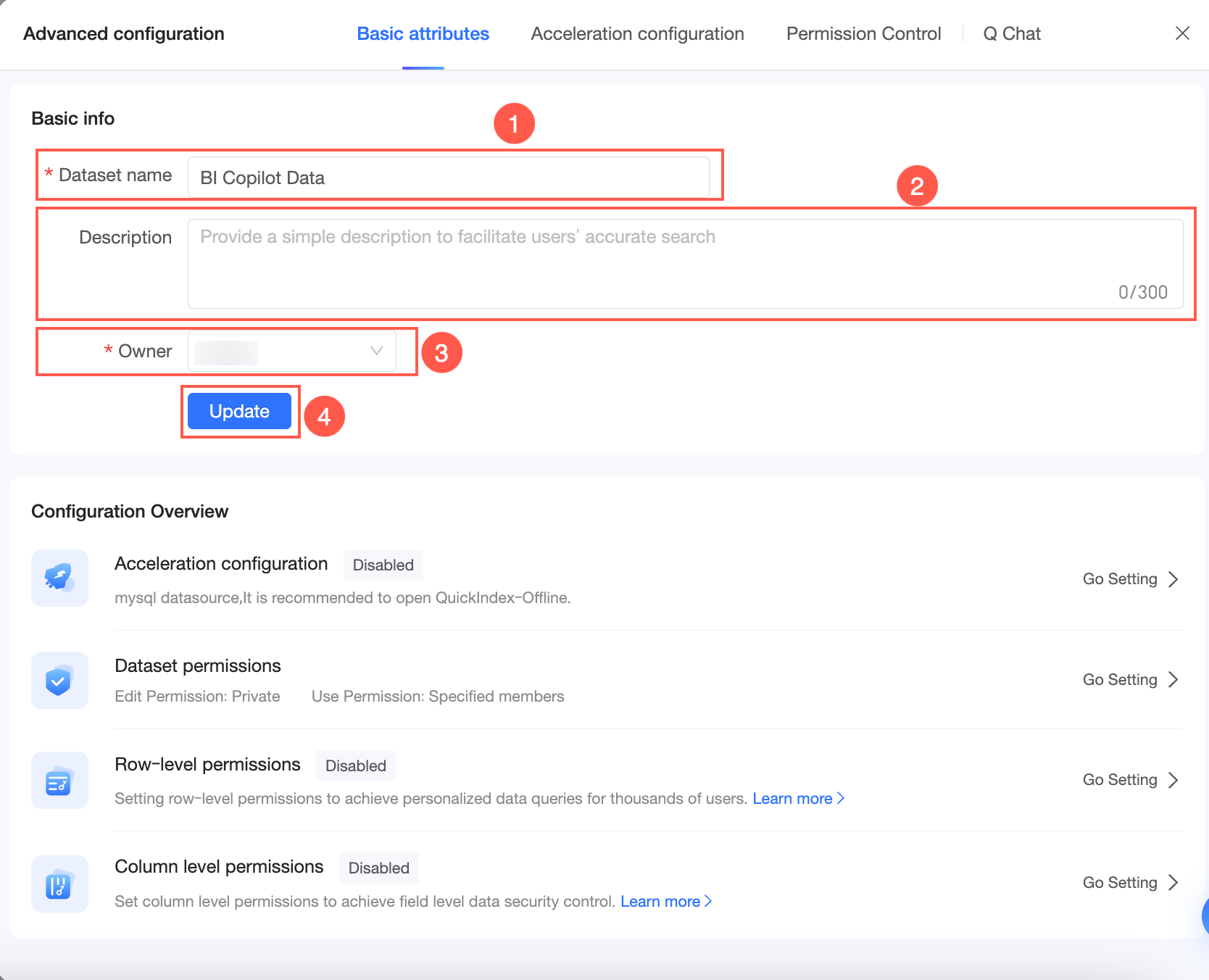
The Configuration Overview section shows the status of Acceleration Settings, row-level permission, and column-level permission. Click Enable or Set up to configure them.
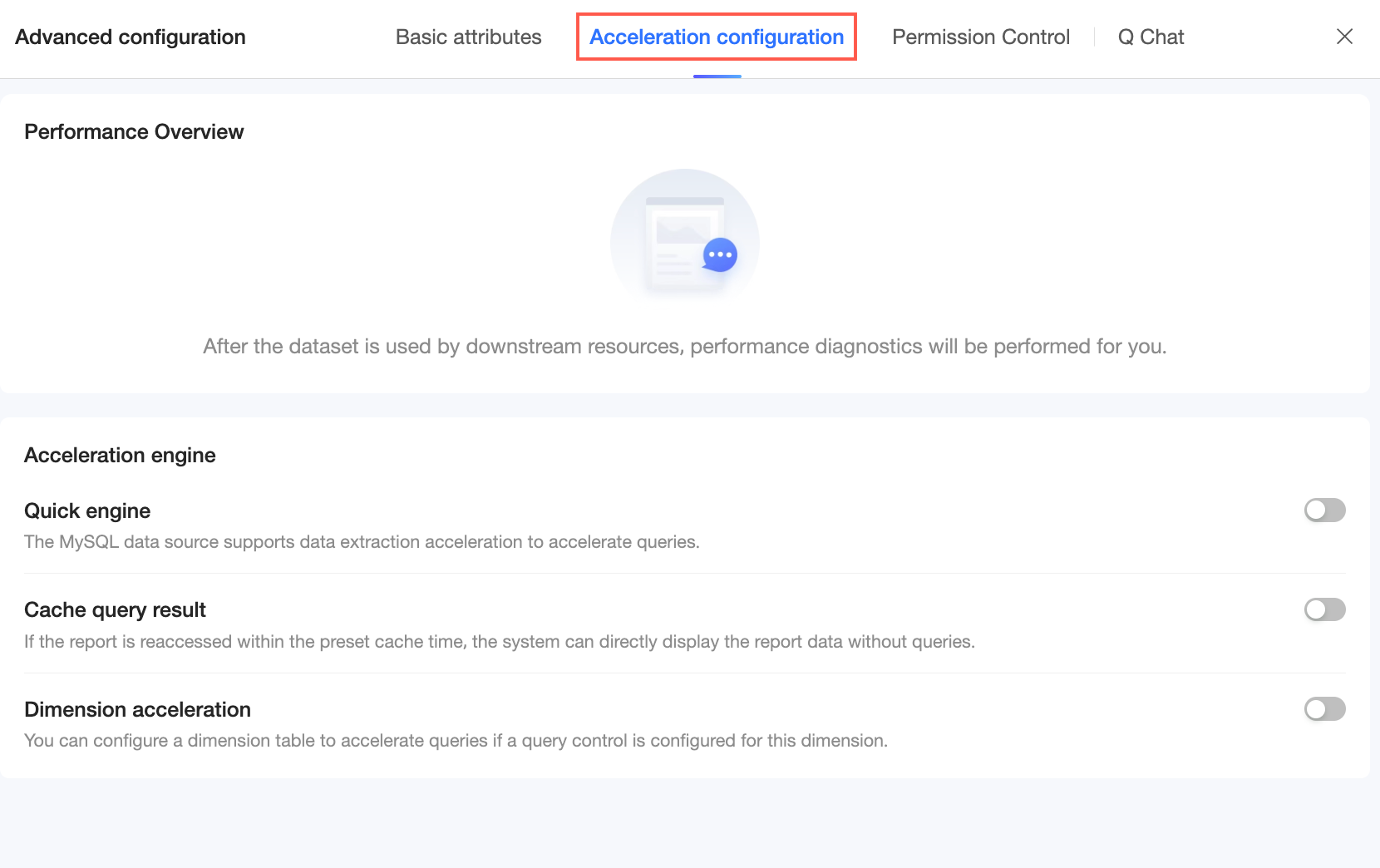
Acceleration configuration
View performance metrics and configure the acceleration engine. For more information, see Configure Quick Engine.
Permission Control
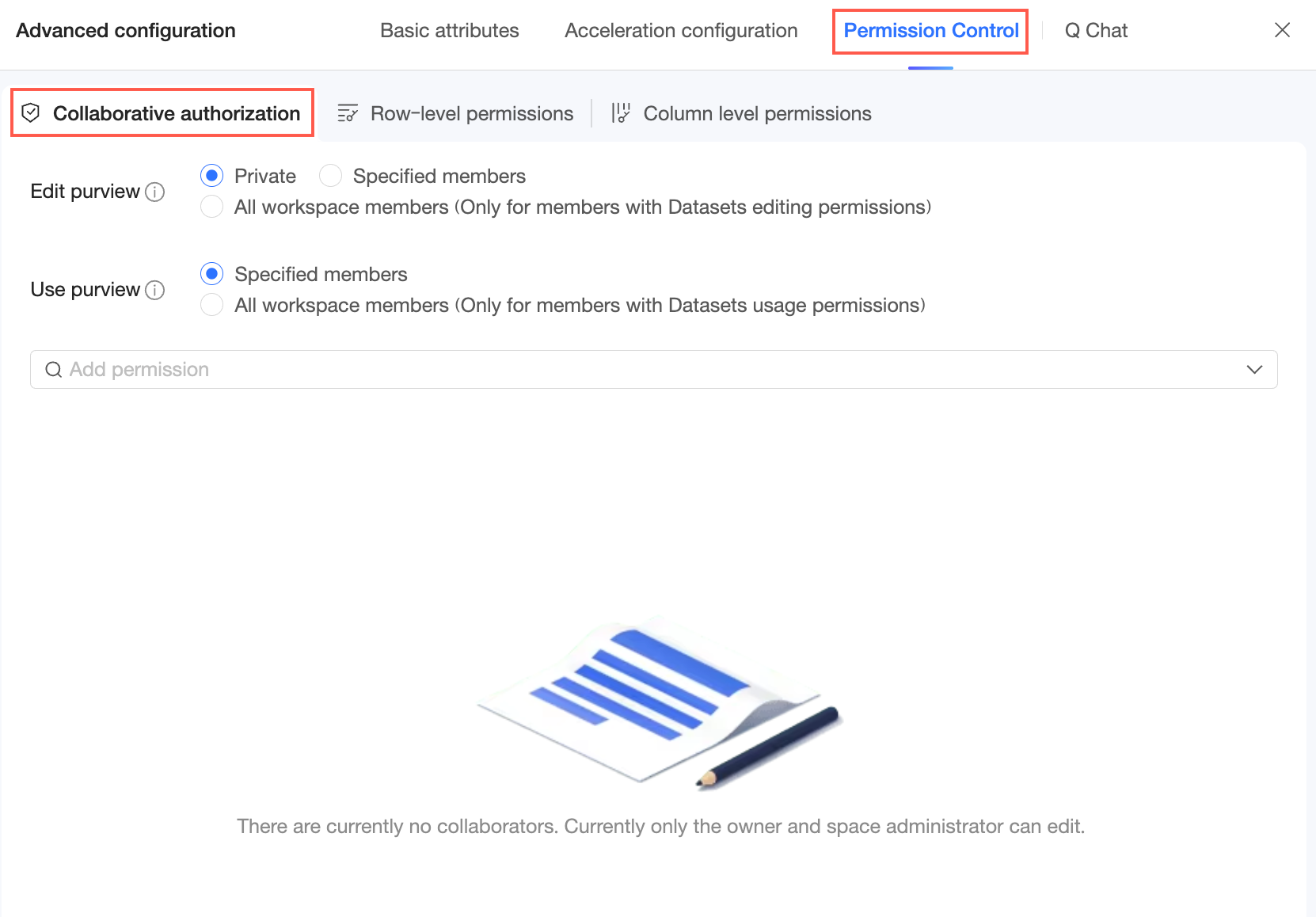
Collaborative authorization
Grant dataset permissions. For more information, see Grant dataset permissions.
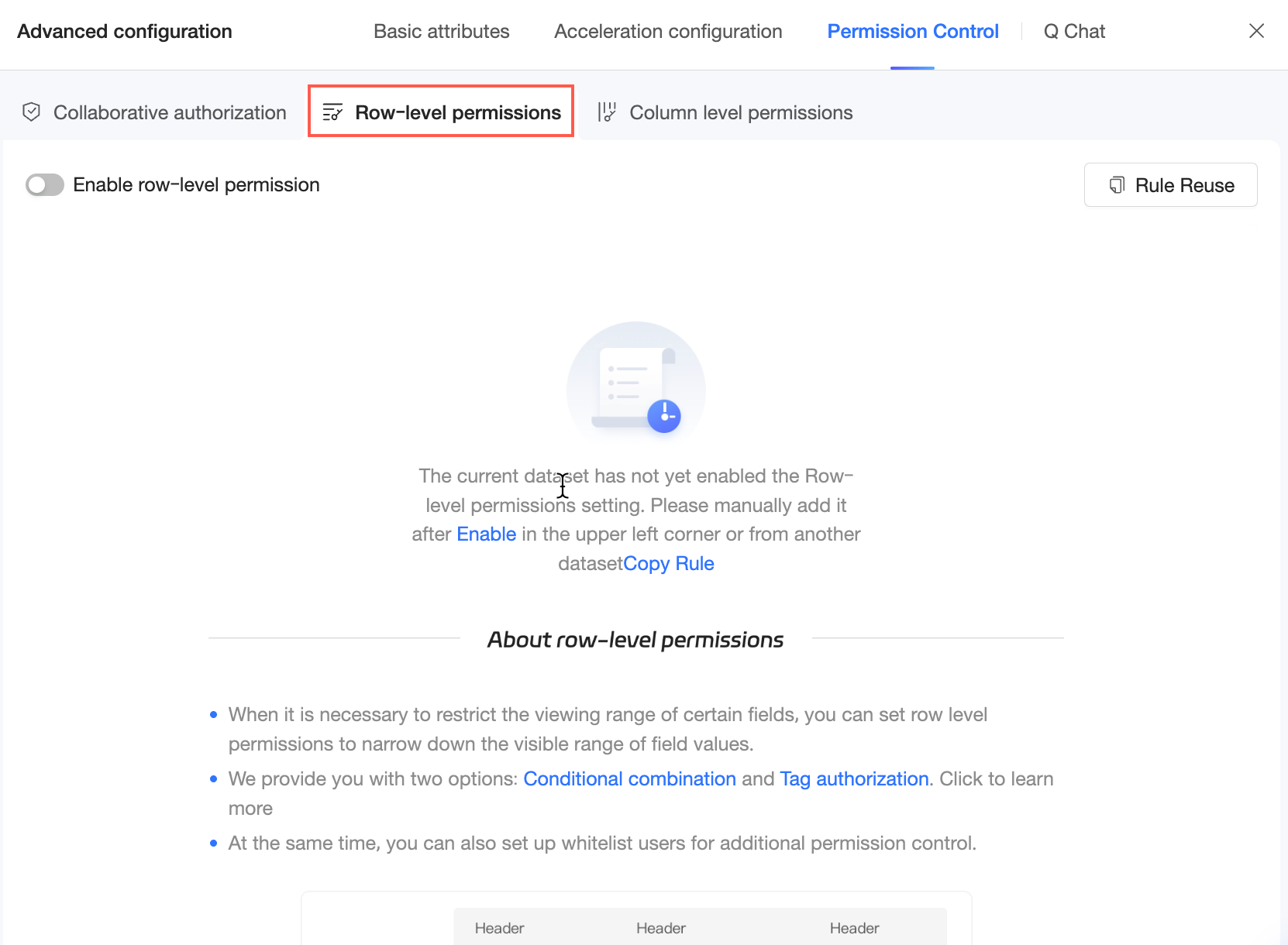
Row-level permission
Configure row-level permission for the dataset. For more information, see Row-level permission.
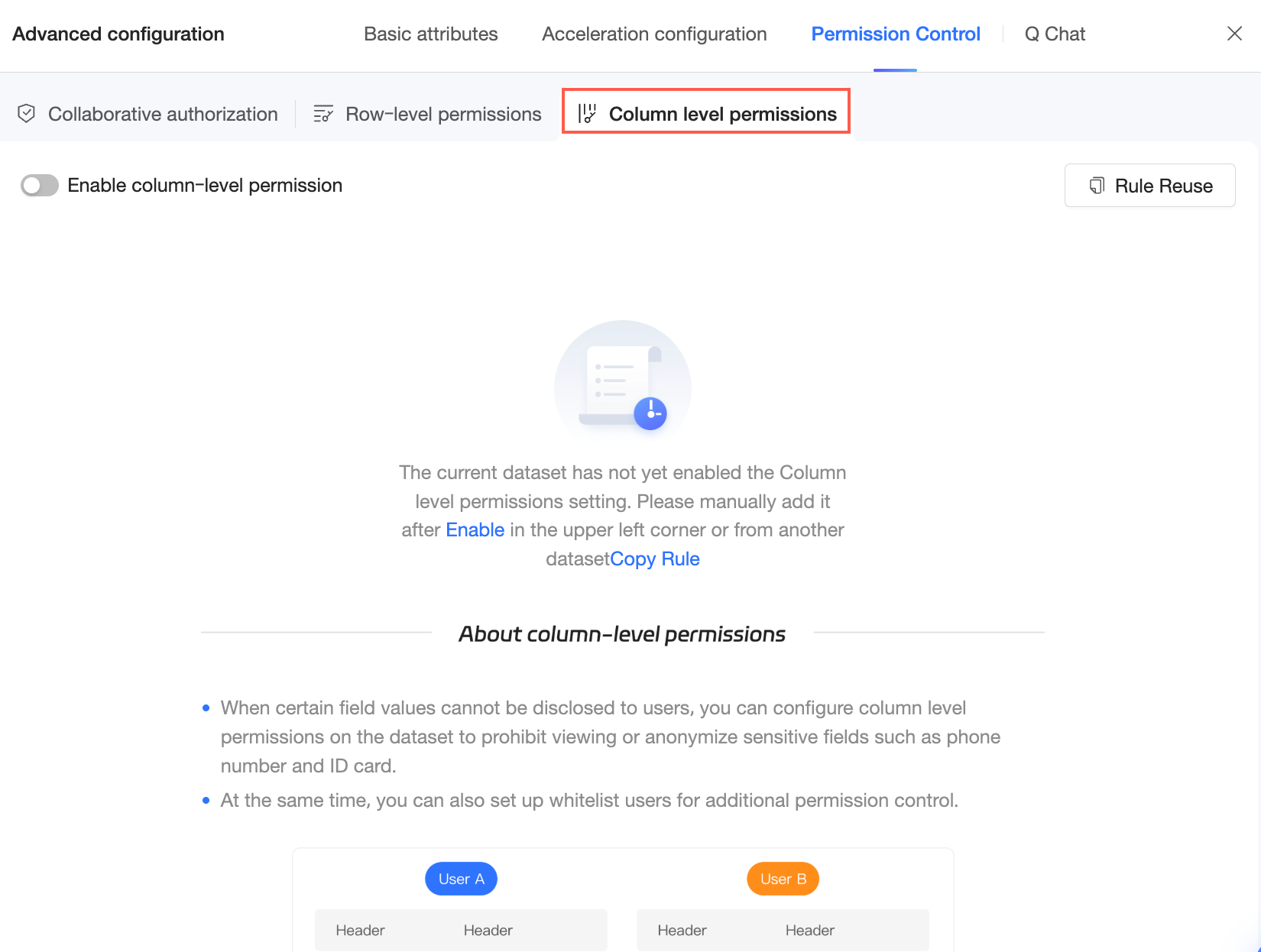
Column-level permission
Configure column-level permission for the dataset. For more information, see Column-level permission.
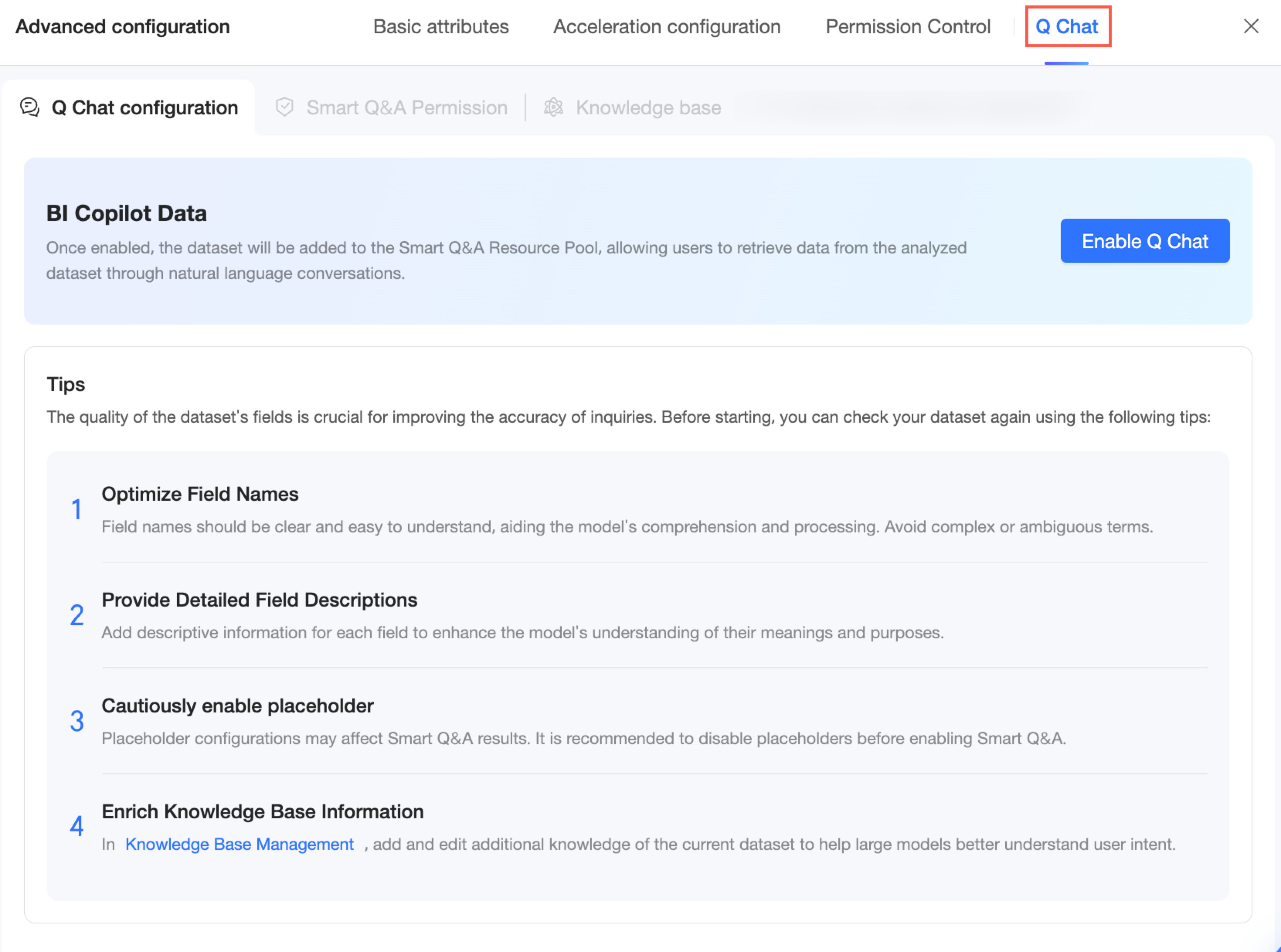
Q Chat
Q-Analysis is a value-added module that requires a separate purchase. To purchase this feature, contact your account manager.
Before using Q-Analysis, configure its settings for the dataset. On the dataset edit page, click Advanced Configurations and select Q-Analysis. You can then configure Query Settings, Query Permissions, and Knowledge Base Management. For more information, see Data Preparation.