Create a Viber channel in Chat App Message Service.
Before you begin
-
Registered an Alibaba Cloud account and completed enterprise identity verification.
-
Activated Chat App Message Service.
Create a Viber channel
-
Go to the Chat App Message Service console.
-
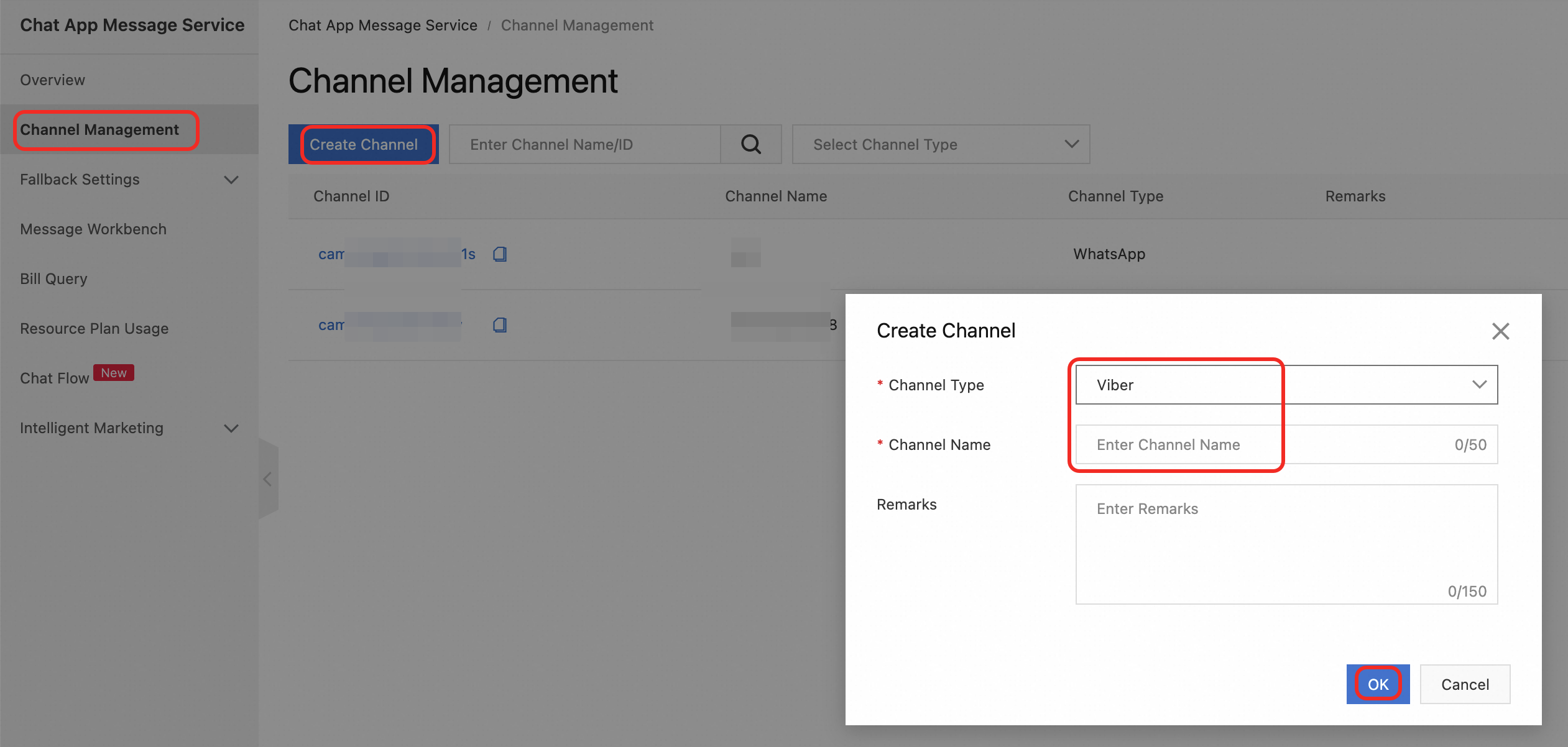
In the left-side navigation pane, go to .
NoteIf your account has service provider permissions, Channel Management is displayed as Customer Management in the navigation pane.
-
In the Create Channel dialog box, set Channel Type to Viber and enter a custom Channel Name.
-
Click OK. The Viber channel is created.
What to do next
On the Channel Management page, click a Channel ID to access channel details: