Create a Messenger channel to connect to a Facebook Page, design Messenger message templates, and send messages.
Prerequisites
Alibaba Cloud account registration and enterprise identity verification have been completed.
Chat App Message Service has been activated.
Procedure
-
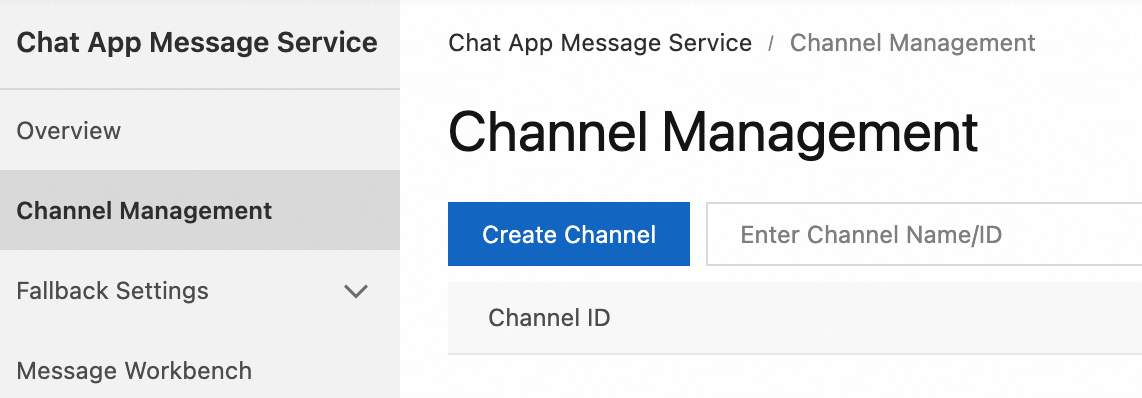
Log on to the Chat App Message Service console. In the left navigation pane, click Channel Management. On the page that appears, click Create Channel.
-
In the dialog box that appears, select Messenger from the Channel Type drop-down list, enter a channel name, then click OK.

References
After you create a Messenger channel, click the channel ID on the Channel Management page to go to the channel details page. On this page, you can perform the following operations: