Generate images from text descriptions with the text-to-image API. This service, provided by Alibaba Cloud Model Studio, features the Wan, Qwen-Image, and Z-Image model families.
Try it online: Singapore | Beijing
Model performance
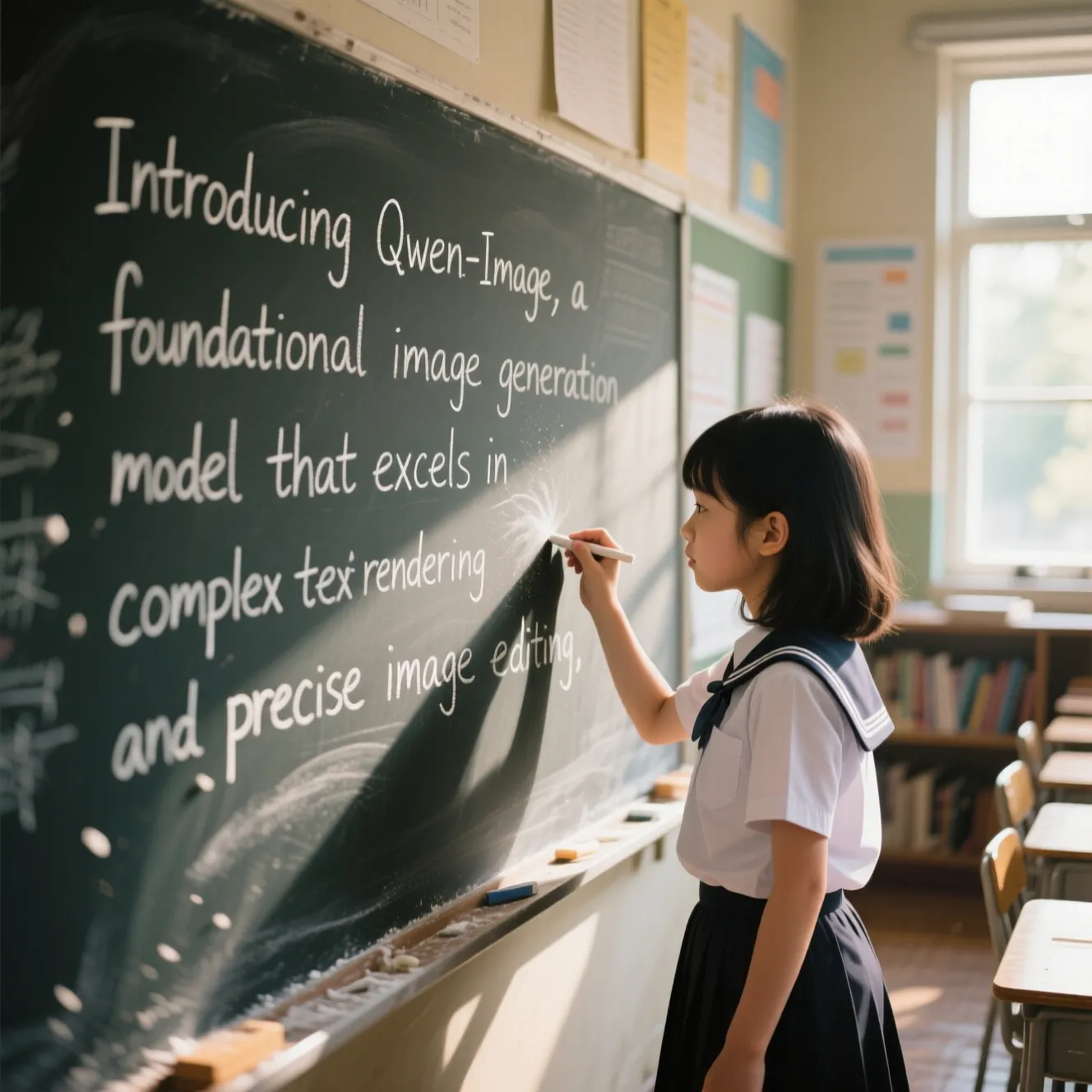
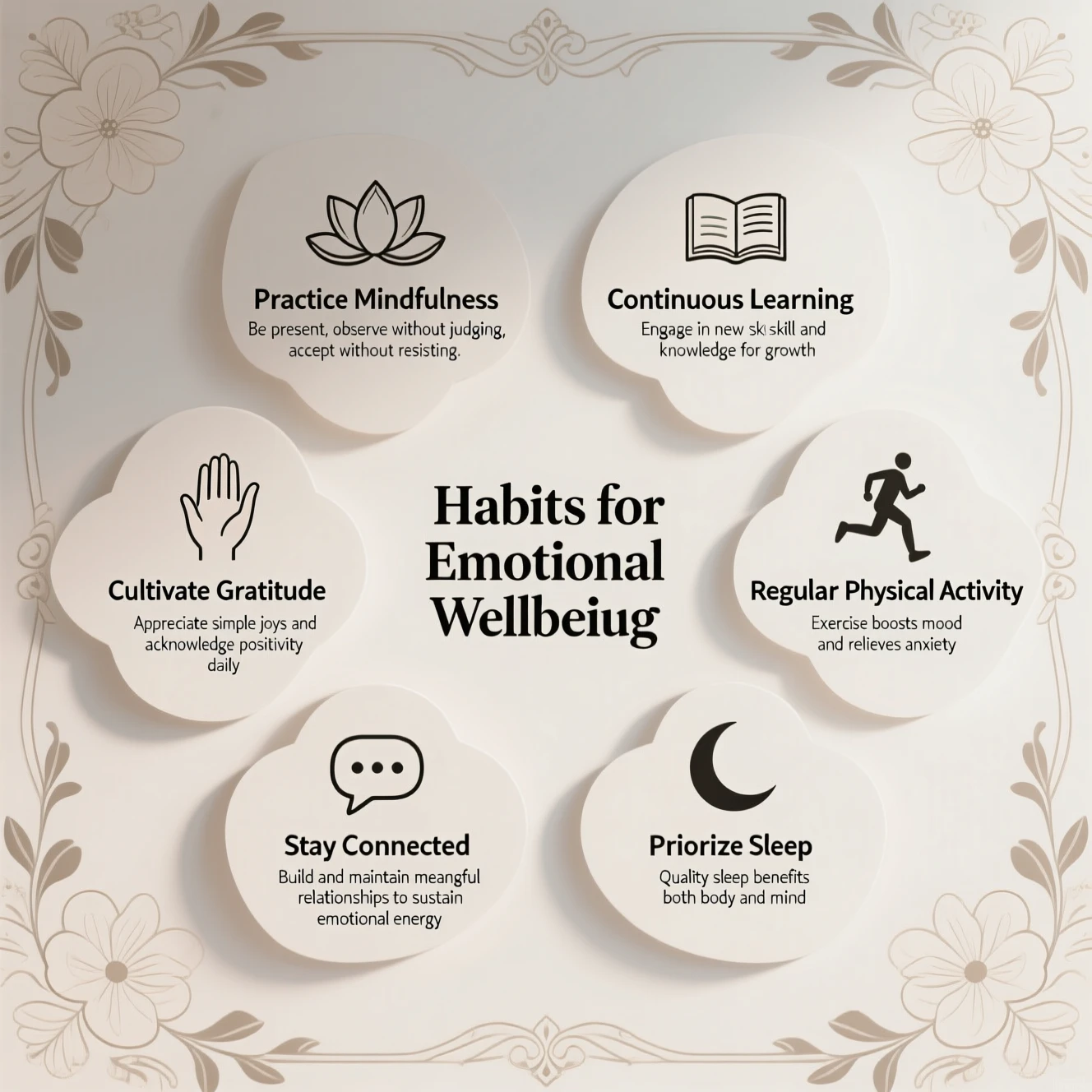
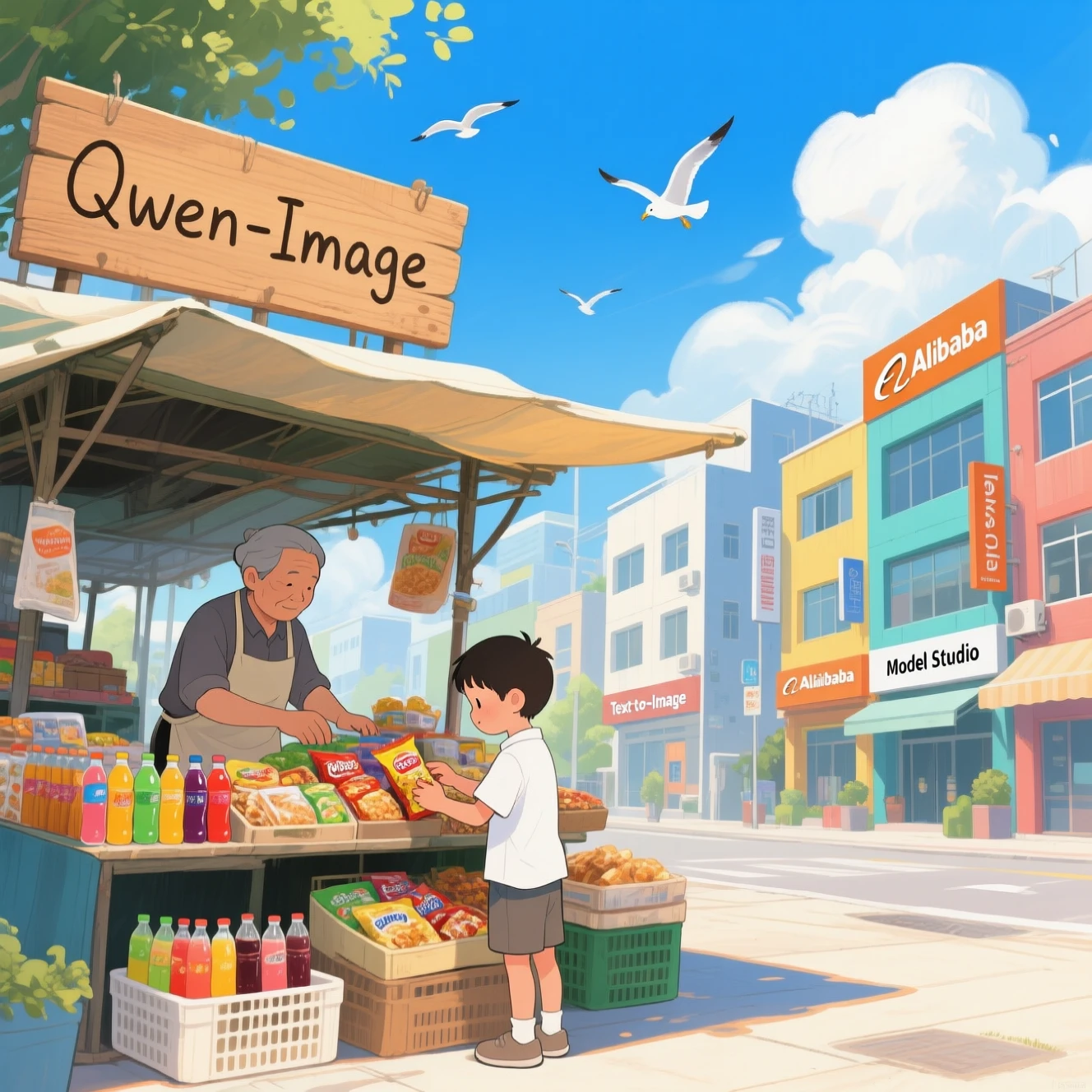
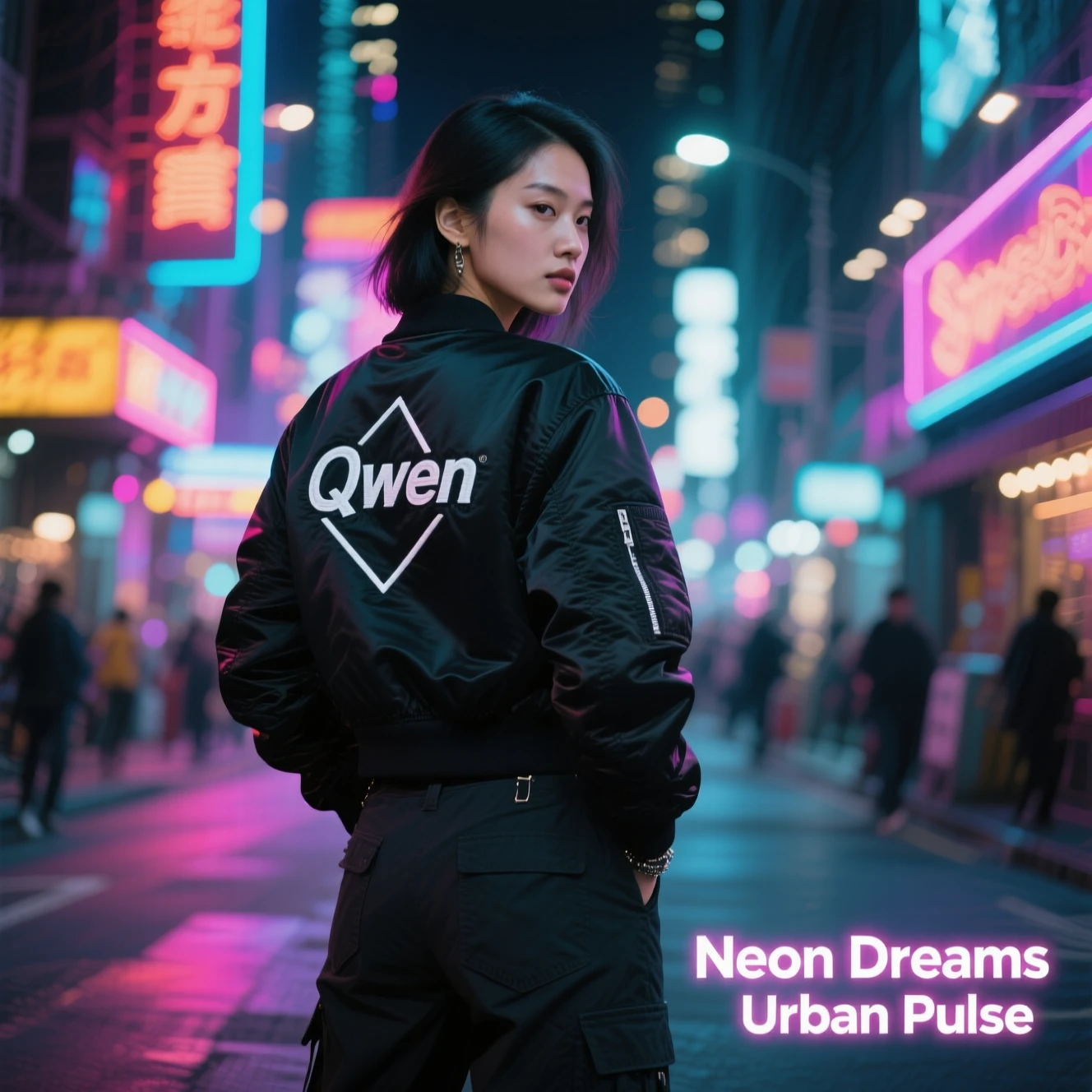
Qwen-Image
Complex text
| Long paragraph
| Complex layout
|
Poster design
| Illustration design
| Photorealistic photography
|


Wanxiang
Portrait photography
| Photorealistic photography
| Artistic styles
|
Text rendering
| Poster design
| Image set generation
|
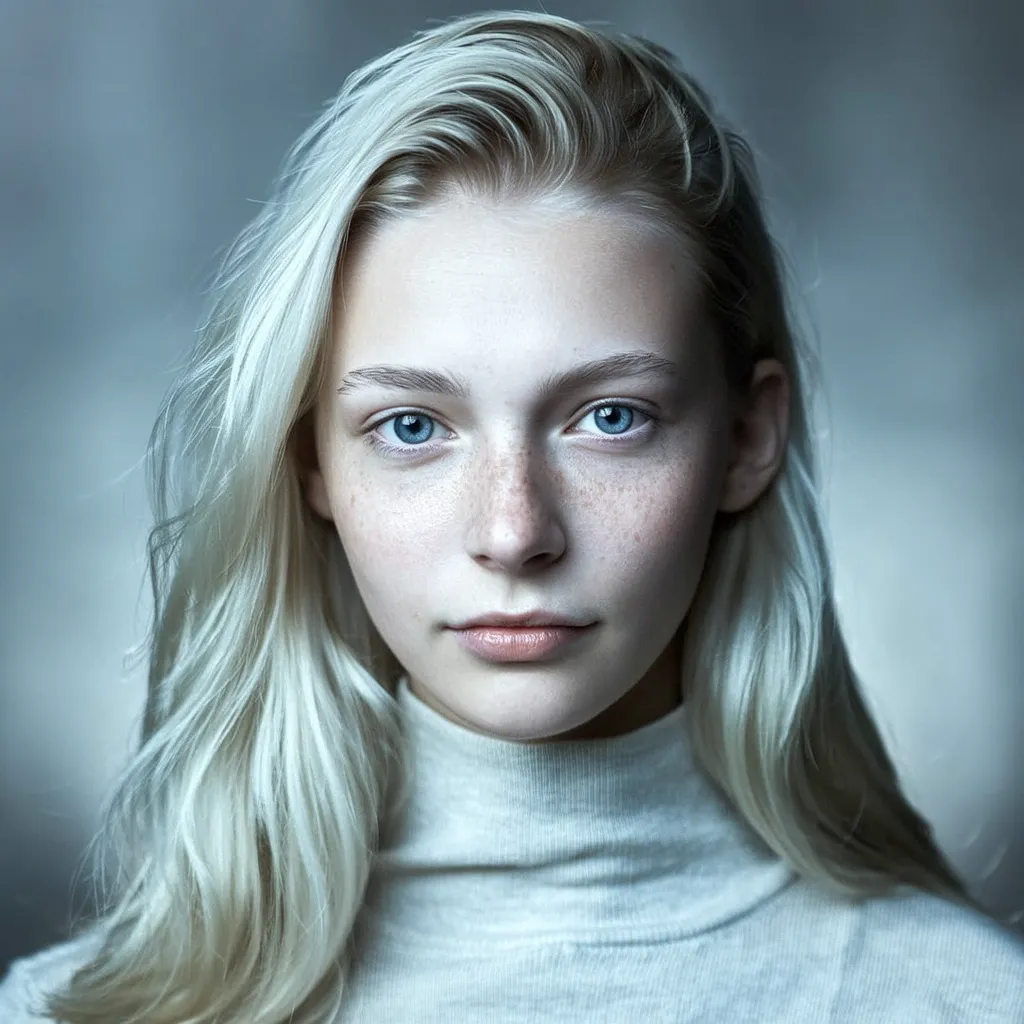
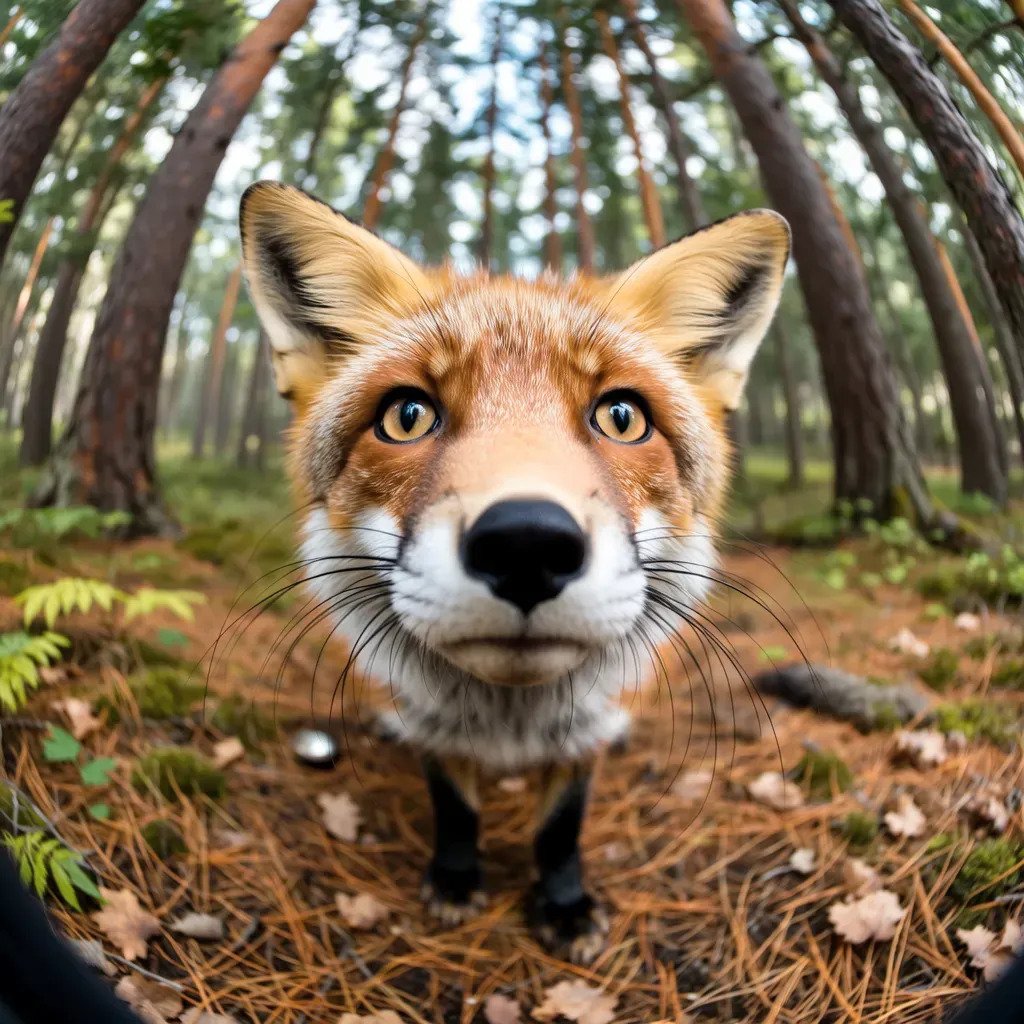
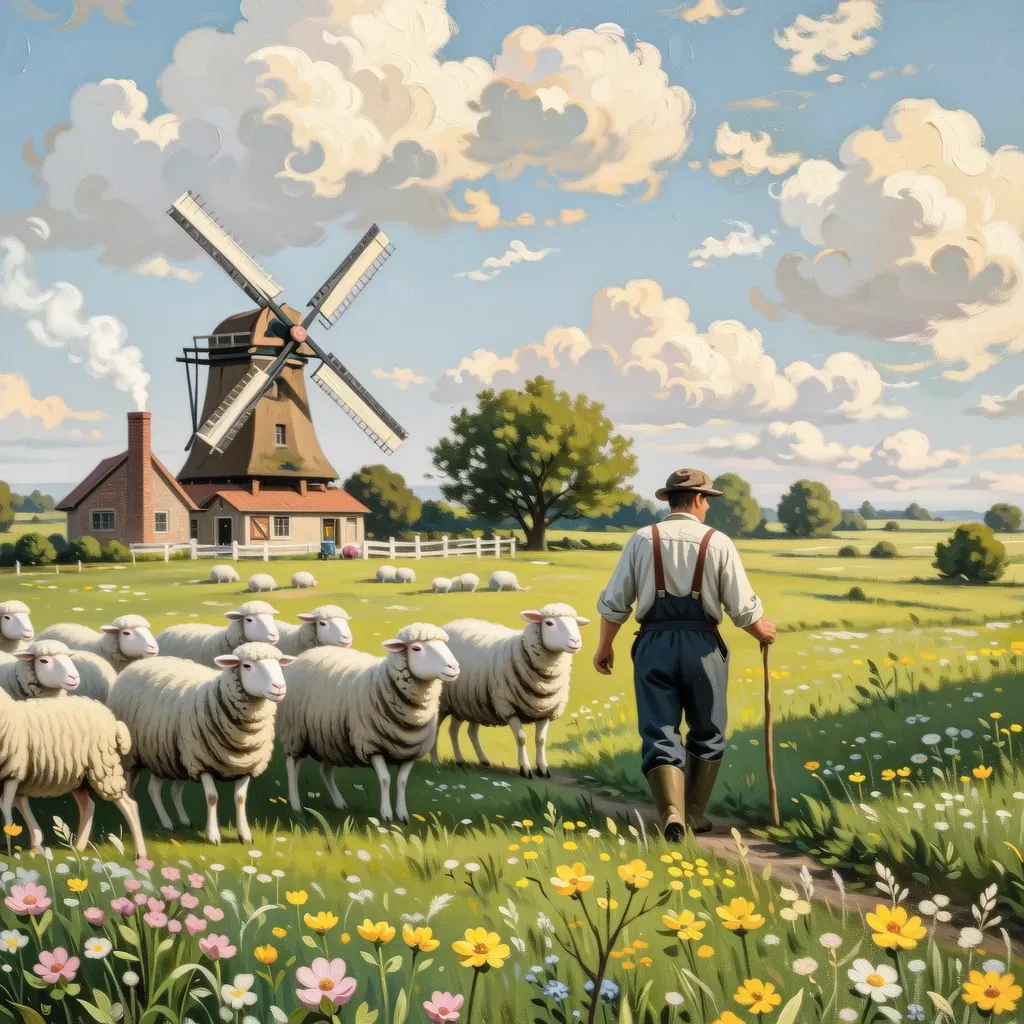
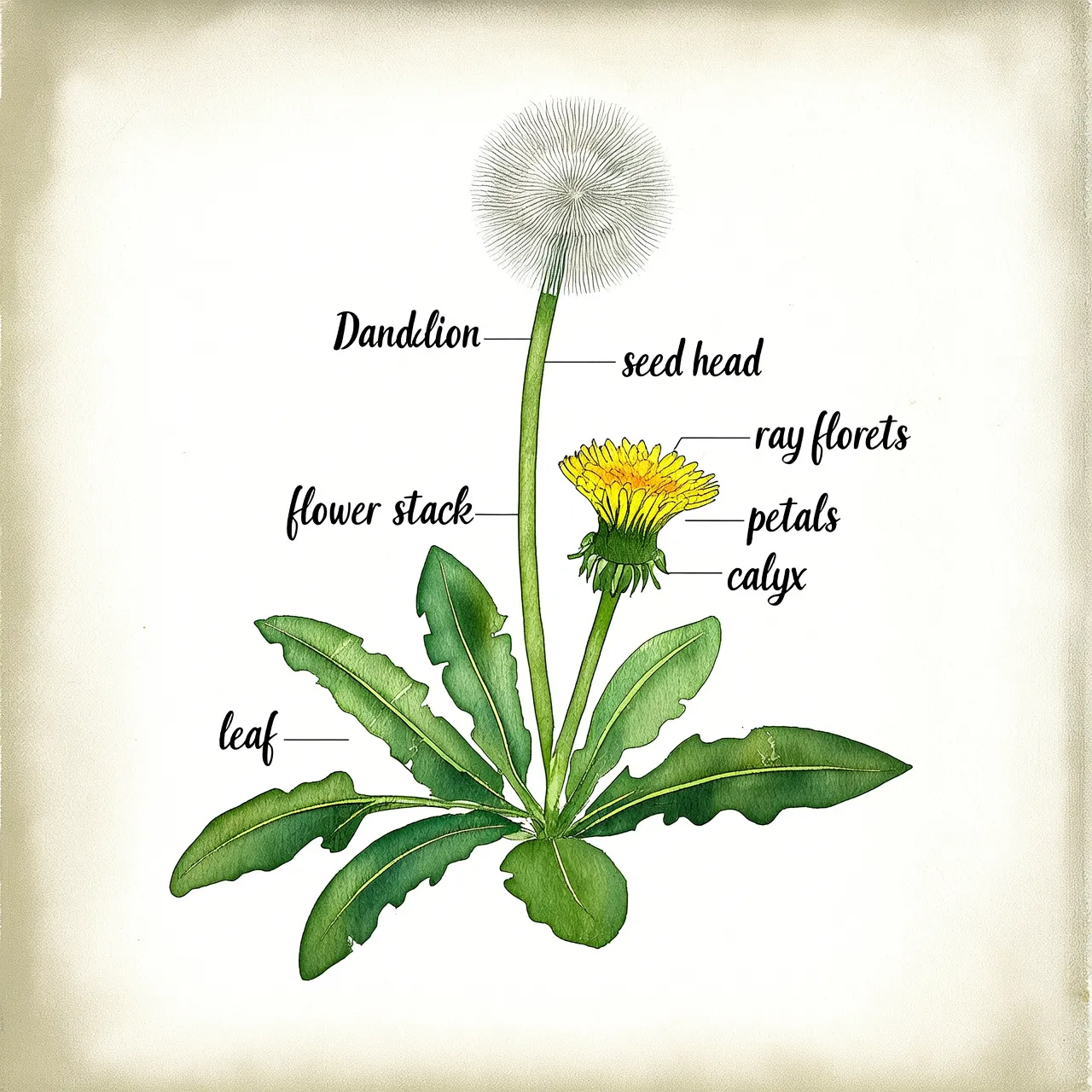

Model selection
wan2.7-image-pro: Offers the most features, including multi-image generation, resolutions up to 4096x4096, and enhanced control over facial features, colors, and long text rendering.
qwen-image-2.0-pro: Excels at accurately rendering Chinese and English text that blends naturally with physical materials. Ideal for creating charts, posters, and presentations.
z-image-turbo: Delivers fast, cost-effective image generation, excelling at highly realistic portraits and product images.
Quick start
Prerequisites
Before you begin, get an API key, then set the API key as an environment variable. If you use the DashScope SDK, you must also install the SDK.
Sample code
Calling methods:
All Wan text-to-image models support asynchronous calls. The
wan2.7-image-pro,wan2.7-image,wan2.6-image, andwan2.6-t2imodels also support synchronous calls. For more information, see Wan - Image Generation and Editing 2.7, Wan - Image Generation and Editing 2.6, and Wan - Text-to-Image V2.All Qwen text-to-image models support synchronous calls. The
qwen-image-plusandqwen-imagemodels also support asynchronous calls. For more information, see Qwen - Text-to-Image.
Wan - asynchronous call
Python
Request example
import os
import dashscope
from dashscope.aigc.image_generation import ImageGeneration
from dashscope.api_entities.dashscope_response import Message

# This is the base URL for the Singapore region; base URLs are region-specific.
dashscope.base_http_api_url = 'https://{WorkspaceId}.ap-southeast-1.maas.aliyuncs.com/api/v1'

# If the environment variable is not set, replace the following line with your Model Studio API key: api_key="sk-xxx"
# API keys vary by region. To get an API key, visit: https://www.alibabacloud.com/help/en/model-studio/get-api-key
api_key = os.getenv("DASHSCOPE_API_KEY")


def main():
    message = Message(
        role="user",
        content=[
            {"text": "A young woman in a natural, casual selfie style. An ultra-high-definition, realistic lifestyle photo. She is wearing a yellow floral long-sleeved top, and her long, slightly wavy hair falls naturally. The background is an outdoor natural scene with green plants nearby and water and mountains in the distance. Soft, natural sunlight falls on her face and body, creating natural light and shadow effects. The camera angle is a medium shot from a selfie perspective, as if held by her. She is standing naturally, projecting a relaxed and comfortable state. The angle is natural, in the style of a casual snapshot—an unguarded moment."}
        ]
    )

    # Submit an asynchronous task.
    print("Submitting the asynchronous task...")
    response = ImageGeneration.async_call(
        model="wan2.7-image-pro",
        api_key=api_key,
        messages=[message],
        enable_sequential=False,
        n=1,
        size="2K"
    )

    if response.status_code == 200:
        print(f"Task submitted successfully. Task ID: {response.output.task_id}")

        # Wait for the task to complete.
        status = ImageGeneration.wait(task=response, api_key=api_key)

        if status.output.task_status == "SUCCEEDED":
            print("Task completed!")
            print(f"Result:")
            print(status)
        else:
            print(f"Task failed. Status: {status.output.task_status}")
    else:
        print(f"Task creation failed: {response.code} - {response.message}")


if __name__ == "__main__":
    try:
        main()
    except Exception as e:
        print(f"Error: {e}")
Response example
1. Task creation response
{
    "status_code": 200,
    "request_id": "4fb3050f-de57-4a24-84ff-e37ee5xxxxxx",
    "code": "",
    "message": "",
    "output": {
        "text": null,
        "finish_reason": null,
        "choices": null,
        "audio": null,
        "task_id": "77093787-a217-4c29-9cd4-ca7b5ac86xxx",
        "task_status": "PENDING"
    },
    "usage": {
        "input_tokens": 0,
        "output_tokens": 0,
        "characters": 0
    }
}
2. Task status query response
The image URL is valid for 24 hours. Download the image promptly.
{
    "status_code": 200,
    "request_id": "56e318fd-ed60-99e8-8ca1-cdef25ca4xxx",
    "code": "",
    "message": "",
    "output": {
        "text": null,
        "finish_reason": null,
        "choices": [
            {
                "finish_reason": "stop",
                "message": {
                    "role": "assistant",
                    "content": [
                        {
                            "image": "https://dashscope-result-bj.oss-cn-beijing.aliyuncs.com/xxxxxx.png?Expires=xxxxxx",
                            "type": "image"
                        }
                    ]
                }
            }
        ],
        "audio": null,
        "task_id": "77093787-a217-4c29-9cd4-ca7b5ac86xxx",
        "task_status": "SUCCEEDED",
        "submit_time": "2026-03-31 23:04:46.166",
        "scheduled_time": "2026-03-31 23:04:46.208",
        "end_time": "2026-03-31 23:05:11.664",
        "finished": true
    },
    "usage": {
        "input_tokens": 720,
        "output_tokens": 11,
        "characters": 0,
        "size": "2048*2048",
        "total_tokens": 731,
        "image_count": 1
    }
}
Java
Request example
import com.alibaba.dashscope.aigc.imagegeneration.*;
import com.alibaba.dashscope.exception.ApiException;
import com.alibaba.dashscope.exception.NoApiKeyException;
import com.alibaba.dashscope.exception.UploadFileException;
import com.alibaba.dashscope.utils.Constants;
import com.alibaba.dashscope.utils.JsonUtils;

import java.util.Collections;

public class Main {

    static {
        // This is the base URL for the Singapore region; base URLs are region-specific.
        Constants.baseHttpApiUrl = "https://{WorkspaceId}.ap-southeast-1.maas.aliyuncs.com/api/v1";
    }

    // If the environment variable is not set, replace the following line with your Model Studio API key: apiKey="sk-xxx"
    // API keys vary by region. To get an API key, visit: https://www.alibabacloud.com/help/en/model-studio/get-api-key
    static String apiKey = System.getenv("DASHSCOPE_API_KEY");

    public static ImageGenerationResult waitTask(String taskId)
            throws ApiException, NoApiKeyException {
        ImageGeneration imageGeneration = new ImageGeneration();
        return imageGeneration.wait(taskId, apiKey);
    }

    public static void asyncCall() throws ApiException, NoApiKeyException, UploadFileException {
        ImageGenerationMessage message = ImageGenerationMessage.builder()
                .role("user")
                .content(Collections.singletonList(
                        Collections.singletonMap("text", "A young woman in a natural, casual selfie style. An ultra-high-definition, realistic lifestyle photo. She is wearing a yellow floral long-sleeved top, and her long, slightly wavy hair falls naturally. The background is an outdoor natural scene with green plants nearby and water and mountains in the distance. Soft, natural sunlight falls on her face and body, creating natural light and shadow effects. The camera angle is a medium shot from a selfie perspective, as if held by her. She is standing naturally, projecting a relaxed and comfortable state. The angle is natural, in the style of a casual snapshot—an unguarded moment.")
                )).build();

        ImageGenerationParam param = ImageGenerationParam.builder()
                .apiKey(apiKey)
                .model("wan2.7-image-pro")
                .messages(Collections.singletonList(message))
                .enableSequential(false)
                .n(1)
                .size("2K")
                .build();

        ImageGeneration imageGeneration = new ImageGeneration();
        ImageGenerationResult taskResult = null;
        try {
            System.out.println("----async call, creating task----");
            taskResult = imageGeneration.asyncCall(param);
        } catch (ApiException | NoApiKeyException | UploadFileException e) {
            throw new RuntimeException(e.getMessage());
        }
        System.out.println("Task created: " + JsonUtils.toJson(taskResult));

        // Wait for the task to complete.
        String taskId = taskResult.getOutput().getTaskId();
        ImageGenerationResult result = waitTask(taskId);
        System.out.println(JsonUtils.toJson(result));
    }

    public static void main(String[] args) {
        try {
            asyncCall();
        } catch (ApiException | NoApiKeyException | UploadFileException e) {
            System.out.println(e.getMessage());
        }
    }
}
Response example
1. Task creation response
{
    "requestId": "7d026dc1-e8c9-9caa-84ac-e82e2da97xxx",
    "output": {
        "task_id": "2de18c56-c151-4b80-8105-1d164733exxx",
        "task_status": "PENDING"
    },
    "status_code": 200,
    "code": "",
    "message": ""
}
2. Task status query response
{
    "requestId": "daea7295-4ce0-928a-9a11-4d2bea058xxx",
    "usage": {
        "input_tokens": 720,
        "output_tokens": 11,
        "total_tokens": 731,
        "image_count": 1,
        "size": "2048*2048"
    },
    "output": {
        "choices": [
            {
                "finish_reason": "stop",
                "message": {
                    "role": "assistant",
                    "content": [
                        {
                            "image": "https://dashscope-result-bj.oss-cn-beijing.aliyuncs.com/xxxxxx.png?Expires=xxxxxx",
                            "type": "image"
                        }
                    ]
                }
            }
        ],
        "task_id": "2de18c56-c151-4b80-8105-1d164733exxx",
        "task_status": "SUCCEEDED",
        "finished": true,
        "submit_time": "2026-03-31 19:49:53.124",
        "scheduled_time": "2026-03-31 19:49:53.175",
        "end_time": "2026-03-31 19:50:53.160"
    },
    "status_code": 200,
    "code": "",
    "message": ""
}
Curl
For an asynchronous call, you must set the Header parameter
X-DashScope-Asynctoenable.The
task_idof an asynchronous task can be queried for 24 hours. After this period, the task status changes toUNKNOWN.
Step 1: Create a task
The request returns a task ID (task_id).
curl --location 'https://{WorkspaceId}.ap-southeast-1.maas.aliyuncs.com/api/v1/services/aigc/image-generation/generation' \
    --header 'Content-Type: application/json' \
    --header "Authorization: Bearer $DASHSCOPE_API_KEY" \
    --header "X-DashScope-Async: enable" \
    --data '{
        "model": "wan2.7-image-pro",
        "input": {
            "messages": [
                {
                    "role": "user",
                    "content": [
                        {"text": "A flower shop with exquisite windows, a beautiful wooden door, and flowers on display"}
                    ]
                }
            ]
        },
        "parameters": {
            "size": "2K",
            "n": 1,
            "watermark": false,
            "thinking_mode": true
        }
    }'
Step 2: Query task result
Use the task_id from the previous step to poll the API for the task status until the task_status changes to SUCCEEDED or FAILED.
Replace {task_id} with the task_id value returned by the previous API call. The task_id is valid for queries for 24 hours.
curl -X GET https://{WorkspaceId}.ap-southeast-1.maas.aliyuncs.com/api/v1/tasks/{task_id} \
--header "Authorization: Bearer $DASHSCOPE_API_KEY"
Qwen - synchronous call
Python
Request example
import json
import os
import dashscope
from dashscope import MultiModalConversation

# Use this URL for Singapore region. For Beijing region, replace with: https://{WorkspaceId}.ap-southeast-1.maas.aliyuncs.com/api/v1
dashscope.base_http_api_url = 'https://{WorkspaceId}.ap-southeast-1.maas.aliyuncs.com/api/v1'

messages = [
    {
        "role": "user",
        "content": [
            {"text": "Healing-style hand-drawn poster featuring three puppies playing with a ball on lush green grass, adorned with decorative elements such as birds and stars. The main title “Come Play Ball!” is prominently displayed at the top in bold, blue cartoon font. Below it, the subtitle “Come [Show Off Your Skills]!” appears in green font. A speech bubble adds playful charm with the text: “Hehe, watch me amaze my little friends next!” At the bottom, supplementary text reads: “We get to play ball with our friends again!” The color palette centers on fresh greens and blues, accented with bright pink and yellow tones to highlight a cheerful, childlike atmosphere."}
        ]
    }
]

# API keys differ between Beijing and Singapore regions. Get your API key: https://www.alibabacloud.com/help/en/model-studio/get-api-key
# If you haven't set the environment variable, replace the line below with: api_key="sk-xxx"
api_key = os.getenv("DASHSCOPE_API_KEY")

response = MultiModalConversation.call(
    api_key=api_key,
    model="qwen-image-2.0-pro",
    messages=messages,
    result_format='message',
    stream=False,
    watermark=False,
    prompt_extend=True,
    negative_prompt="Low resolution, low quality, distorted limbs, malformed fingers, oversaturated colors, wax-figure appearance, lack of facial detail, excessive smoothness, AI-looking artifacts, chaotic composition, blurry or warped text.",
    size='2048*2048'
)

if response.status_code == 200:
    print(json.dumps(response, ensure_ascii=False))
else:
    print(f"HTTP status code: {response.status_code}")
    print(f"Error code: {response.code}")
    print(f"Error message: {response.message}")
    print("See documentation: https://www.alibabacloud.com/help/en/model-studio/error-code")
Response example
Image URLs expire after 24 hours. Download the images promptly.
{
    "status_code": 200,
    "request_id": "d2d1a8c0-325f-9b9d-8b90-xxxxxx",
    "code": "",
    "message": "",
    "output": {
        "text": null,
        "finish_reason": null,
        "choices": [
            {
                "finish_reason": "stop",
                "message": {
                    "role": "assistant",
                    "content": [
                        {
                            "image": "https://dashscope-result-wlcb.oss-cn-wulanchabu.aliyuncs.com/xxx.png?Expires=xxx"
                        }
                    ]
                }
            }
        ]
    },
    "usage": {
        "input_tokens": 0,
        "output_tokens": 0,
        "width": 2048,
        "image_count": 1,
        "height": 2048
    }
}
Java
Request example
import com.alibaba.dashscope.aigc.multimodalconversation.MultiModalConversation;
import com.alibaba.dashscope.aigc.multimodalconversation.MultiModalConversationParam;
import com.alibaba.dashscope.aigc.multimodalconversation.MultiModalConversationResult;
import com.alibaba.dashscope.common.MultiModalMessage;
import com.alibaba.dashscope.common.Role;
import com.alibaba.dashscope.exception.ApiException;
import com.alibaba.dashscope.exception.NoApiKeyException;
import com.alibaba.dashscope.exception.UploadFileException;
import com.alibaba.dashscope.utils.JsonUtils;
import com.alibaba.dashscope.utils.Constants;

import java.io.IOException;
import java.util.Arrays;
import java.util.Collections;
import java.util.HashMap;
import java.util.Map;

public class QwenImage {

    static {
        // Use this URL for Singapore region. For Beijing region, replace with: https://{WorkspaceId}.ap-southeast-1.maas.aliyuncs.com/api/v1
        Constants.baseHttpApiUrl = "https://{WorkspaceId}.ap-southeast-1.maas.aliyuncs.com/api/v1";
    }

    // API keys differ between Beijing and Singapore regions. Get your API key: https://www.alibabacloud.com/help/en/model-studio/get-api-key
    // If you haven't set the environment variable, replace the line below with: static String apiKey="sk-xxx"
    static String apiKey = System.getenv("DASHSCOPE_API_KEY");

    public static void call() throws ApiException, NoApiKeyException, UploadFileException, IOException {

        MultiModalConversation conv = new MultiModalConversation();

        MultiModalMessage userMessage = MultiModalMessage.builder().role(Role.USER.getValue())
                .content(Arrays.asList(
                        Collections.singletonMap("text", "Healing-style hand-drawn poster featuring three puppies playing with a ball on lush green grass, adorned with decorative elements such as birds and stars. The main title “Come Play Ball!” is prominently displayed at the top in bold, blue cartoon font. Below it, the subtitle “Come [Show Off Your Skills]!” appears in green font. A speech bubble adds playful charm with the text: “Hehe, watch me amaze my little friends next!” At the bottom, supplementary text reads: “We get to play ball with our friends again!” The color palette centers on fresh greens and blues, accented with bright pink and yellow tones to highlight a cheerful, childlike atmosphere.")
                )).build();

        Map<String, Object> parameters = new HashMap<>();
        parameters.put("watermark", false);
        parameters.put("prompt_extend", true);
        parameters.put("negative_prompt", "Low resolution, low quality, distorted limbs, malformed fingers, oversaturated colors, wax-figure appearance, lack of facial detail, excessive smoothness, AI-looking artifacts, chaotic composition, blurry or warped text.");
        parameters.put("size", "2048*2048");

        MultiModalConversationParam param = MultiModalConversationParam.builder()
                .apiKey(apiKey)
                .model("qwen-image-2.0-pro")
                .messages(Collections.singletonList(userMessage))
                .parameters(parameters)
                .build();

        MultiModalConversationResult result = conv.call(param);
        System.out.println(JsonUtils.toJson(result));
    }

    public static void main(String[] args) {
        try {
            call();
        } catch (ApiException | NoApiKeyException | UploadFileException | IOException e) {
            System.out.println(e.getMessage());
        }
        System.exit(0);
    }
}
Response example
Image URLs expire after 24 hours. Download the images promptly.
{
    "requestId": "5b6f2d04-b019-40db-a5cc-xxxxxx",
    "usage": {
        "image_count": 1,
        "width": 2048,
        "height": 2048
    },
    "output": {
        "choices": [
            {
                "finish_reason": "stop",
                "message": {
                    "role": "assistant",
                    "content": [
                        {
                            "image": "https://dashscope-result-wlcb.oss-cn-wulanchabu.aliyuncs.com/xxx.png?Expires=xxx"
                        }
                    ]
                }
            }
        ]
    }
}
Curl
Request example
curl --location 'https://{WorkspaceId}.cn-beijing.maas.aliyuncs.com/api/v1/services/aigc/multimodal-generation/generation' \
--header 'Content-Type: application/json' \
--header "Authorization: Bearer $DASHSCOPE_API_KEY" \
--data '{
    "model": "qwen-image-2.0-pro",
    "input": {
        "messages": [
            {
                "role": "user",
                "content": [
                    {
                        "text": "A winter street scene in Beijing featuring two adjacent traditional Chinese shops with gray-tiled roofs and vermilion-red exterior walls standing side by side. Warm-glow lanterns adorned with paper-cut horse motifs hang beneath the eaves, casting soft halos under overcast diffused light that gently reflects off the damp cobblestone pavement. On the left is a calligraphy shop: an aged indigo signboard bears the bold running-script characters “Text Rendering.” A vertical scroll on the storefront glass reads from top to bottom in Tian Yingzhang’s hard-pen style: “Professional Slides, Bilingual Posters, Advanced Infographics,” stamped with a cinnabar seal reading “1k token.” Inside, three vertically mounted calligraphy works are faintly visible on the wall—the first says “Alibaba,” the second “Qwen,” and the third “Image Generation.” An elderly white-haired man stands with his back to the camera, admiring the art. On the right is a flower shop whose sign spells out “Realistic Texture” using fresh blooms. Multi-tiered shelves inside display red roses, pink peonies, and greenery. A circular floral-patterned badge on the door reads “2k resolution,” and a colorful neon sign at the entrance displays the text “Detailed Depiction: People, Nature, Architecture.” Between the two shops sits a snowman holding an old-fashioned chalkboard with the words “Qwen-Image-2.0 Officially Released” scrawled in chalk. On the left side of the street, a young couple leans close together—the woman has a slender face, wears a beige cashmere coat and nude-toned sheer tights, and holds a transparent heart-shaped balloon printed with white text: “Image Generation and Editing in One.” Inside the balloon is a fluffy capybara plush toy. The man wears a well-tailored dark gray wool overcoat layered over a light turtleneck sweater. On the right side of the street, a delivery rider speeds past with “Smaller Model, Faster Speed” written across his back. The entire street blends dynamic motion with serene stillness through interwoven light and shadow."
                    }
                ]
            }
        ]
    },
    "parameters": {
        "negative_prompt": "Low resolution, low quality, distorted limbs, malformed fingers, oversaturated colors, wax-figure appearance, lack of facial detail, excessive smoothness, AI-looking artifacts, chaotic composition, blurry or warped text.",
        "prompt_extend": true,
        "watermark": false,
        "size": "2048*2048"
    }
}'
curl --location 'https://{WorkspaceId}.ap-southeast-1.maas.aliyuncs.com/api/v1/services/aigc/multimodal-generation/generation' \
--header 'Content-Type: application/json' \
--header "Authorization: Bearer $DASHSCOPE_API_KEY" \
--data '{
"model": "qwen-image-2.0-pro",
"input": {
"messages": [
{
"role": "user",
"content": [
{
"text": "Healing-style hand-drawn poster featuring three puppies playing with a ball on lush green grass, adorned with decorative elements such as birds and stars. The main title “Come Play Ball!” is prominently displayed at the top in bold, blue cartoon font. Below it, the subtitle “Come [Show Off Your Skills]!” appears in green font. A speech bubble adds playful charm with the text: “Hehe, watch me amaze my little friends next!” At the bottom, supplementary text reads: “We get to play ball with our friends again!” The color palette centers on fresh greens and blues, accented with bright pink and yellow tones to highlight a cheerful, childlike atmosphere."
}
]
}
]
},
"parameters": {
"negative_prompt": "Low resolution, low quality, distorted limbs, malformed fingers, oversaturated colors, wax-figure appearance, lack of facial detail, excessive smoothness, AI-looking artifacts, chaotic composition, blurry or warped text.",
"prompt_extend": true,
"watermark": false,
"size": "2048*2048"
}
}'Response example
{
    "output": {
        "choices": [
            {
                "finish_reason": "stop",
                "message": {
                    "content": [
                        {
                            "image": "https://dashscope-result-sh.oss-cn-shanghai.aliyuncs.com/xxx.png?Expires=xxx"
                        }
                    ],
                    "role": "assistant"
                }
            }
        ]
    },
    "usage": {
        "height": 2048,
        "image_count": 1,
        "width": 2048
    },
    "request_id": "d0250a3d-b07f-49e1-bdc8-6793f4929xxx"
}
Key capabilities
1. Prompt following
Parameters: messages.content.text or input.prompt (required), and negative_prompt (optional).
prompt: Describes the desired content for the image, including the subject, scene, style, lighting, and composition. This is the core parameter for controlling text-to-image generation.
negative prompt: Describes what to exclude from the image, such as "blurry" or "extra fingers." This parameter helps refine the output quality.
For best results, use a structured prompt. For more information, see Text-to-image prompt guide.
The negative_prompt parameter is not supported by wan2.7-image-pro and wan2.7-image. To exclude unwanted elements, describe them in the prompt (for example, "do not include xxx").2. Enable prompt rewriting
Parameter: parameters.prompt_extend (Boolean, defaults to true).
This feature automatically expands and optimizes short prompts to improve image quality. Enabling this feature adds 3 to 5 seconds to the generation time, as a large model is used to rewrite the prompt.
Recommendations:
Enable this feature for brief or general prompts to significantly improve image quality.
Disable this feature if you need precise control over image details, have provided a comprehensive prompt, or if response latency is a concern. To disable it, set the
prompt_extendparameter tofalse.
Theprompt_extendparameter is not supported by wan2.7-image-pro and wan2.7-image. To improve image quality for these models, enablethinking_modeinstead.
3. Set the output image resolution
Parameter: parameters.size (string), in the "width*height" format.
Model | Size format | Pixel range | Default | Aspect ratio |
wan2.7-image-pro | Shorthand |
|
| 1:8 – 8:1 |
Custom | 768*768 – 4096*4096 | |||
wan2.7-image | Shorthand |
|
| 1:8 – 8:1 |
Custom | 768*768 – 2048*2048 | |||
wan2.6-image (interleaved text-image output mode) | Custom | 768*768 – 1280*1280 | Matches input aspect ratio (≤1280*1280) | 1:4 – 4:1 |
wan2.6-t2i, wan2.5-t2i-preview | Custom | 1280*1280 – 1440*1440 | 1280*1280 | 1:4 – 4:1 |
wan2.2 and earlier t2i models | Custom | [512, 1440], and total pixels ≤1440*1440 | 1024*1024 | - |
qwen-image-2.0 series | Custom | 512*512 – 2048*2048 | 2048*2048 | - |
qwen-image-max / qwen-image-plus series | Fixed preset sizes only | See preset sizes below | 1664*928 (16:9) | - |
The wan2.7-image-pro model supports 4K resolution and custom resolutions up to 4096*4096, but only for text-to-image tasks (where no image is input and image set generation is disabled). All other scenarios are limited to 2K resolution (2048*2048).The qwen-image-max and qwen-image-plus series support only the following five fixed resolutions:
1664*928(default): 16:91472*1104: 4:31328*1328: 1:11104*1472: 3:4928*1664: 9:16
Recommended resolutions:
Aspect ratio | 4K (wan2.7-image-pro) | 2K (wan2.7-image, qwen-image-2.0) | 1K (Wan t2i) |
1:1 | 4096*4096 | 2048*2048 | 1280*1280 |
16:9 | 4096*2304 | 2688*1536 | 1696*960 |
9:16 | 2304*4096 | 1536*2688 | 960*1696 |
4:3 | 4096*3072 | 2368*1728 | 1472*1104 |
3:4 | 3072*4096 | 1728*2368 | 1104*1472 |
4. Image set generation
Parameter: parameters.enable_sequential (Boolean, defaults to false). Supported only by wan2.7-image-pro and wan2.7-image.
Set to true to enable image set generation mode. In this mode, the model uses the prompt and any reference images to generate multiple, story-coherent images from a single request.
Number of images: Controlled by the
nparameter. When this mode is enabled, this value can range from 1 to 12, with a default of 12. The model determines the actual number of images it generates, which will not exceedn.Note: When image set generation is enabled, the
thinking_modeandcolor_paletteparameters are unavailable.
5. Thinking mode
Parameter: parameters.thinking_mode (Boolean, defaults to true). Supported only by wan2.7-image-pro and wan2.7-image.
When enabled, the model enhances its reasoning capabilities to improve image quality. This increases the generation time.
Available only when image set generation is disabled (enable_sequential=false).6. Custom color palette
Parameter: parameters.color_palette (array). Supported only by wan2.7-image-pro and wan2.7-image.
Define the image's color scheme by providing an array of objects, where each object specifies a hex color and its ratio. You must provide 3 to 10 colors (8 is recommended), and the sum of all ratios must equal 100.00%.
Available only when image set generation is disabled (enable_sequential=false).Production deployment
Fault tolerance
Handling rate limiting: When the API returns the
Throttlingerror code or the HTTP 429 status code, rate limiting has been triggered. To handle rate limiting, see Rate Limiting.Polling for asynchronous tasks: When polling for the result of an asynchronous task, implement a reasonable polling strategy to avoid triggering rate limiting. For example, poll every 3 seconds for the first 30 seconds, then increase the polling interval. Set a final timeout for the task (e.g., 2 minutes). If the task times out, mark it as failed.
Risk prevention
Persist results: The API's image URLs are valid for 24 hours. Your production system must download the image immediately after receiving the URL and transfer it to your own persistent storage service, such as Alibaba Cloud Object Storage Service (OSS).
Content moderation: All
promptandnegative_promptinputs are subject to content moderation. If the input is non-compliant, the request is blocked and aDataInspectionFailederror is returned.Copyright and compliance risks of generated content: Ensure that your prompts comply with all applicable laws and regulations. Generating content that includes brand trademarks, celebrity likenesses, or copyrighted intellectual property (IP) may pose infringement risks. You are responsible for evaluating and bearing all associated risks.
API reference
Billing and rate limiting
For free quotas and pricing, see model pricing.
For rate limits, see Image generation.
You are charged only for successfully generated images. Failed requests and processing errors do not incur charges or consume the free quota for new users.
Error codes
If the model call fails and returns an error message, see Error codes for resolution.
FAQ
Q: How long are image URLs valid? How do I save images permanently?
A: Image URLs expire after 24 hours. You must programmatically download the image immediately and save it to persistent storage, such as a local server or Alibaba Cloud Object Storage Service.
Q: My API call returns a DataInspectionFailed error. How do I resolve this?
A: This error means your input triggered content moderation. Review your prompt or negative_prompt, remove any non-compliant content, and then retry the request.
Q: When should I enable or disable the prompt_extend parameter?
A: Keep it enabled (the default) for concise prompts or for more creative output. Set it explicitly to false when your prompt is already detailed and specialized, or when you are sensitive to API latency.
Note: The wan2.7-image-pro and wan2.7-image models do not support the prompt_extend parameter. To improve image quality, enable thinking_mode instead.