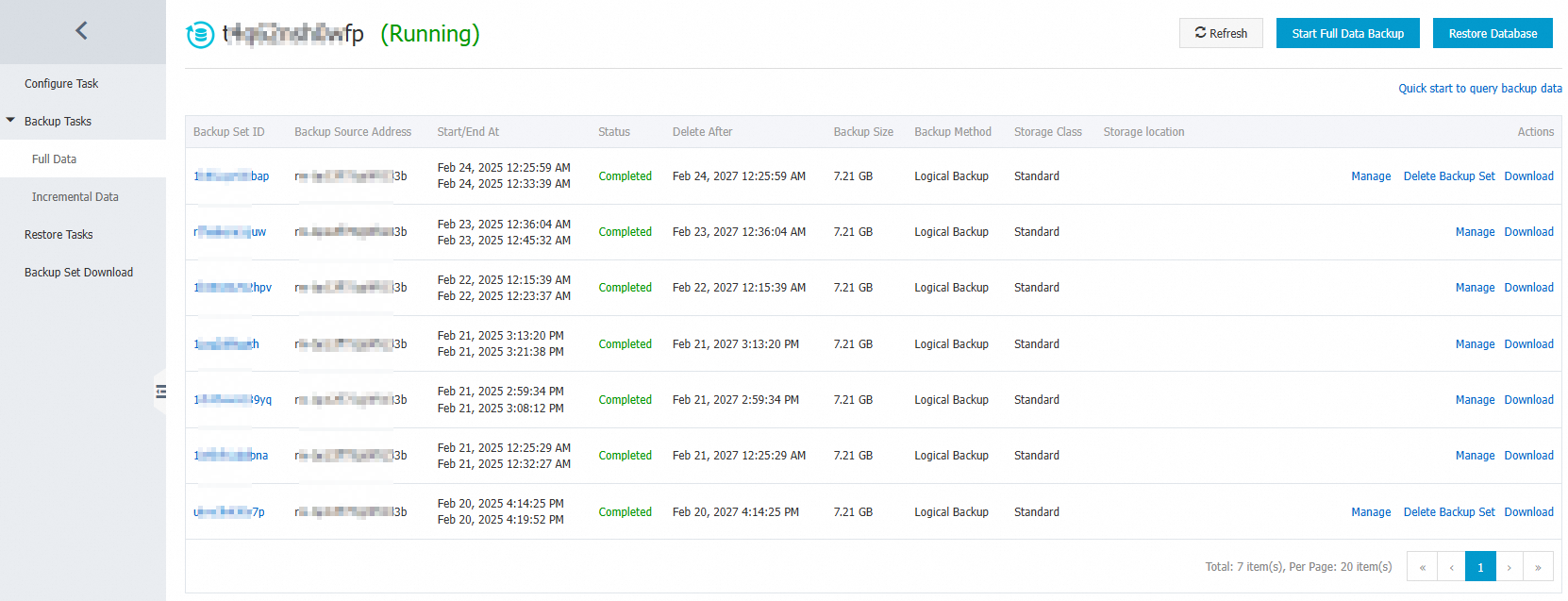
After data backup is complete, you can view backup sets in the backup set list and perform operations such as management, deletion, and download. This topic describes how to view backup sets.
Prerequisites
A backup schedule is purchased. For more information, see Create a backup schedule.
The backup schedule is configured. For more information, see Configure a backup schedule and restore data.
Procedure
Log on to DMS V5.0.
In the top navigation bar, choose .
NoteIf you use the DMS console in simple mode, move the pointer over the
 icon in the upper-left corner of the DMS console and choose .
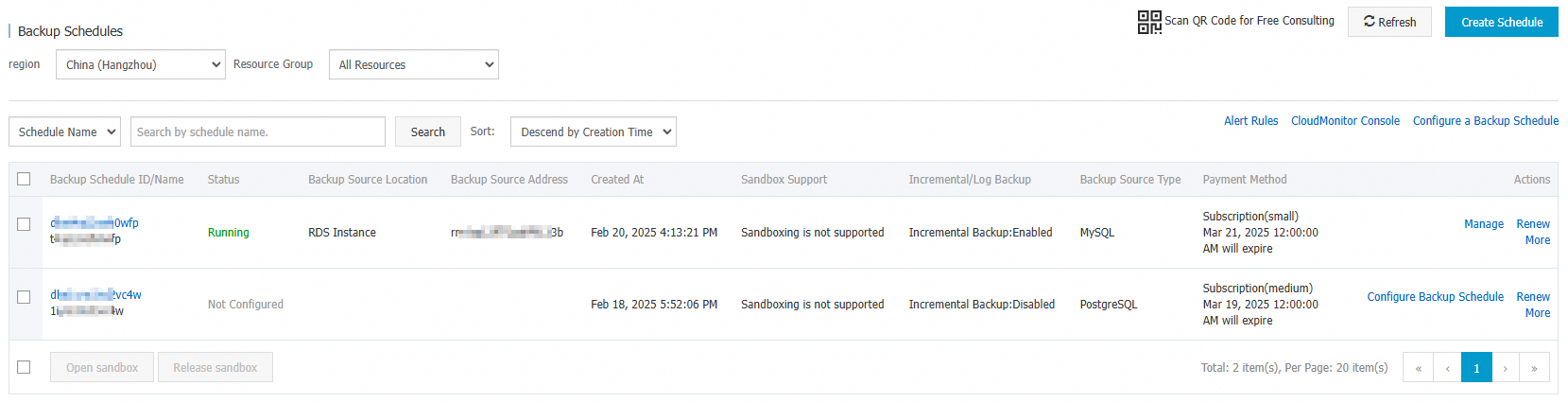
 Find the backup schedule that you want to manage and click the schedule ID or Manage in the Actions column.
In the left-side navigation pane of the page that appears, choose .