You can view the download progress of backup sets in the Data Disaster Recovery console.
Procedure
Log on to the DMS V5.0.
In the top navigation bar, choose .
NoteIf you use the DMS console in simple mode, move the pointer over the
 icon in the upper-left corner of the DMS console and choose .
 Find the backup schedule that you want to manage and click the schedule ID or Manage in the Actions column.
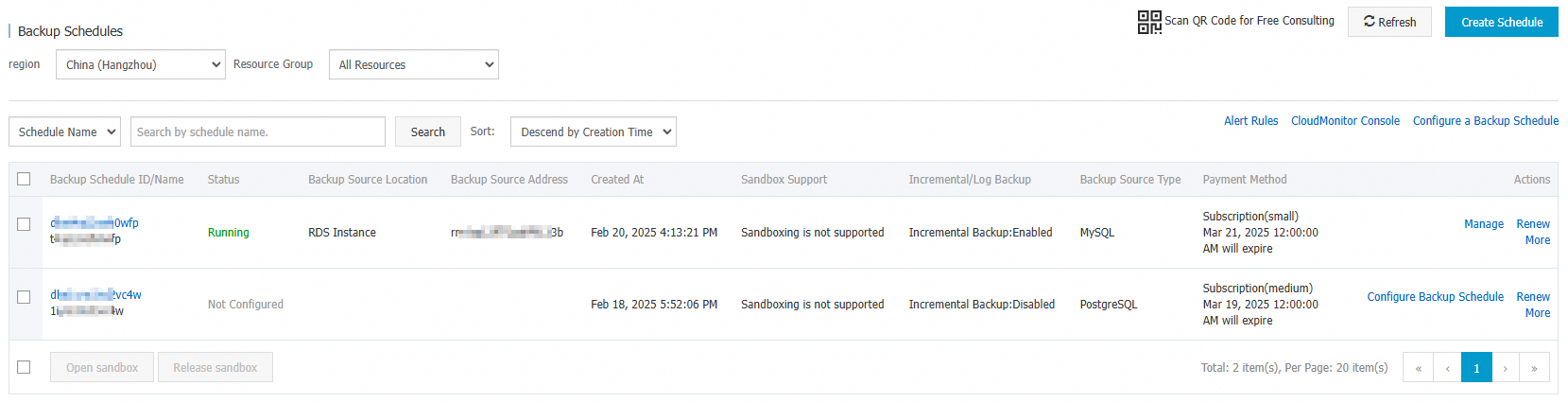
In the left-side navigation pane of the page that appears, click Backup Set Download to view the download progress of each backup set.
