Design resources enhance the visual effects of data dashboards. The design resource management feature allows you to classify, reuse, and share these resources to design dashboards more efficiently.
Concepts
Design resources are design elements, such as images, videos, and models, used to enhance the visual effects of data dashboards.
Only users of the Professional Edition or later can manage and use model design elements.
Design resource interface
Some widgets on the data dashboard canvas support design resources. When you change a widget's design resource, a dialog box opens where you can upload, retrieve, and use resources. For more information, see Interface features.
The following table lists the widgets and configurations that support design resources.
|
Widget resource |
Version |
Configuration |
Design resource type |
|
All components |
Any version |
Configuration items for the image upload control in the widget. |
Image |
|
Video widget |
V2.5.10 and later |
Configuration items for obtaining the video URL. |
Video |
|
Model Viewer widget |
Any version |
Configuration items for obtaining the model URL. |
Model |
Design resource management interface
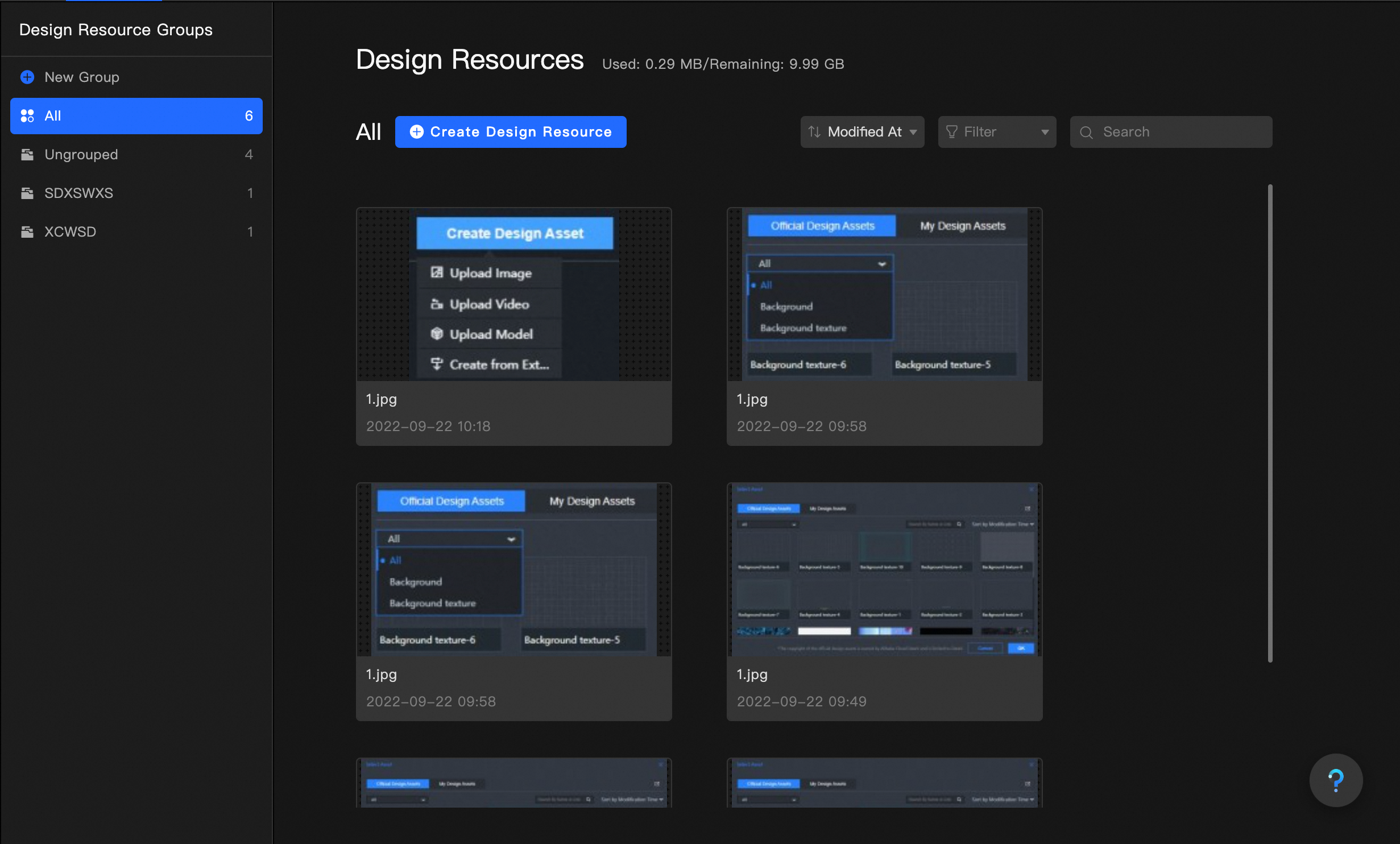
In addition to associating widgets with design resources on the canvas, DataV provides a Design Resources management page in the Resource Management module of the console where you can view, rename, and group resources. For more information, see Create and manage design resources.
Comparison of methods
-
Conventional method: For image or video resources, you can upload local files or paste resource URLs in the Configuration panel on the right side of the widget.
ImportantWith this method, you must manage all dashboard resources locally. Each time you use a resource, you must upload the file or paste its URL. This consumes extra space on your computer. Local resources do not sync across environments, so if you switch to a different computer, you cannot access your previous resources.
-
Design resource feature: When you use a configuration item associated with design resources in the Configuration panel, you can directly use resources from the design resource dialog box. For examples of how to use this feature, see Use design resources for materials or models.
NoteWith this method, you upload resources to the Resource Management page and access them from any environment through your account, without storing files locally.