Dataphin supports real-time querying of entity tag values through APIs. You can view the API code required to call the real-time tag query service.
Prerequisites
-
An application is associated with the offline tag service. Create a New Application.
-
The corresponding entity is created. Create an Entity.
Procedure
-
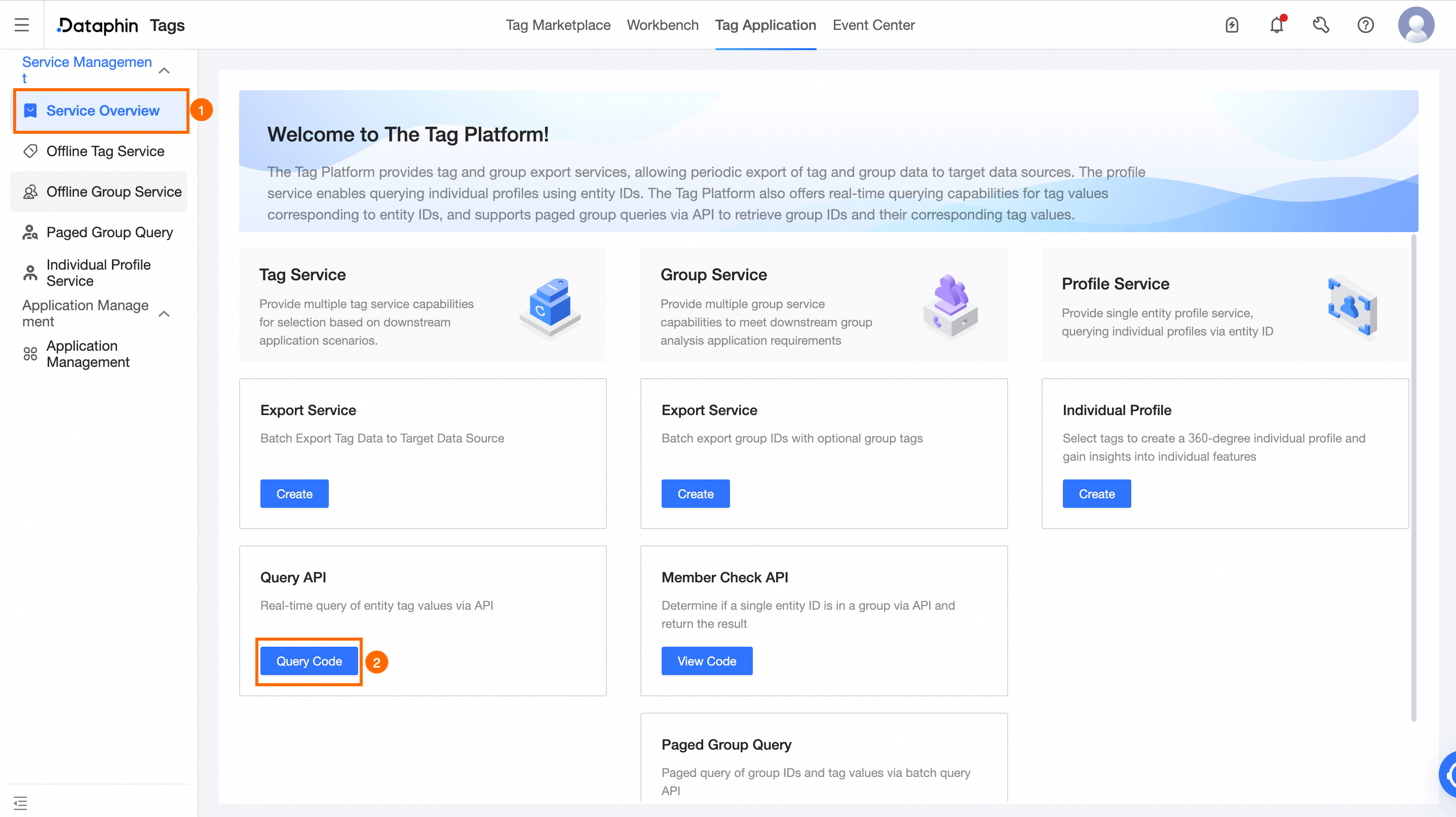
On the Dataphin home page, click Tag on the top menu bar.
The Asset Market page opens by default.
-
On the Asset Market page, click Asset Application.
-
Navigate to the Real-time Tag Query - View Call Code page as shown below.
-
Configure the following query parameters on the Real-time Tag Query - View Call Code page:
Parameter
Description
Select Tag
Application Selection
Select the application to query tags for.
Entity Selection/Entity ID Selection
Select the entity and its ID field.
Tag Selection
Select the tag to query. If no tags are available, refer to Offline tags for guidance.
Call Code
Request Path
The request path for the API call.
Code
The API call code.
-
Use an API request tool to execute the query with the provided code.