This topic describes how to create an Instagram channel. After you create the channel, you can connect a professional account, design an Instagram template, and send Instagram messages.
Prerequisites
Alibaba Cloud account registration and enterprise identity verification have been completed.
Chat App Message Service has been activated.
Procedure
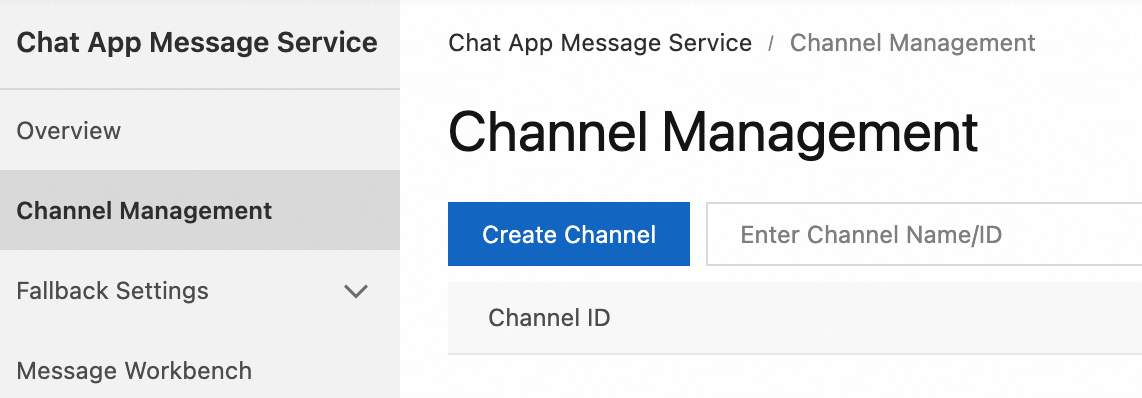
In the page, click Create Channel.
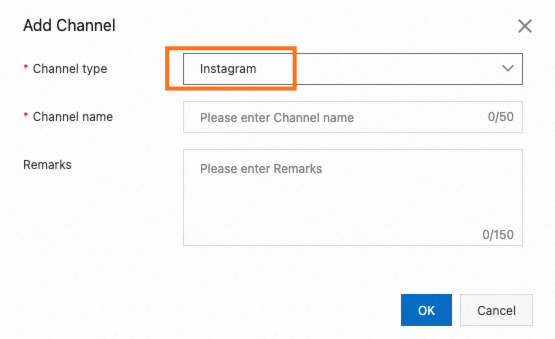
In the dialog box that appears, set Channel Type to Instagram, enter a custom Channel Name, and then click OK.
References
For information about what to do next, see the following topics: