In modern enterprise data ecosystems, the traditional boundaries between data lakes and data warehouses are dissolving. Businesses require the massive, cost-effective storage capabilities of object storage combined with the ultra-low latency of a high-performance database. Historically, achieving this meant engineering complex, brittle ETL (Extract, Transform, Load) pipelines to migrate data continuously.
The Next-Gen Solution: Alibaba Cloud EMR Serverless StarRocks pioneers a true Lakehouse architecture. By integrating seamlessly with Data Lake Formation (DLF), it allows businesses to query raw object storage directly with sub-second performance. This completely eliminates physical data migration, ensuring zero data duplication and drastically simplifying data governance.
The core strength of this next-generation architecture lies in its decoupled, high-speed approach:
Storage Layer (OSS): Raw structured or semi-structured data (such as Parquet or ORC files) sits securely and cost-effectively in Alibaba Cloud Object Storage Service (OSS).
Metadata Layer (DLF): Instead of moving the data, Data Lake Formation (DLF) acts as the centralized metadata governor. It maps the file structures within OSS into a logical, queryable catalog (e.g., the orderdata directory).
Compute Engine (EMR Serverless StarRocks): StarRocks operates as the pure compute engine. It mounts the DLF catalog as an external data source, interpreting the metadata instantly.
Seamless Output: Because StarRocks is fully MySQL-compatible, the lightning-fast query results are immediately available for consumption by external BI tools and advanced AI applications.
To understand the power of this architecture, consider a Business-to-Business (B2B) wholesale distributor. Corporate clients demand immediate, self-service portals to view their procurement pipelines, live order statuses, and historical spending across millions of transactions.
Traditional batch processing leaves these portals lagging by hours or days. By implementing this Next-Gen Lakehouse architecture, the B2B vendor can offer premium, real-time analytics portals. StarRocks instantly aggregates metrics like revenue_sum and avg_order_value directly from the centralized OSS data lake, empowering clients to make supply chain decisions based on up-to-the-second data.
The first phase of the workflow is accessing the highly scalable compute environment.
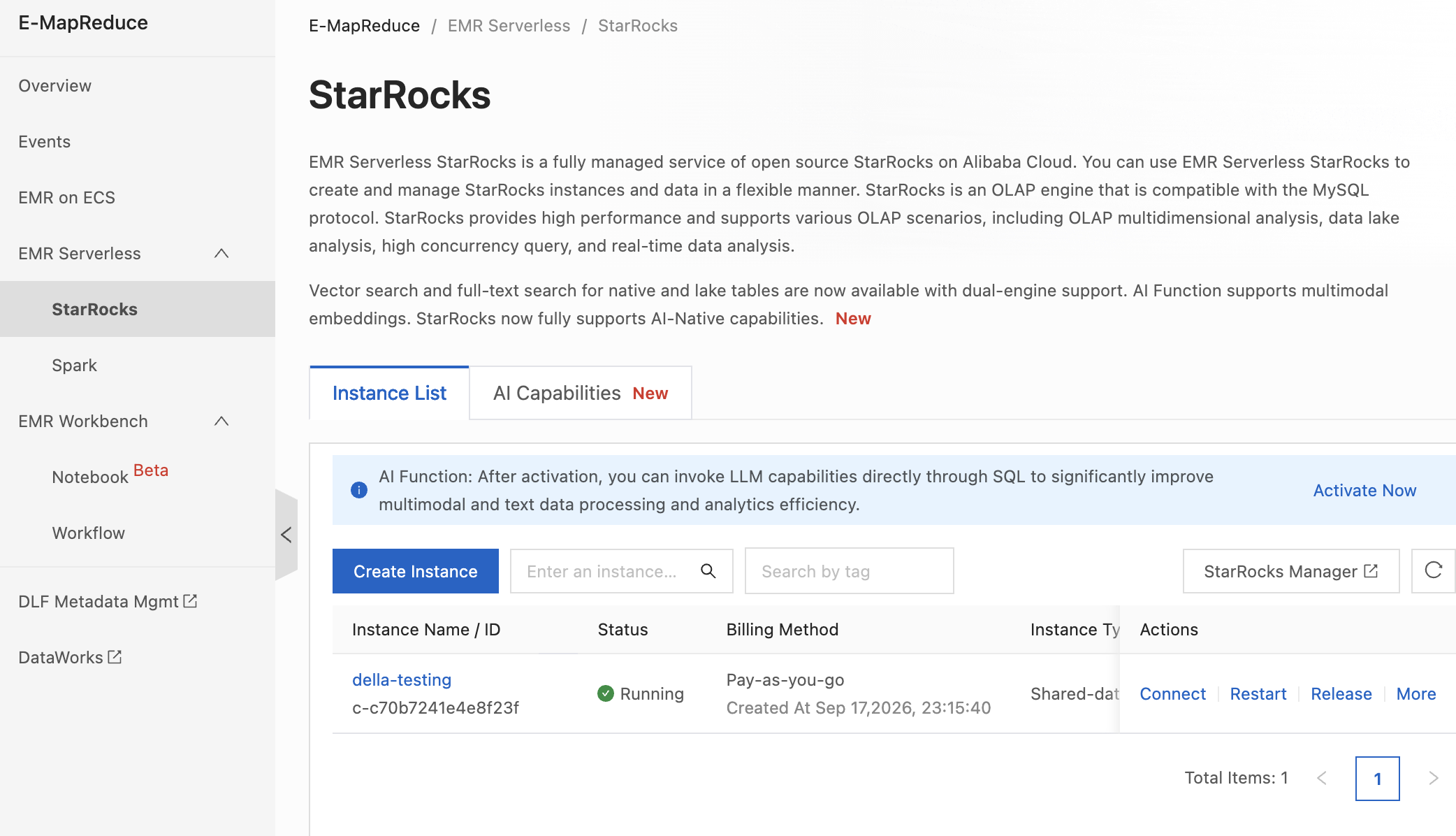
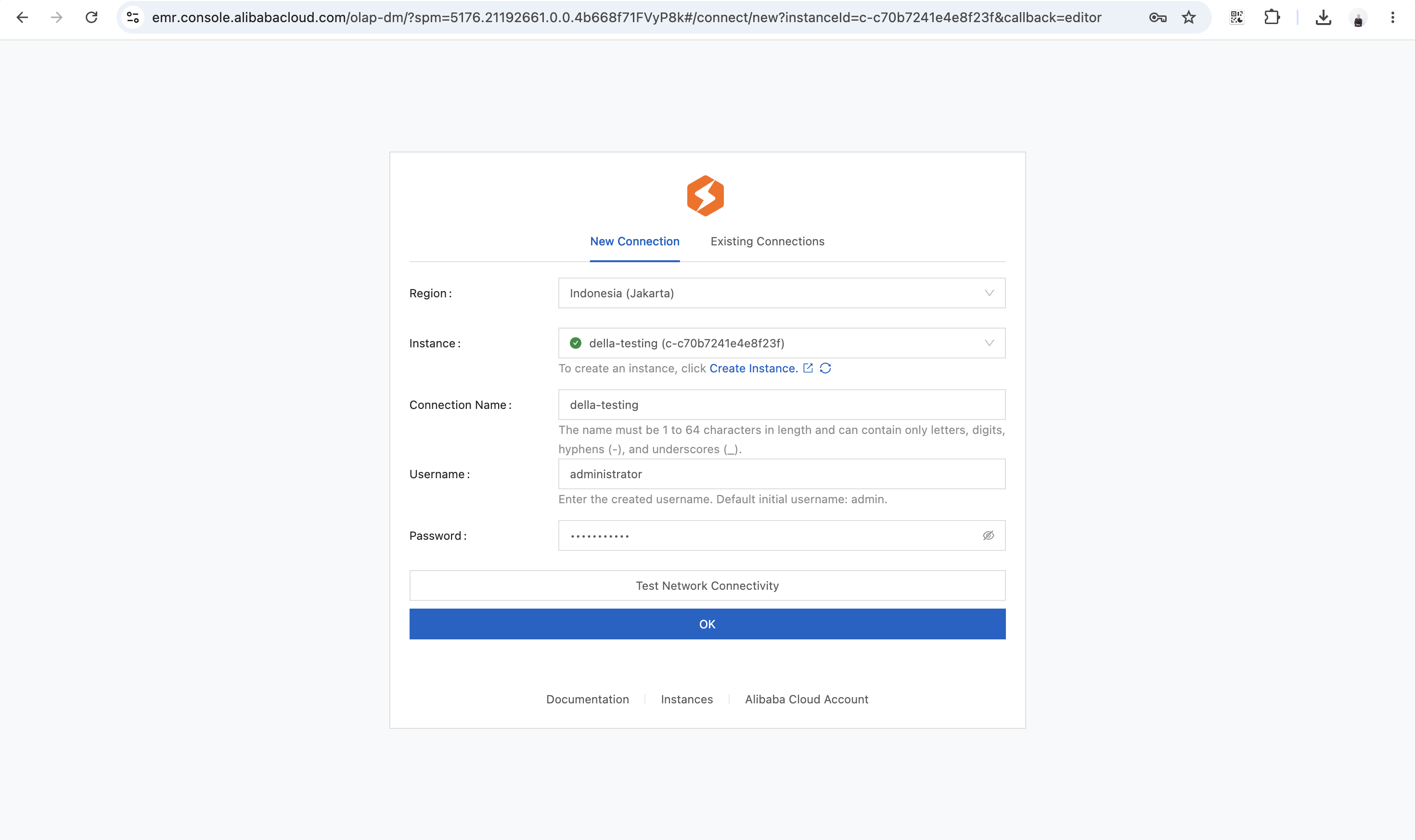
The Lakehouse integration is entirely UI-driven, bypassing the need for manual CREATE TABLE scripts or data ingestion pipelines.
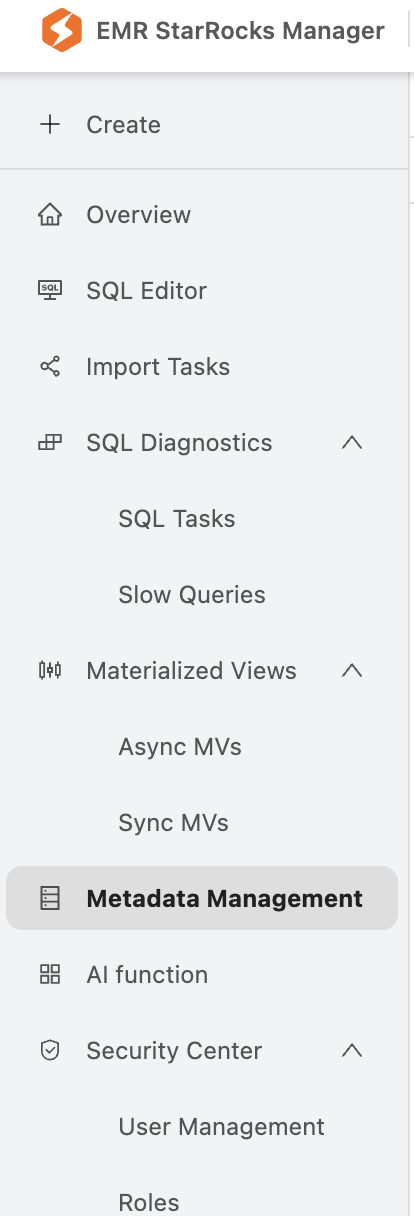
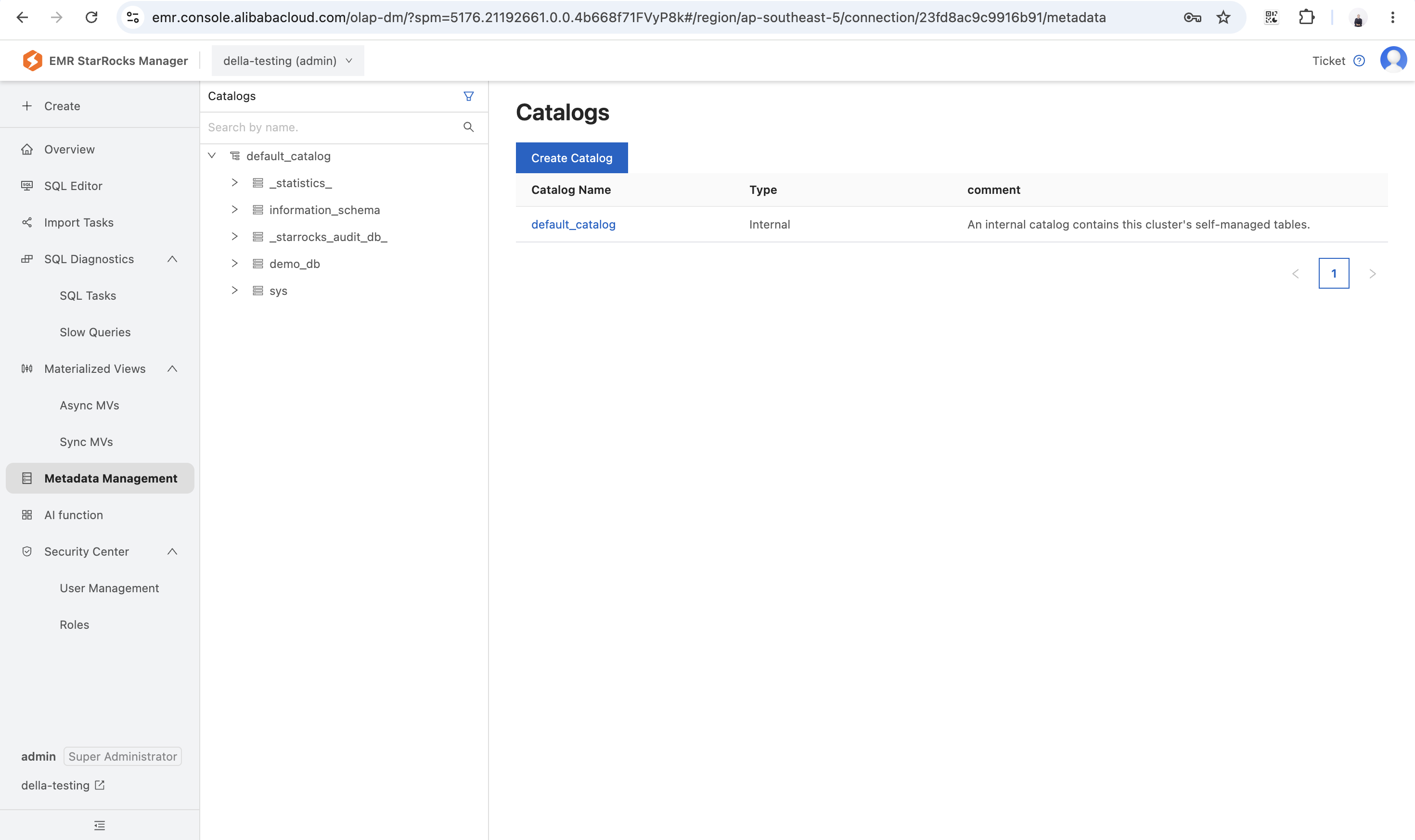
orderdata catalog). StarRocks immediately syncs with the DLF metastore, mapping the external OSS tables into its environment automatically.
Once the DLF catalog is mounted, querying the external data lake is syntactically identical to querying a local database. You simply select your mapped DLF database from the catalog dropdown in the top-right corner of the SQL Editor and execute standard SQL.
Because the context is set seamlessly via the UI dropdown, the query remains clean and requires no complex routing syntax:
SELECT
    o_orderstatus,
    COUNT(o_orderkey) AS total_orders,
    SUM(o_totalprice) AS revenue_sum,
    AVG(o_totalprice) AS avg_order_value
FROM
    orders
GROUP BY
    o_orderstatus;
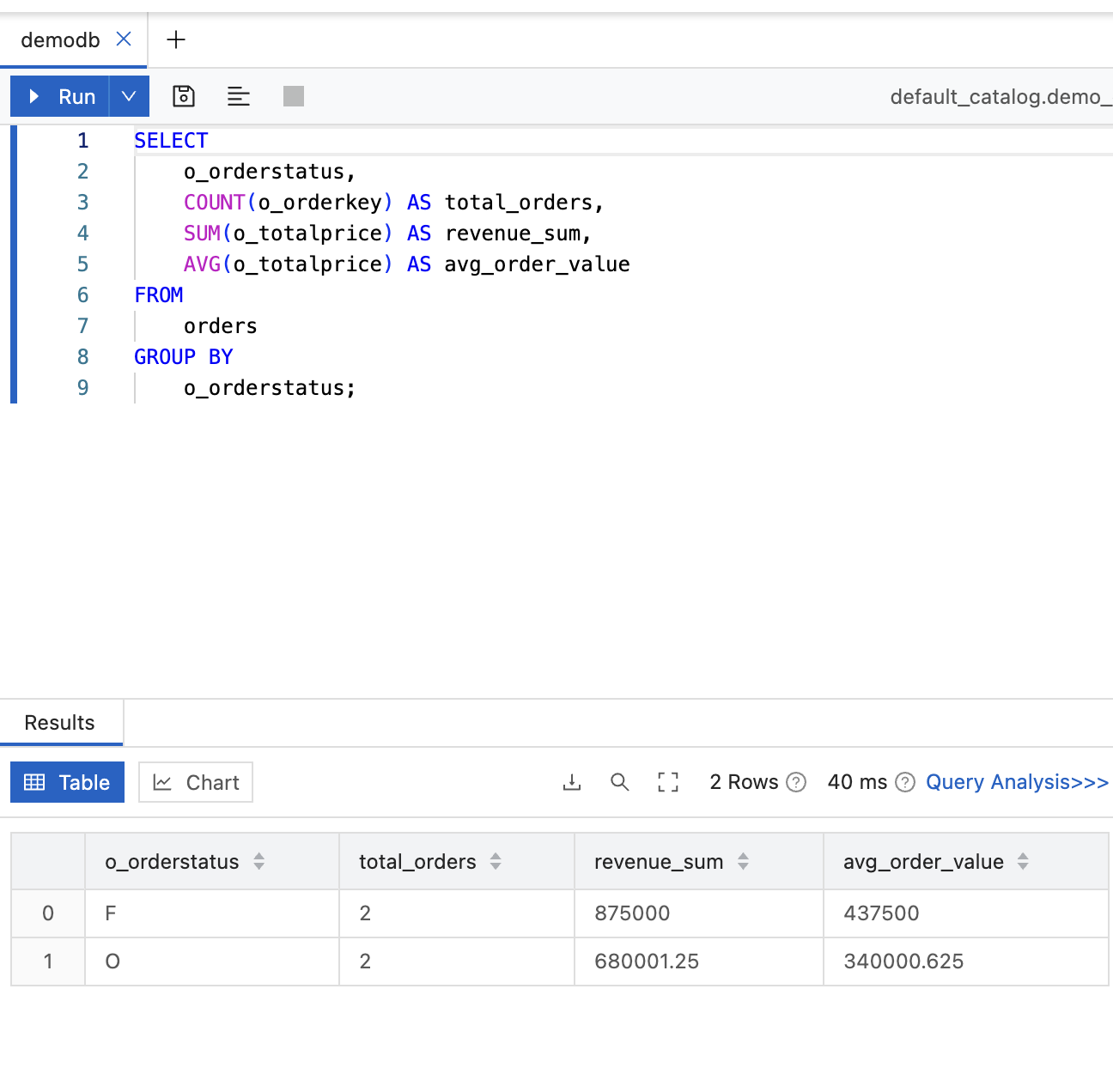
o_orderstatus to total_orders—proving the data is instantly ready for executive reporting.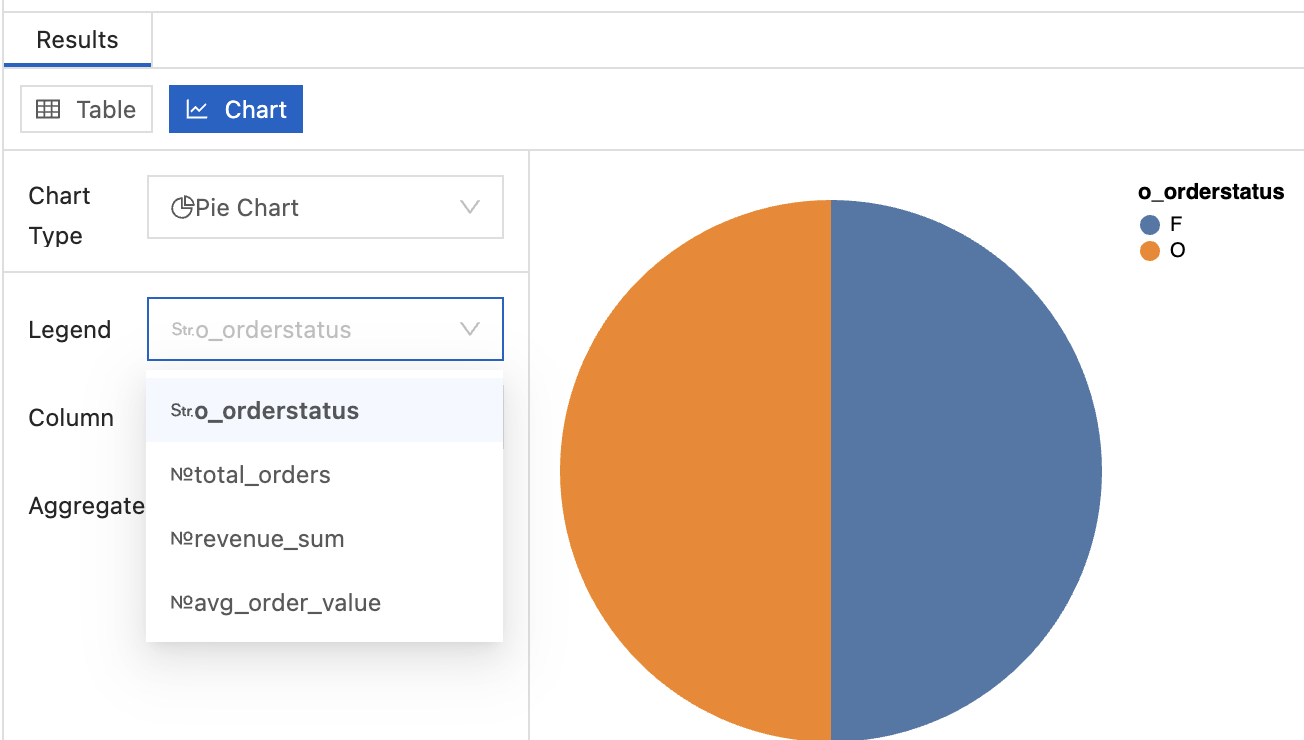
With the Next-Gen Lakehouse architecture established, the high-speed StarRocks endpoint acts as the central serving layer for the business:
To maintain sub-second performance at an enterprise scale, continuous monitoring and optimization are essential. The EMR StarRocks Manager provides native, comprehensive diagnostic tools directly within the left-hand navigation console, ensuring your Lakehouse operates at peak efficiency without requiring third-party APM tools:
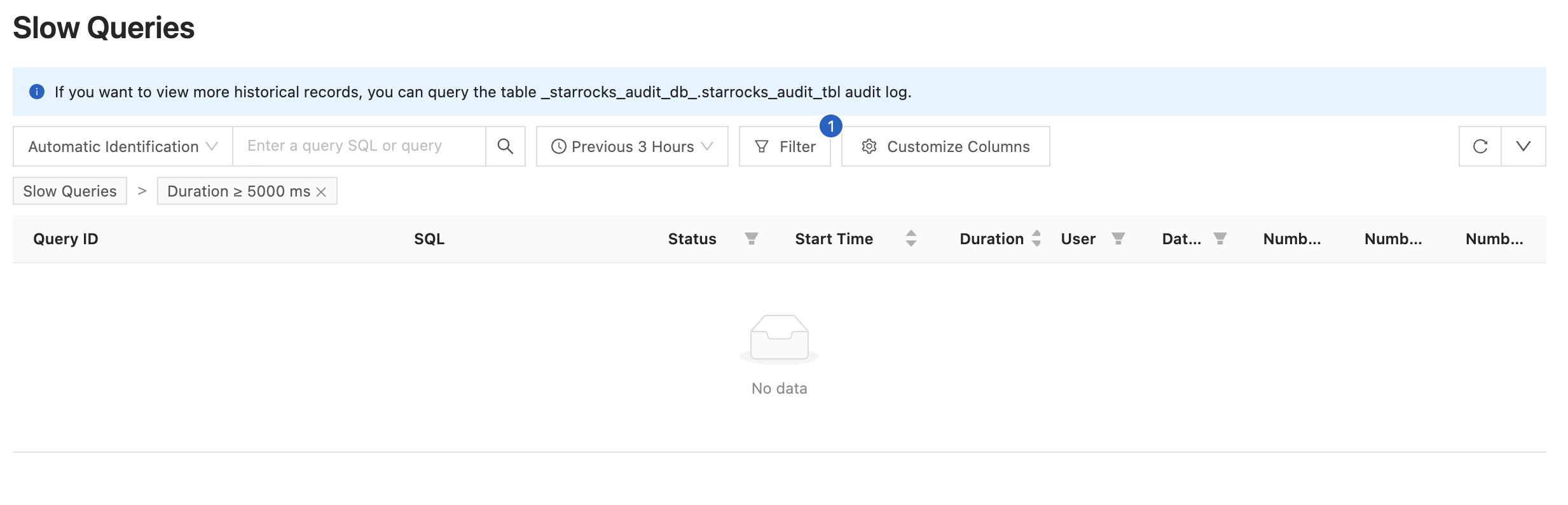
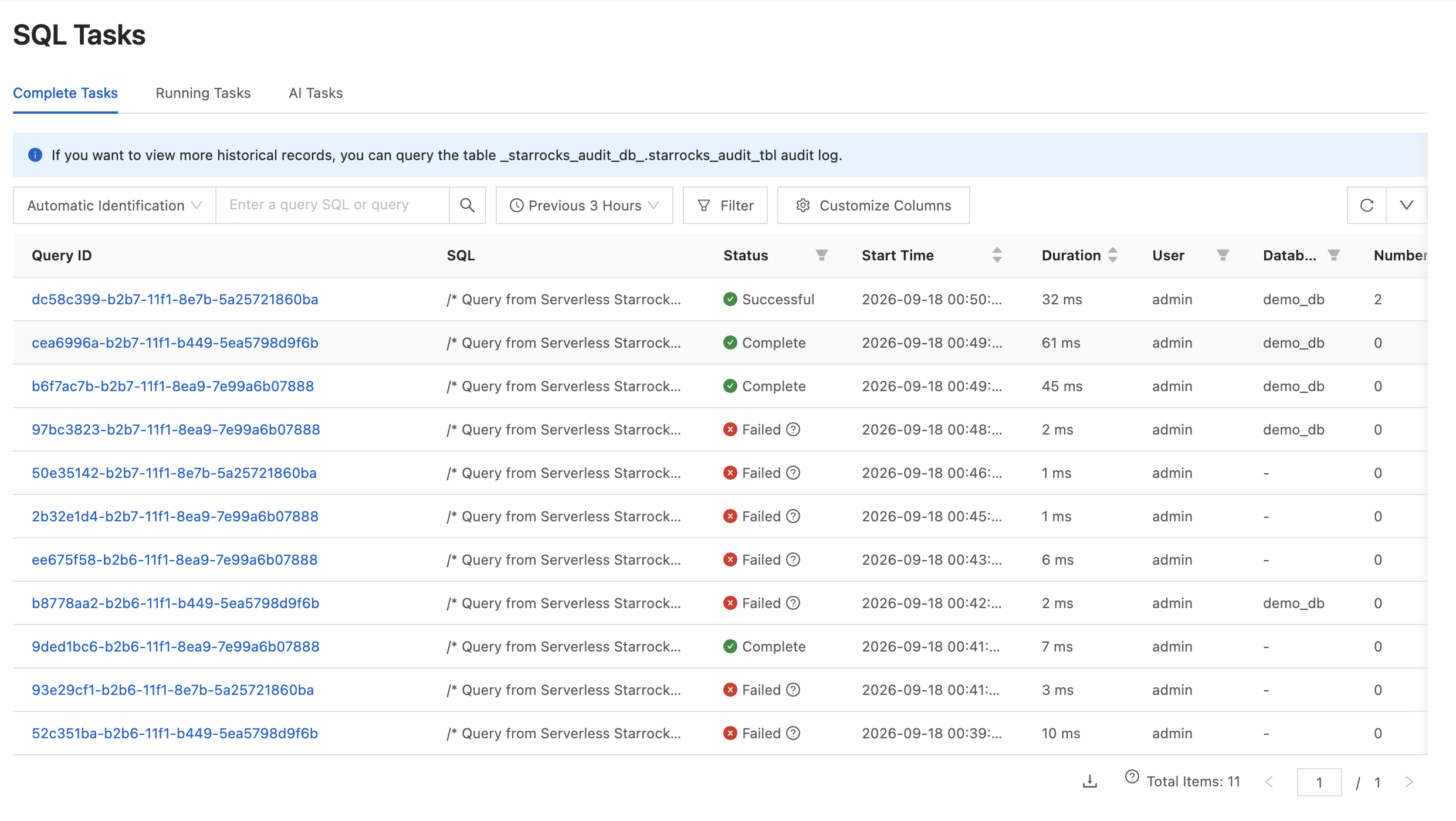
Adopting this seamless integration between EMR Serverless StarRocks and DLF empowers businesses to stream insights directly from their raw object storage straight to production applications, unlocking a new standard of speed and simplicity in cloud analytics.
Massive Content at Scale: How Alibaba Cloud WonderClip Powers Digital Advertising

9 posts | 0 followers
FollowAlibaba Cloud Big Data and AI - April 15, 2026
Alibaba Cloud Big Data and AI - April 24, 2026
Apache Flink Community - November 21, 2025
Alibaba EMR - August 5, 2024
Apache Flink Community - August 7, 2026
Alibaba Cloud Big Data and AI - July 9, 2026
9 posts | 0 followers
Follow Data Lake Analytics
A premium, serverless, and interactive analytics service
Learn More Data Lake Formation
An end-to-end solution to efficiently build a secure data lake
Learn More Data Lake Storage Solution
Build a Data Lake with Alibaba Cloud Object Storage Service (OSS) with 99.9999999999% (12 9s) availability, 99.995% SLA, and high scalability
Learn More Hologres
A real-time data warehouse for serving and analytics which is compatible with PostgreSQL.
Learn MoreMore Posts by Della L. Wardhani

