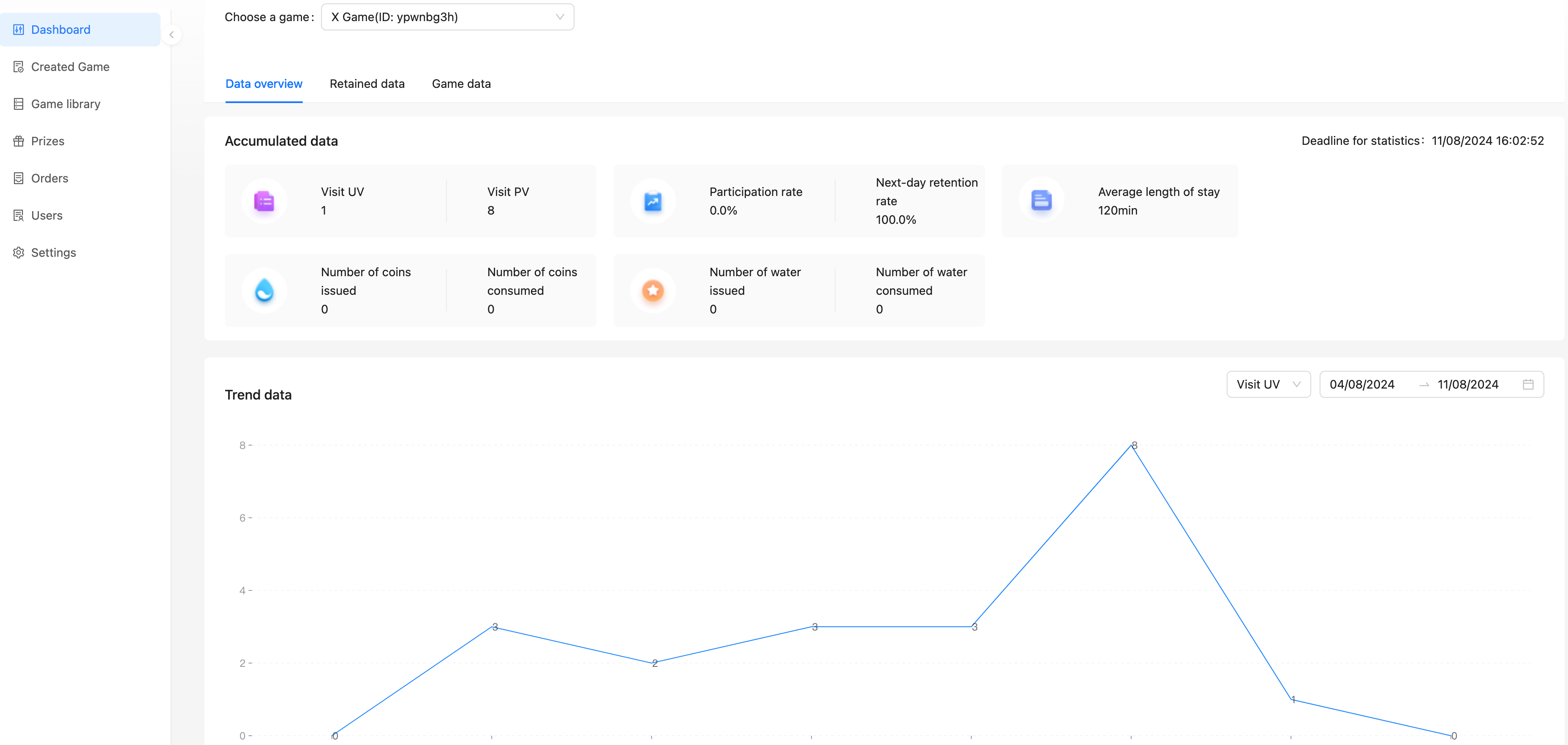
After entering the operation background, if you haven't created a Game yet, you can check the operation guide for the steps to create a Game:
Configure related interfaces in「Settings」, see Settings.
Create Prizes in「Prizes」, see Create Prize.
Select Game in「Game Library」and create, see Create Game.
Configure Game-related information, see Manage Game.
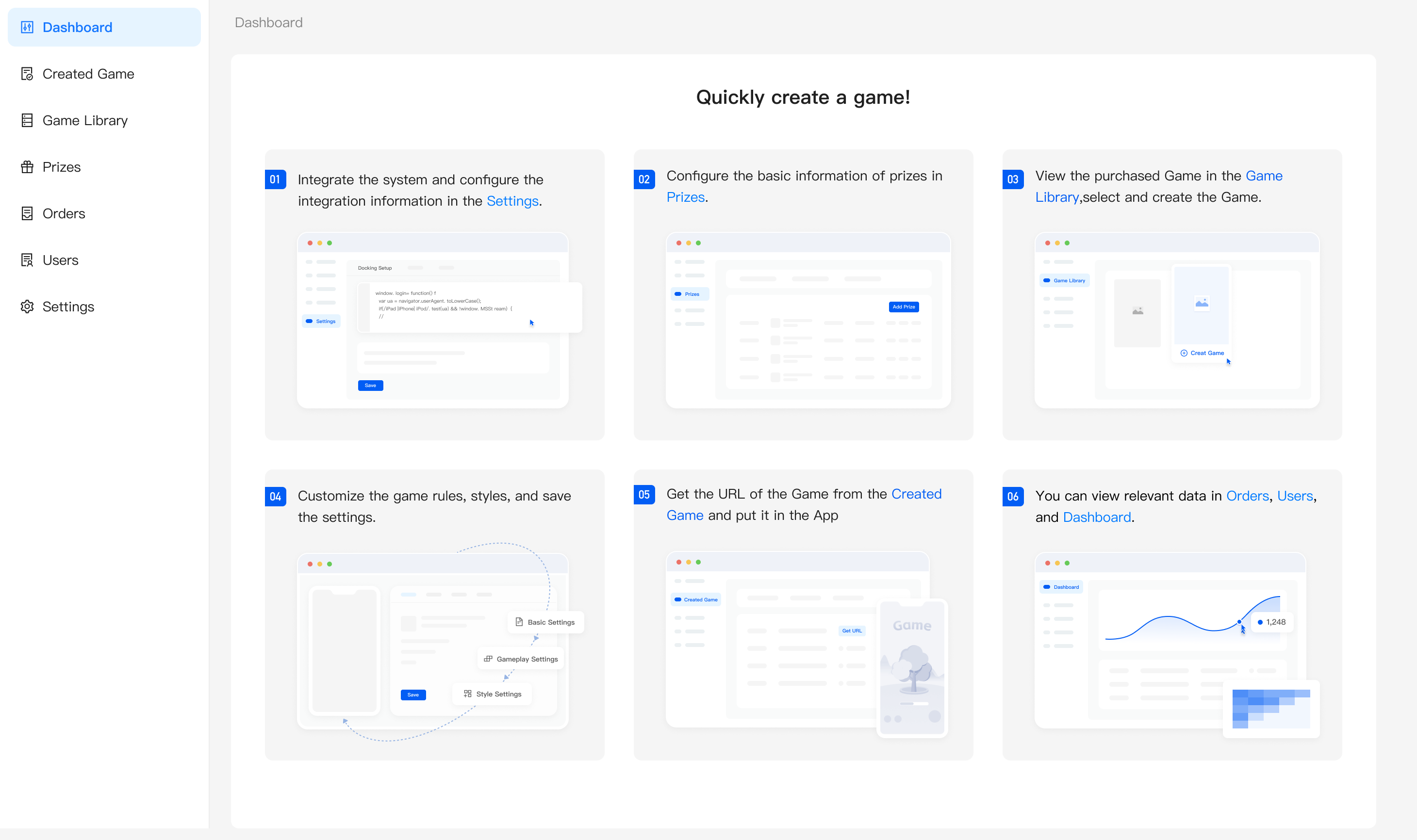
If you have already created a Game, you can view the Game-related data in the「Dashboard」 and switch to view different Game data through the selector.