Configure package balance alerts
Updated at:
Copy as MD
After you set an alert threshold for a resource package, Alibaba Cloud Short Message Service (SMS) sends alert notifications to the specified users when the remaining balance falls below the threshold.
Procedure
-
Log on to the SMS console.
-
In the left navigation pane, choose
-
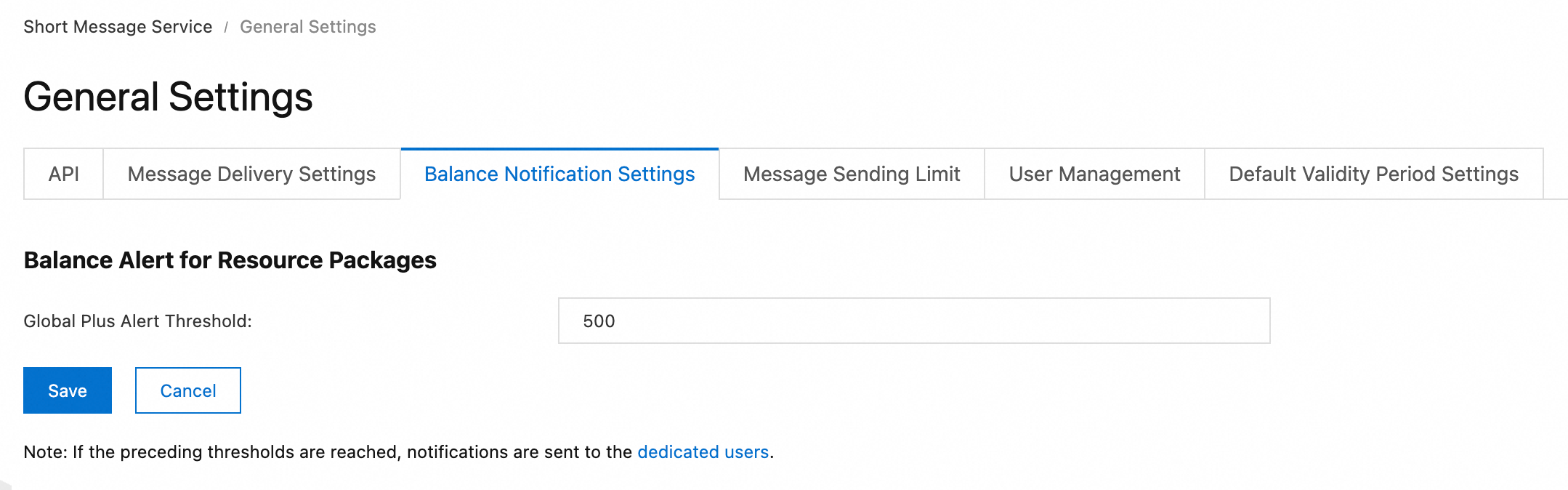
Click the Balance Notification Settings tab.
-
Click Configure. Set an alert threshold. Valid values: 0 to 200000000.
-
Click Save.
Is this page helpful?