Learn common Markdown chart syntax and how to add Markdown charts to Simple Log Service dashboards.
Prerequisites
-
Log data has been collected. Data collection.
-
A dashboard has been created. Create a dashboard.
Introduction
Simple Log Service supports Markdown charts in dashboards. Use Markdown charts to add text such as background information, chart descriptions, page comments, and extension information. You can also insert links to saved searches or dashboards in other projects for navigation, and embed custom images and videos.
Overview
|
Type |
Example |
Related link |
|
Basic Markdown |
|
|
|
Use with queries |
|
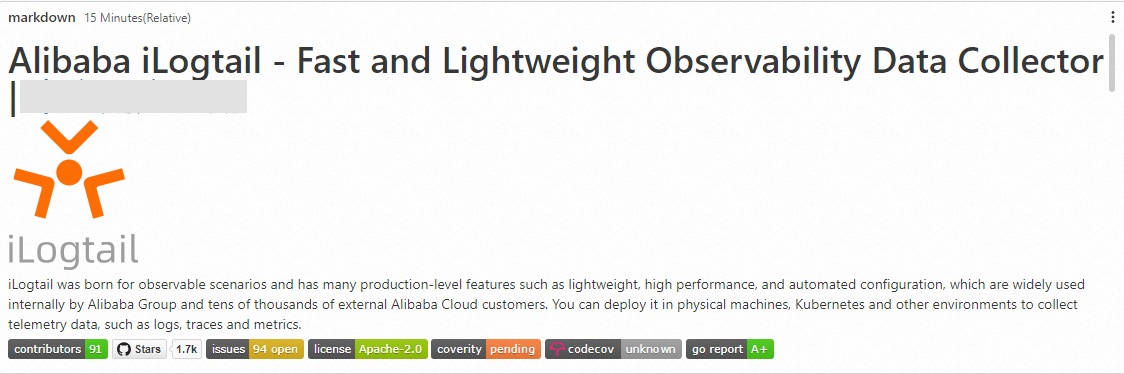

Basic Markdown configuration
Log on to the Simple Log Service console. In the Projects section, click the project you want.

-
In the left-side navigation pane, choose . In the Dashboard list, click the dashboard you want. In the upper-right corner of the dashboard page, click Edit. In edit mode, choose .
-
In the right panel, set Chart Type and Title. Enter Markdown content in the Markdown Content Edit area. The result appears in Chart Display.
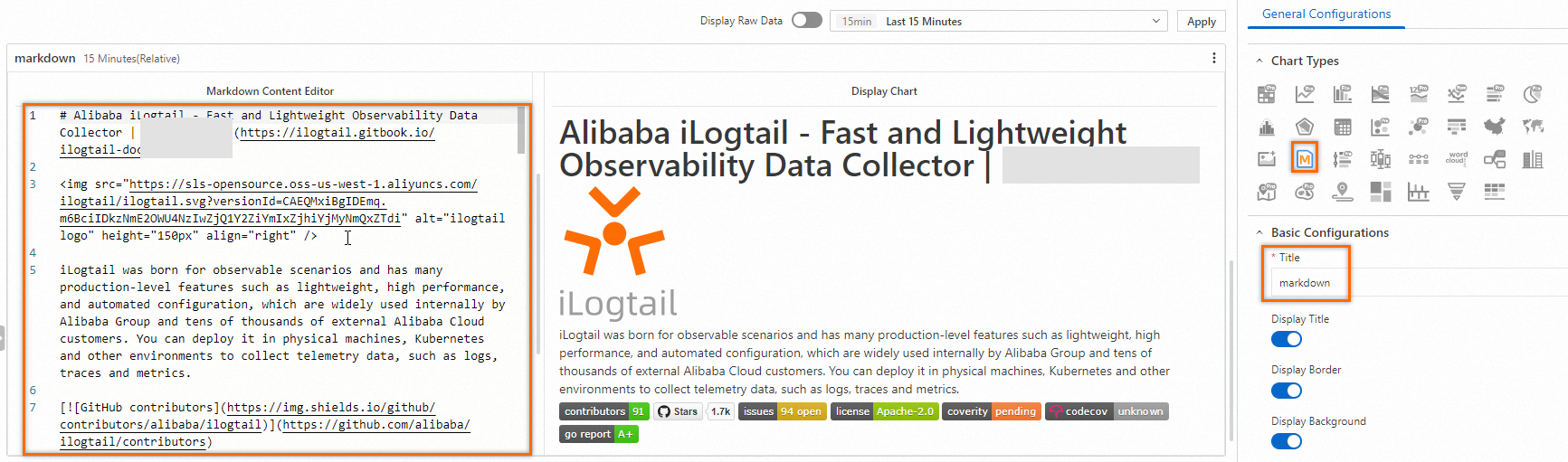
General configurations
Configure global settings for the chart.
-
Basic configurations
Parameter
Description
Title
The chart title.
Display Title
Shows the chart title when enabled.
Display Border
Shows a border around the chart when enabled.
Display Background
Shows a background color for the chart when enabled.
Display Time
Shows the query time in the chart when enabled.
Fixed Time
Locks the query and analysis time range so that it is not affected by the dashboard's global time setting.
-
Markdown configurations
Parameter
Description
Alignment
The method for centering the chart.
-
Horizontal center.
-
Vertical center.
-
Common Markdown syntax
-
Title
-
Syntax
# Heading 1 ## Heading 2 ### Heading 3 -
Result

-
-
Links
-
Syntax
### Contents [Chart description](https://www.alibabacloud.com/help/doc-detail/69313.htm) [Dashboard](https://www.alibabacloud.com/help/doc-detail/59324.htm) -
Result
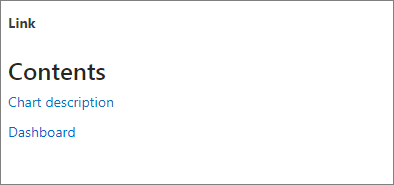
-
-
Images
-
Syntax
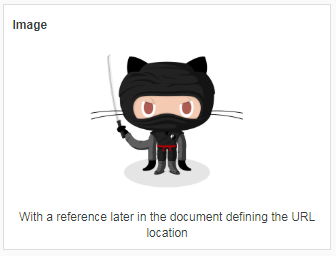
<div align=center> ![Alt txt][id] With a reference later in the document defining the URL location [id]: https://octodex.github.com/images/dojocat.jpg "The Dojocat" -
Image preview
-
-
Special formatting
-
Syntax
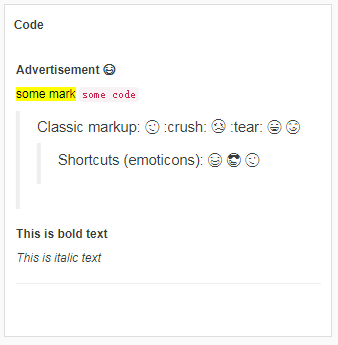
--- __Advertisement :)__ ==some mark== `some code` > Classic markup: :wink: :crush: :cry: :tear: :laughing: :yum: >> Shortcuts (emoticons): :-) 8-) ;) __This is bold text__ *This is italic text* --- -
Result
-