This topic describes how to enable Smart Glance. Once enabled, this feature lets users analyze a document with a single click to quickly understand its core content.
Considerations
Only a super administrator or drive administrator can enable this feature.
This feature currently supports only documents.
Enable smart glance
Log on to CDE and go to the admin console.
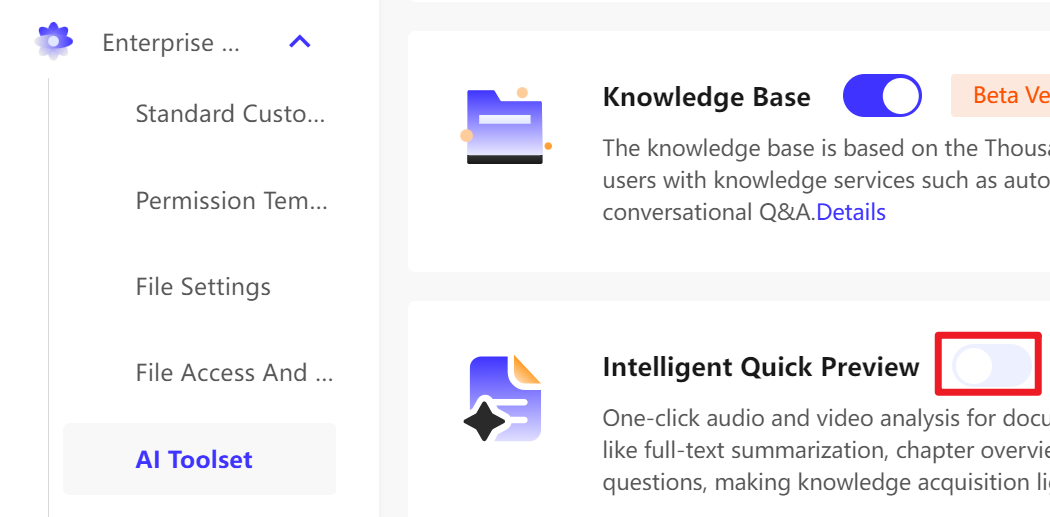
In the navigation pane on the left, select Enterprise Settings > AI Toolkit.
On the AI Toolkit page, turn on the Smart Glance switch.