Large language models (LLMs) cannot directly answer questions about private knowledge. Model Studio lets you connect your own documents to an agent application—no code required—so users get accurate, grounded answers instead of generic or fabricated responses.
Console access restrictions: Only users who created Alibaba Cloud Model Studio applications in the Singapore region before April 21, 2025 can access the Application Development tab.
This tab contains the following features: Applications (agent application and workflow application), Components (prompt engineering and plug-in), and Data (knowledge base and application data). These are all preview features. Use them with caution in production environments.
API call restrictions: Only users who created Alibaba Cloud Model Studio applications in the Singapore region before April 21, 2025 can call the application data, knowledge base, and prompt engineering APIs.
Before and after
|
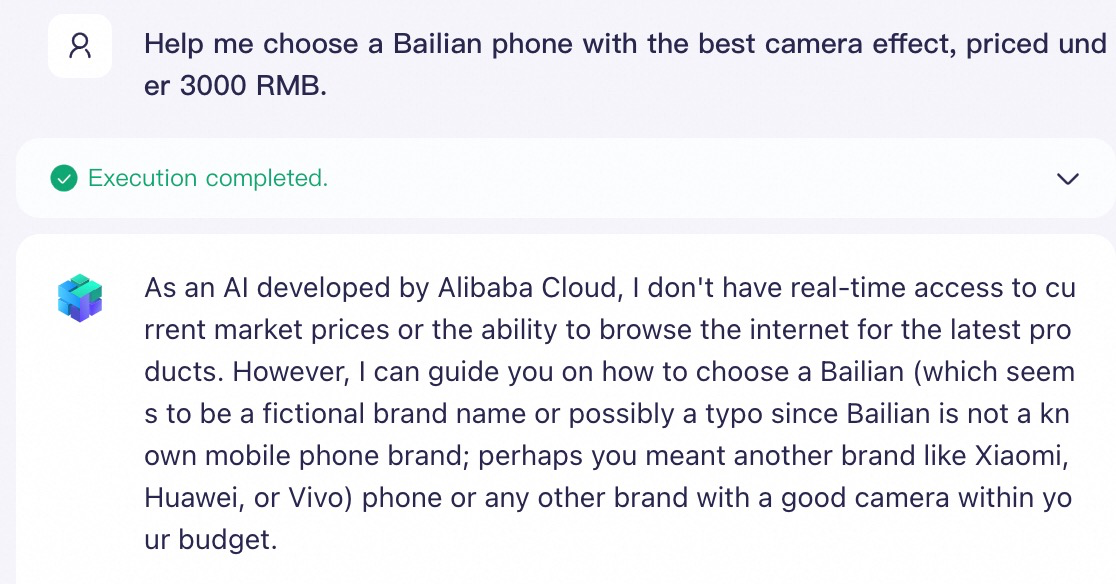
Without a knowledge base Without a dedicated knowledge base, the LLM cannot accurately answer questions about "Alibaba Cloud Model Studio phones".
|
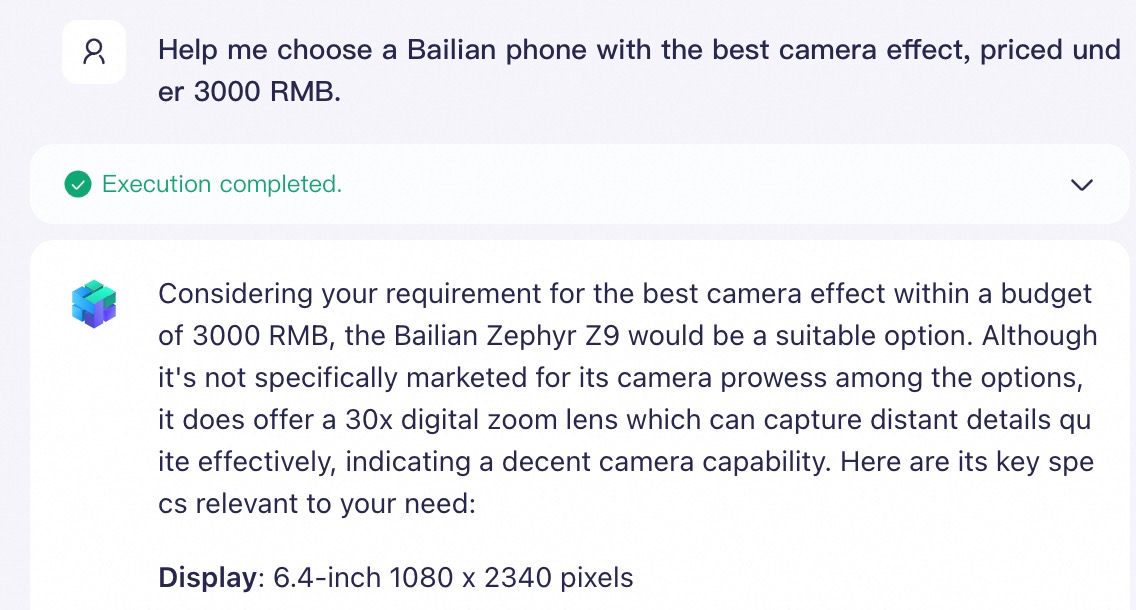
With a knowledge base With a dedicated knowledge base, the LLM accurately answers questions about "Alibaba Cloud Model Studio phones".
|
Step 1: Create an agent application (About 1 minute)
|
|
|
|
|
|
|
|
|
|


 button in the upper-right corner. A welcome message greets users when they open the app. Preset questions give users a quick way to start a conversation.


Step 2: Build a knowledge base (About 3 minutes)
LLMs have a fixed context window and cannot process your entire document library at once. A knowledge base solves this by indexing your documents and retrieving only the relevant passages when a user asks a question—a technique called retrieval-augmented generation (RAG). This step uploads your documents and creates a knowledge base.
Upload knowledge documents
|
|
|
|
|
|


Create a knowledge base
|
|
|
|
|
|
|
|
|
|


Step 3: Connect the knowledge base and publish (About 1 minute)
|
|
|
|
|
|
|
|


What's next
-
To learn about prompt engineering, plugins, and other application features, see Agent applications.
-
To integrate external tools or automate complex workflows, see Workflow applications and Application types for feature comparisons.
-
To build a fully customized RAG application with complex interaction logic using the API, see Assistant API (Legacy).