Features added to Lingma in May include Ask mode upgraded to Agentic mode, Inline Chat and Next Edit Suggestion (NES) ,and the AI IDE Lingma IDE.
Tool invocation in Ask mode
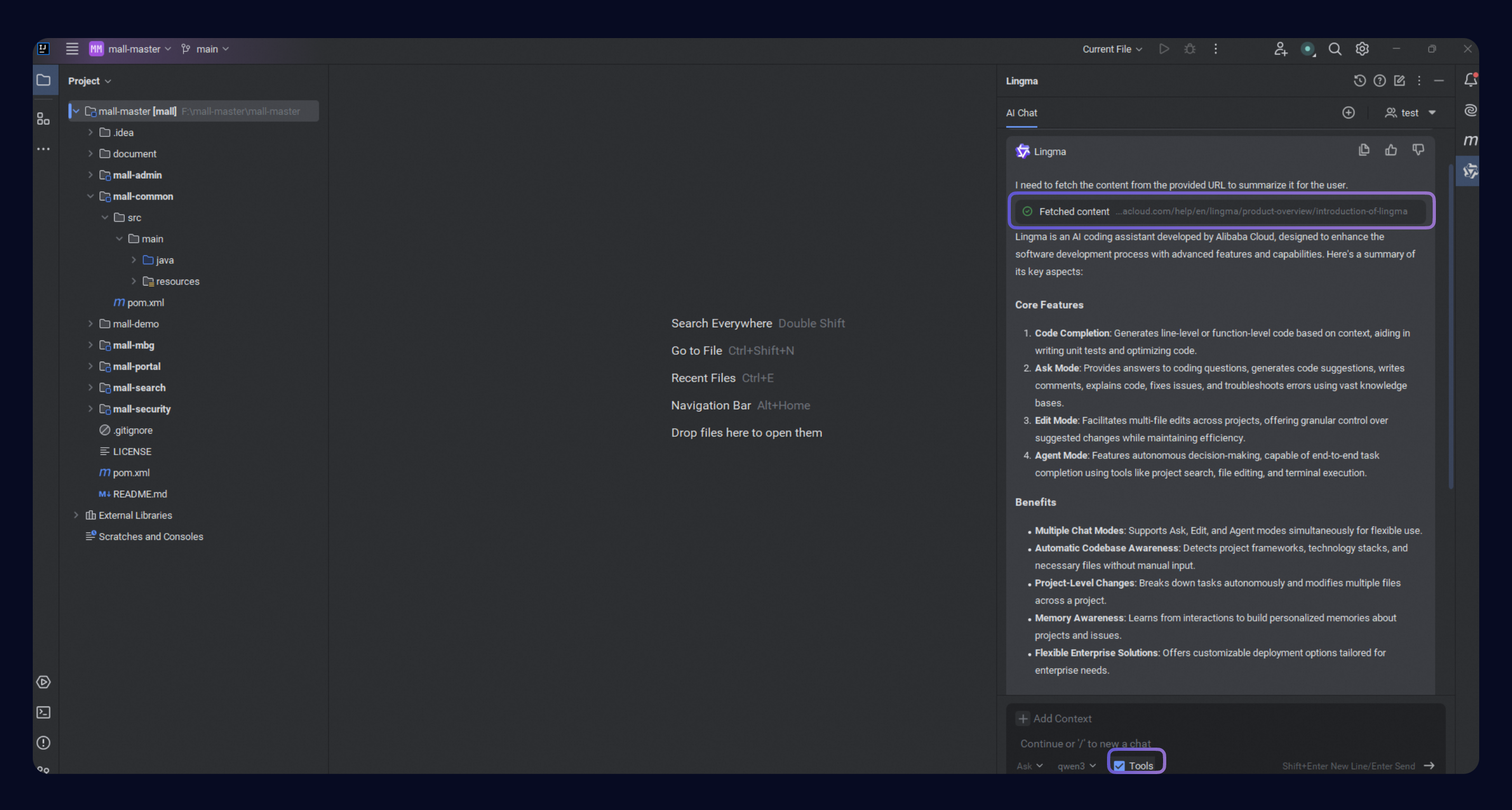
Ask mode now supports tool invocation. When enabled, it can autonomously access project-aware tools like project search, file search, and code search without requiring manual file addition. This allows Lingma to generate responses that are more relevant to your project context.
Additionally, if the web tool is enabled, it can autonomously call web search tools based on the developer's questions, such as obtaining webpage content and querying the network. For more information, see Ask.
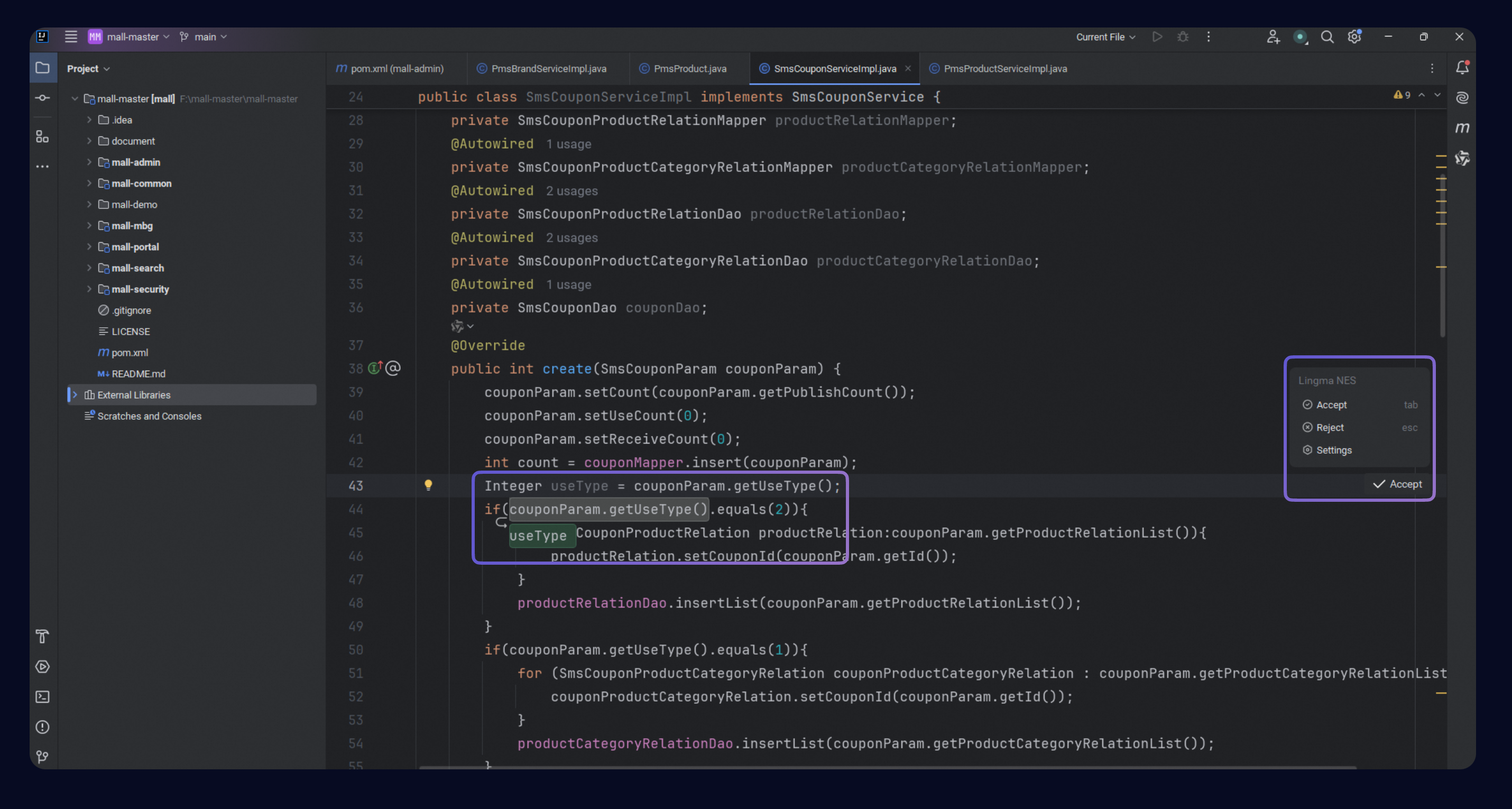
Next Edit Suggestion (NES)
The new Next Edit Suggestion (NES) feature dynamically predicts the next code modification suggestion based on current code changes. Developers just press the Tab key and the code is completed. This feature, combined with project awareness, is especially useful in scenarios such as new feature development, existing project maintenance, and complex project iterations.
For more information, see Next Edit Suggestion.
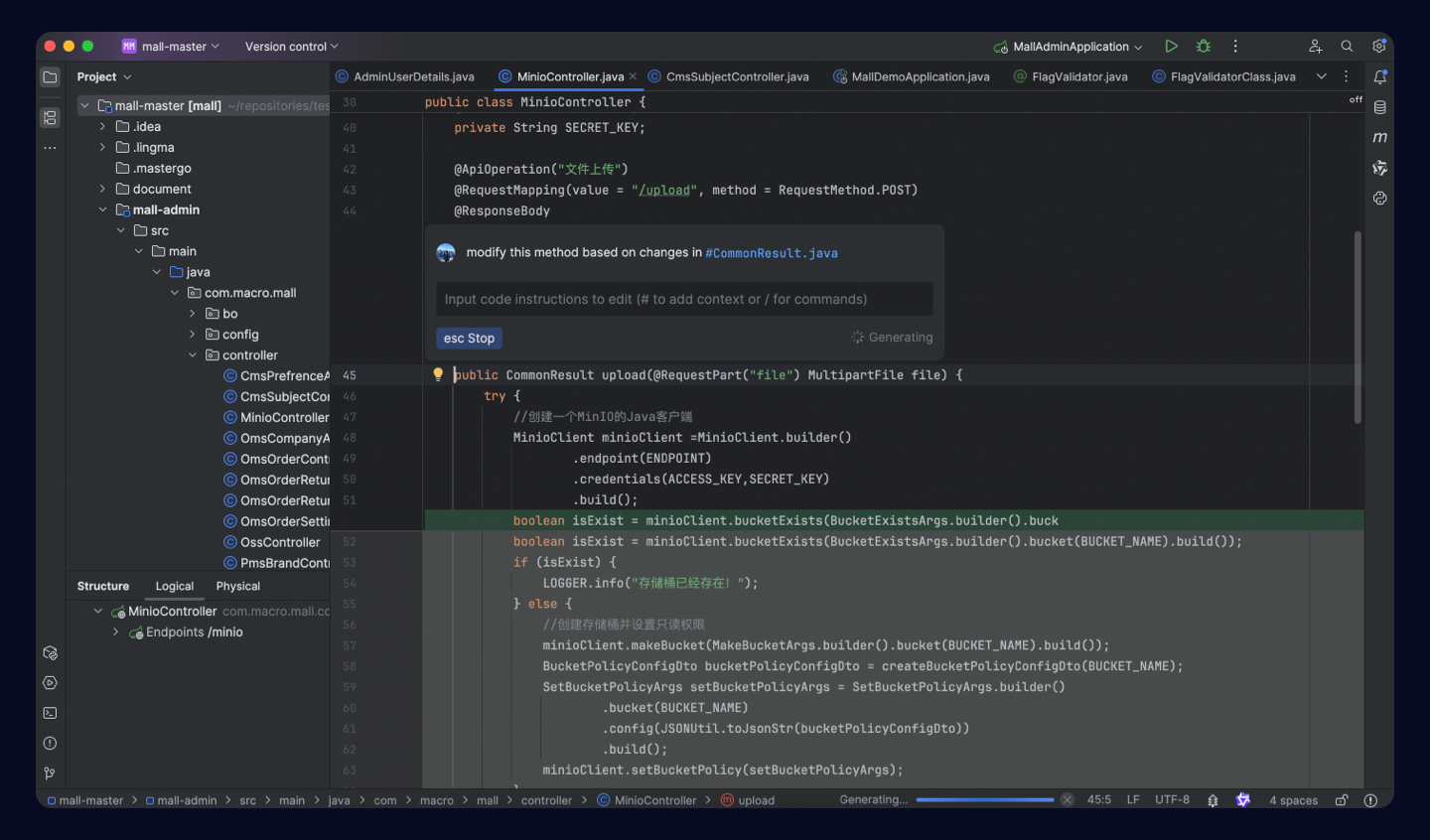
Inline chat
The new iInline chat feature allows developers to have conversations directly in the code editor, enabling developers to modify code in a single file or ask questions instantly through natural language conversations.
For more information, see Inline Chat.
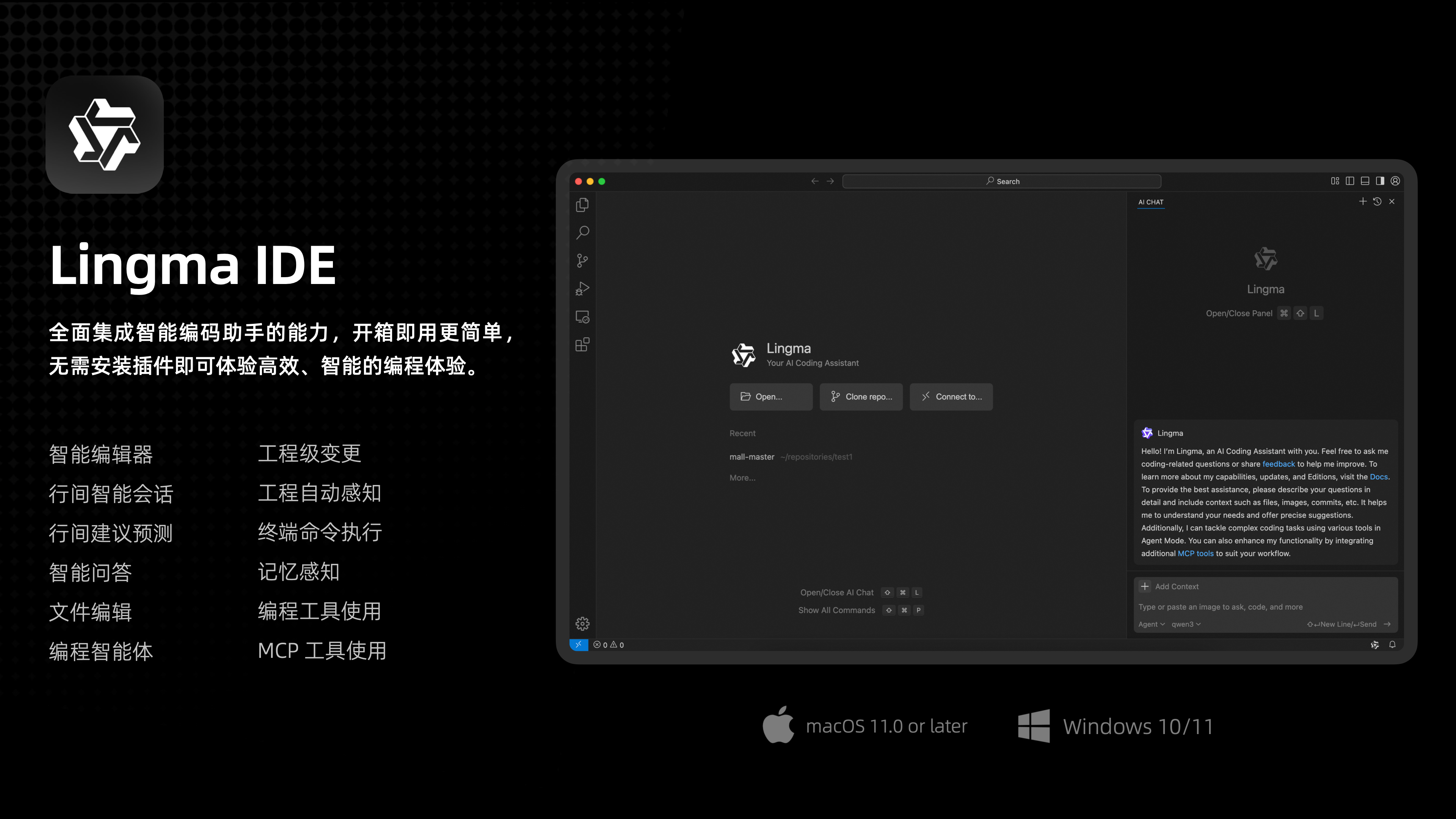
Lingma AI IDE - Lingma IDE
The new Lingma IDE fully integrates intelligent coding assistant capabilities, offering a more straightforward out-of-the-box experience without the need to install plugins.
See Lingma IDE release notes for details.
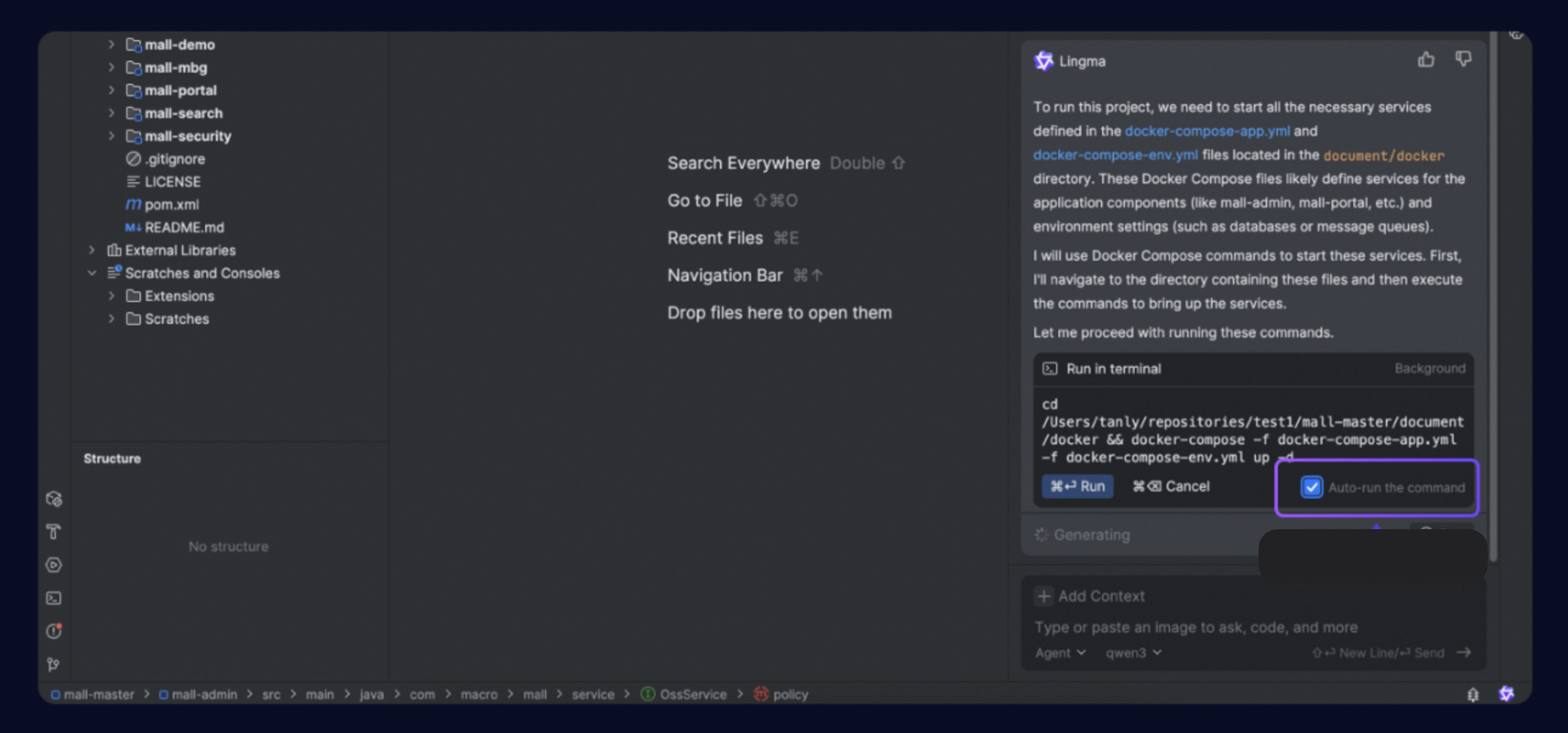
Automatic execution of MCP tools and terminal commands
You can now allow Agent mode to auto-execute MCP tools and enable the auto-run of certain commands.
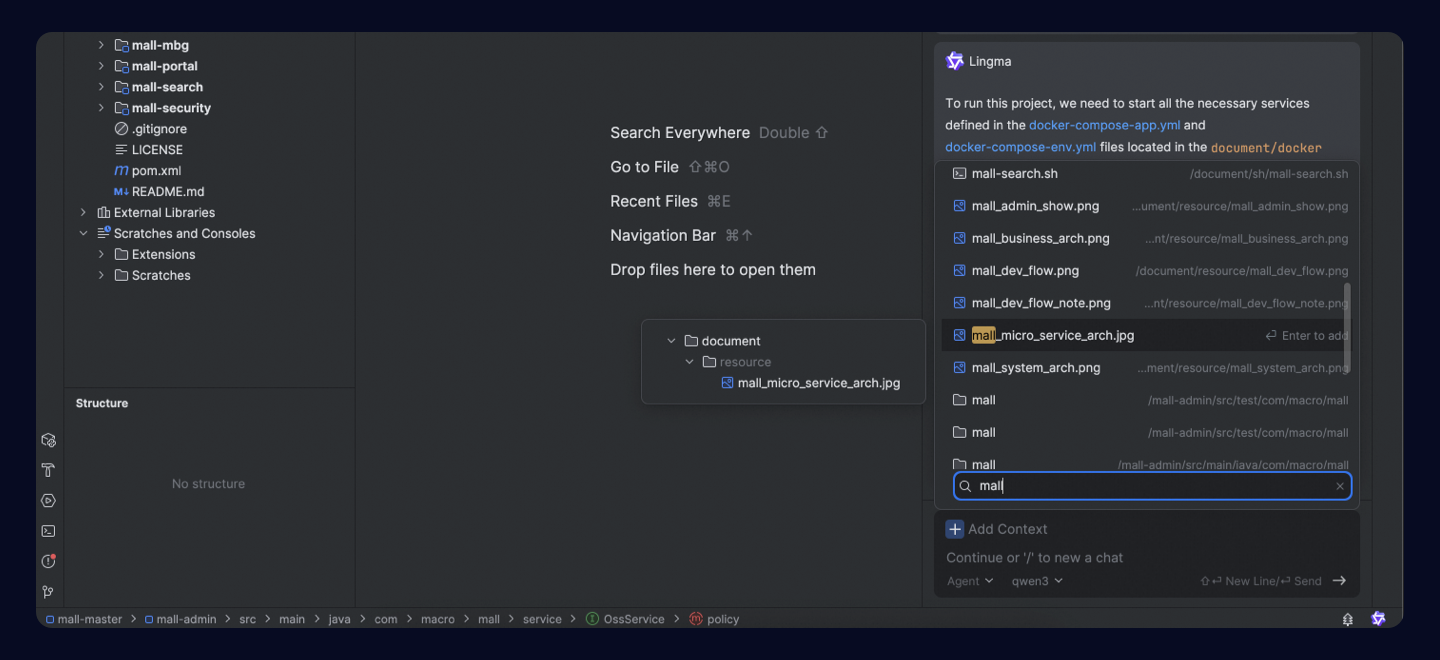
Optimized experience for adding folders and files to context
Mixed search across files and directories, and highlighting are now supported when you add context.
The ability to drag and drop folders to the input area as context is added.
Additional features
Agent mode supports selecting folders using
#folder.Supports one-click repair when MCP service is disconnected.
Optimized large file modification effects in AI Chat.
Optimized the loading speed of knowledge base lists when selecting
#teamDocs.Optimized the file editing accuracy issue. When editing fails, it will automatically retry.
Optimized the generation effect of code changes in Inline Chat.
Optimized the experience of pasting code snippets from within the project in the AI Chat panel.
Optimized output effects when using the qwen3-thinking model in Agent mode.
JetBrains IDEs now support selecting commands during chat.