Opportunistic encryption allows browsers to access HTTP links over an encrypted TLS connection, enhancing security for sites that have not fully migrated to HTTPS.
How it works
When a browser that supports opportunistic encryption visits a site where this feature is enabled, the Edge Security Acceleration (ESA) node automatically adds an Alt-Svc header to the HTTP response, indicating that the site supports HTTP/2 over TLS on a specified port (usually 443). The browser then establishes an encrypted TLS connection for subsequent requests and verifies that the server certificate is signed by a trusted Certificate Authority (CA). If verification passes, the browser communicates with the server over the encrypted connection using the HTTP/2 protocol, improving data transmission security and efficiency. For example:
-
For a domain name with HTTPS and HTTP/2 enabled, the response includes
Alt-Svc: h2=":443"; ma=86400. -
For a domain name with HTTPS and HTTP/3 enabled, the response includes
Alt-Svc: h3=":443"; ma=86400.
Enable opportunistic encryption
-
In the ESA console, choose Websites. In the Website column, click the target site.
-
In the left-side navigation pane, choose .
-
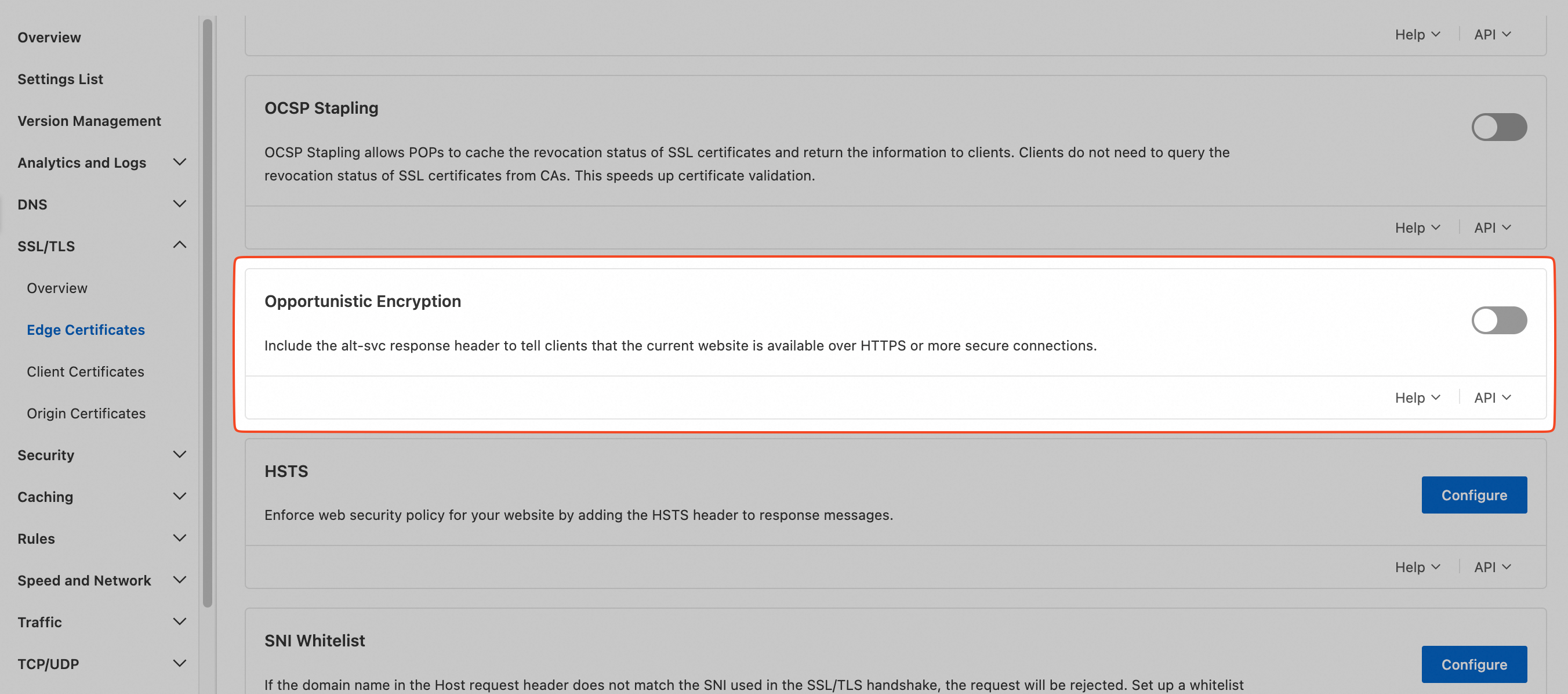
In the Opportunistic Encryption section, turn on the switch.
Global vs. rule-based configurations
Global configurations apply to all requests for a site. To enable this feature only for specific requests, create a rule that matches specific request parameters. This global setting corresponds to the Opportunistic Encryption rule.