DTS supports multiple synchronization topologies. Choose a topology based on your business requirements.
One-way synchronization
To ensure data consistency, perform only read operations on synchronized objects in the destination instance.
Topology type | Topology diagram | Description |
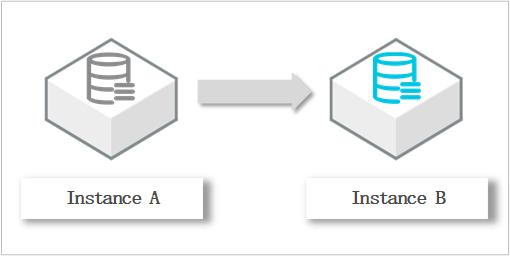
One-way one-to-one synchronization |
| None |
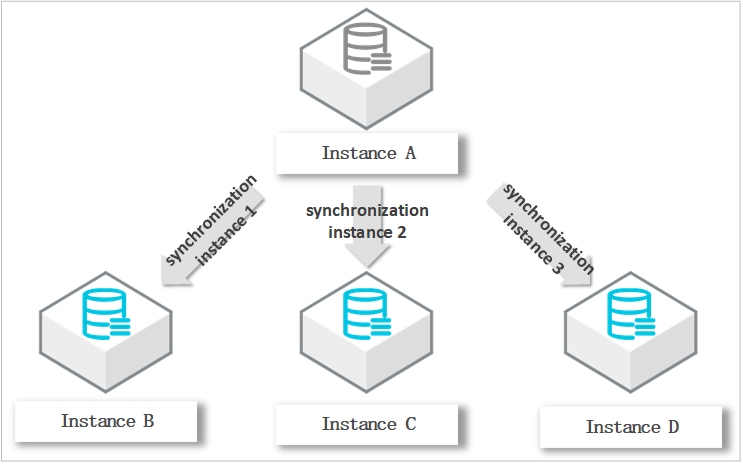
One-way one-to-many synchronization |
| Requires multiple synchronization instances. Example: synchronizing from Instance A to Instances B, C, and D requires three instances. |
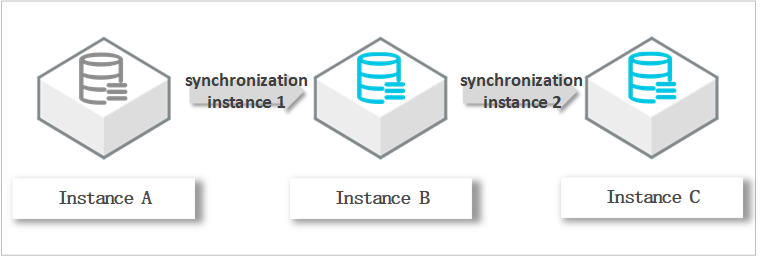
One-way cascade synchronization |
| Requires multiple synchronization instances. Example: synchronizing from Instance A to B, then B to C requires two instances. |
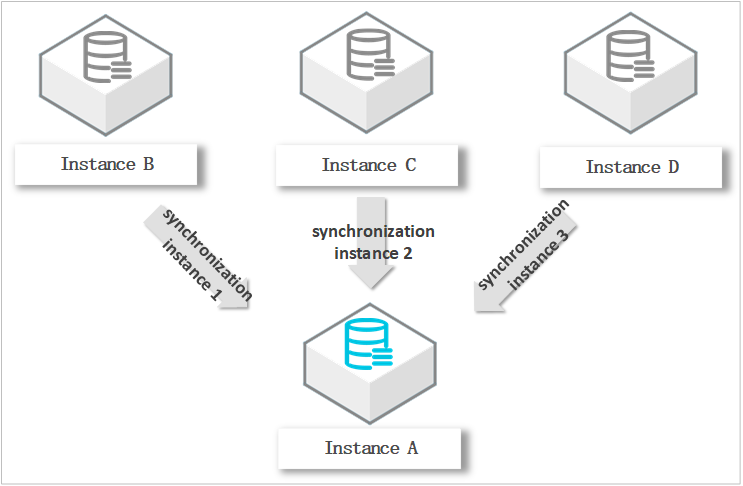
One-way many-to-one synchronization |
| Requires multiple synchronization instances. Example: synchronizing from Instances B, C, and D to Instance A requires three instances. Note In multi-table merge scenarios where changes from multiple source objects target the same destination row, concurrent execution may cause data inconsistency. When you add a synchronization instance to this topology, the precheck may return a warning for the check for objects with the same name. You can skip this check in the Precheck step in the console or by calling an API operation. Skipping the check does not affect the synchronization instances that are already running. To handle primary key conflicts in multi-source aggregation scenarios, go to Task Details > Parameters and set the |
Two-way synchronization
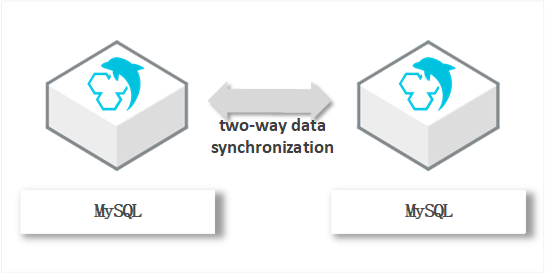
The following databases support two-way synchronization.
If the Database Type is MongoDB or Tair/Redis, two-way synchronization is supported only for Alibaba Cloud database instances. In this case, the Access Method must be Alibaba Cloud Instance.
DTS supports two-way synchronization only between two databases.
You can upgrade a one-way synchronization task to two-way. Upgrade a one-way synchronization task to a two-way synchronization task.
Topology type | Topology diagram | Description |
Two-way one-to-one synchronization |
| To ensure data consistency, update records with the same primary key, business primary key, or unique key in only one instance. Note If a record is updated in both instances, DTS resolves the conflict based on the conflict resolution policy configured for the synchronization task. |