use-a-template-to-create-a-project-on-a-mobile-device
Updated at:
Copy as MD
You can use a preset template to quickly create a mobile dashboard in DataV.
Procedure
-
Log on to the DataV console.
-
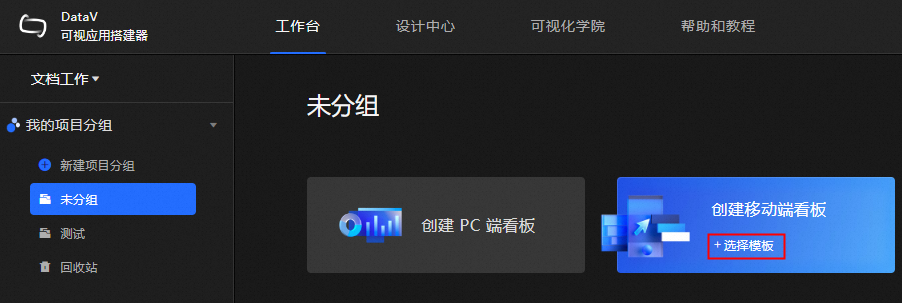
On the console page, move the pointer over Create Mobile Duct and click Select Template.
-
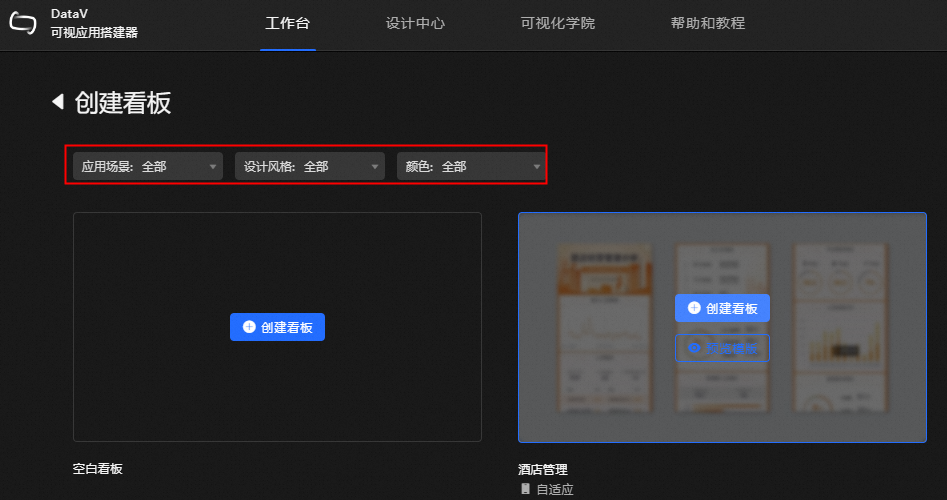
On the Create Kanban Board page, select a template by Scenario, Design Style, and Color, and then click Create Kanban Board.
-
In the Create Mobile Kanban dialog box that appears, set Kanban Name, Project Group, and then click Create Kanban.
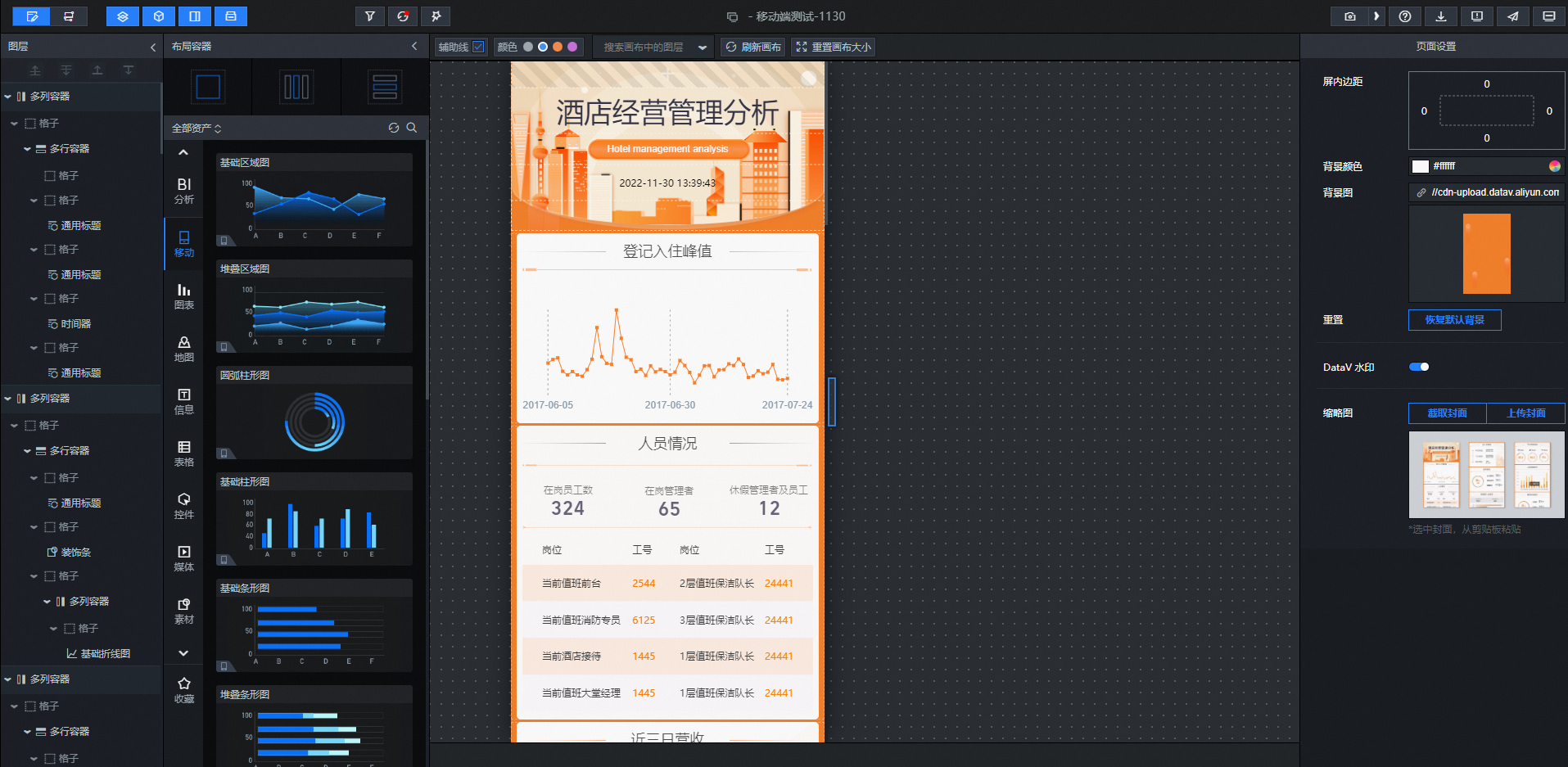
After the dashboard is created, the editing page appears.
Note
You can also choose DesignCenter> Mobile Terminal and select a blank dashboard or a preset template to create a dashboard.
Is this page helpful?