DataV allows you to use a template to create a PC dashboard. This topic describes how to use a template to create a PC dashboard.
Background information
DataV limits the number of new data boards. The following table describes the limits:
Enterprise Edition supports 20 data billboards.
Professional Edition supports 40 data billboards.
Procedure
Log on to the DataV console.
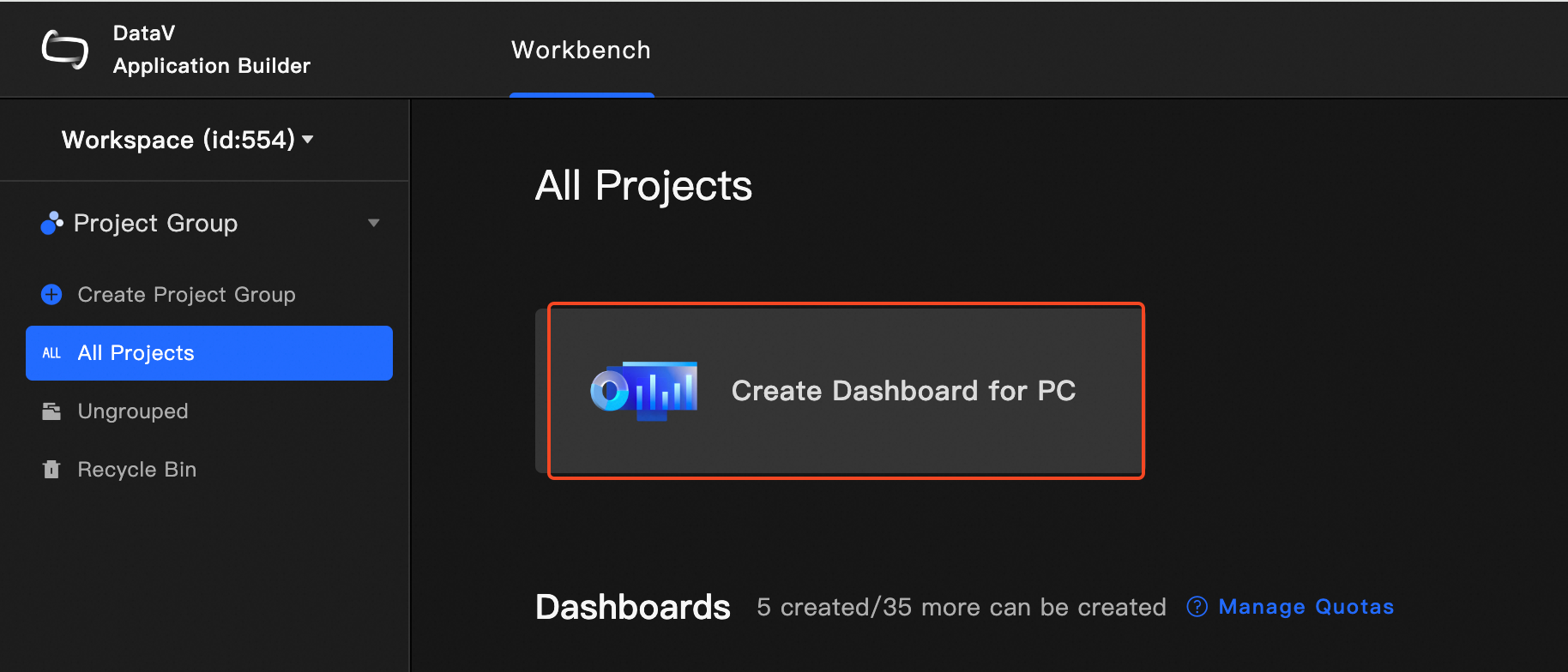
On the console page, hover over Create PC Kanban Board and click Select Template.
On the Create Kanban Board page, select a template by Scenario, Design Style, and Color, and then click Create Kanban Board.

In the Create Kanban dialog box, set Kanban Name and Project Group. Then, click Create Kanban.
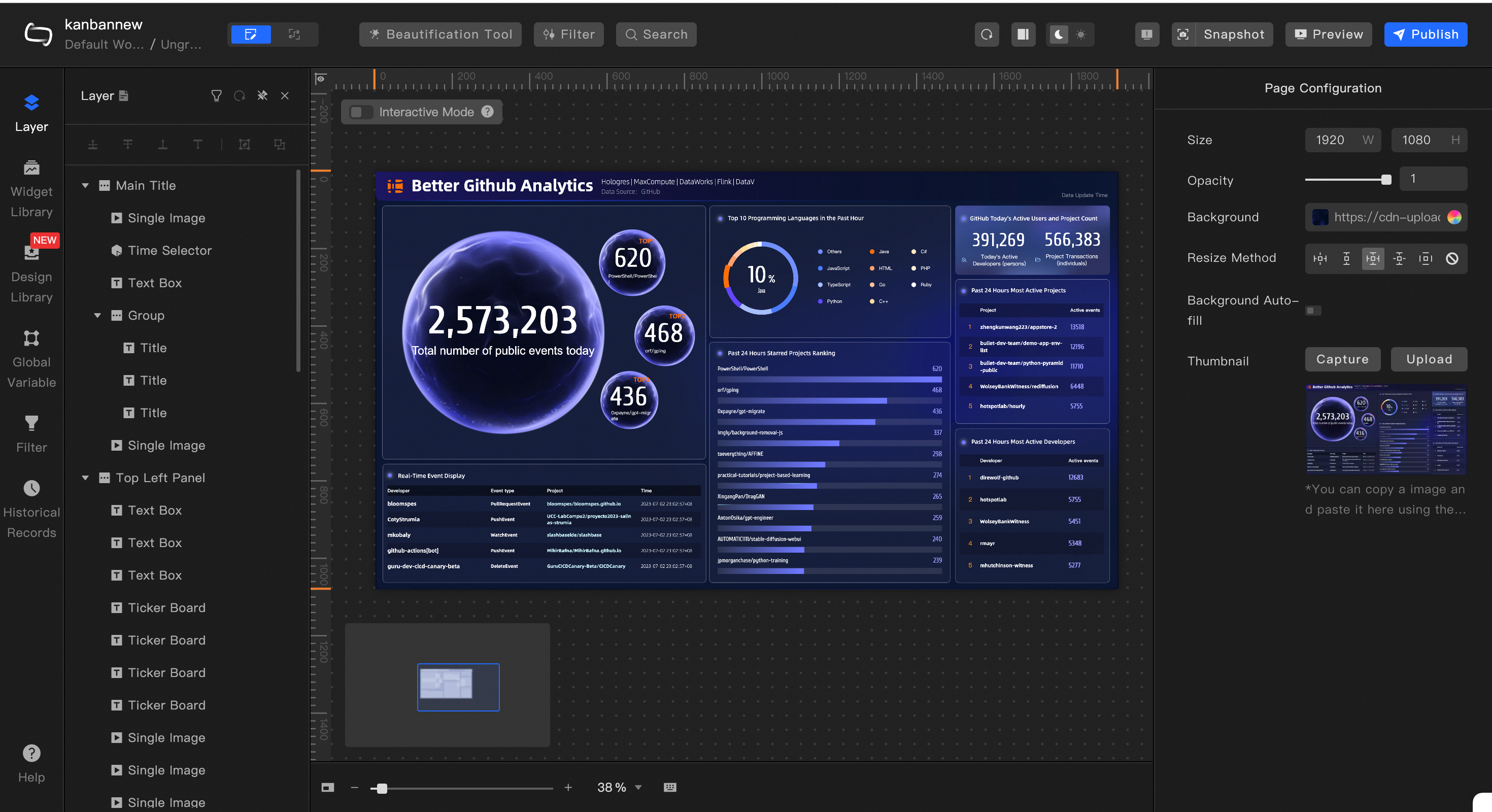
After the dashboard is created, the dashboard editing page appears.
You can also choose Design Center> PC and select a blank dashboard or a preset template to create a dashboard.