In today’s digital landscape, organizations are no longer building static websites. Modern applications are expected to be intelligent, scalable, and capable of interacting with users in real time. One of the most powerful trends is the integration of AI-driven chatbots that can understand and respond to user queries based on internal knowledge.
However, building such a system traditionally requires expertise in multiple domains: frontend, backend, DevOps, and AI engineering.
One such platform is Qoder, an AI-driven development assistant designed to help developers build applications faster with intelligent code generation, debugging assistance, development workflow automation and infrastructure using simple prompts.
Through the Alibaba Cloud Marketplace, organizations can purchase and deploy third-party software solutions such as Qoder directly within their cloud ecosystem.
Key capabilities include:
Instead of manually building a project structure and writing code line by line, developers can describe the desired functionality and let Qoder generate the application components automatically.
The system consists of multiple components that work together to provide both a traditional website experience and an AI chatbot capability.
The website includes:
These components are deployed on cloud infrastructure running on Alibaba Cloud.
Users
   │
   ▼
DNS
   │
   ▼
Server Load Balancer
   │
   ▼
ECS Web Application
   │
   ├── Website (Landing Page + Company Profile)
   │
   ├── Authentication Service
   │        │
   │        ▼
   │     Database (User Login / Signup)
   │
   ├── Document Upload Service
   │        │
   │        ▼
   │     OSS (Document Storage)
   │
   ▼
AI EnginePurchasing Qoder from Alibaba Cloud Marketplace
To begin using Qoder, the platform must first be purchased through the Alibaba Cloud Marketplace.
Steps to purchase Qoder:
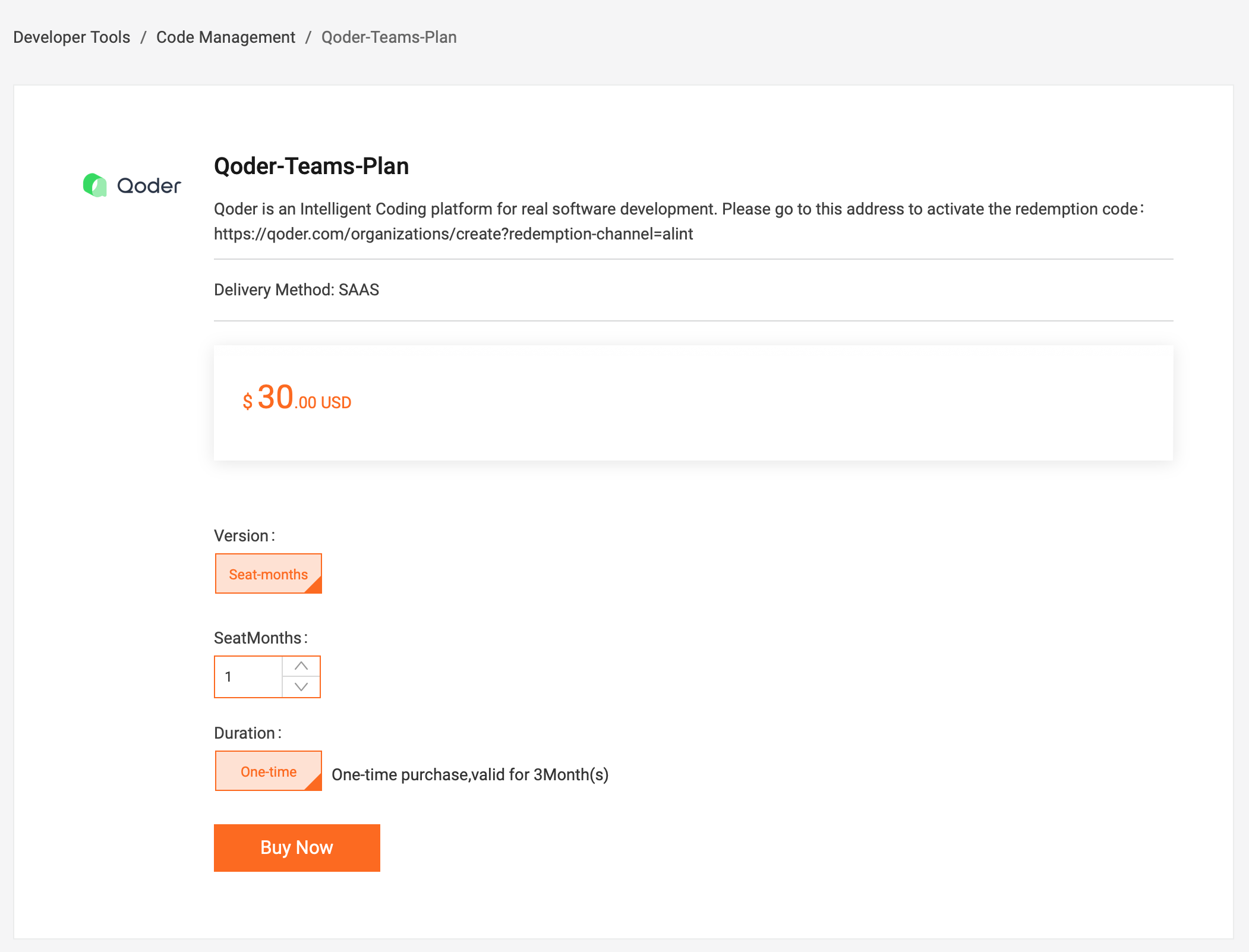
After completing the purchase, Alibaba Cloud will provide a redemption code that represents the purchased subscription or AI credits.
This redemption code must be activated on the Qoder platform before developers can use the service.
After receiving the redemption code, the next step is activating it in Qoder.
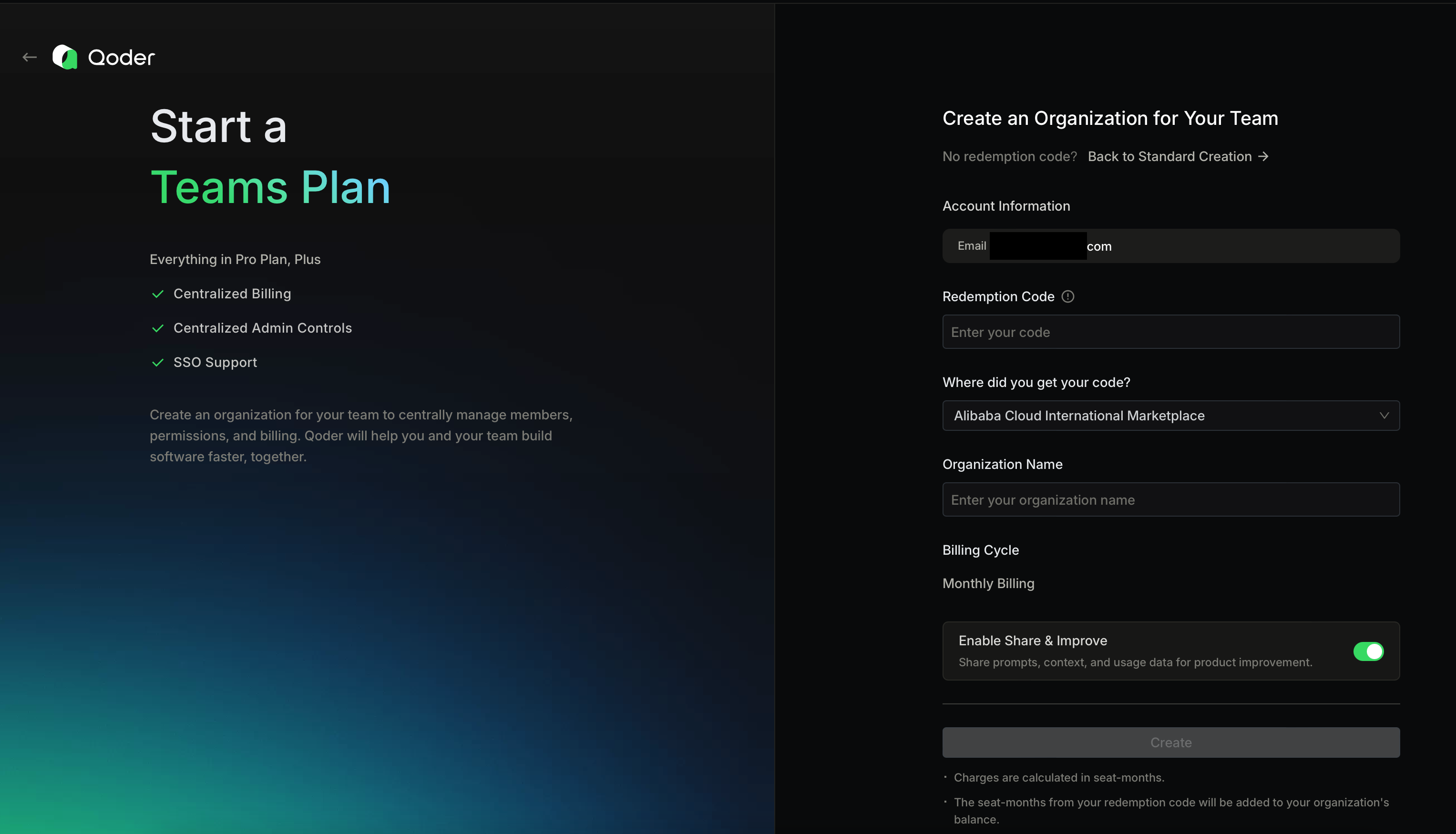
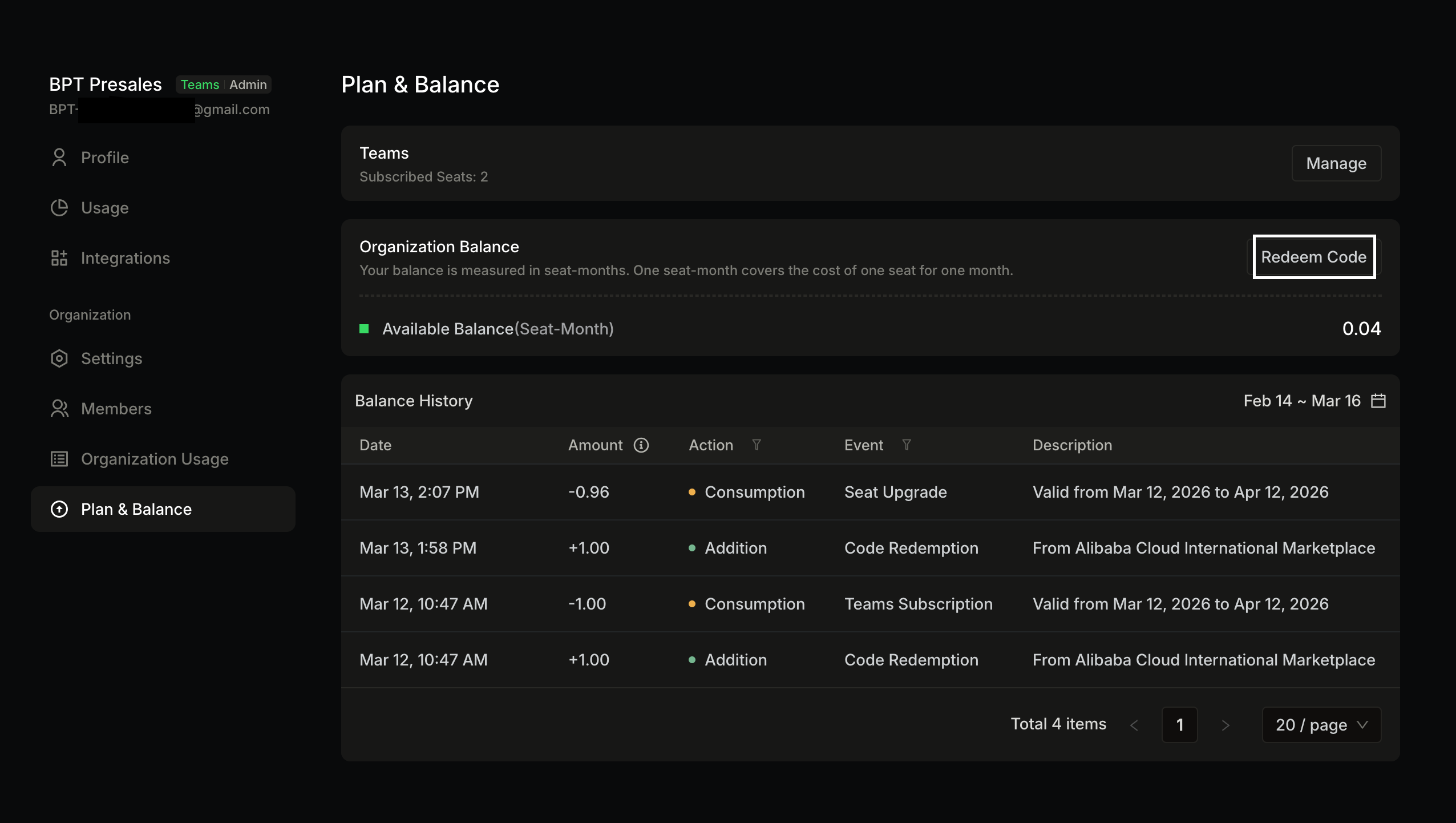
Once redeemed, the purchased subscription or credits will be added to the organization workspace and can be used by team members.
When the Credits included with seats are exhausted, administrators can replenish resources at any time by purchasing shared add-on credits for the organization, keeping the team productive.
One of the most powerful capabilities of Qoder is generating Infrastructure-as-Code using prompts.
Instead of manually creating Terraform files, developers can ask Qoder to generate infrastructure configuration automatically.
Example prompt:
Generate complete Terraform infrastructure code that provisions an end-to-end cloud environment on Alibaba Cloud for deploying a document-based chatbot web application using a Retrieval-Augmented Generation (RAG) architecture.

The infrastructure must support a web application where users can upload documents and ask questions. The chatbot will retrieve relevant information from uploaded documents and generate answers using an AI model.

The infrastructure must include the following Alibaba Cloud resources:

Networking Layer

* VPC
* VSwitch
* Security Groups
* NAT Gateway for outbound internet access
* Internet-facing Server Load Balancer (SLB)

Compute Layer

* ECS instance for hosting the web application
* ECS instance must use Ubuntu 22.04
* Attach a public SLB instead of exposing ECS directly
* Configure ECS to install Docker automatically using user_data

Database Layer

* ApsaraDB RDS MySQL instance
* Used for storing user data, metadata, and chatbot logs
* Configure private access within the VPC

Storage Layer

* OSS bucket for storing uploaded documents
* Enable lifecycle policy
* Enable server-side encryption

AI Application Layer
The ECS instance will run the chatbot application using containers with the following components:

* Web frontend for document upload
* Backend API
* Vector database (such as Qdrant, Milvus, or Chroma)
* RAG service using a large language model API

Security Layer

* Security group rules allowing:

  * HTTP (80)
  * HTTPS (443)
  * SSH (22) restricted
* Configure private networking between ECS and RDS

Observability

* Enable Log Service (SLS)
* Enable ActionTrail for auditing API operations

Terraform Requirements

1. Use Terraform Alibaba Cloud provider.
2. Organize the Terraform code into logical sections:

   * provider.tf
   * variables.tf
   * vpc.tf
   * ecs.tf
   * rds.tf
   * slb.tf
   * oss.tf
   * outputs.tf
3. Include variables for region, instance types, database credentials, and project name.
4. Use reusable Terraform modules where possible.
5. Include proper tagging for all resources.
6. Output important information such as:

   * SLB public IP
   * ECS private IP
   * RDS endpoint
   * OSS bucket name

Application Deployment Requirement

The ECS instance must automatically run a startup script (user_data) that installs Docker and prepares the environment for deploying a chatbot application container.

Architecture

Internet
→ Server Load Balancer
→ ECS (Web App + Chatbot Backend)
→ ApsaraDB RDS
→ OSS (Document Storage)

The Terraform code must be production-ready and well-commented.

Provide the Terraform code in clearly separated sections with explanations.

If you need AK and SK, please inform me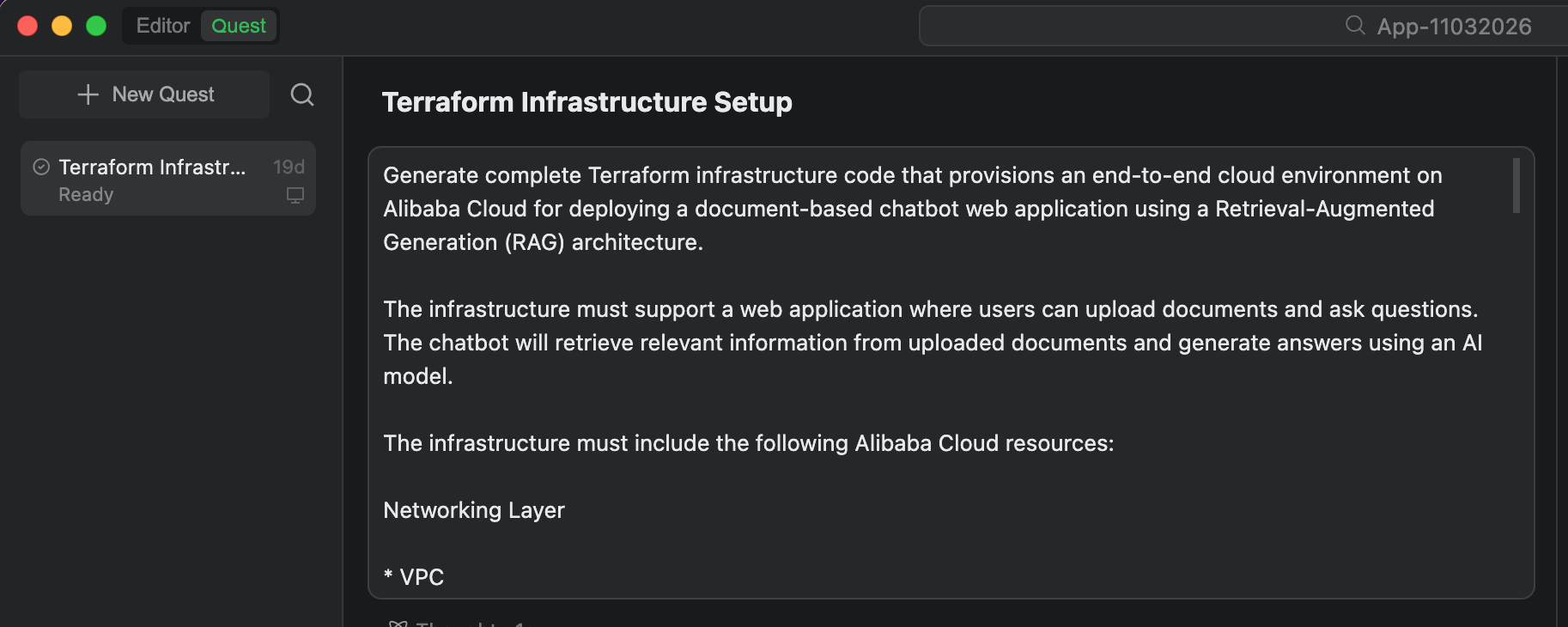
Qoder will automatically generate Terraform configuration files.
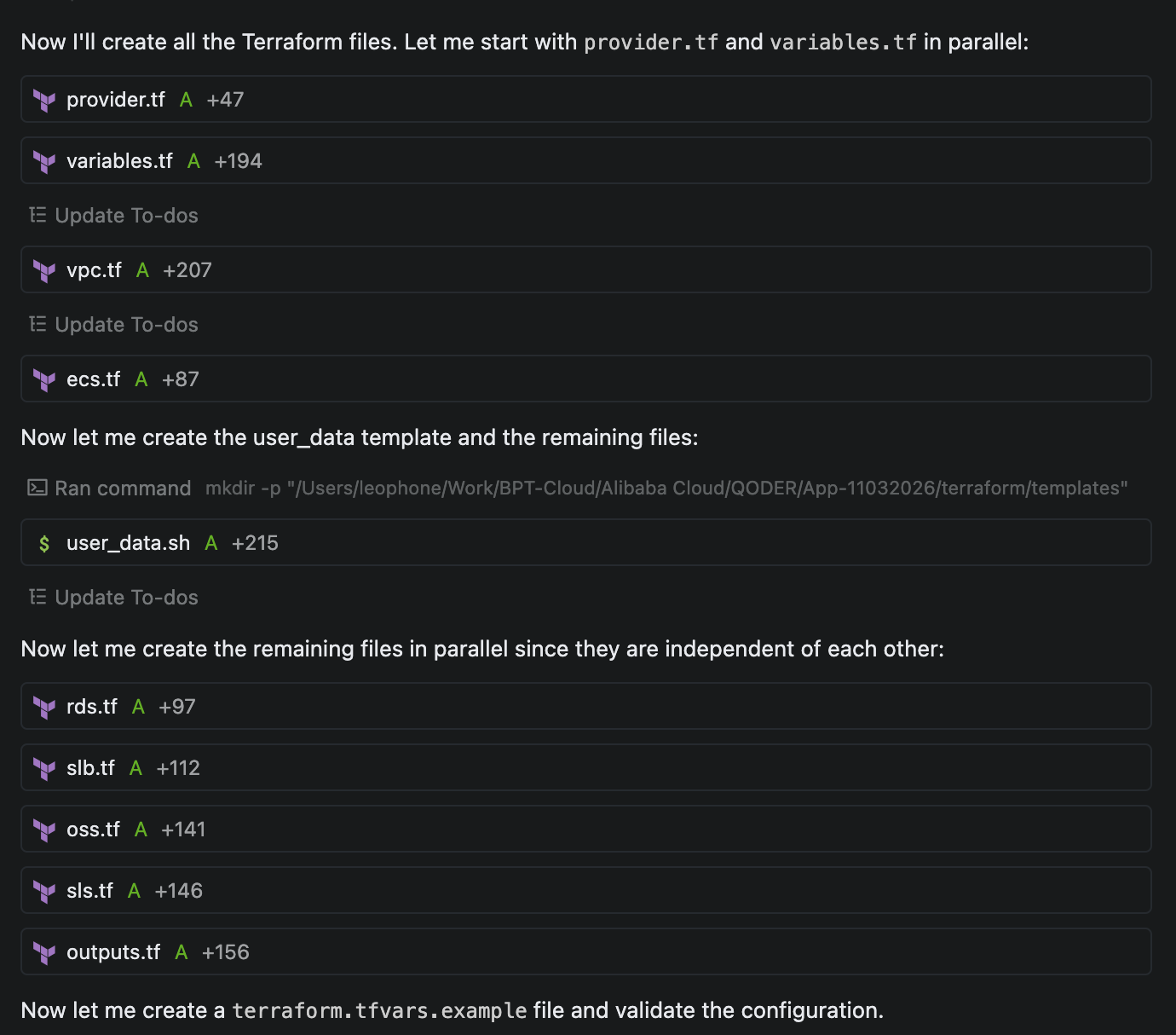
Terraform Project Structure
terraform/
├── .gitignore                    # Excludes state files and credentials
├── provider.tf                   # Alibaba Cloud provider + random_id for unique names
├── variables.tf                  # All input variables with validation
├── vpc.tf                        # VPC, 2 VSwitches, NAT Gateway, Security Groups
├── ecs.tf                        # ECS instance (Ubuntu 22.04) + Docker bootstrap
├── rds.tf                        # ApsaraDB RDS MySQL (private VPC access)
├── slb.tf                        # Internet-facing Server Load Balancer
├── oss.tf                        # OSS bucket + lifecycle + encryption + RAM role
├── sls.tf                        # Log Service (SLS) + ActionTrail auditing
├── outputs.tf                    # All output values + deployment summary
├── terraform.tfvars.example      # Example variable file (copy to terraform.tfvars)
└── templates/
    └── user_data.sh              # ECS bootstrap script (Docker + Docker Compose)
After the Terraform files are generated, the infrastructure can be deployed to Alibaba Cloud.
Initialize Terraform:
terraform initPreview the infrastructure plan:
terraform planDeploy the infrastructure
terraform applyAll infrastructure has been successfully deployed. Here is the deployment summary:
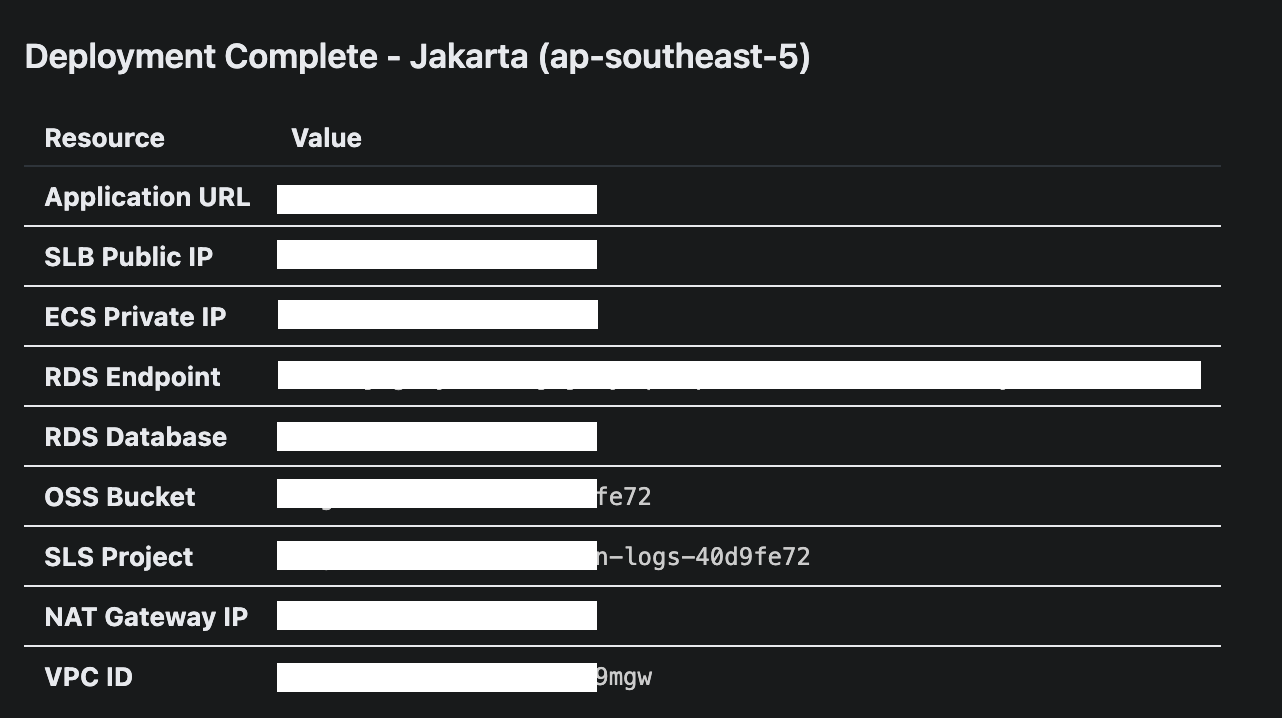
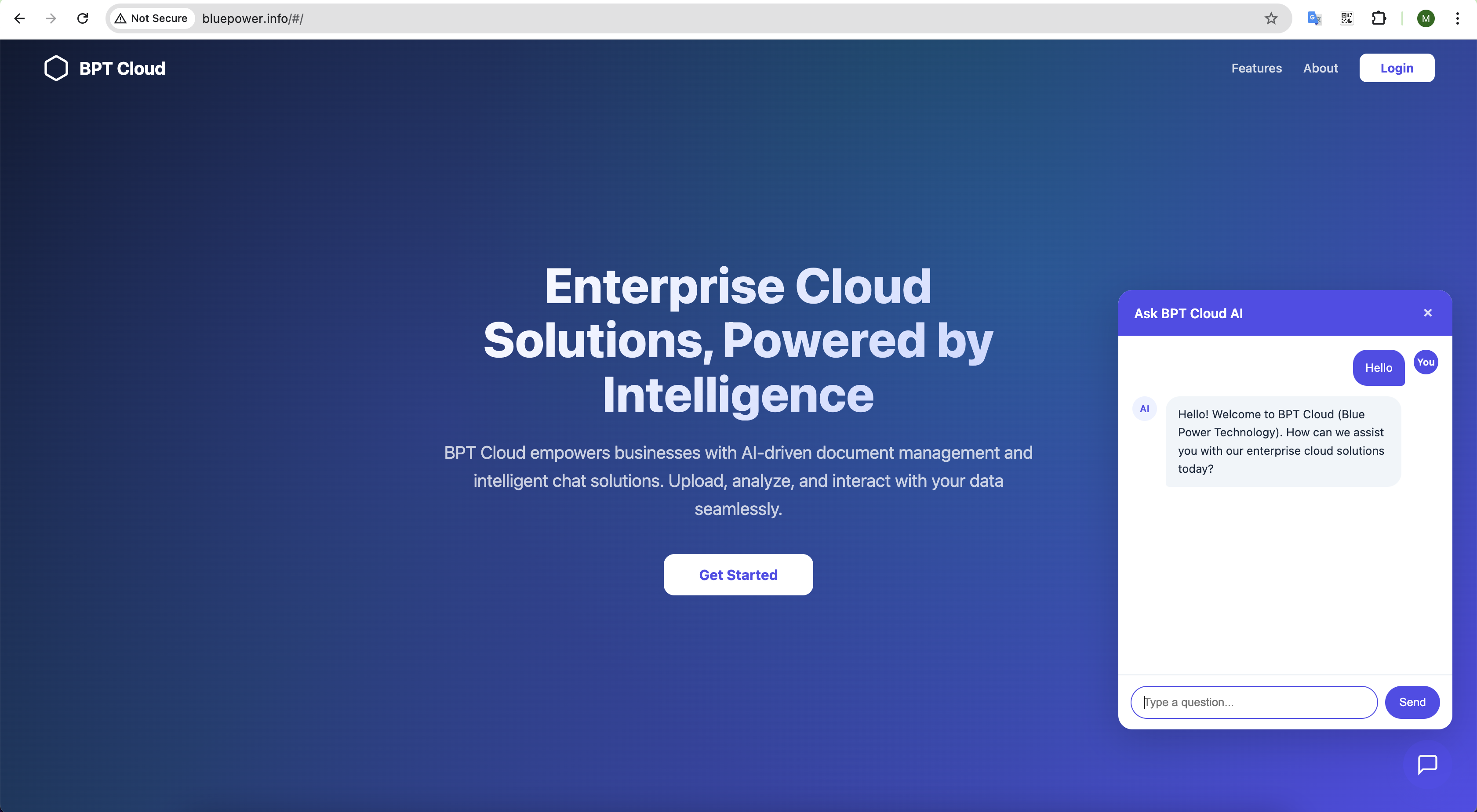
Once deployment is completed, Terraform outputs the public endpoint of the website.
By combining the capabilities of Qoder with the scalability of Alibaba Cloud, developers can significantly simplify the process of building modern, AI-powered applications. What traditionally required multiple tools and extensive manual effort can now be achieved through a more automated and streamlined workflow.
This approach not only accelerates development but also enables organizations to quickly adopt AI-driven features, making their applications more interactive, intelligent, and valuable to users.
Optimizing SQL Query of ApsaraDB RDS Performance Using RDS Copilot on Alibaba Cloud
Alibaba Cloud Token Plan in Third-Party IDEs: A Guide to VS Code + Cline via OpenAPI Compatibility

8 posts | 0 followers
FollowAlibaba Cloud Community - June 16, 2026
Alibaba Cloud Community - July 30, 2026
ESA Big Fan - June 16, 2026
Alibaba Cloud Community - August 6, 2026
Muhamad Miftah - June 23, 2026
Alibaba Cloud Community - July 10, 2026
8 posts | 0 followers
Follow Robotic Process Automation (RPA)
Robotic Process Automation (RPA) allows you to automate repetitive tasks and integrate business rules and decisions into processes.
Learn More Storage Capacity Unit
Plan and optimize your storage budget with flexible storage services
Learn More Simple Log Service
An all-in-one service for log-type data
Learn More DAS(Database Autonomy Service)
Self-driving Database Platform: Self-repair, Self-optimization, and Self-security
Learn MoreMore Posts by Muhamad Miftah

