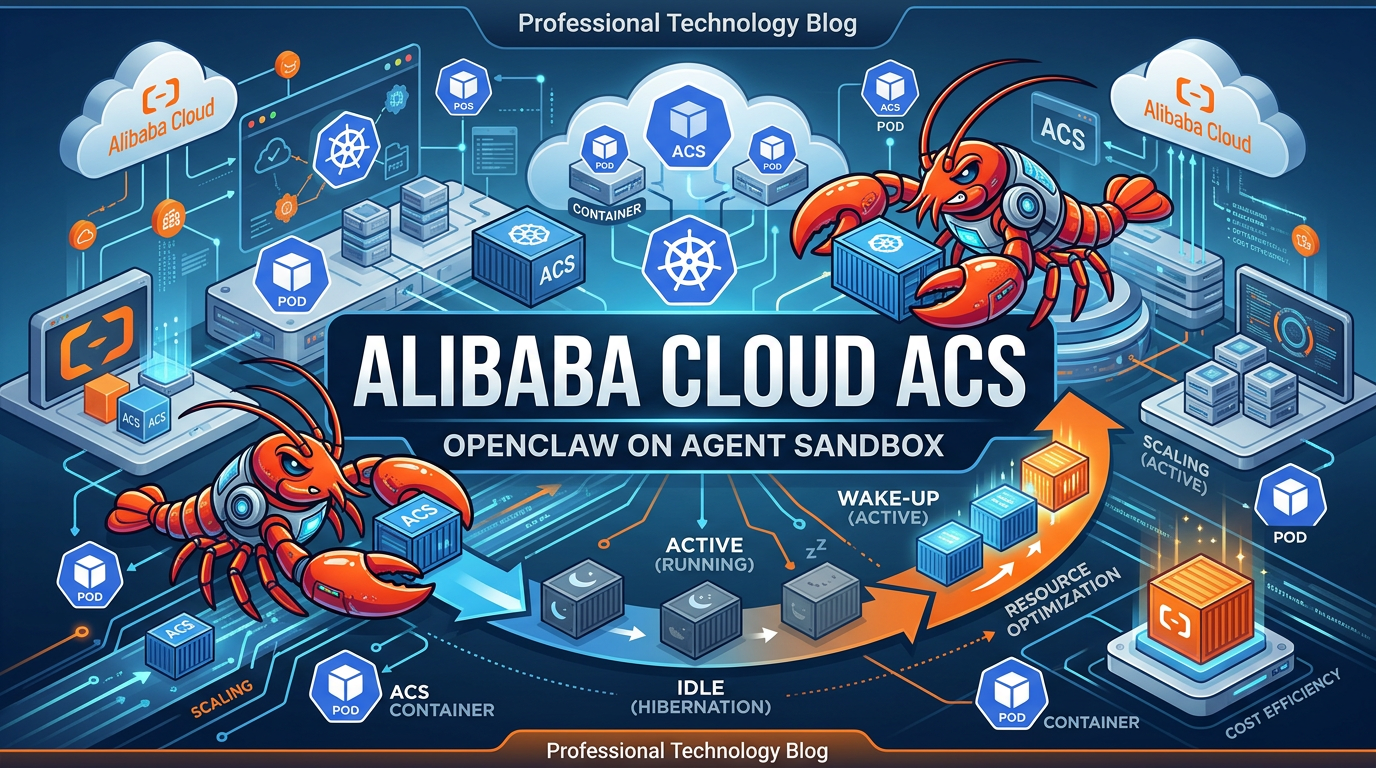
OpenClaw is an open-source, self-hosted personal AI assistant that enables users to interact through a chat interface and delegate various tasks. Alibaba Cloud Container Compute Service (ACS) provides Agent Sandbox computing power that deeply integrates AI applications with Kubernetes and container ecosystems. With ACS Agent Sandbox, enterprises and developers can rapidly build large-scale, highly elastic, and securely isolated Agent infrastructure, accelerating the deployment and innovation of AI agents in real-world scenarios.
This article provides a detailed guide on deploying OpenClaw using ACS Agent Sandbox, implementing on-demand hibernation and second-level wake-up capabilities.
ACS Agent Sandbox supports Kubernetes as a unified interface, providing serverless computing resources that comply with container standards. When deploying OpenClaw, users only need to specify the application image to launch a fully functional, securely isolated AI Agent runtime environment in seconds—without managing underlying nodes, clusters, or infrastructure.
ACS Agent Sandbox supports on-demand hibernation and wake-up functionality for OpenClaw instances. This means when there are no tasks, instances can automatically enter a hibernation state to save costs. Once new requests or tasks appear, they can be immediately awakened and resume their previous working state.
Based on lightweight virtualization and container sandbox technology, ACS Agent Sandbox provides independent runtime spaces for each OpenClaw instance, achieving strict isolation at the process, file system, and network levels.
Based on Alibaba Cloud Container Service's large-scale resource management and highly efficient delivery technology, ACS Agent Sandbox can meet the elastic demands of AI Agent businesses and support enterprise-grade application deployments.
You can access ACS Agent Sandbox computing power by creating either an ACK Pro cluster or an ACS cluster.
Create a Sandbox resource as follows. Please modify these two parameters in the YAML file to complete the configuration:
Note: To avoid unexpected costs during the initial experience, you can purchase the Model Studio Coding Plan, which uses a fixed monthly fee model and provides monthly request quotas. If you need to use the Coding Plan, you can modify the Base URL after the service deployment is complete. The Coding Plan only supports deducting costs for qwen3-max-2026-01-23 and qwen3-coder-plus model calls, and does not support deducting multimodal model call costs.
Warning: Please keep your Model Studio API-Key secure. If leaked, third parties may impersonate your identity for malicious use, resulting in unexpected charges.
The Sandbox resource automatically allocates an EIP through the following annotations:
network.alibabacloud.com/pod-with-eip: "true"      # Automatically allocate an EIP for each Pod
network.alibabacloud.com/eip-bandwidth: "5"        # EIP instance bandwidth is 5 Mbps
Complete Sandbox CR:
apiVersion: agents.kruise.io/v1alpha1
kind: Sandbox
metadata:
  labels:
    app: openclaw
  name: openclaw
  namespace: default
spec:
  template:
    metadata:
      labels:
        alibabacloud.com/acs: "true"               # Use ACS computing power
        app: openclaw
      annotations:
        network.alibabacloud.com/pod-with-eip: "true"
        network.alibabacloud.com/eip-bandwidth: "5"
    spec:
      containers:
      - env:
        - name: ENVD_DIR
          value: /mnt/envd
        - name: DASHSCOPE_API_KEY
          value: sk-xxxxxxxxxxxxxxxxx               # Replace with your actual API_KEY
        - name: GATEWAY_TOKEN
          value: clawdbot-mode-123456               # Replace with your desired OpenClaw access token
        image: registry.cn-hangzhou.aliyuncs.com/acs-samples/clawdbot:latest
        imagePullPolicy: IfNotPresent
        lifecycle:
          postStart:
            exec:
              command:
              - /bin/bash
              - -c
              - /mnt/envd/envd-run.sh
        name: openclaw
        resources:
          limits:
            cpu: "4"
            memory: 8Gi
          requests:
            cpu: "4"
            memory: 8Gi
        securityContext:
          readOnlyRootFilesystem: false
          runAsGroup: 0
          runAsUser: 0
        startupProbe:
          failureThreshold: 30
          initialDelaySeconds: 5
          periodSeconds: 5
          successThreshold: 1
          tcpSocket:
            port: 18789
          timeoutSeconds: 1
        terminationMessagePath: /dev/termination-log
        terminationMessagePolicy: File
        volumeMounts:
        - mountPath: /mnt/envd
          name: envd-volume
      dnsPolicy: ClusterFirst
      initContainers:
      - command:
        - sh
        - /workspace/entrypoint_inner.sh
        env:
        - name: ENVD_DIR
          value: /mnt/envd
        - name: __IGNORE_RESOURCE__
          value: "true"
        image: registry-cn-hangzhou.ack.aliyuncs.com/acs/agent-runtime:latest
        imagePullPolicy: IfNotPresent
        name: init
        resources: {}
        restartPolicy: Always
        terminationMessagePath: /dev/termination-log
        terminationMessagePolicy: File
        volumeMounts:
        - mountPath: /mnt/envd
          name: envd-volume
      paused: true
      restartPolicy: Always
      schedulerName: default-scheduler
      securityContext: {}
      terminationGracePeriodSeconds: 1
      volumes:
      - emptyDir: {}
        name: envd-volume
After creation, ACS will create a Pod with the same name for this sandbox. Once the Pod starts, OpenClaw will be in an available state:
$ kubectl get sbx openclaw
NAME       STATUS    AGE   SHUTDOWN_TIME   PAUSE_TIME   MESSAGE
openclaw Running 57sCreate the following SandboxSet resource to pre-warm OpenClaw sandboxes for subsequent use:
apiVersion: agents.kruise.io/v1alpha1
kind: SandboxSet
metadata:
  name: openclaw
  namespace: default
  annotations:
    e2b.agents.kruise.io/should-init-envd: "true"
  labels:
    app: openclaw
spec:
  replicas: 1
  template:
    metadata:
      labels:
        alibabacloud.com/acs: "true"
        app: openclaw
      annotations:
        network.alibabacloud.com/pod-with-eip: "true"
        network.alibabacloud.com/eip-bandwidth: "5"
    spec:
      initContainers:
      - name: init
        image: registry-cn-hangzhou.ack.aliyuncs.com/acs/agent-runtime:latest
        imagePullPolicy: IfNotPresent
        command: [ "sh", "/workspace/entrypoint_inner.sh" ]
        volumeMounts:
        - name: envd-volume
          mountPath: /mnt/envd
        env:
        - name: ENVD_DIR
          value: /mnt/envd
        - name: __IGNORE_RESOURCE__
          value: "true"
        restartPolicy: Always
      containers:
      - name: openclaw
        image: registry.cn-hangzhou.aliyuncs.com/acs-samples/clawdbot:latest
        imagePullPolicy: IfNotPresent
        securityContext:
          readOnlyRootFilesystem: false
          runAsUser: 0
          runAsGroup: 0
        resources:
          requests:
            cpu: 4
            memory: 8Gi
          limits:
            cpu: 4
            memory: 8Gi
        env:
        - name: ENVD_DIR
          value: /mnt/envd
        - name: DASHSCOPE_API_KEY
          value: sk-xxxxxxxxxxxxxxxxx
        - name: GATEWAY_TOKEN
          value: clawdbot-mode-123456
        volumeMounts:
        - name: envd-volume
          mountPath: /mnt/envd
        startupProbe:
          tcpSocket:
            port: 18789
          initialDelaySeconds: 5
          periodSeconds: 5
          failureThreshold: 30
        lifecycle:
          postStart:
            exec:
              command: [ "/bin/bash", "-c", "/mnt/envd/envd-run.sh" ]
        terminationGracePeriodSeconds: 1
      volumes:
      - emptyDir: { }
        name: envd-volume
After the SandboxSet is created, you can see that 1 sandbox is already in an available state:
$ kubectl get sandboxsets
NAME       REPLICAS   AVAILABLE   UPDATEREVISION   AGE
openclaw   1          1           65744474f9       22m

$ kubectl get sandboxes
NAME             STATUS    AGE   SHUTDOWN_TIME   PAUSE_TIME   MESSAGE
openclaw-c9wwc   Running   23m
Correspondingly, you can see in the ACS console that a Pod with the same name as the sandbox has entered the Running state.
Sandboxes in the warm-up pool can be used directly, or obtained from the warm-up pool in the following way:
Create the following SandboxClaim resource to obtain sandboxes from the SandboxSet:
apiVersion: agents.kruise.io/v1alpha1
kind: SandboxClaim
metadata:
  name: openclaw-claim
spec:
  templateName: openclaw    # Previously created SandboxSet name
  replicas: 1
  claimTimeout: 1m
  ttlAfterCompleted: 5m
After the SandboxClaim is issued to the cluster, you can obtain the list of successfully claimed sandboxes with the following commands:
$ kubectl get sandboxclaims
NAME             PHASE       TEMPLATE   DESIRED   CLAIMED   AGE
openclaw-claim   Completed   openclaw   1         1         17s

$ kubectl get sandbox -l agents.kruise.io/claim-name=openclaw-claim
NAME             STATUS    AGE   SHUTDOWN_TIME   PAUSE_TIME   MESSAGE
openclaw-c9wwc   Running   96s
After the sandbox is claimed, the SandboxSet will quickly replenish the replica count in the warm-up pool to ensure the number of pre-warmed sandboxes:
$ kubectl get sandboxsets
NAME       REPLICAS   AVAILABLE   UPDATEREVISION   AGE
openclaw 1 1 7f667d7d48 2m2sIn the previous introduction, you successfully created a sandbox instance running OpenClaw. You can query the Pod YAML with the same name as the sandbox.
Find the automatically allocated Elastic IP in the network.alibabacloud.com/allocated-eipAddress annotation:
apiVersion: v1
kind: Pod
metadata:
  annotations:
    ...
    network.alibabacloud.com/allocated-eip-id: eip-xxxxx0y884ucrevoxxxxx
    network.alibabacloud.com/allocated-eipAddress: xxx.xxx.xxx.xxx    # System allocated EIP
    network.alibabacloud.com/allocated-eni-id: eni-xxxxx563trofuhaxxxxx
    ...
This EIP is bound to the automatically allocated Elastic Network Interface instance. You can find the automatically allocated Elastic Network Interface instance in the network.alibabacloud.com/allocated-eni-id annotation and configure security group rules in the Elastic Network Interface console.
Please ensure that the security group of the allocated Elastic Network Interface has opened access permissions for port 18789. For details, refer to: Security Group Overview
After confirming the configuration is complete, replace the IP in the following access link to directly access the OpenClaw page:
http://xxx.xxx.xxx.xxx:18789/?token=clawdbot-mode-123456Contact Alibaba Cloud staff to assist you in enabling the hibernation and wake-up function whitelist.
During the operation of your OpenClaw sandbox, you can check its status with the following command:
$ kubectl get sandboxes openclaw-c9wwc -o yaml
apiVersion: agents.kruise.io/v1alpha1
kind: Sandbox
metadata:
  ...
  name: openclaw-c9wwc
spec:
  template:
    ...
You can trigger sandbox hibernation by editing the spec.paused field of the Sandbox CR and changing it to true:
$ kubectl -n default edit sandbox openclaw-c9wwc    # Modify `spec.paused` to true
apiVersion: agents.kruise.io/v1alpha1
kind: Sandbox
metadata:
  ...
  name: openclaw-c9wwc
spec:
  paused: true
  template:
    ...
After the sandbox hibernation is successful, you can view the instance hibernation status through the Sandbox CR YAML:
$ kubectl get sbx openclaw-c9wwc
NAME             STATUS    AGE   SHUTDOWN_TIME   PAUSE_TIME   MESSAGE
openclaw-c9wwc   Paused    72m
During the OpenClaw instance hibernation period, your service will be in an inaccessible state.
You can wake up the OpenClaw instance with the following command:
$ kubectl -n default edit sandbox openclaw-c9wwc    # Modify `spec.paused` to false
apiVersion: agents.kruise.io/v1alpha1
kind: Sandbox
metadata:
  ...
  name: openclaw-c9wwc
spec:
  paused: false
  template:
    ...
You can observe the instance wake-up status through the Sandbox CR YAML:
$ kubectl get sbx openclaw-c9wwc
NAME             STATUS    AGE   SHUTDOWN_TIME   PAUSE_TIME   MESSAGE
openclaw-c9wwc Running 75mDeploying OpenClaw on Alibaba Cloud ACS Agent Sandbox represents a significant advancement in AI agent infrastructure. By combining the flexibility of open-source AI agents with the power of serverless container technology, enterprises and developers can now build sophisticated AI automation without the traditional operational overhead.
The ACS Agent Sandbox architecture delivers three key benefits that make it ideal for AI agent workloads:
Operational Efficiency: The hibernation and wake-up capabilities enable cost-effective operation, allowing AI agents to scale to zero when idle while maintaining instant availability when needed. This pay-per-use model aligns costs directly with actual usage patterns.
Enterprise Security: With lightweight virtualization, strict process isolation, and integrated Alibaba Cloud security services, each OpenClaw instance operates in a secure sandbox environment suitable for production deployments.
Scalability: Built on Alibaba Cloud's proven container infrastructure, ACS Agent Sandbox can support everything from single developer experiments to enterprise-scale multi-agent deployments with thousands of concurrent instances.
Whether you're building automated workflows, intelligent assistants, or complex multi-agent systems, ACS Agent Sandbox provides the foundation for reliable, secure, and cost-effective AI agent operations. The Kubernetes-native approach ensures compatibility with existing DevOps practices while the serverless model eliminates infrastructure management burden.
As AI agents continue to transform how businesses operate, having a robust, scalable, and secure deployment platform becomes essential. Alibaba Cloud ACS Agent Sandbox, combined with OpenClaw's powerful agent capabilities, offers a compelling solution for organizations ready to embrace the AI agent revolution.
OpenClaw AI Agent Memory Loss? Extend Your Agent's Memory Easily with Tablestore Skill Plugin

11 posts | 0 followers
FollowJustin See - March 20, 2026
Justin See - March 13, 2026
Justin See - March 11, 2026
Alibaba Cloud Native Community - March 13, 2026
Alibaba Cloud Community - January 30, 2026
Justin See - March 26, 2026
11 posts | 0 followers
Follow Container Service for Kubernetes
Alibaba Cloud Container Service for Kubernetes is a fully managed cloud container management service that supports native Kubernetes and integrates with other Alibaba Cloud products.
Learn More
Container Compute Service (ACS)
A cloud computing service that provides container compute resources that comply with the container specifications of Kubernetes
Learn More
ACK One
Provides a control plane to allow users to manage Kubernetes clusters that run based on different infrastructure resources
Learn More Cloud-Native Applications Management Solution
Accelerate and secure the development, deployment, and management of containerized applications cost-effectively.
Learn MoreMore Posts by Justin See

