Problem description
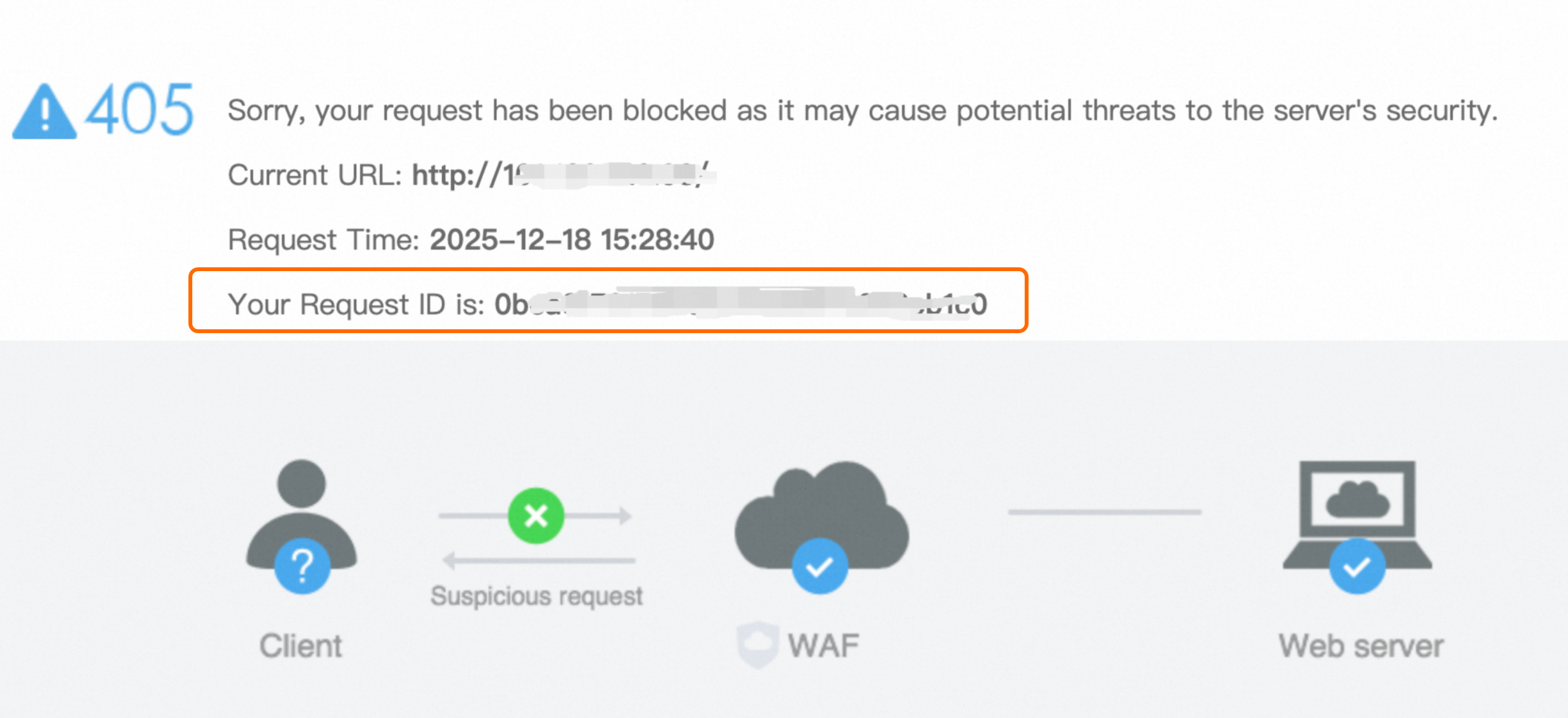
After you deploy Web Application Firewall (WAF) for your website, WAF returns an HTTP 405 error and displays a block page when it detects requests that may pose security threats to the website.
Solutions
WAF 3.0
Obtain the request ID: When a request is blocked, the block page displays the request ID by default. Copy the ID for subsequent queries.
Search in the WAF console: Log on to the Web Application Firewall 3.0 console. In the left-side navigation pane, choose . Set a time range, paste the request ID into the "Enter Trace ID" search box, and then start the search.
NoteIf log delivery is enabled for the protection object, you can also perform the search on the page.
Analyze the block reason: On the Security Reports page, view the Protection Module and Rules Matched for the request. If you determine that the request is legitimate, find the request in the Logs and click Suppress False Positive in the Actions column. For more information, see whitelist.
WAF 2.0
Obtain the request ID: When a request is blocked, the block page displays the request ID by default. Copy this ID for later lookup.
Query in the WAF console: Log on to the Web Application Firewall console.
If Log Service is enabled for the domain: In the left-side navigation pane, choose . On the Log Search tab, paste the request ID and specify a time range to search.
If Log Service is not enabled: In the left-side navigation pane, choose . Filter by time range, IP address, or attack URL.
Analyze the block reason: If the blocked request is confirmed to be legitimate business traffic, take the following actions based on the rule type:
System built-in protection rule false positive
If the request is blocked by a system built-in rule of the Protection Rules Engine, go to to disable the specific rule that triggered the false positive.Custom protection rule false positive
If the request is blocked by a custom protection rule, modify the corresponding rule. Alternatively, on the Website Protection page, create a whitelist rule with specific match conditions to disable designated protection modules or rules when conditions are met. For more information, see Configure a website allowlist.