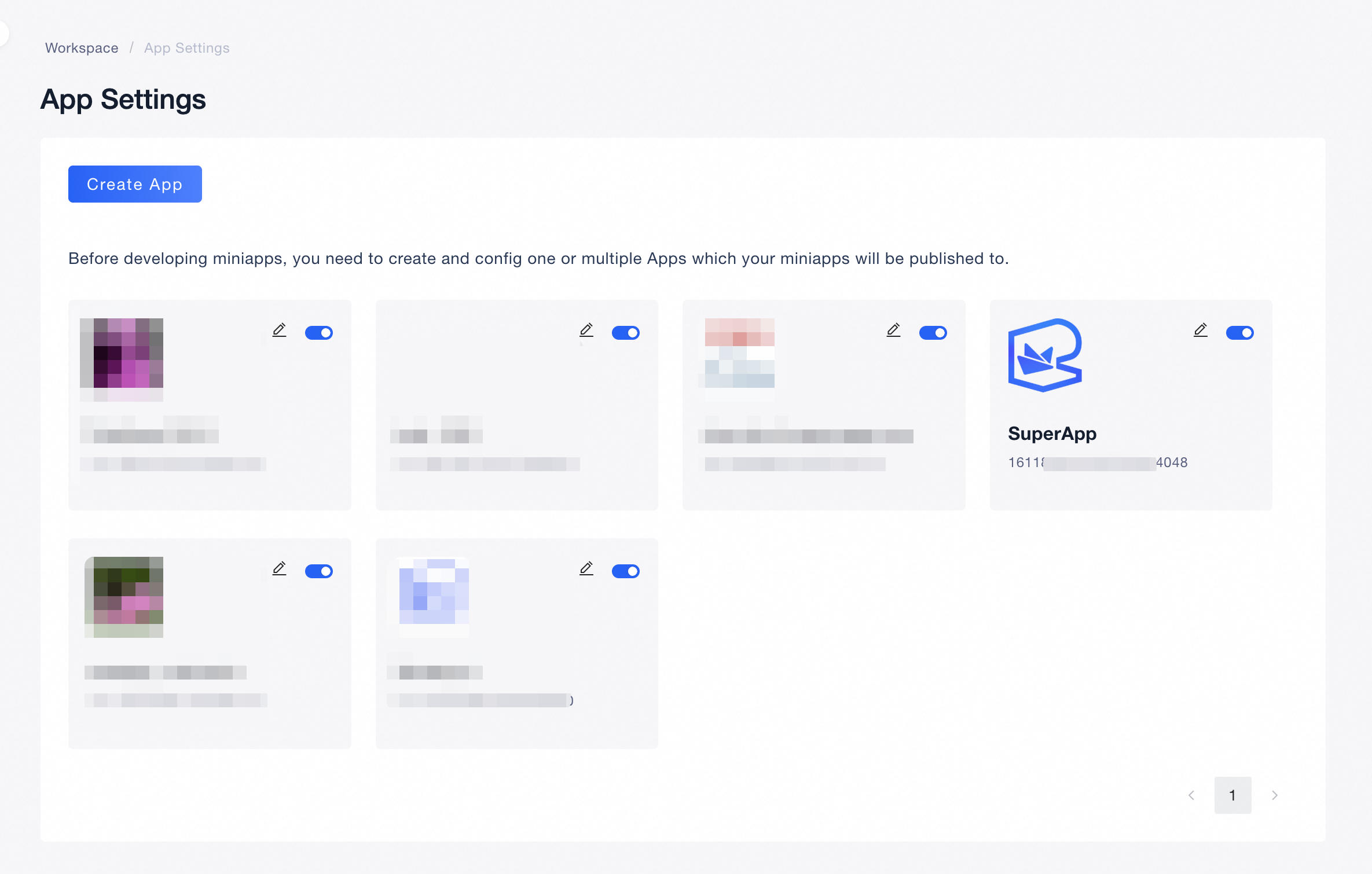
This document introduces the basic operations related to App Settings.
App Settings is primarily used to create and configure Apps (SuperApps). Before launching or publishing a miniapp, you must create and configure at least one App as the carrier for the miniapp. This app serves not only as a bridge between the program and its users but also as the channel (Target App) for miniapp release.
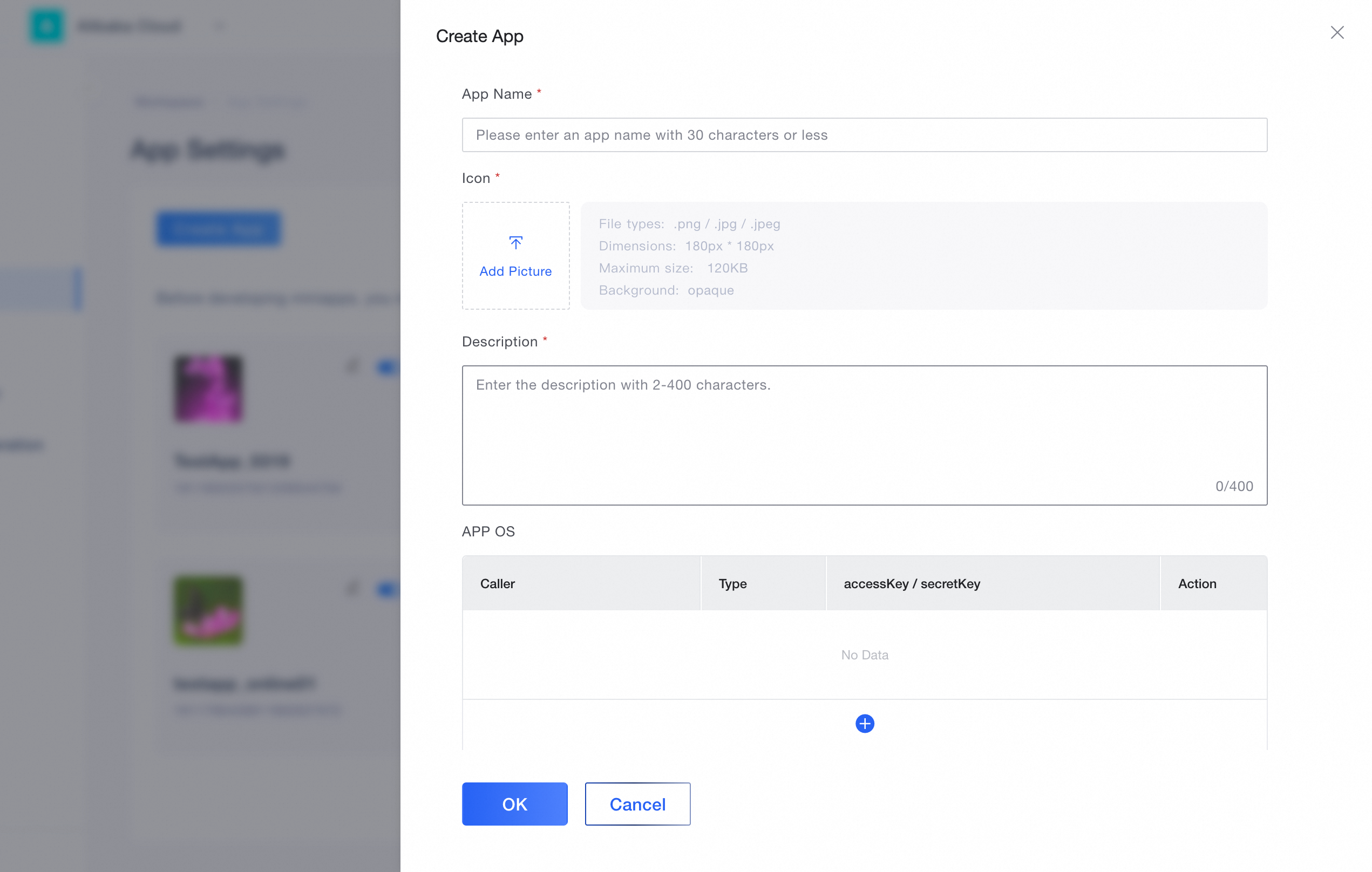
Creating an App: Click 「Create App」, and enter the required information including the app name, icon, description,App OS,Then click「OK」to complete the creation.
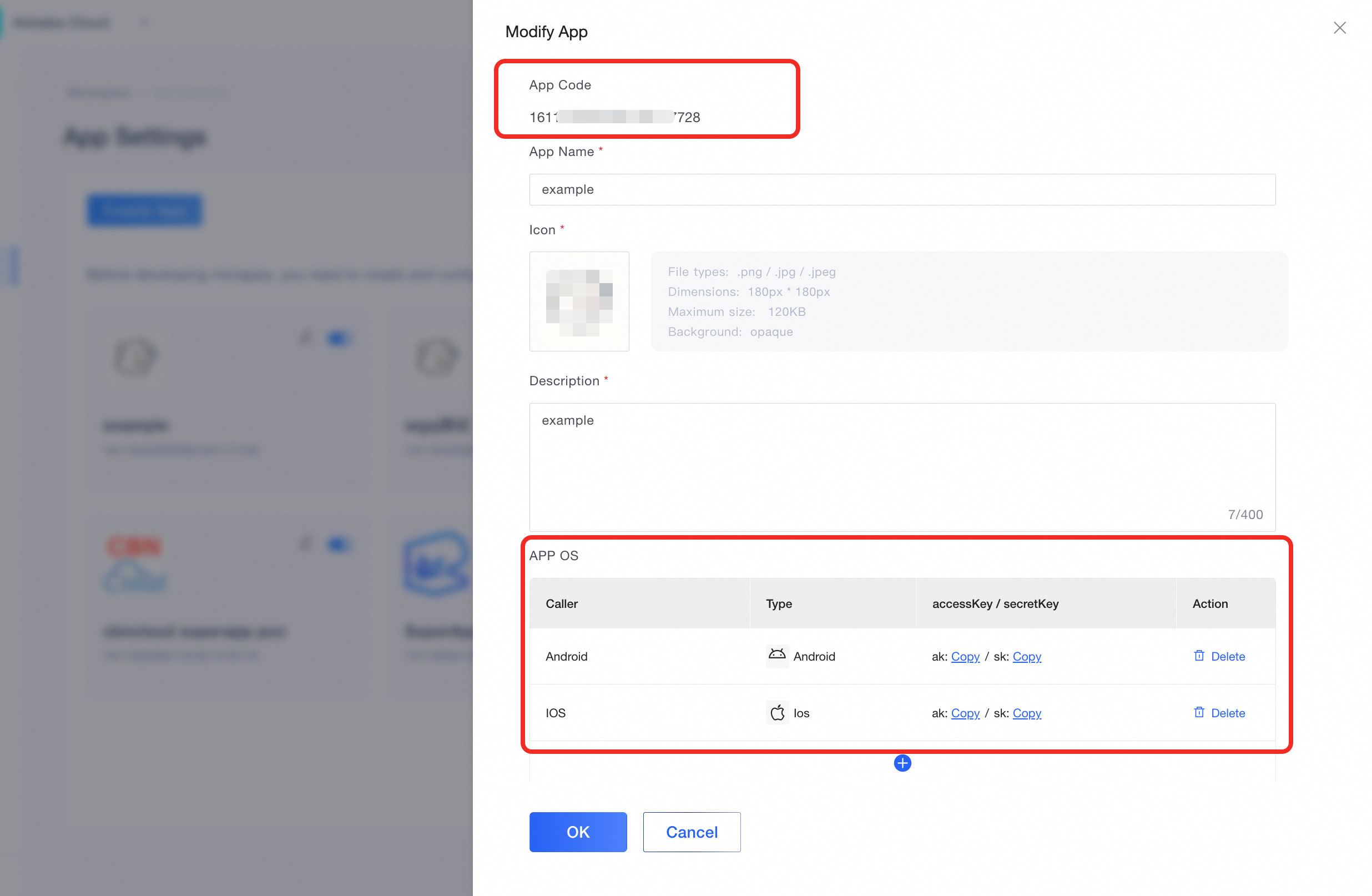
Note: In the 「APP OS」 section, you are required to specify the caller and select a category. In most cases, separate AK (Access Key) and SK (Secret Key) credentials must be configured for both Android and iOS. The platform will automatically generate the corresponding keys when they are added.
After saving the configuration, the platform will display the App Code. Please note that the AK, SK, and App Code will all be used during miniapp container initialization to ensure proper authentication and access control.
Editing App Information: To modify existing App information, click the Edit button next to the App name. You can then update the app name, icon, description, and app os. Click 「OK」 to save your changes.
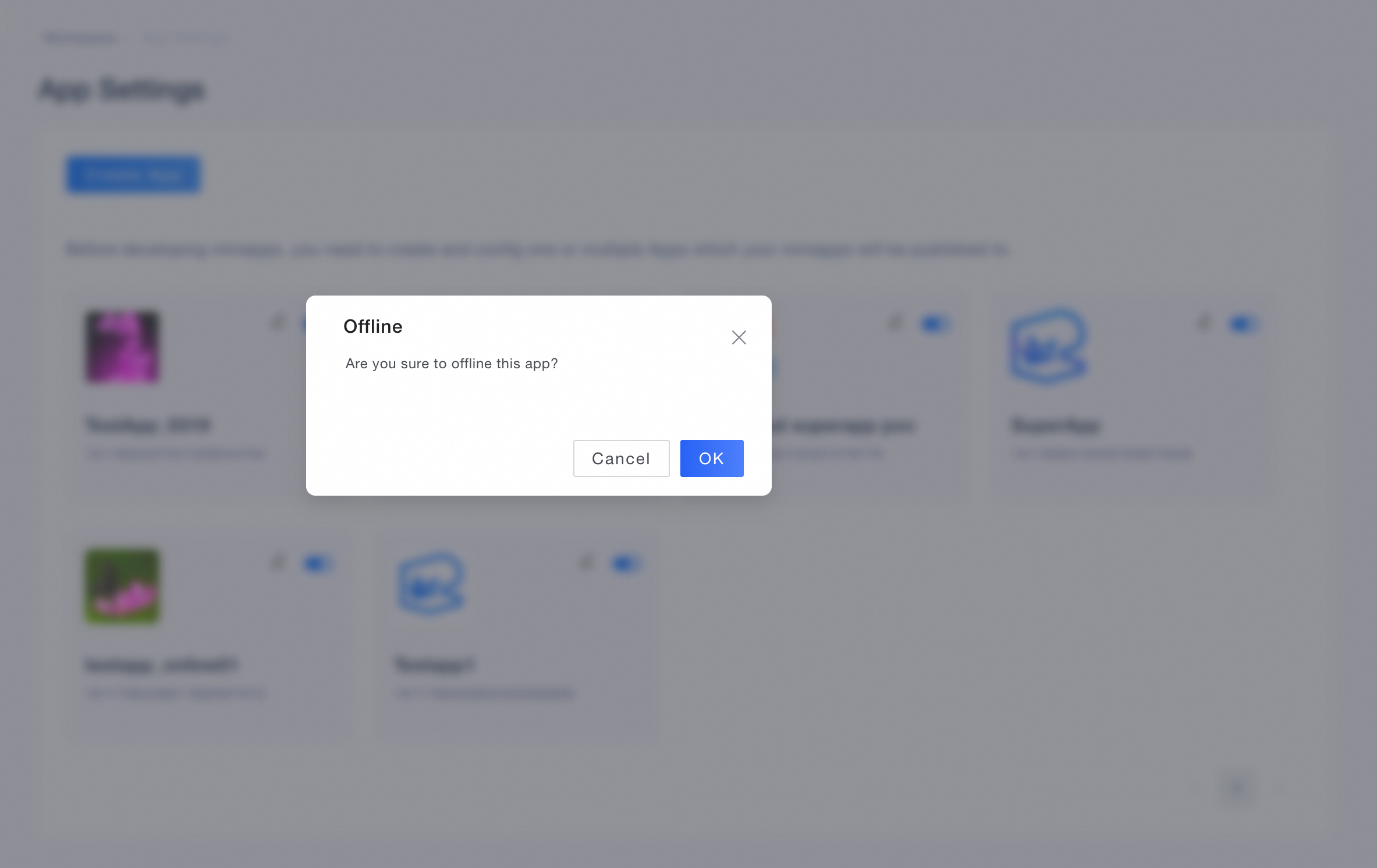
Offline App: To offline an App, click the Close button and confirm the action to complete the deactivation.
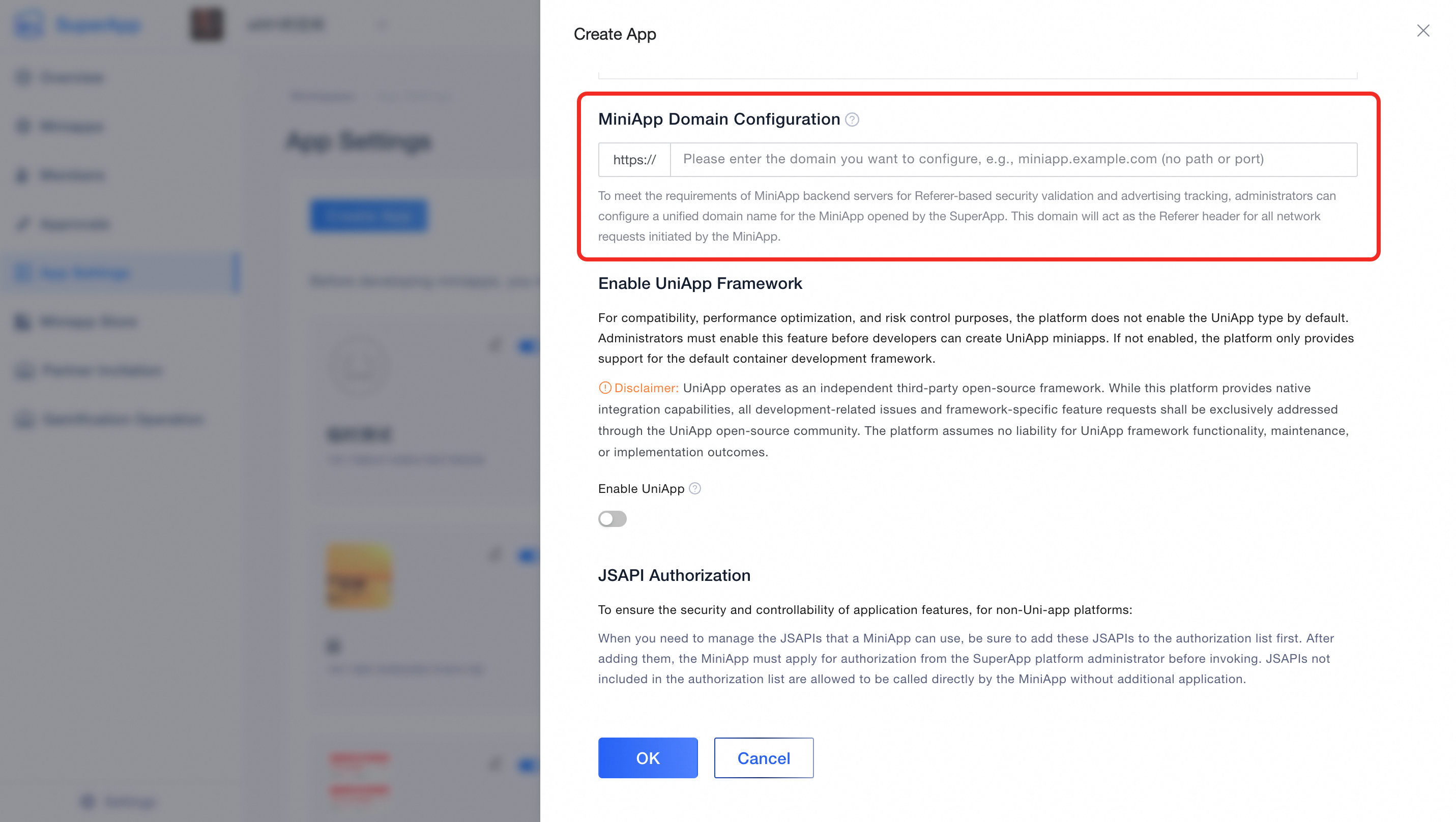
MiniApp Domain Configuration: To meet the requirements of MiniApp backend servers for Referer-based security validation and advertising tracking, administrators can configure a unified domain name for the MiniApp opened by the SuperApp. This domain will act as the Referer header for all network requests initiated by the MiniApp.
When configuring the domain, please note the following basic rules:
Use a valid and standard HTTPS domain (e.g.,
https://miniapp.example.com). Avoid non-standard domains such as123w.123. We recommend using a registered domain to ensure stable connectivity and compatibility with external services.Due to differences in security policies between iOS and Android, improperly configured domains may fail to load on certain devices. Ensure the domain is publicly accessible and that HTTPS is correctly set up to prevent functionality issues.
- Note
It is not recommended to set this domain to the same one currently used by the SuperApp, as it may lead to the following security risks:
1. Third-party MiniApps could send requests to the SuperApp backend server via fetch / XMLHttpRequest.
2. Attackers may exploit the unified Referer header to impersonate legitimate requests.
3. Existing security policies tied to the SuperApp’s domain might be bypassed.
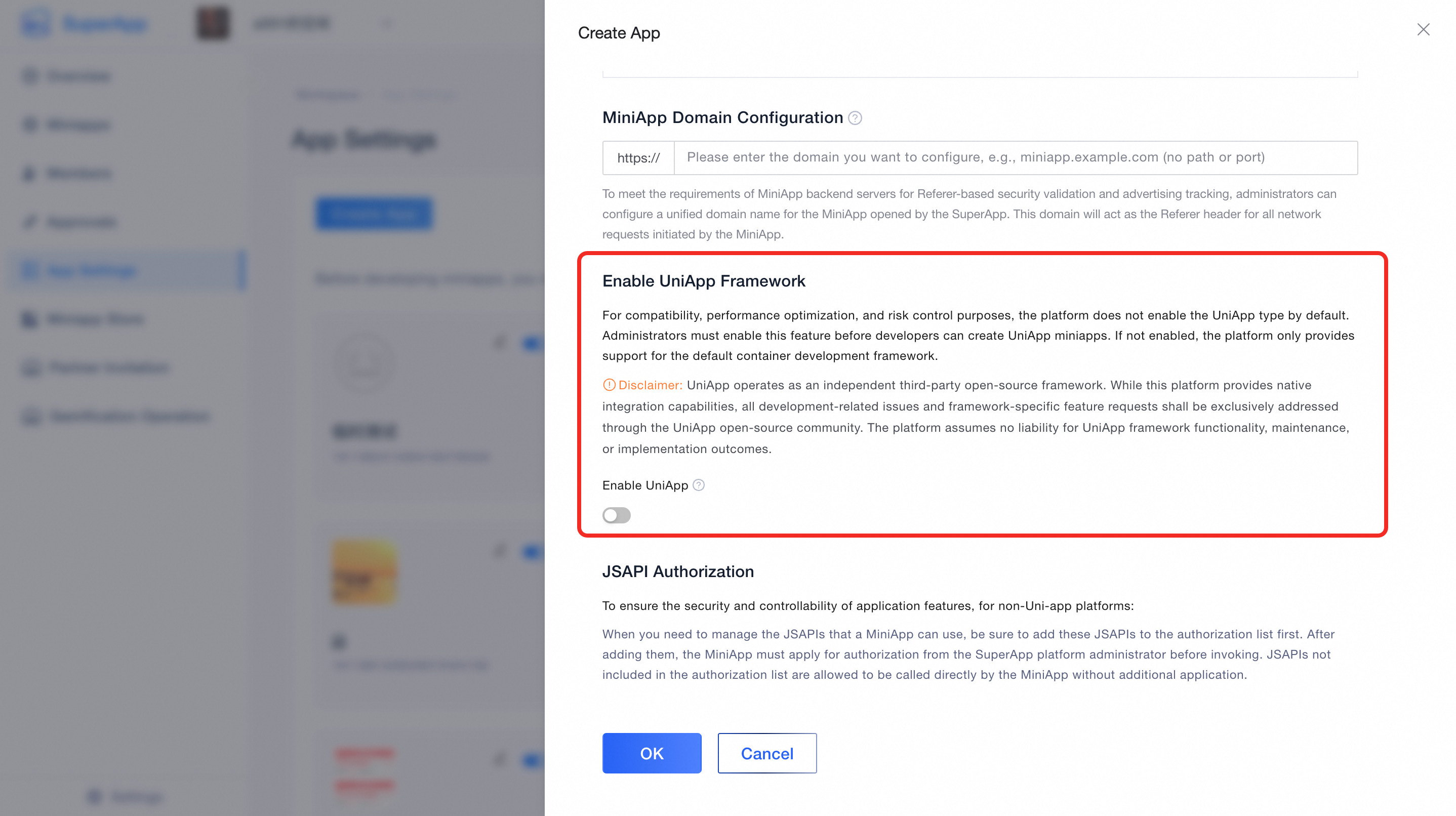
Enable UniApp Framework: For compatibility, performance optimization, and risk control purposes, the platform does not enable the UniApp type by default. Administrators must enable this feature before developers can create UniApp miniapps. If not enabled, the platform only provides support for the default container development framework.
- Note
Disclaimer: UniApp operates as an independent third-party open-source framework. While this platform provides native integration capabilities, all development-related issues and framework-specific feature requests shall be exclusively addressed through the UniApp open-source community. The platform assumes no liability for UniApp framework functionality, maintenance, or implementation outcomes.
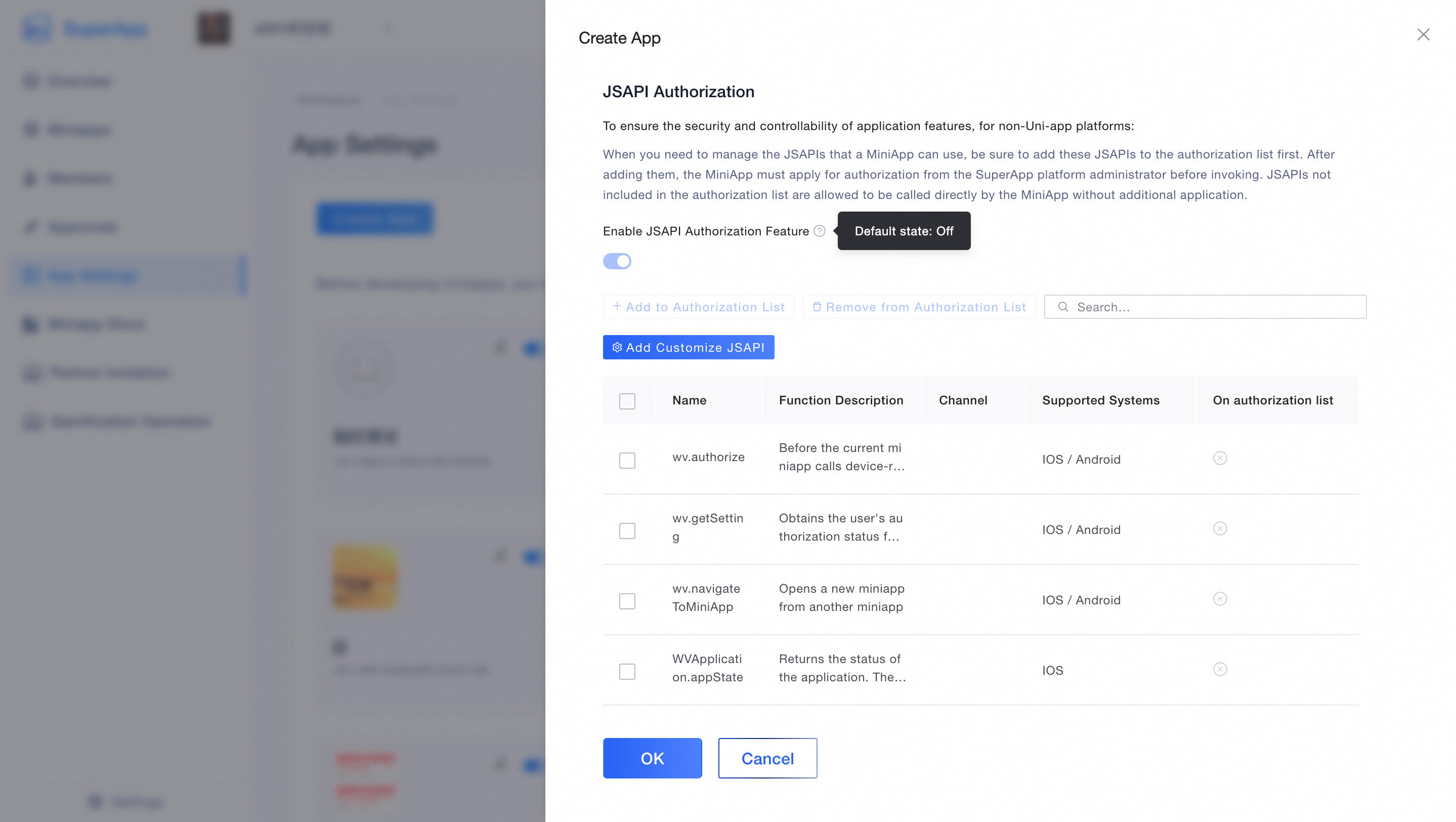
JSAPI Authorization Management: To enable JSAPI permission management, see JSAPI Management Capabilities.
App Settings:
Create App:
Configure APP OS:
Offline App:
MiniApp Domain Configuration:
Enable UniApp Framework:
JSAPI Authorization Management: