Platform administrators can invite new members to Media AI by email. Invited users join by clicking a link in the invitation email.
1. Sending an invitation
Who this section is for: Platform administrators who want to add a new member.
Log in to Media AI and click Members in the navigation.
Click Add Member, then enter the invitee's name and email address.
Review the information, then click Confirm to send the invitation.
Invitation links expire after 24 hours. If the invitee has not accepted by then, resend the invitation from the Members page.
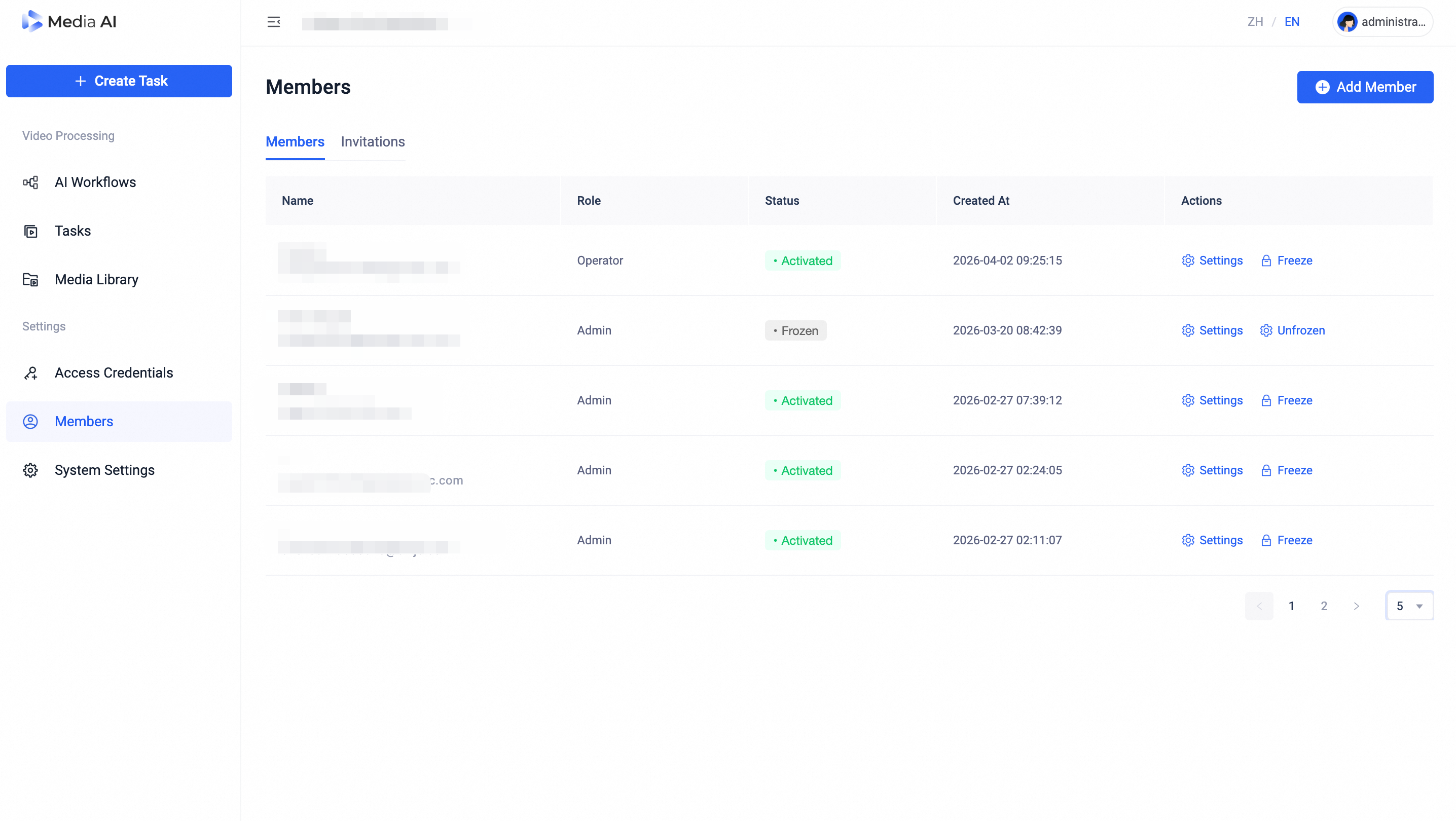
Members page
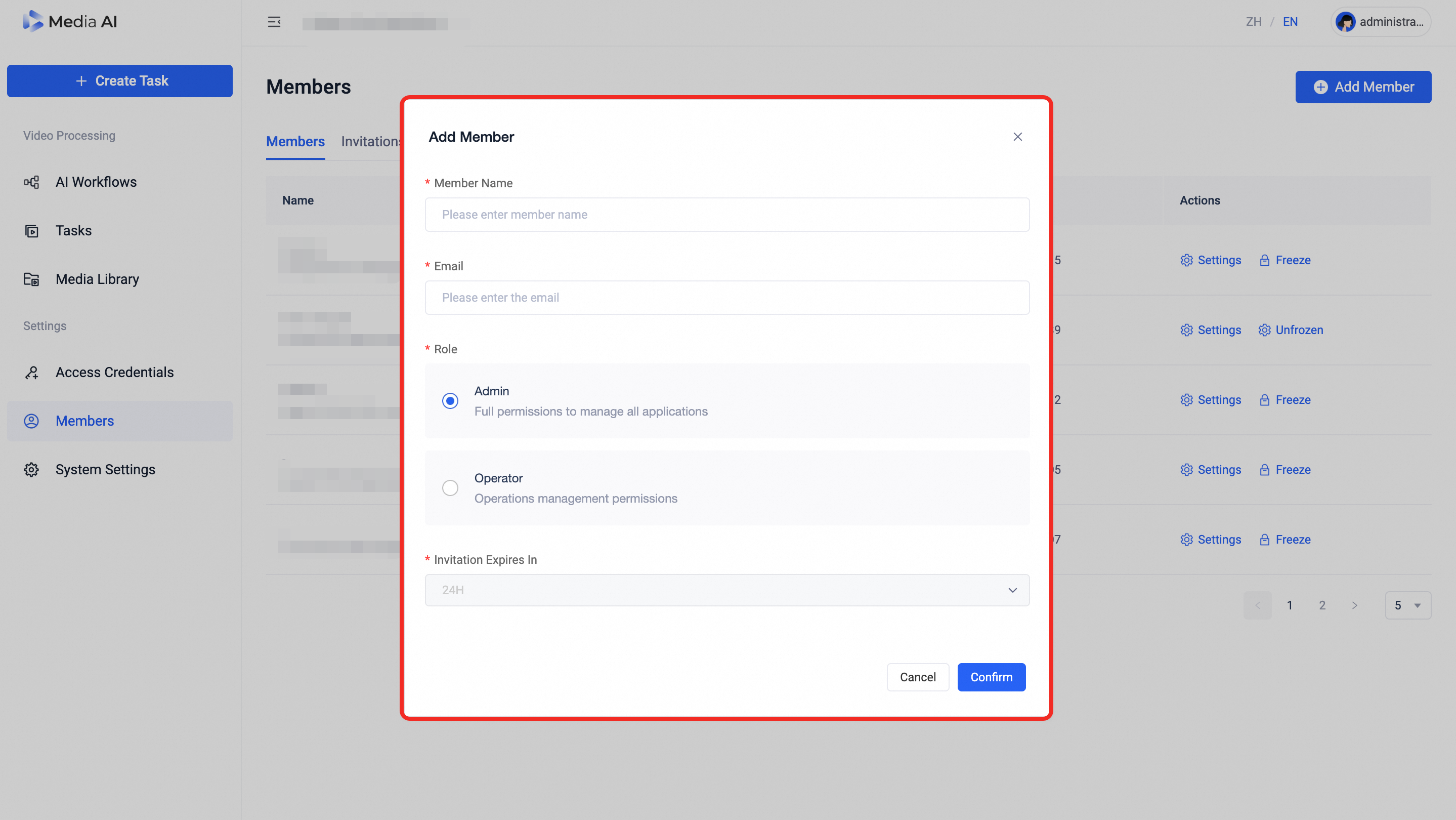
Add Member page
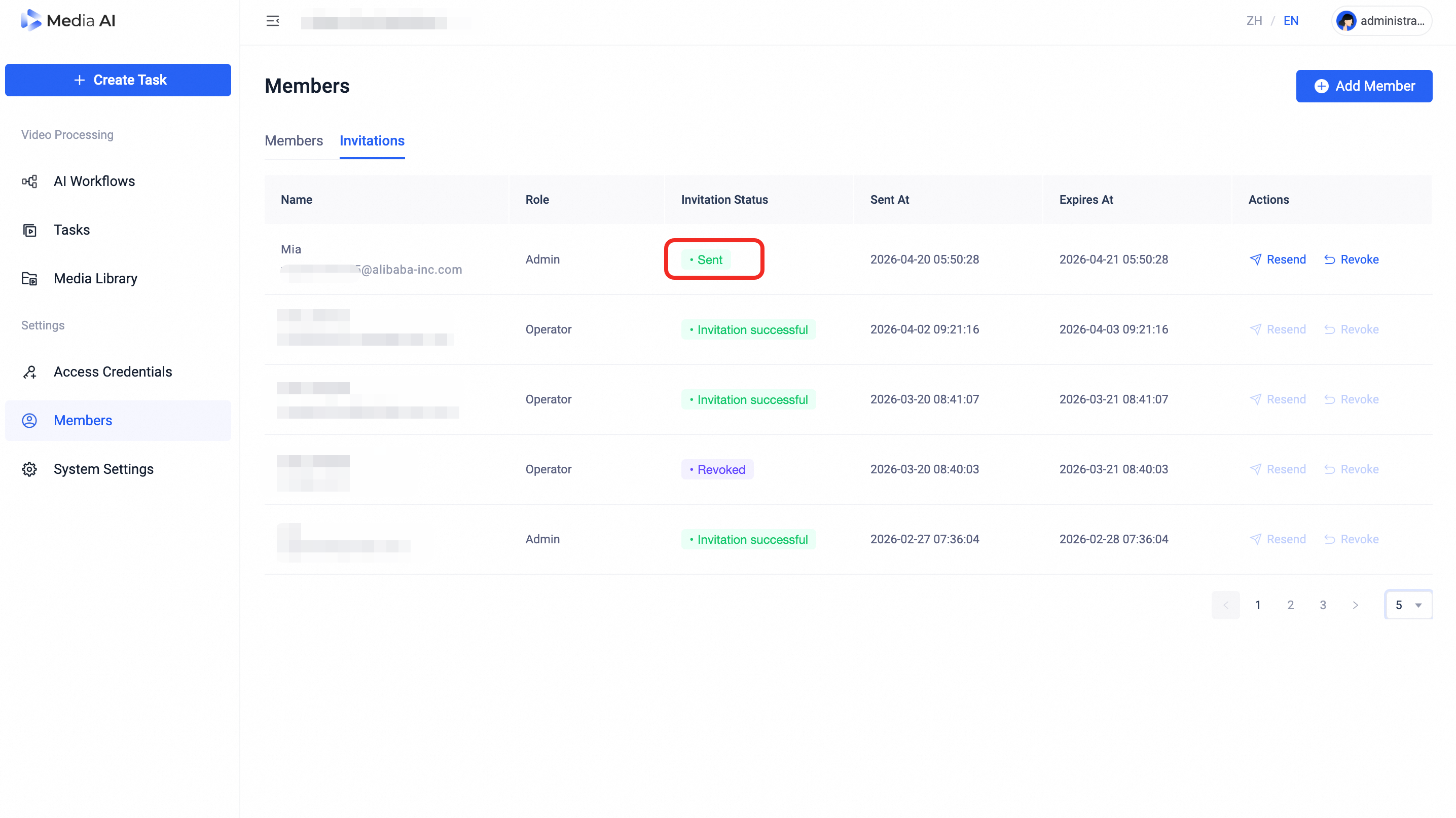
Invitation sent successfully page
2. Accepting an invitation
Who this section is for: Users who received a Media AI invitation email and want to join the platform.
-
In the invitation email, click Join Now.
If you are not signed in to Media AI, complete the login or sign-up process first (see: Getting Started).
If you are already signed in, you are taken directly to the confirmation page.
On the confirmation page, verify the displayed information and click Join Now to complete the process.
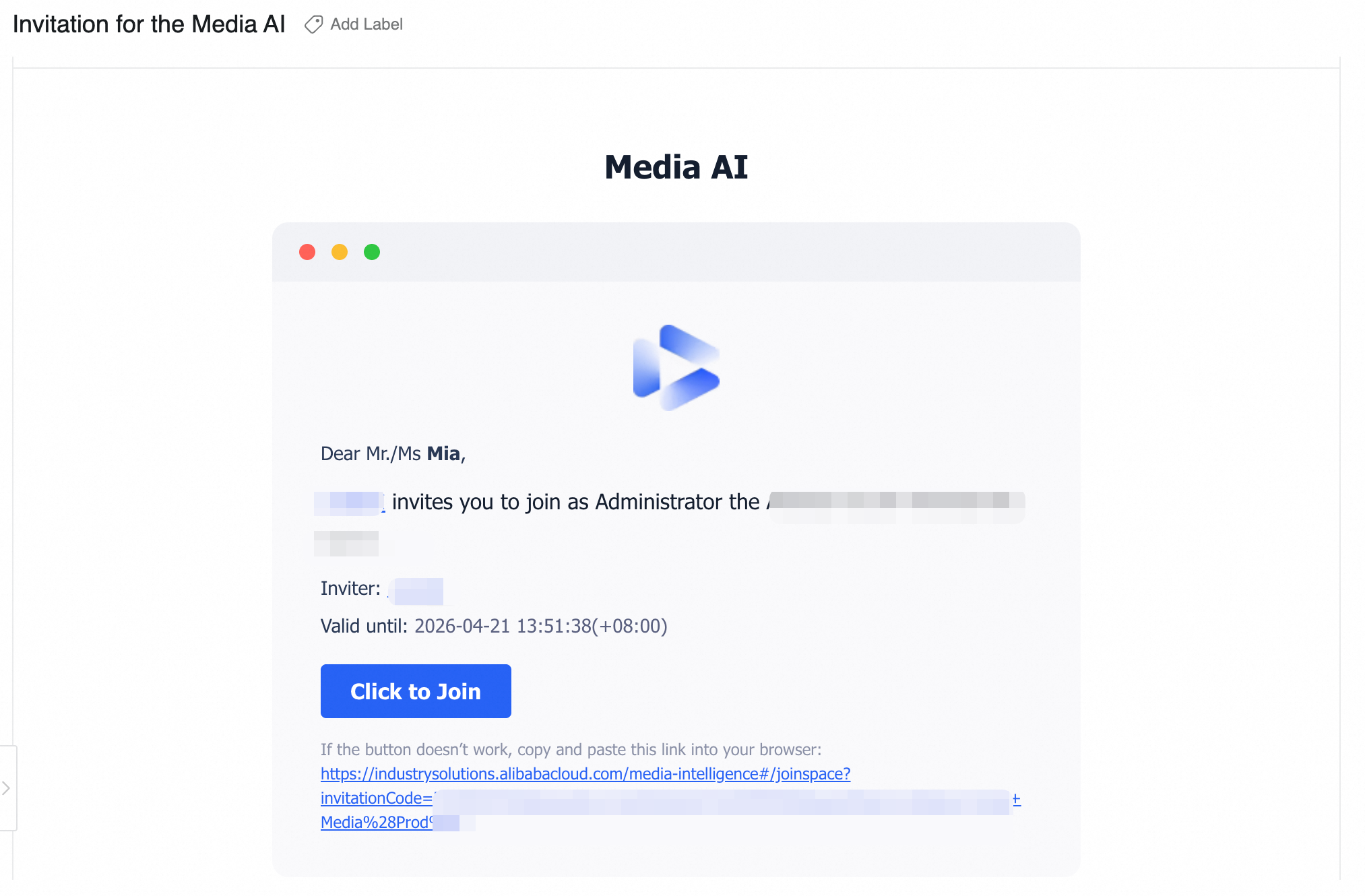
Invitation email page
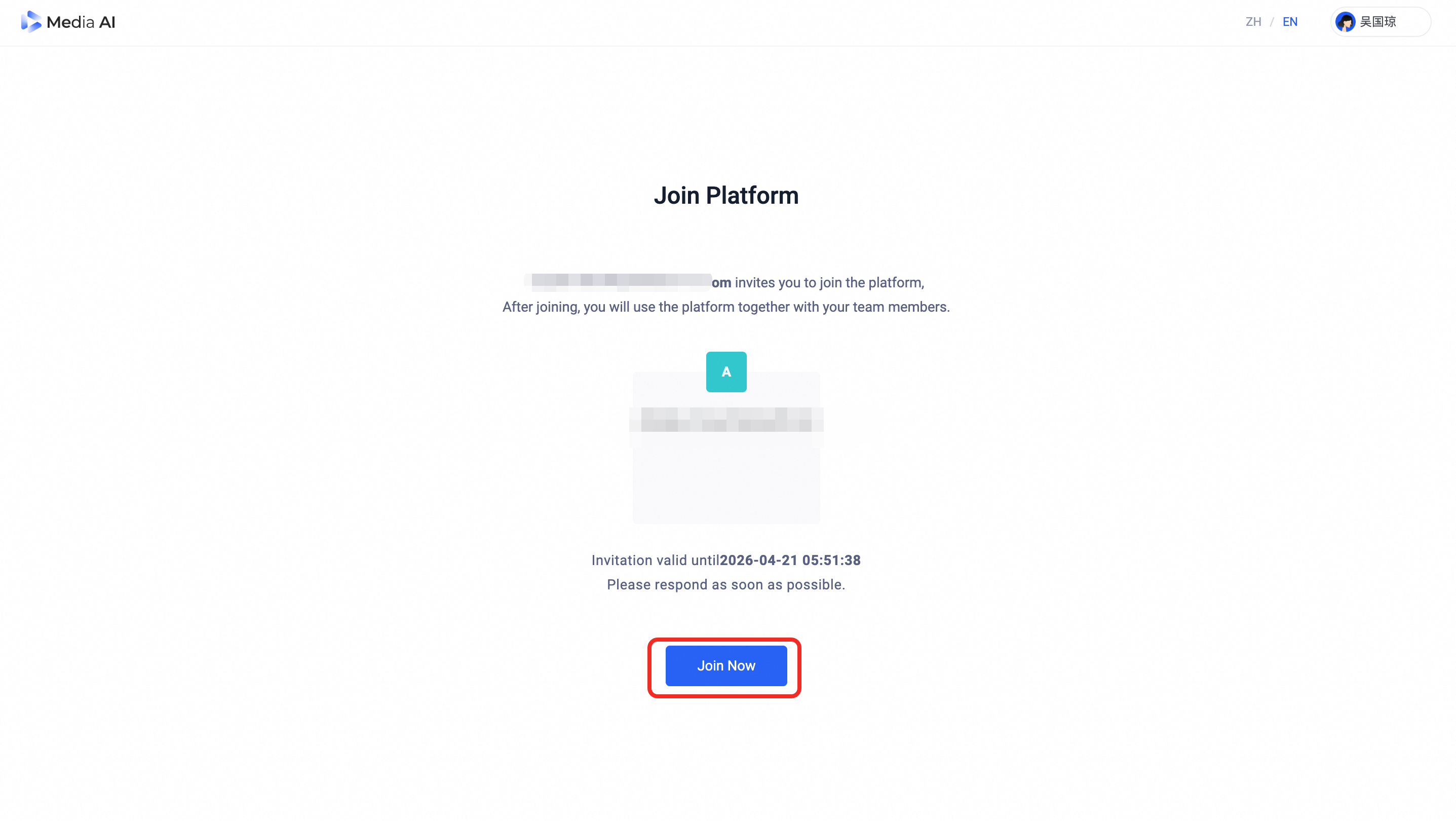
Join Media AI page
3. After joining the platform
After accepting the invitation, you can sign in to Media AI. Your access and permissions are determined by the role the administrator assigned when sending the invitation.
Administrators can confirm that a member has joined by checking the Invitations tab on the Members page.
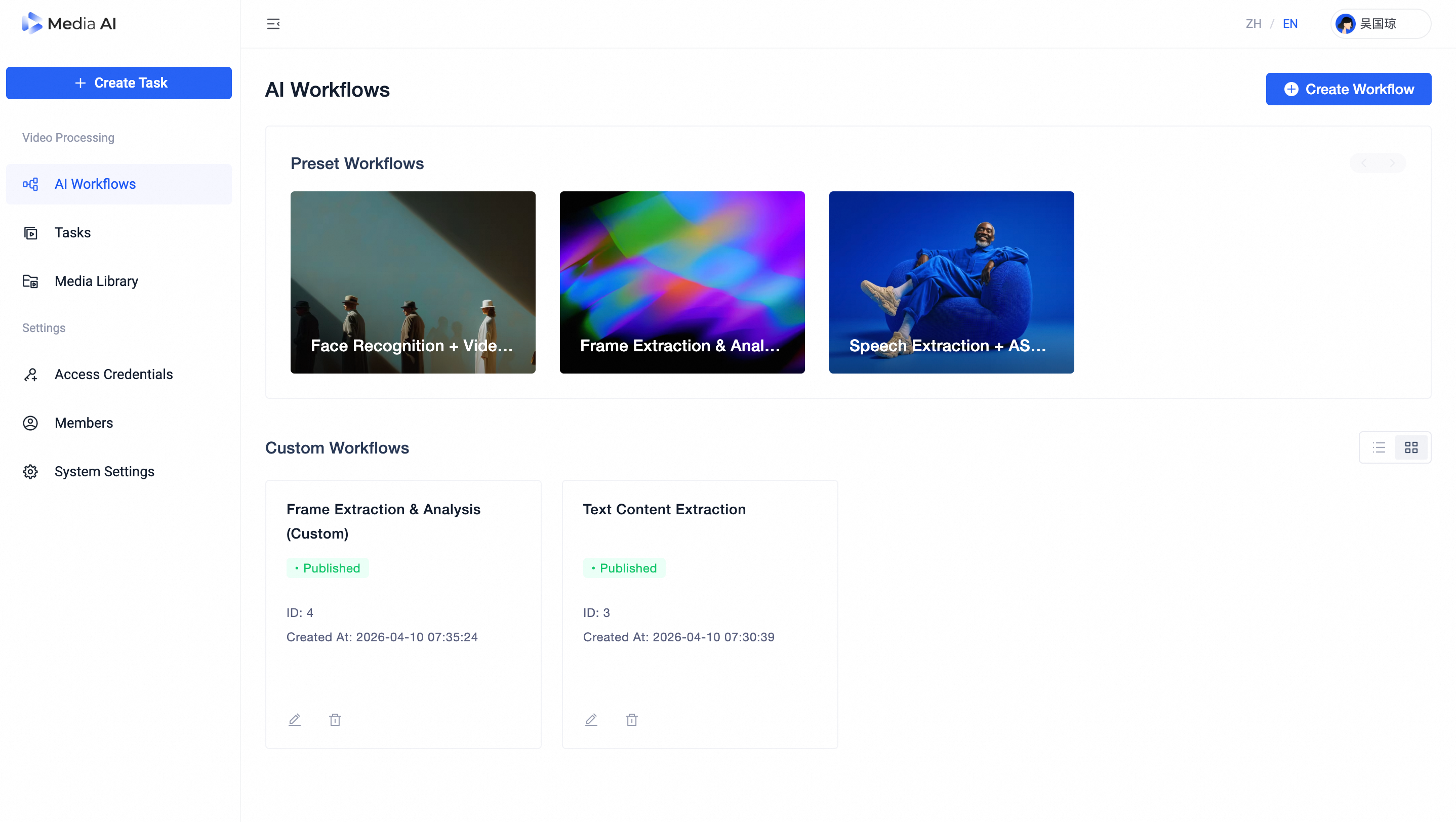
Media AI platform homepage
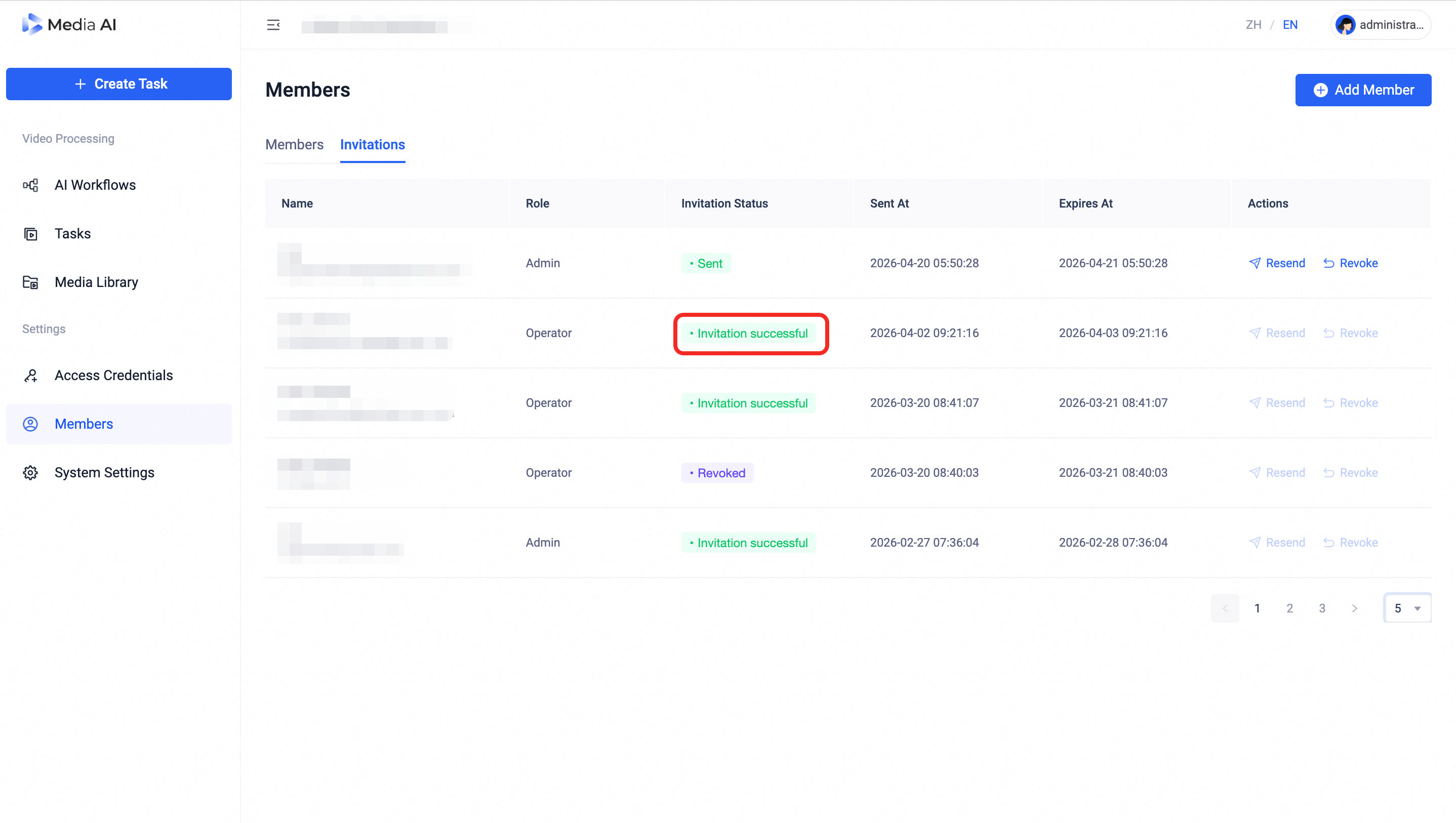
Invitation successful page