Global configurations
Set daily and monthly alert thresholds or upper limits for SMS sending to control costs and prevent misuse.
Usage notes
-
By default, Alibaba Cloud SMS does not limit daily or monthly sending volume. We recommend that you set alert thresholds or upper limits based on your typical sending volume to avoid unexpected charges caused by unauthorized use.
-
When an alert threshold is reached, SMS notifies the specified contacts. When an upper limit is reached, SMS suspends message delivery. To resume sending, increase the upper limit.
Procedure
-
Log on to the SMS console.
-
In the left navigation pane, choose .
-
Click the Message Delivery Settings tab.
-
Click Configure on the Global Configurations tab.
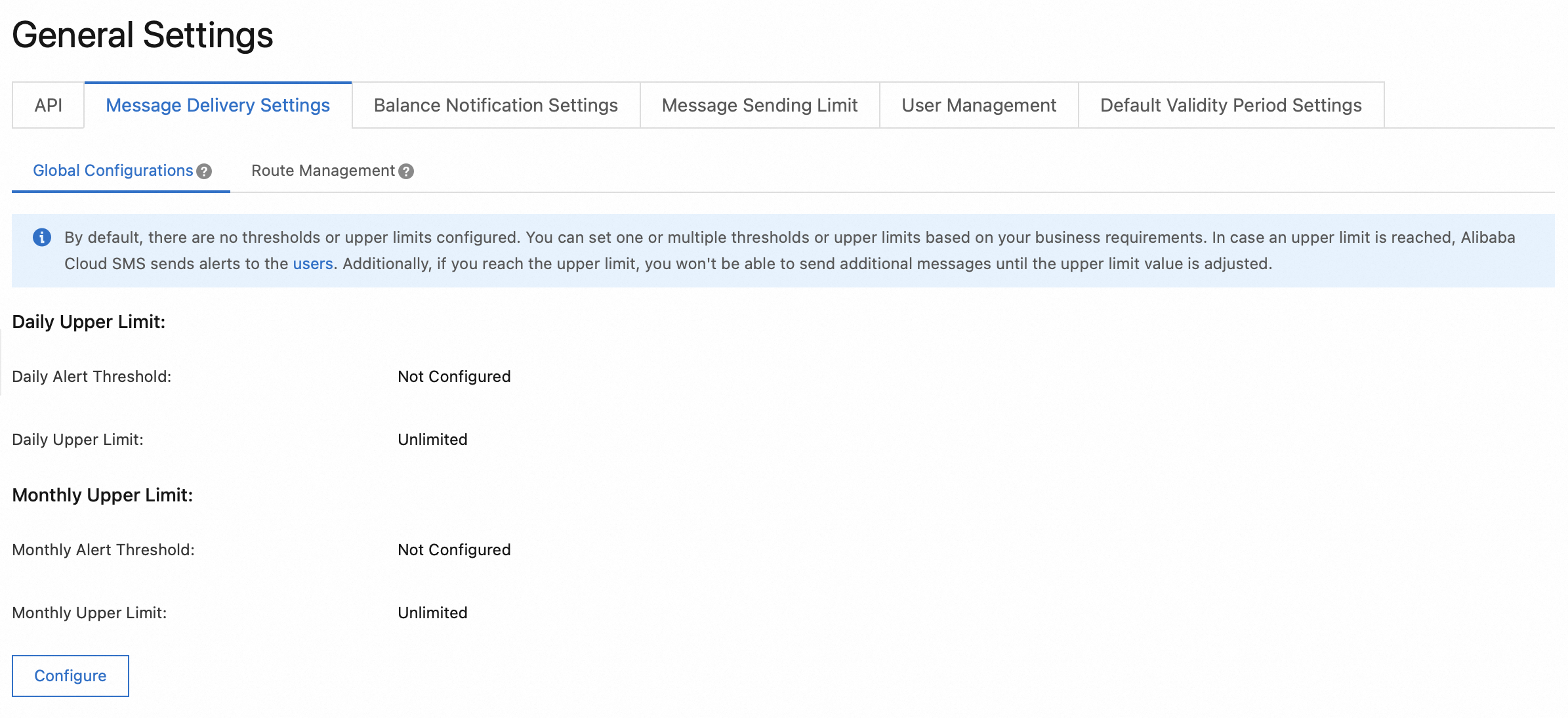
-
Click Save.
You can also set upper limits for a specific country or region. For more information, see Route management.