This topic describes how to query the result data of a Scheduled SQL job in a Logstore or a Metricstore.
Prerequisites
A Scheduled SQL job is created.
You can create a Scheduled SQL job to process data from a source Logstore and store the processed data to a destination Logstore. For more information, see Process and save data from a Logstore to another Logstore.
You can create a Scheduled SQL job to process data from a source Logstore and store the processed data to a destination Metricstore. For more information, see Process and store data from a Logstore to a Metricstore.
You can create a Scheduled SQL job to process data from a source Metricstore and store the processed data to a destination Metricstore. For more information, see Process and save data from a Metricstore to another Metricstore.
Query the result data of the Scheduled SQL job in a Logstore
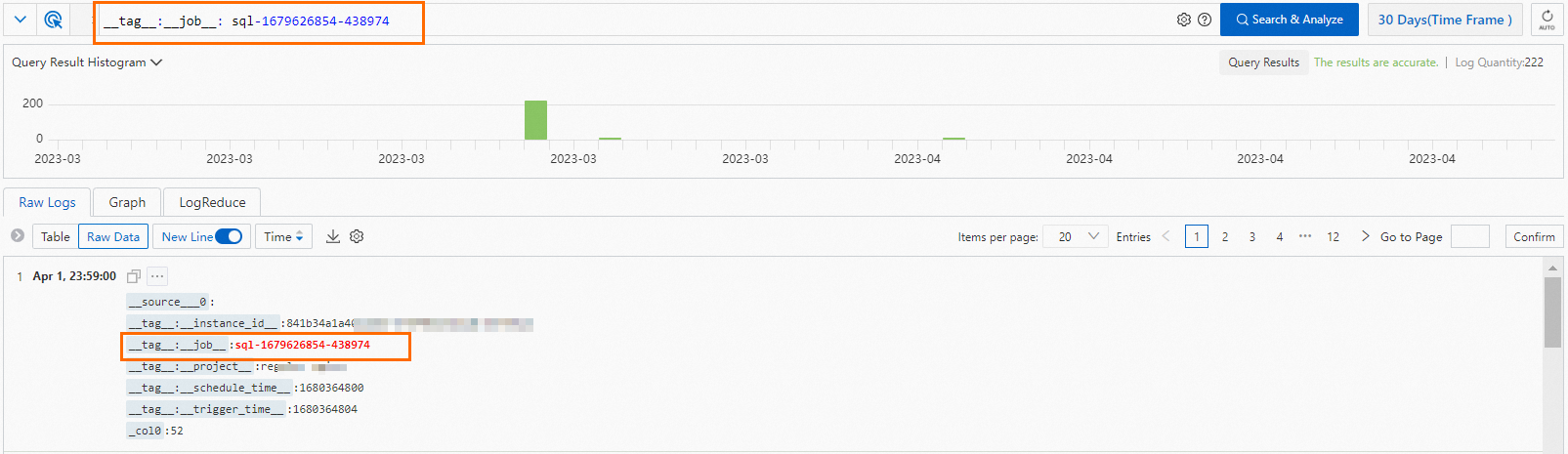
After you store the result data of the Scheduled SQL job to a Logstore, you can query the result data in the Logstore by using the name of the Scheduled SQL job.
Log on to the Simple Log Service console.
Obtain the name of the Scheduled SQL job.
In the Projects section, click the project that you want to manage.
In the left-side navigation pane, choose . In the Scheduled SQL list, click the job whose name you want to obtain.
In the Basic Information section, obtain the name of the Scheduled SQL job.

Query the result data of the Scheduled SQL job.
Find and access the Logstore that is used to store the result data of the Scheduled SQL job. For more information, see Query and analyze logs.
Enter
__tag__:__job__: job-namein the search box.The job-name field specifies the name of the Scheduled SQL job. Replace job-name with the name that you obtained in Step 2.
Click 15 Minutes (Relative) and specify a query time range.
NoteIf no data is returned, you can specify a longer query time range.
Click Search & Analyze.
Query the result data of the Scheduled SQL job in a Metricstore
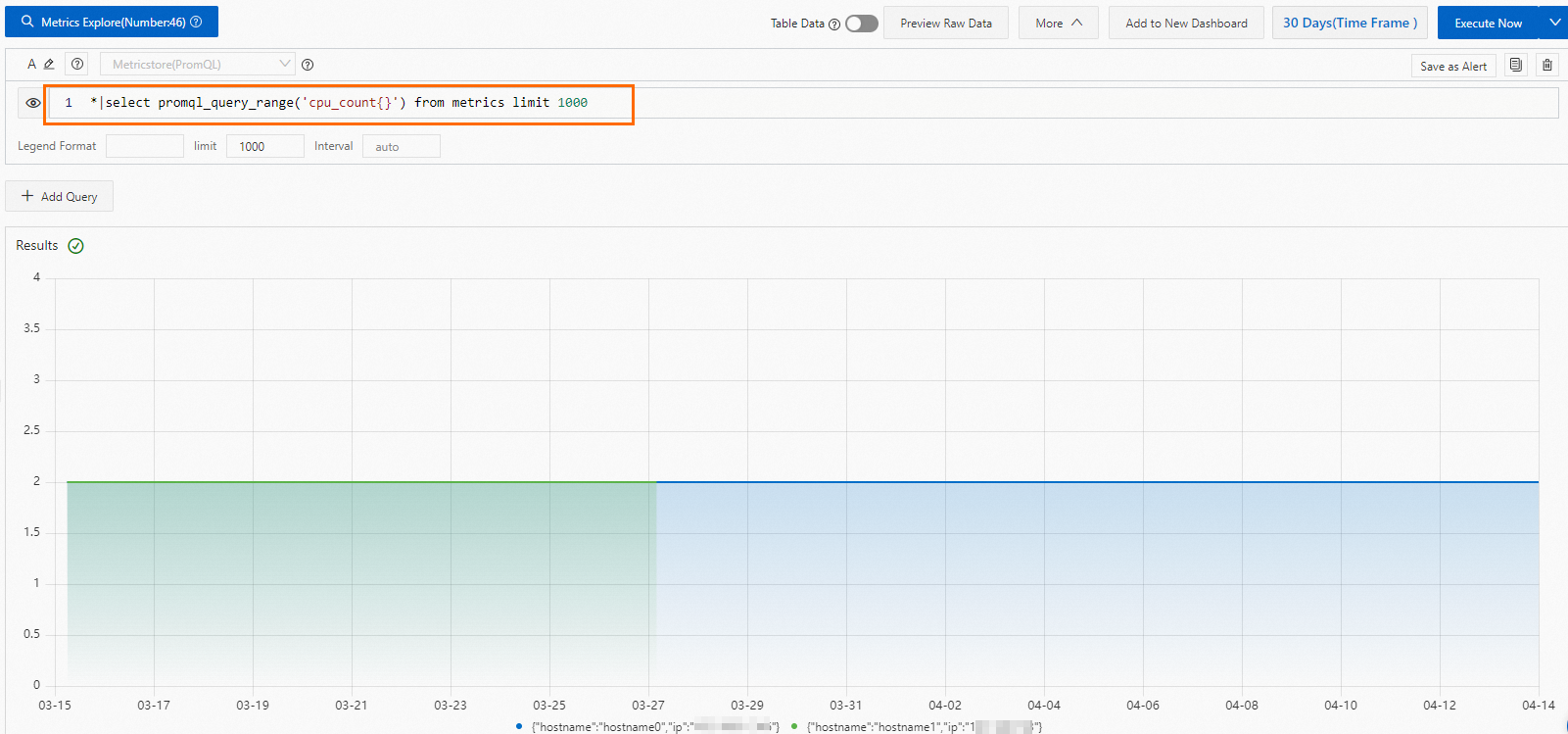
After you store the result data of the Scheduled SQL job to a Metricstore, you can query the result data in the Metricstore by using the metrics that you specify.
Log on to the Simple Log Service console.
In the Projects section, click the project that you want to manage.

On the tab, click the Metricstore that you want to manage.
Click 15 Minutes (Relative) and specify a query time range.
NoteIf no data is returned, you can specify a longer query time range.
Enter a query statement based on the metric that you specify and click Execute Now.
Use the metric that you specify when you create the Scheduled SQL job.