This topic describes the description, cause and solution for the problem that "Error establishing a database connection" is reported if you access the login address of the WordPress administrator.
Problem description
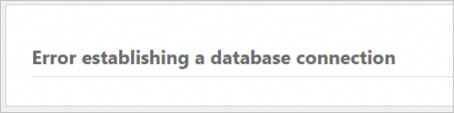
When you access the WordPress administrator logon page at http://8.219.XX.XX/wp-login.php, the error Error establishing a database connection is displayed, as shown in the following figure.
Cause
The possible cause is that the memory resources on the server are insufficient.
Solution
Connect to the simple application server. For more information, see Connect to a Linux server.
Run the following command to view
mysqlprocesses.ps -ef | grep mysqlThe following output indicates that no
mysqlprocess exists.
Run the following command to start the database.
sudo /etc/init.d/mysqld startRun the following command to check whether the process is terminated due to insufficient memory resources:
sudo grep "Out of memory" /var/log/messagesThe following figure shows the command output, which indicates that the database process is terminated due to insufficient memory resources.

Upgrade the memory configuration of the server. For more information, see Upgrade a simple application server.
NoteWe recommend that the memory of the server be greater than or equal to 4 GB.