View capacity usage and configure capacity alerts from a unified management page in Quick BI.
Access Method
Access the Capacity Management page as shown in the following figure.
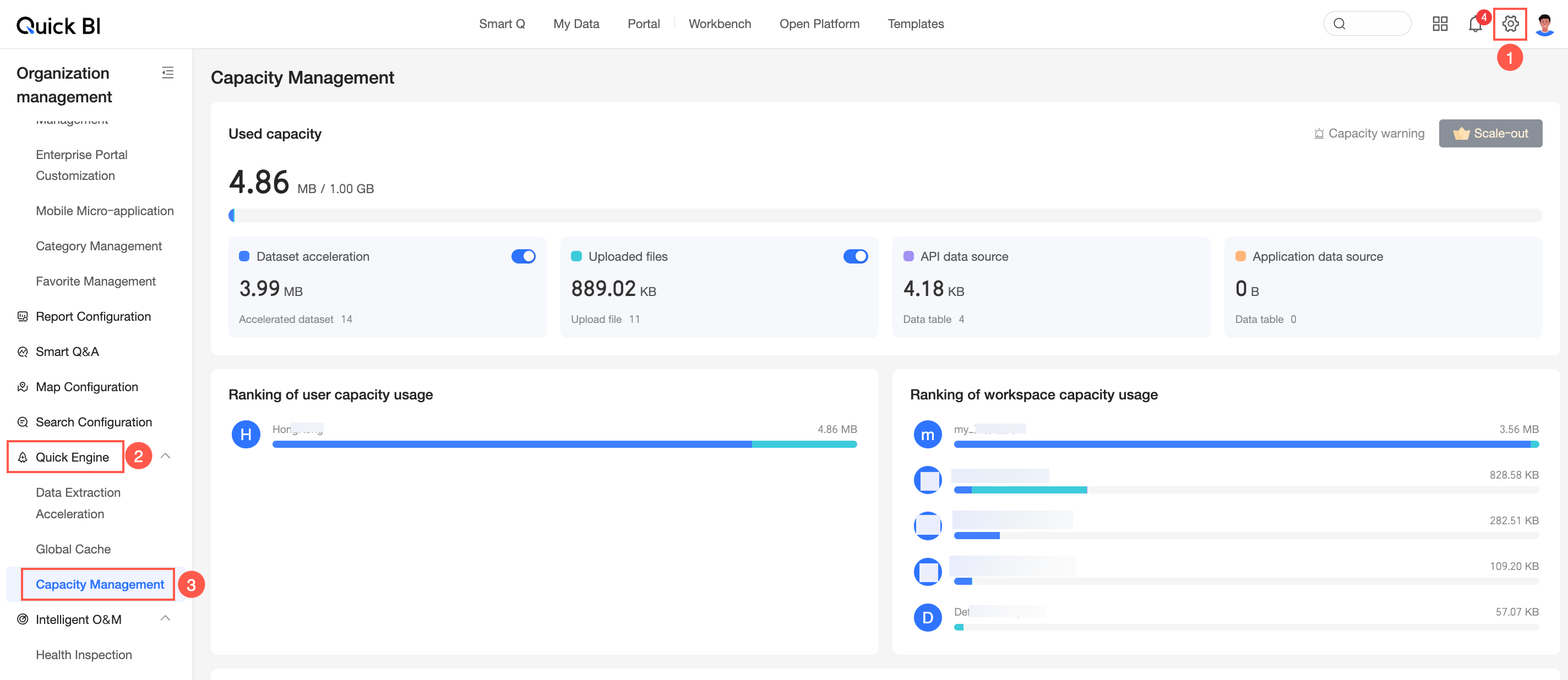
Capacity Usage
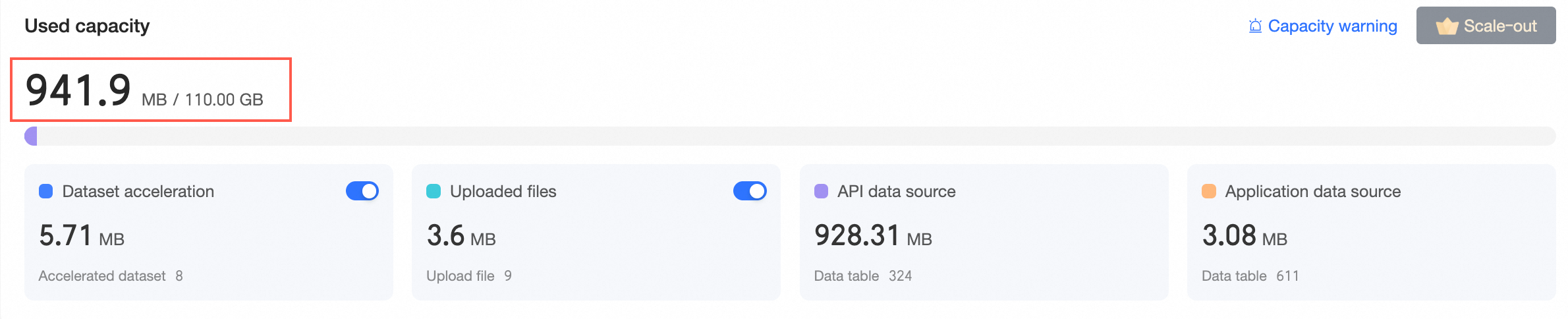
View capacity usage for Dataset Acceleration, Exploration Space, API Data Source, and Application Data Source, and set capacity alerts.
Overall Capacity Usage
Set Capacity Alerts
Click Capacity Alert in the upper-right corner to open the alert settings and configure the following options.
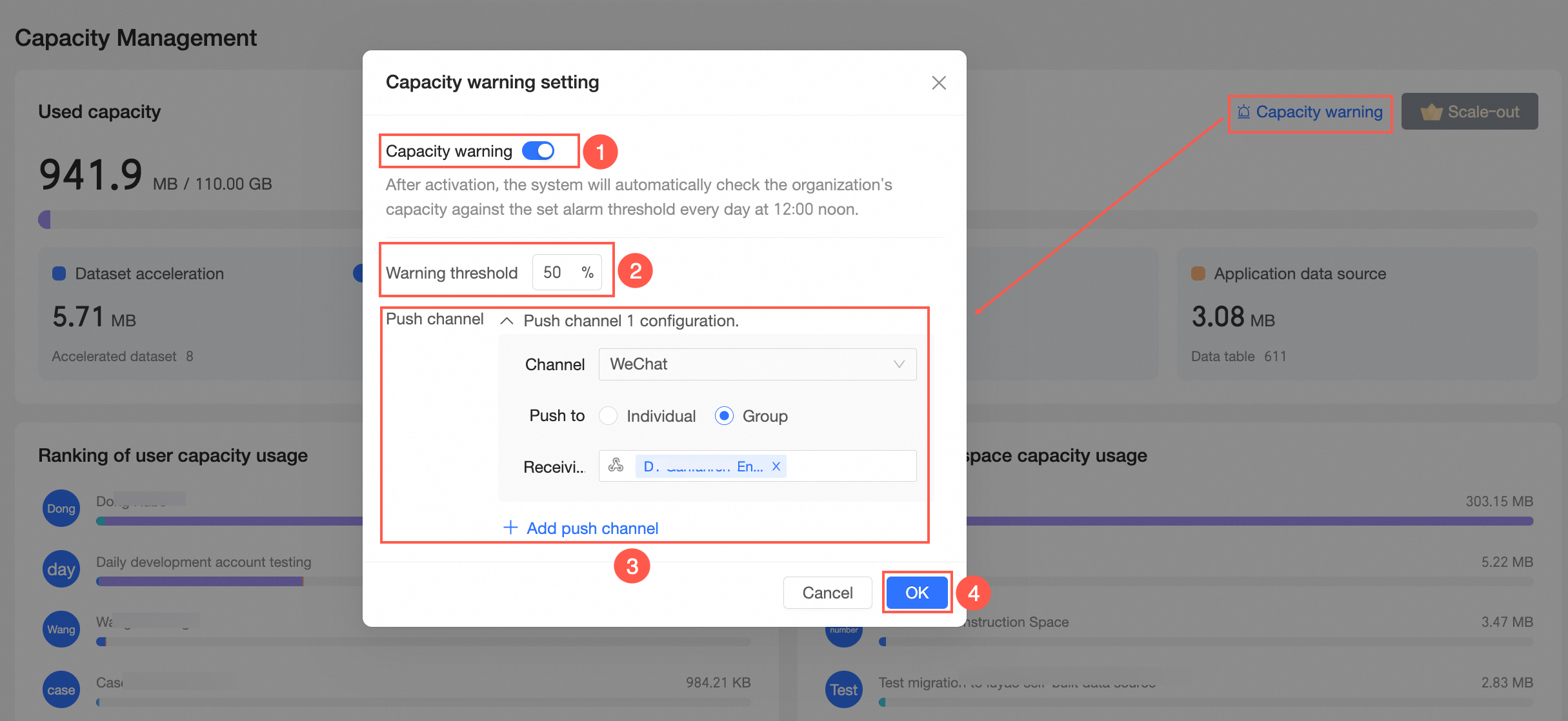
① Enable Capacity Alert. Once enabled, the system checks whether organization capacity exceeds the alert threshold at 12:00 PM every day.
② Set the alert threshold. The default value is 80%. Adjust it based on your actual needs.
③ Set the push channel. You can add multiple channels such as DingTalk, WeCom, Lark, and email to push alerts to individuals or audience groups.
You can add up to 9 push channels.
④ Click OK to save the settings.
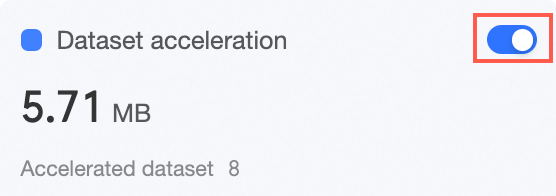
Enable Dataset Acceleration
Enable or disable dataset acceleration. When enabled, you can configure acceleration for datasets. For more information, see Configure Quick engine.
Enable Exploration Space (upload files)
Enable or disable file uploads in the exploration space. When enabled, you can upload files in the exploration space. For more information, see Add a File Data Source.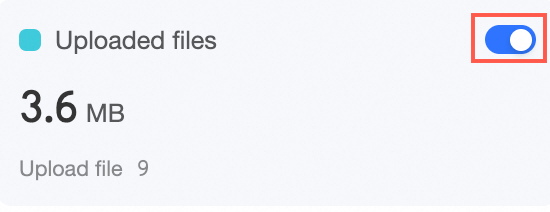
Usage Rankings
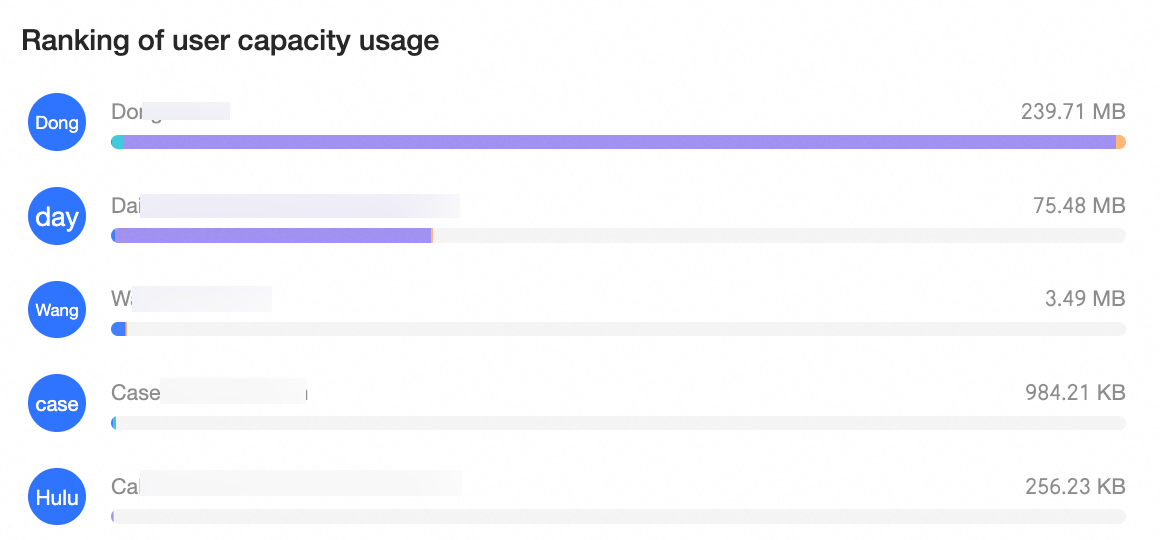
User Storage Usage Rankings
View the top 10 users by capacity usage in descending order.
Workspace Storage Usage Rankings
View the top 10 workspaces by capacity usage in descending order.

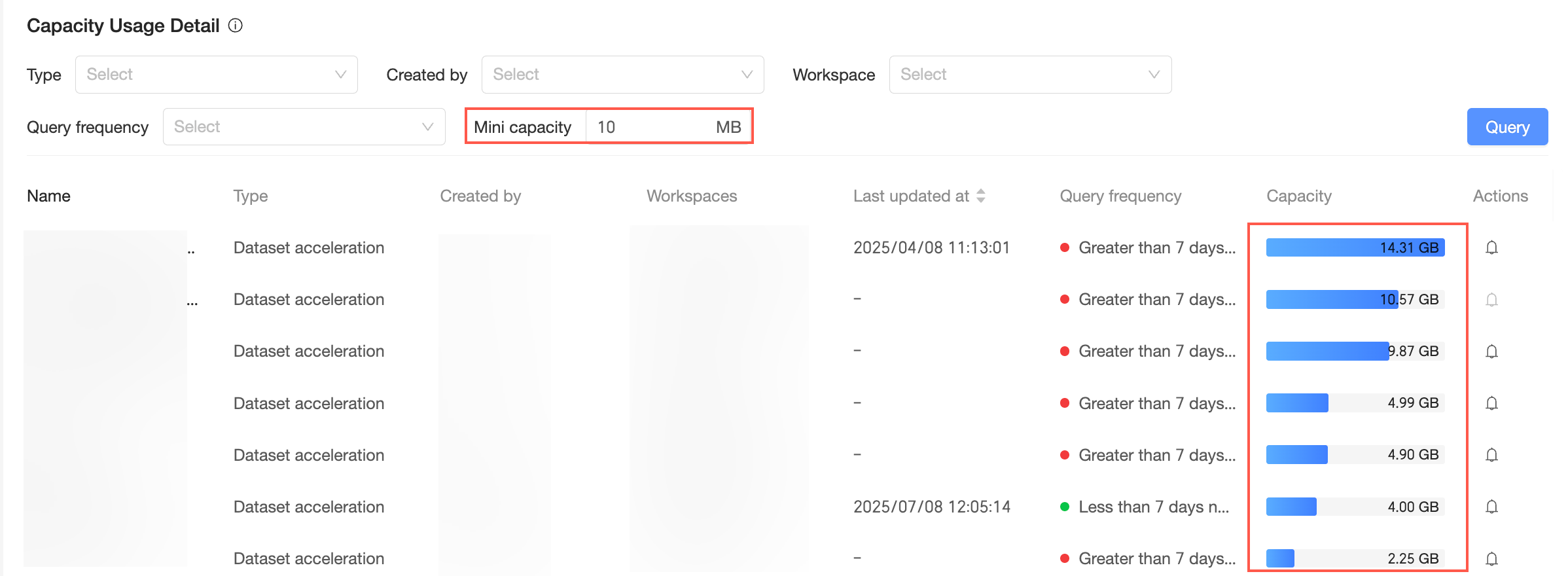
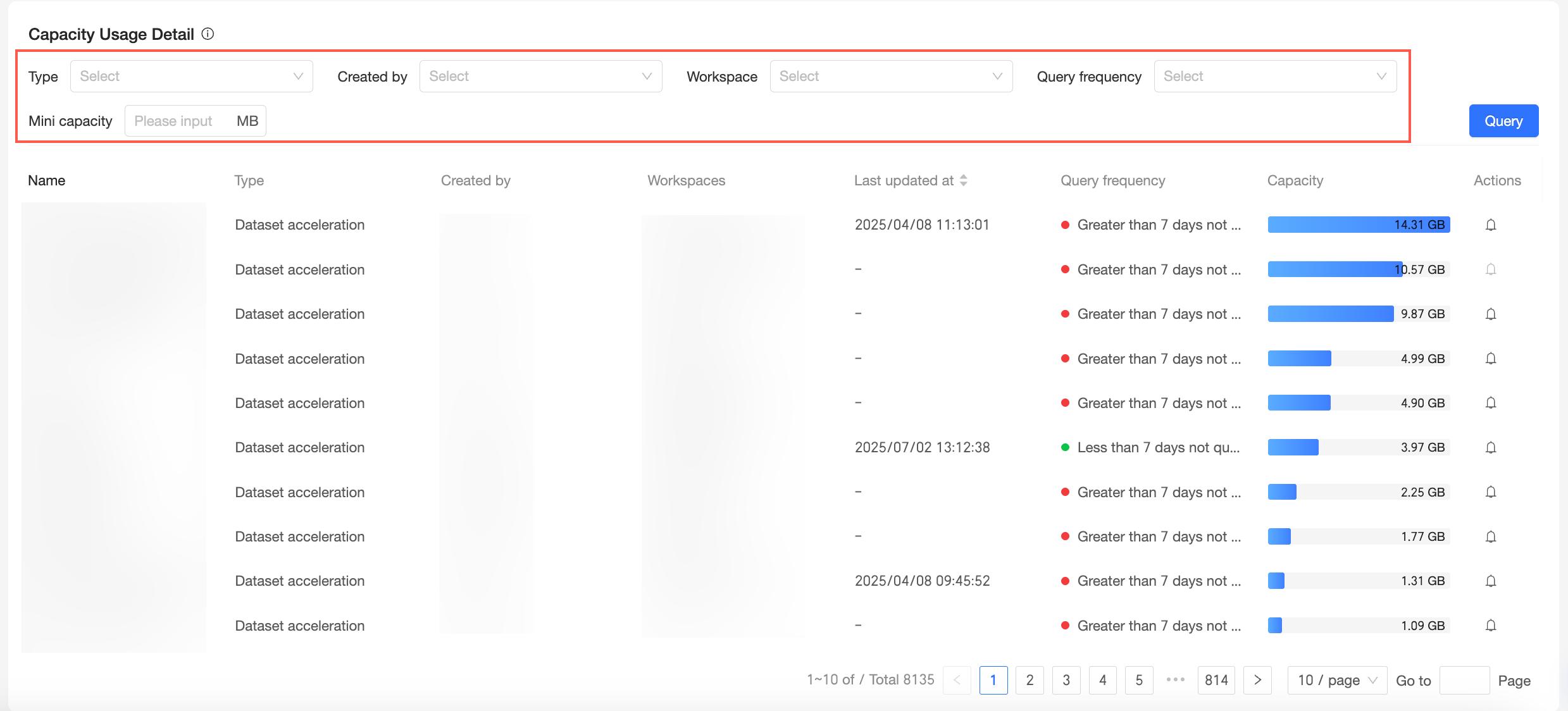
Storage Usage Details
Storage usage details are calculated as of T-1. Data is sorted by capacity in descending order, returning up to 10,000 records.
Filter storage usage details by Type, Creator, Workspace, Query Frequency, and Minimum Capacity.
|
Query item |
Description |
|
Type |
Includes Dataset Acceleration, Exploration Space, API Data Source, and Application Data Source.
|
|
Creator |
Filters results by a specific creator.
|
|
Workspace |
Filters results by a specific workspace.
|
|
Query Frequency |
Options are Not queried in the last 7 days and Not queried for more than 7 days.
|
|
Minimum Capacity |
Filters results that exceed a specified capacity threshold.
|