Cross filtering combines at least two audience filtering methods and uses AND, OR, or DIFFERENCE operations on the results to produce the final audience.
If one or more existing audiences are combined with other audiences by using AND, OR, or DIFFERENCE operations to create a new audience, the result is classified as audience crossing, not cross filtering. For more information, see Audience Crossing.
Procedure
-
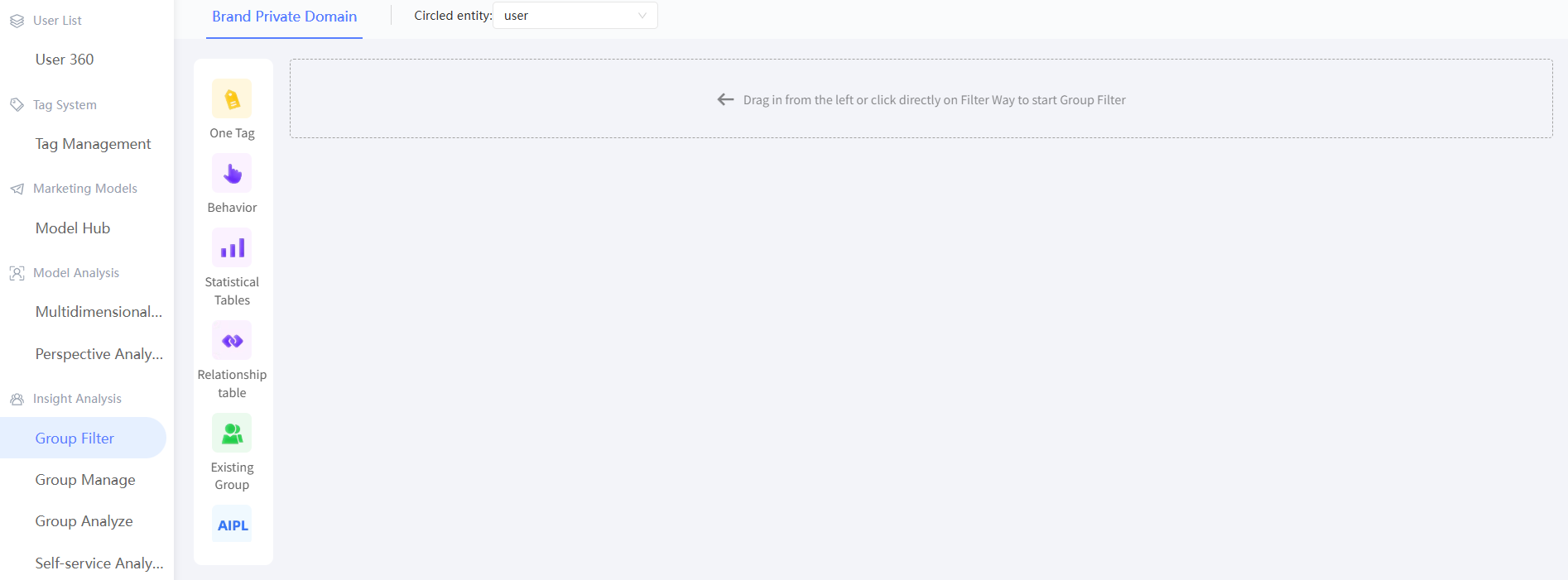
Choose Workspace> User Insight > Audience Insight > Audience Filtering to go to the Audience Filtering page.
-
Use a audience filtering method and set the filtering conditions. The following figure takes AIPL model filtering as an example.

-
Click one of the audience filtering methods in the left-side navigation pane. A new filter card is added below the existing filter card in the right-side navigation pane. Alternatively, drag one of the audience filtering methods from the left-side navigation pane to the right-side navigation pane, as shown in the following figure. The new filter card can be of any filter type.

-
In the new filtering card, configure the filtering method based on the audience.

-
By default, the relationship between different audience filter cards is AND. You can select AND, OR, or Poor, as shown in the preceding figure. Click the text between cards to switch.
-
Click the
 icon on the right to delete the corresponding audience filtering configuration card.
 -
After you set the filtering conditions for a group, enter the group name and description, select the directory where the group is saved, and the associated sub-activities. For more information, see Marketing Campaign Documentation. Click Estimate to estimate the number of people. Click Generate Audience to save the result.
