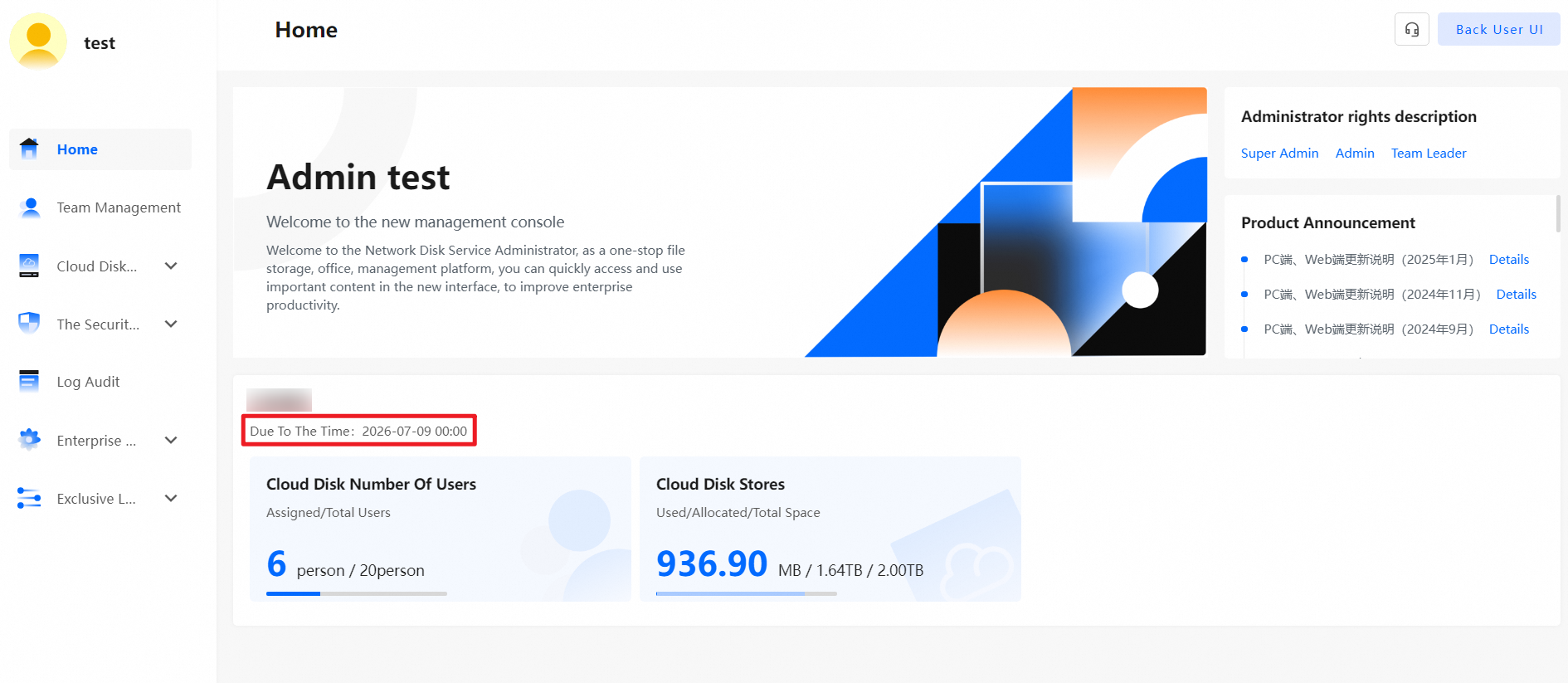
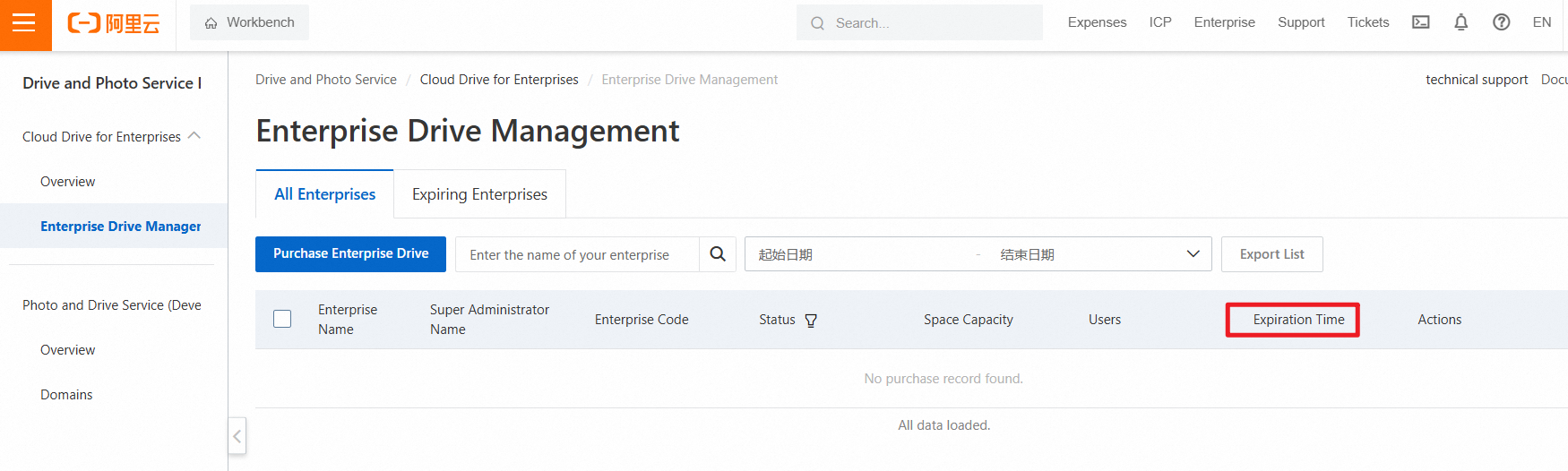
This topic explains why the expiration time displayed in the desktop client of Cloud Drive for Enterprises (CDE) might not be updated immediately after you renew your CDE instance.
The desktop client of CDE is also called the desktop client of Enterprise File Management.
If you complete the renewal and payment in the desktop client but notice that the expiration time displayed is not updated, the system might still be processing your payment. We recommend that you wait about 5 minutes after the renewal and log on to the client again to check it. Alternatively, you can log on to the Drive and Photo Service (PDS) console and navigate to . On the page that appears, find the target drive and verify whether the Expiration Time field has been updated. If the expiration time remians unchanged for a long time, contact us for assistance.