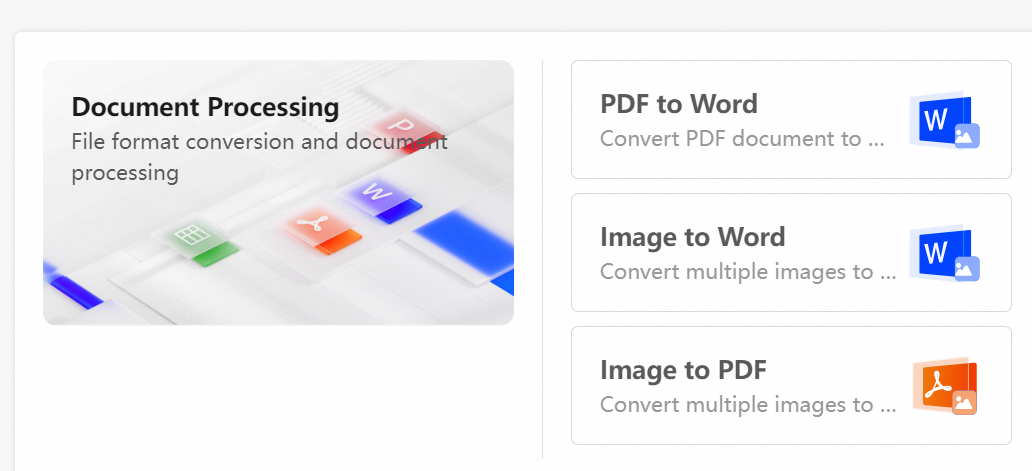
This topic describes the intelligent document processing feature for the Enterprise Edition. This feature enables efficient transformation between various file formats.
Prerequisites
A super administrator or a drive administrator has enabled the document processing feature.
Limits
Type limits
Transformation type | Source file format | Target file format |
Image to Word | jpg, jpeg, png, bmp, gif | docx |
Image to PDF | jpg, jpeg, png, bmp | |
PDF to Word | docx |
Quantity limits
Each enterprise can perform up to 20 document transformations per day.
Permission limits
Permission to download the source files.
Permission to upload the results to the destination folder.
Transformation limits
PDF to Word
Page limit: PDF files cannot exceed 1000 pages.
File size limit: A single PDF file cannot be larger than 100 MB.
Image to Word
Image size limit: The longest side of an image cannot exceed 8192 px.
File size limit: A single image cannot be larger than 20 MB.
Quantity limit: Up to 30 images can be merged and transformed into a single
.docxfile.Format note: For GIF files, only the first frame is recognized and transformed.
Image to PDF
Image size limit: The longest side of an image cannot exceed 8192 px.
File size limit: A single image cannot be larger than 20 MB.
Quantity limit: Up to 30 images can be merged into a single
.pdffile.
Features
Go to the AI Creation Center
Log on to the enterprise drive. In the left-side toolbar, click AI Creation Center to open the intelligent processing page.Select a transformation type
In the Document Processing area, click the required feature:PDF to Word: Transform PDF files into editable Word documents.
Image to Word: Merge and recognize multiple images into a single Word document.
Image to PDF: Merge multiple images into a single PDF file.
Upload files and start the transformation
Select the files to transform.
Specify a location to save the results.
Click Transform All. The system automatically processes the files and generates the new files.