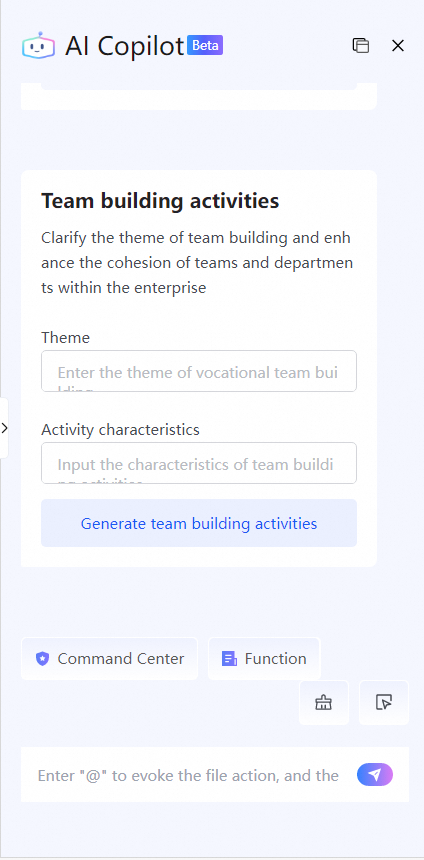
This topic introduces the AI Copilot Command Center and its features.
Access the Command Center
Log on to Alibaba Cloud Drive for Enterprise. In the User Interface, click to open the Command Center toolbar.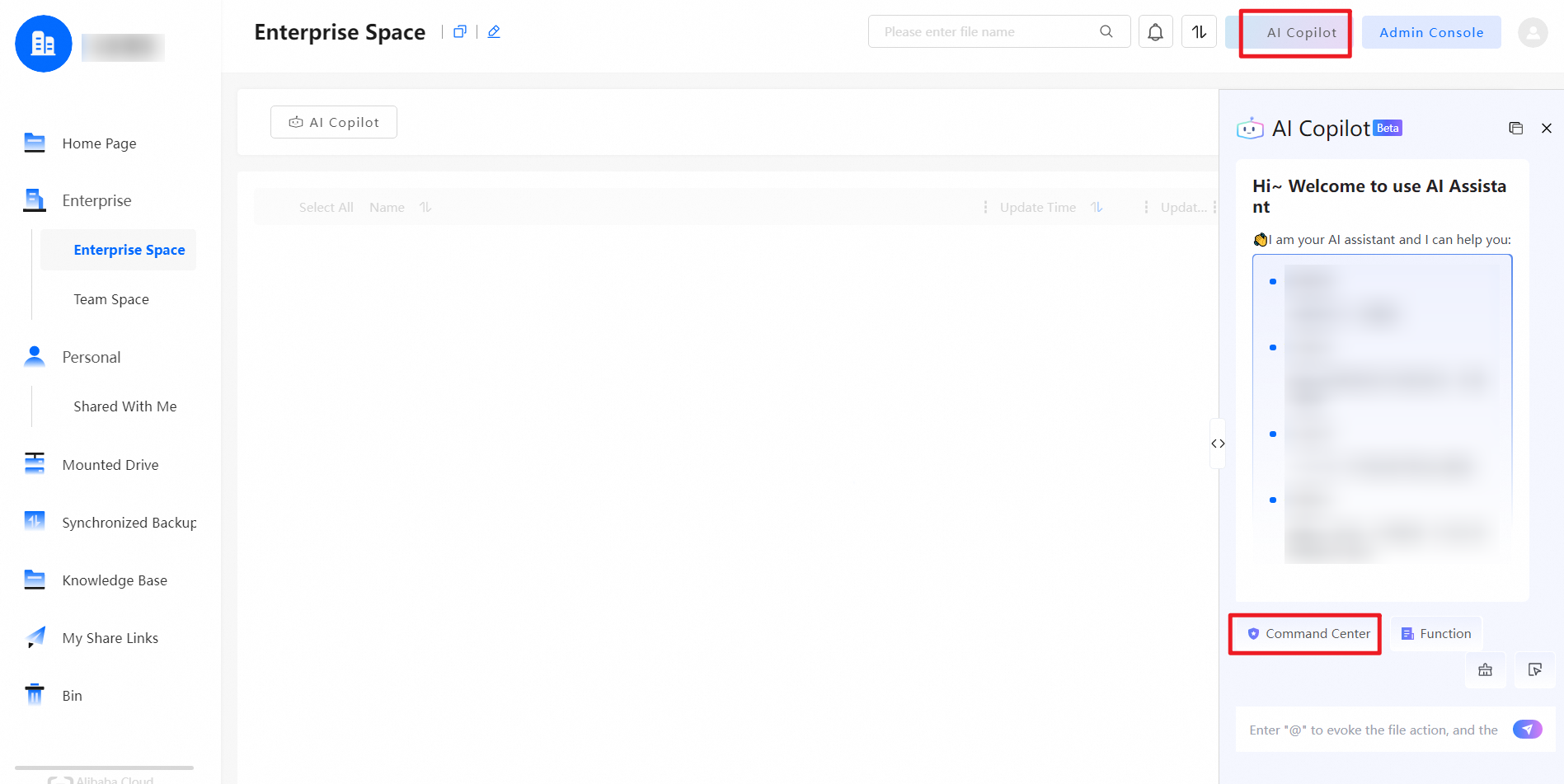
Command Center features
Click Document Assistant to select instructions such as "Summary", "Polish", "Outline", "Rephrase", "Enrich", and "Translate".
Click Work to select instructions such as "Plan", "Work Summary", "Daily/Weekly", "Meeting Minutes", "Contract", and "Resume Writing".
Click Business to select instructions such as "Business Plan", "Competitive Analysis", "Marketing Activity Planning", "Promotional Copy", and "Product Introduction".
Click HR to select instructions such as "Rules and Regulations", "Job Description", and "Team Building Activities".
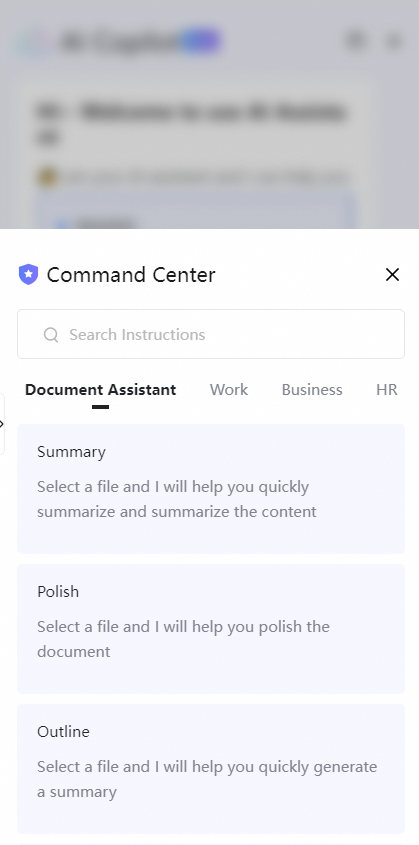
Details of Command Center features
Document Assistant
The Document Assistant feature supports the following document types: .doc, .docx, and .pdf.
Summary: Efficiently summarizes the content of a selected document.
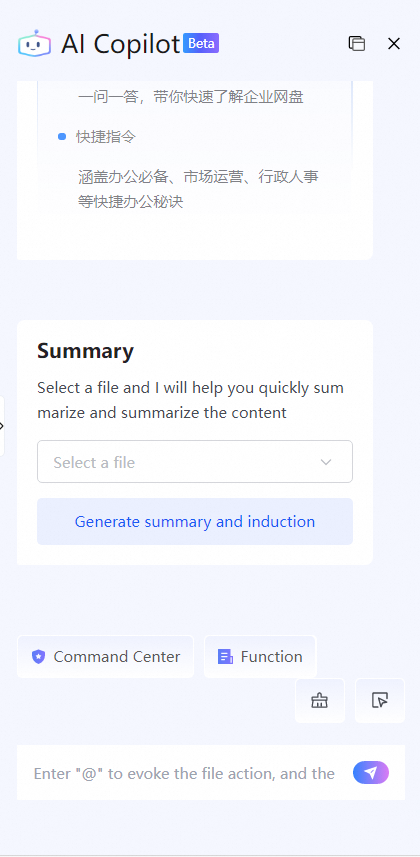
Polish: Polishes the content of a selected document based on the original text.
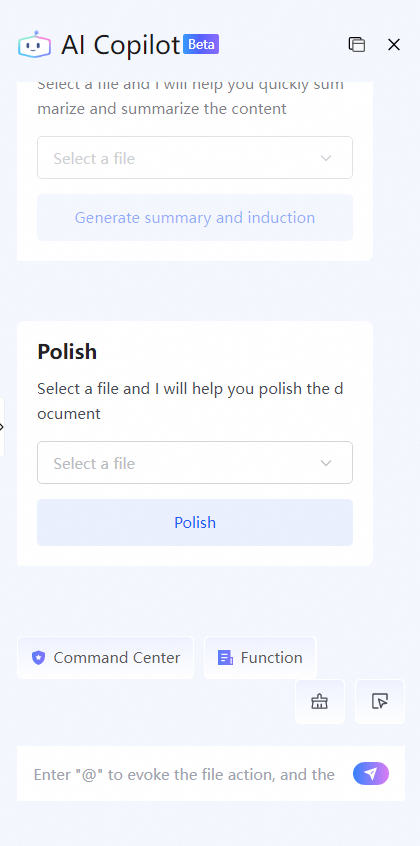
Outline: Generates a summary of a selected document.
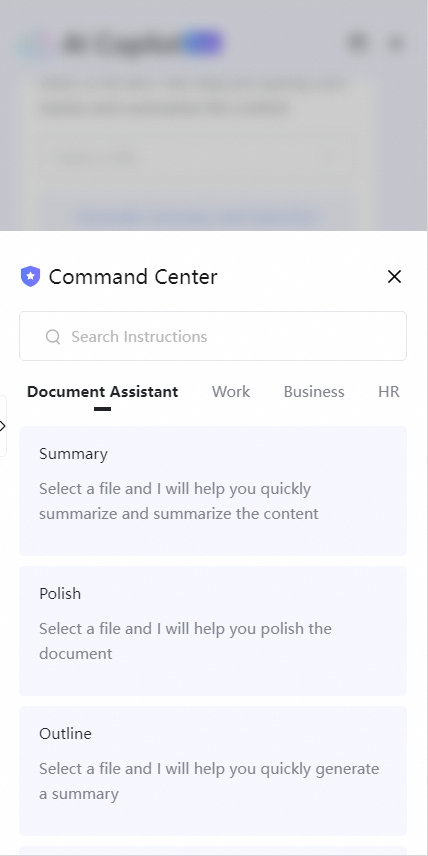
Rephrase: Rewrites the style of a selected document based on your chosen tone.
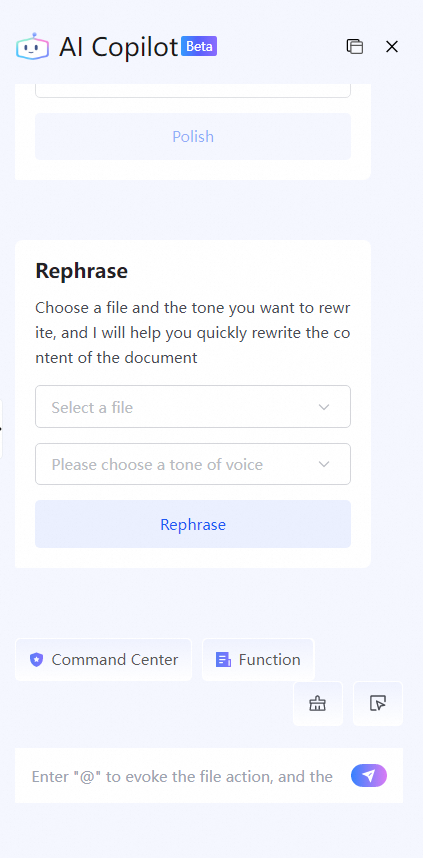
Enrich: Enriches the content of a selected document based on the original text.
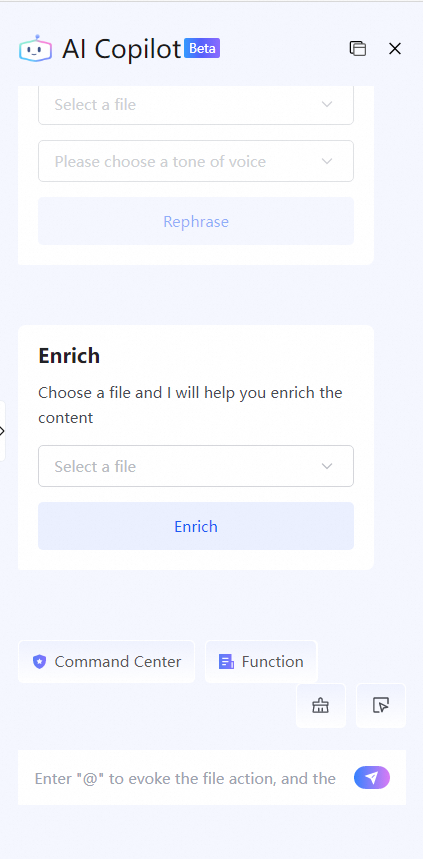
Translate: Efficiently translates a selected document into your specified target language.
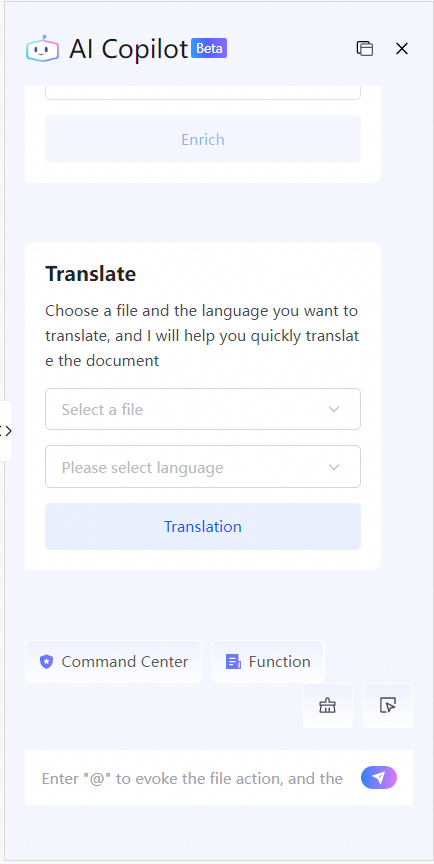
Work
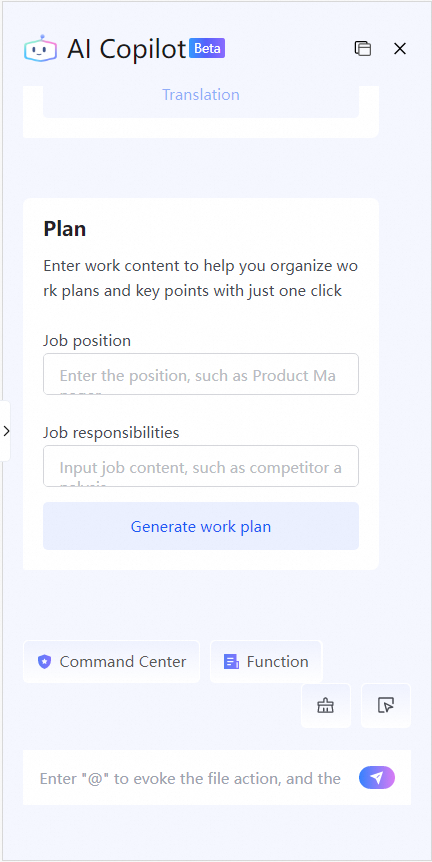
Plan: Generates a detailed work plan based on the job position and work content that you provide.
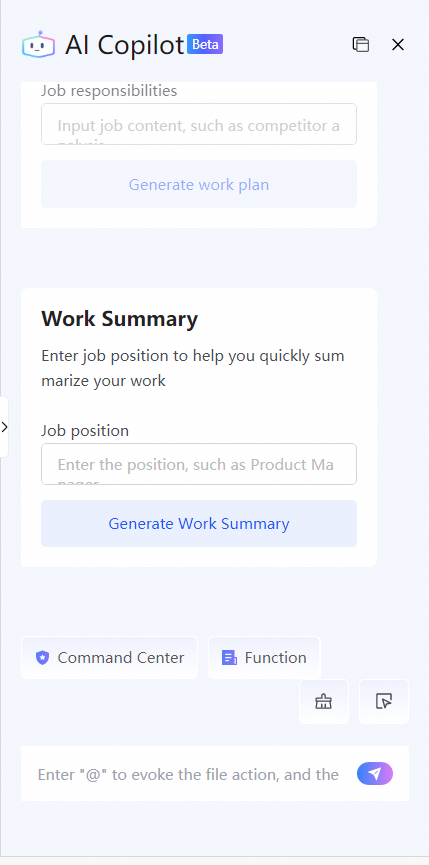
Work Summary: Generates a detailed work summary report for a specified job position.
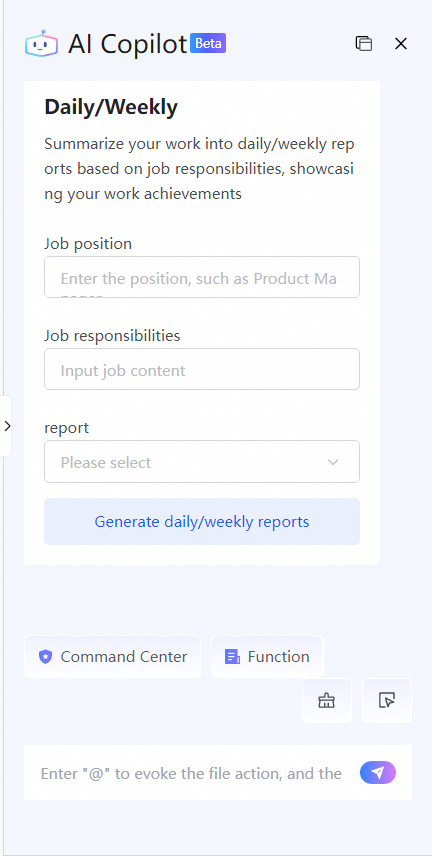
Daily/Weekly: Generates a daily or weekly report based on the job position, work content, and report type that you provide.
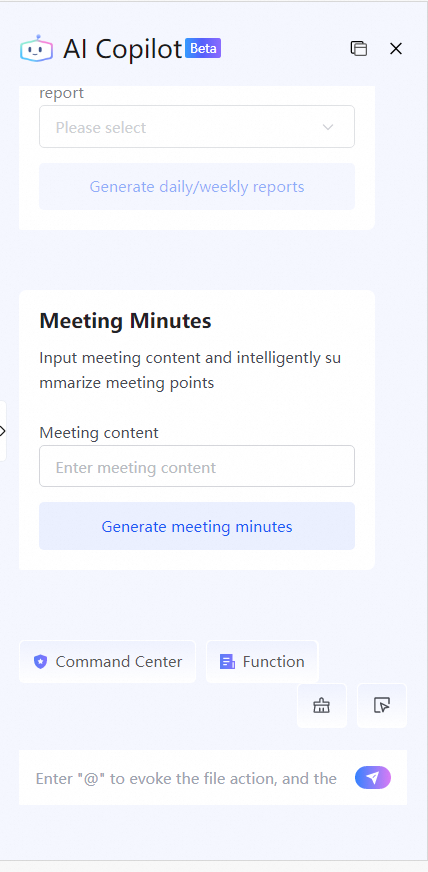
Meeting Minutes: Intelligently summarizes key points and generates meeting minutes from the meeting content that you provide.
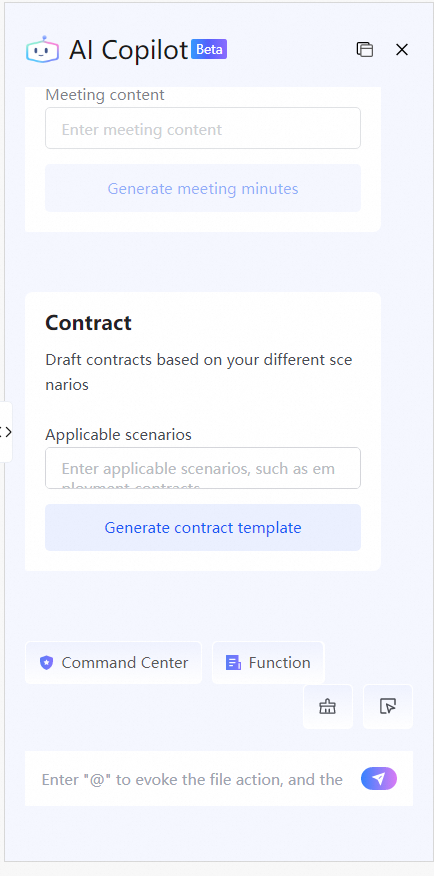
Contract: Drafts a contract based on a specified scenario.
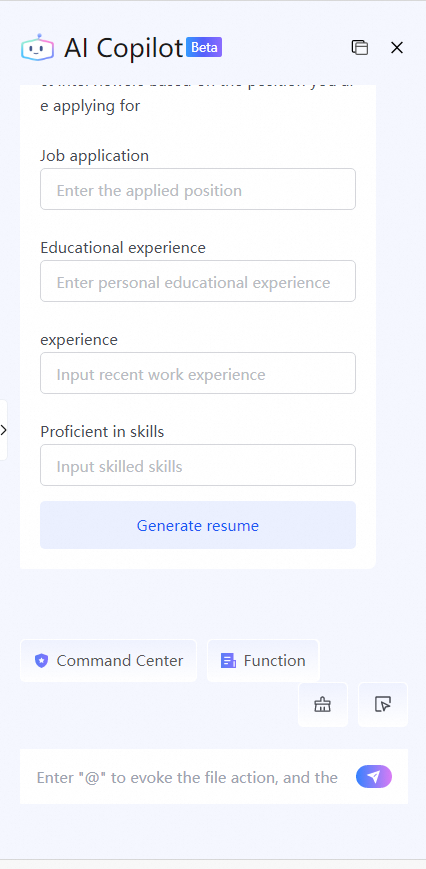
Resume Writing: Generates a resume that highlights your strengths based on the target position, education, work experience, and skills that you provide.
Business
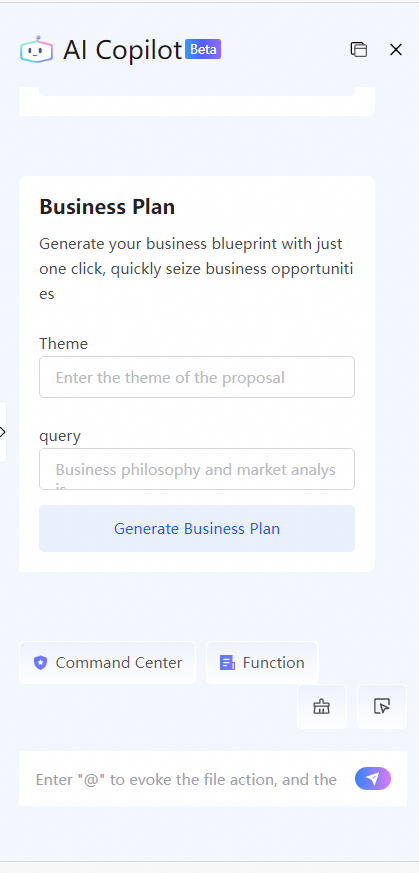
Business Plan: Generates a detailed business plan, including a business concept and market analysis, based on the subject and content that you provide.
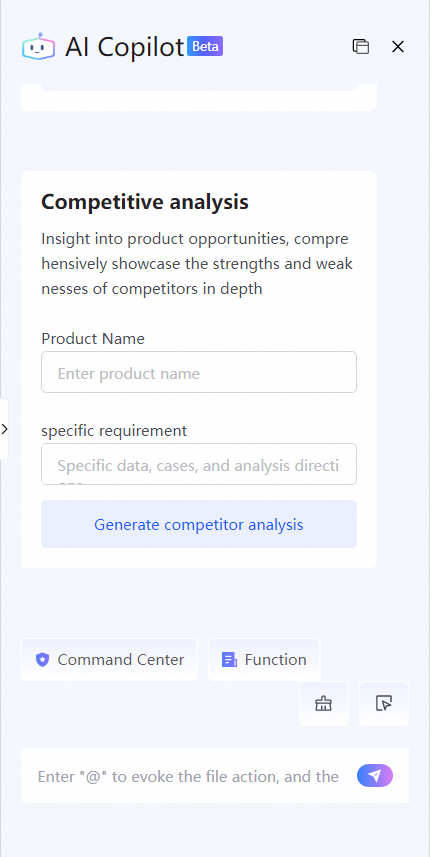
Competitive analysis: Performs an in-depth analysis and generates a report on competitor strengths and weaknesses based on the product name and specific requirements that you provide.
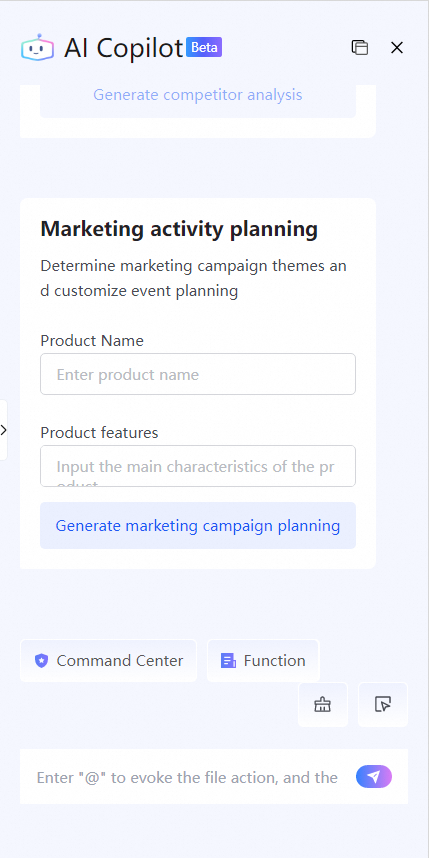
Marketing activity planning: Determines a marketing theme and customizes campaign content based on the product name and features that you provide.
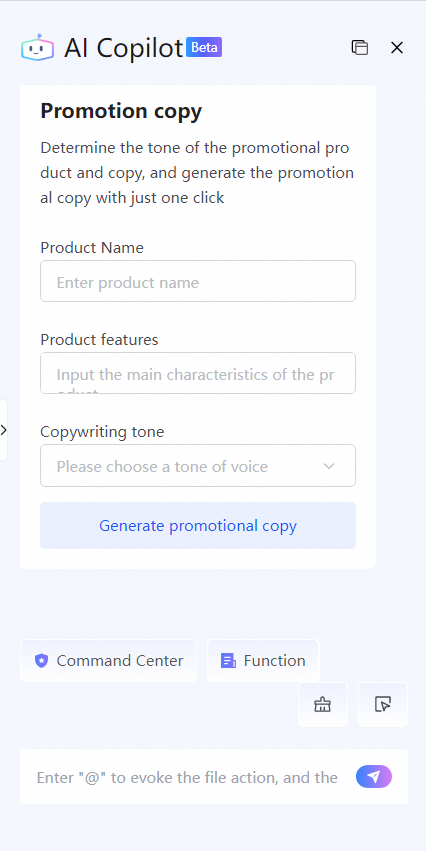
Promotional copy: Generates promotional copy for a product based on its name, features, and your selected tone.
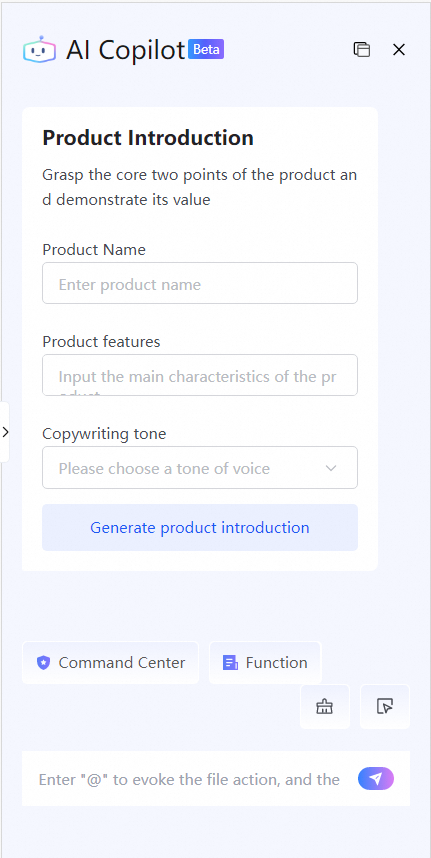
Product Introduction: Identifies core product points and generates a detailed product introduction based on the product name, features, and your selected tone.
HR
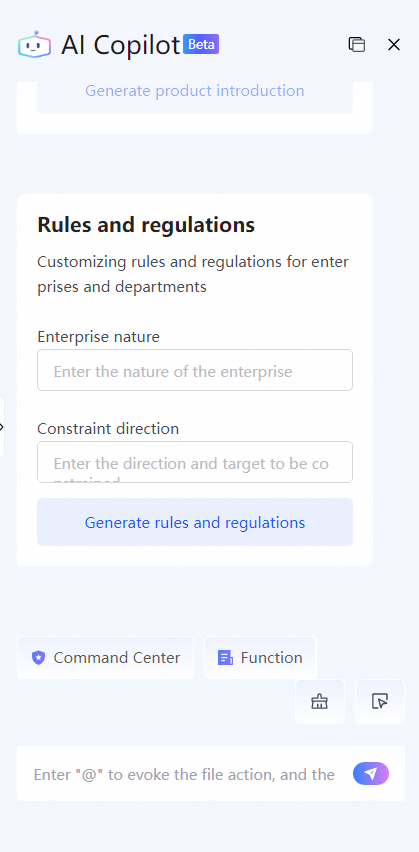
Rules and regulations: Creates customized rules and regulations for a company or department based on the company type and areas to regulate that you provide.
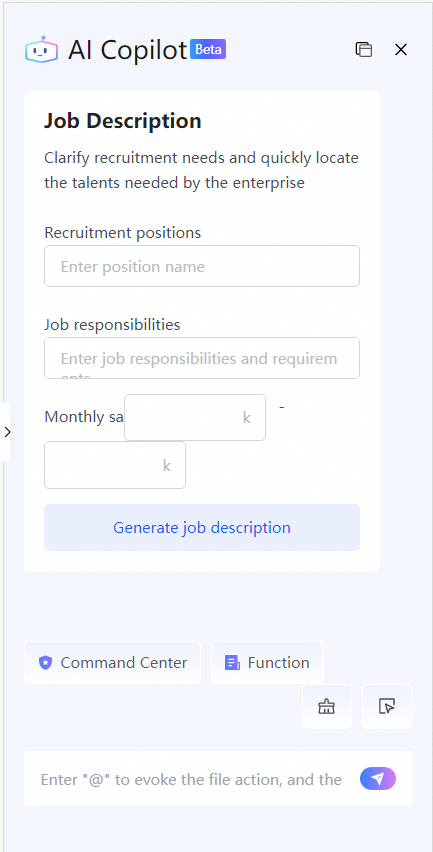
Job Description: Generates a job description based on the job title, responsibilities, and optional salary range that you provide.
Team building activities: Generates a detailed plan for a team-building activity based on the theme and features that you provide.