Build and deploy visual models in Designer using preset workflow templates or custom pipelines.
Prerequisites
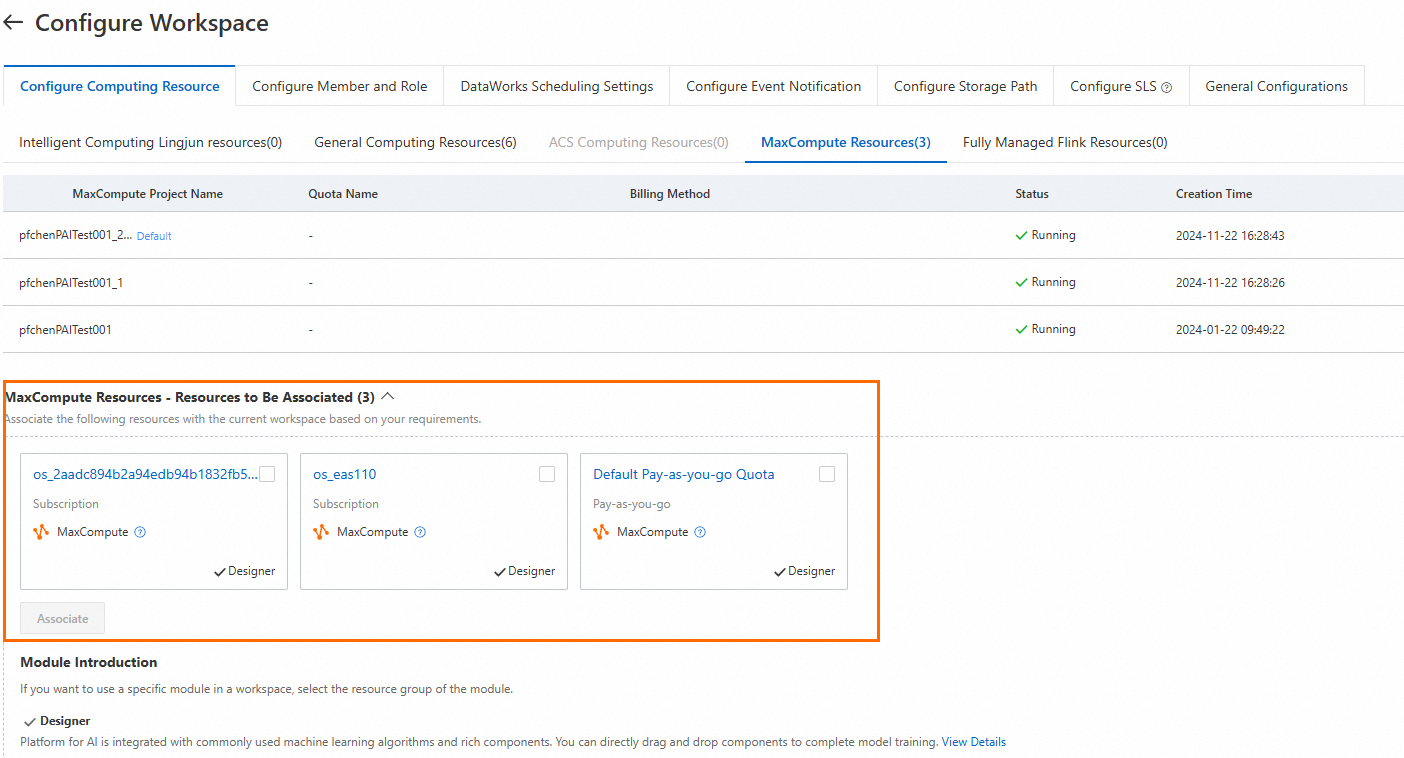
Specific algorithm components in Designer require MaxCompute resources. Activate MaxCompute on the MaxCompute purchase page and associate the resources with your workspace. Configure compute resources for a workspace.
Demos
-
Template-based workflow
Designer provides dozens of built-in templates for various frameworks and scenarios. Select a template, configure components, and deploy a model. This demo uses the heart disease prediction template. Template-based workflow.
-
Custom pipeline
Build a binary classification model for heart disease prediction from a blank pipeline. Covers data preprocessing, model prediction, and evaluation. Custom pipeline.