This topic describes how to configure a routing field, a document sorting field for an inverted index, and a timeout period.
Query by column
Scenarios and benefits
Column-based queries are required.
Ideal for services that are sensitive to timeouts for single-column queries.
Allows you to increase the memory for a single column to cache hot data, which reduces the cluster load.
Procedure
In the Modify Offline Application > Index Schema configuration, find the Routing Fields (Optional) section.
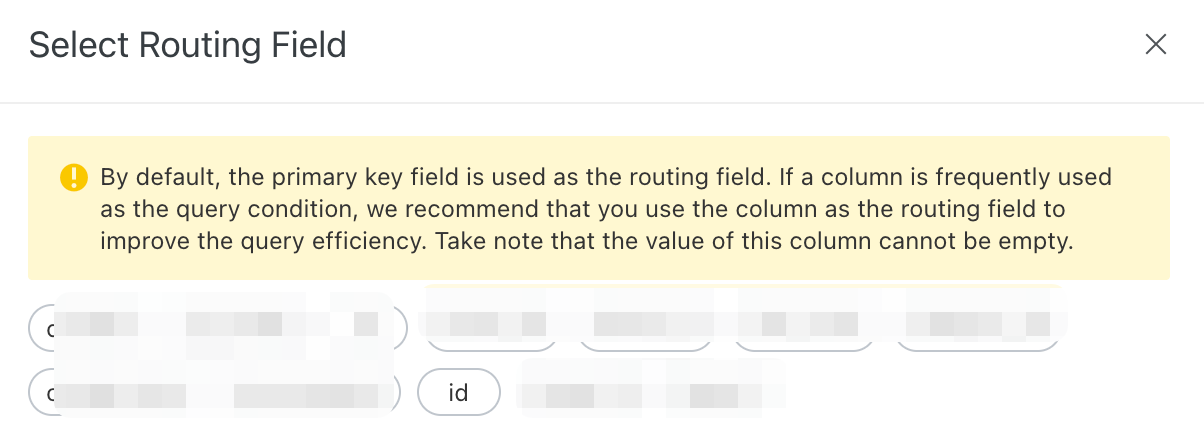
Select a field to include.
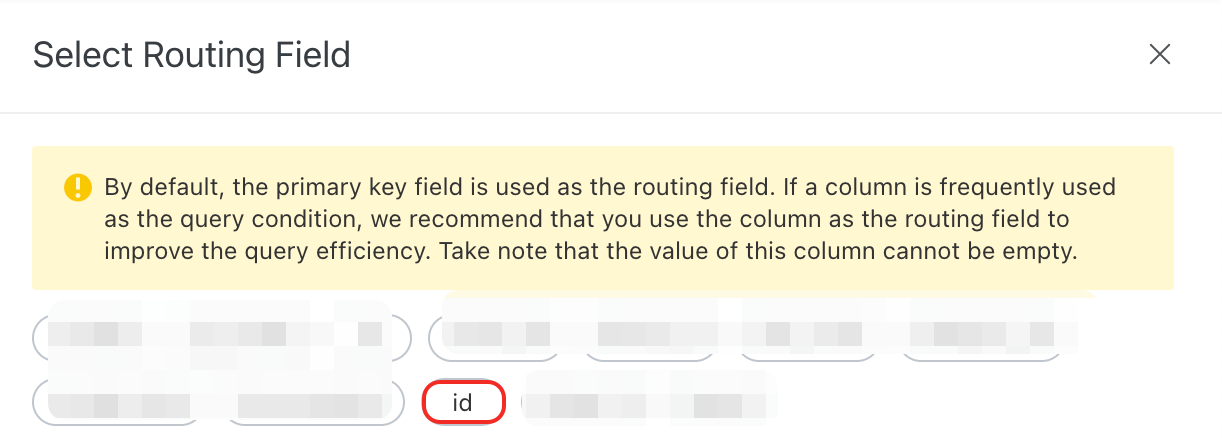
Optional: If the data in the routing field is not evenly distributed, you can configure hot spot values.

Notes
You can designate only one field as the routing field.
The routing field supports the INT and LITERAL data types.
Document sorting field for inverted indexes and timeout period
Scenarios and benefits
You can customize the sort order of documents during index creation.
Improves query efficiency by placing higher-quality documents at the front of the inverted table when you specify a sorting field.
Services sensitive to engine execution timeouts.
Procedure
In the Modify Offline Application > Index Schema configuration, find the Advanced Settings (Optional) section.

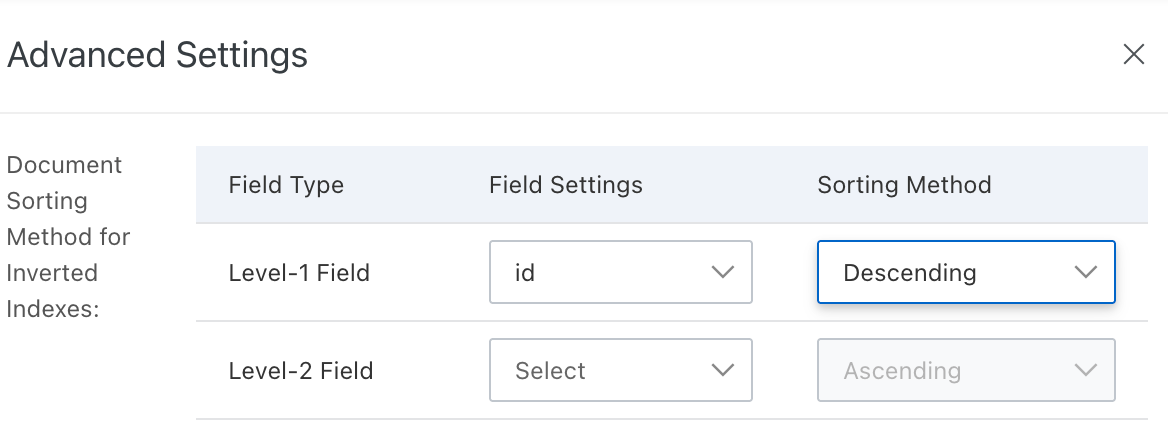
To configure the Document Sorting Method for Inverted Indexes, click Configure.

In the Advanced Settings window, under Document Sorting Method for Inverted Indexes, specify the Field Settings. Set the Sorting Method to Ascending or Descending, and then click Confirm.
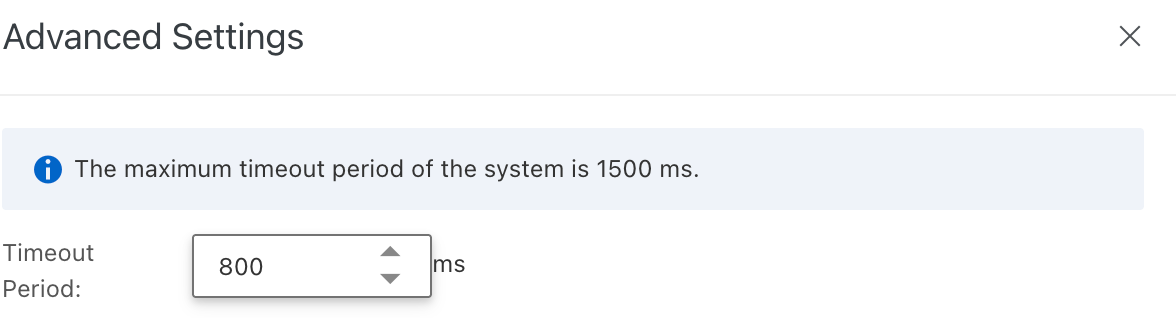
To configure the timeout period, click Configure.

In the Advanced Settings window, set the Timeout Period for engine execution, and then click Confirm.
Notes
For the document sorting feature, you can select up to two levels of fields. The supported data types are INT, FLOAT, and DOUBLE.
The Timeout Period must be between 750 ms and 1500 ms.
You can restore the default settings for the document sorting field and the timeout period by clicking Restore Defaults.
The advanced features are available only for dedicated cluster instances.
Advanced configuration for vector indexes
Scenarios and benefits
Vector search algorithm | Pros | Cons | Scenarios |
Quantized Clustering (QC) | Low CPU and memory usage. |
| Scenarios with datasets in the hundreds of millions that do not require high accuracy or low query latency. |
Hierarchical Navigable Small World (HNSW) | High recall rate and fast query speed. | High CPU and memory usage. | Scenarios with datasets in the tens of millions that require high accuracy and low query latency. |
Procedure
In the industry algorithm edition, if you configure a vector analyzer for a field of the TEXT, SHORT_TEXT, or DOUBLE_ARRAY type, the corresponding index becomes a vector index. In the application's index schema, you can then configure the namespace, vector index algorithm, and distance type for the vector index.
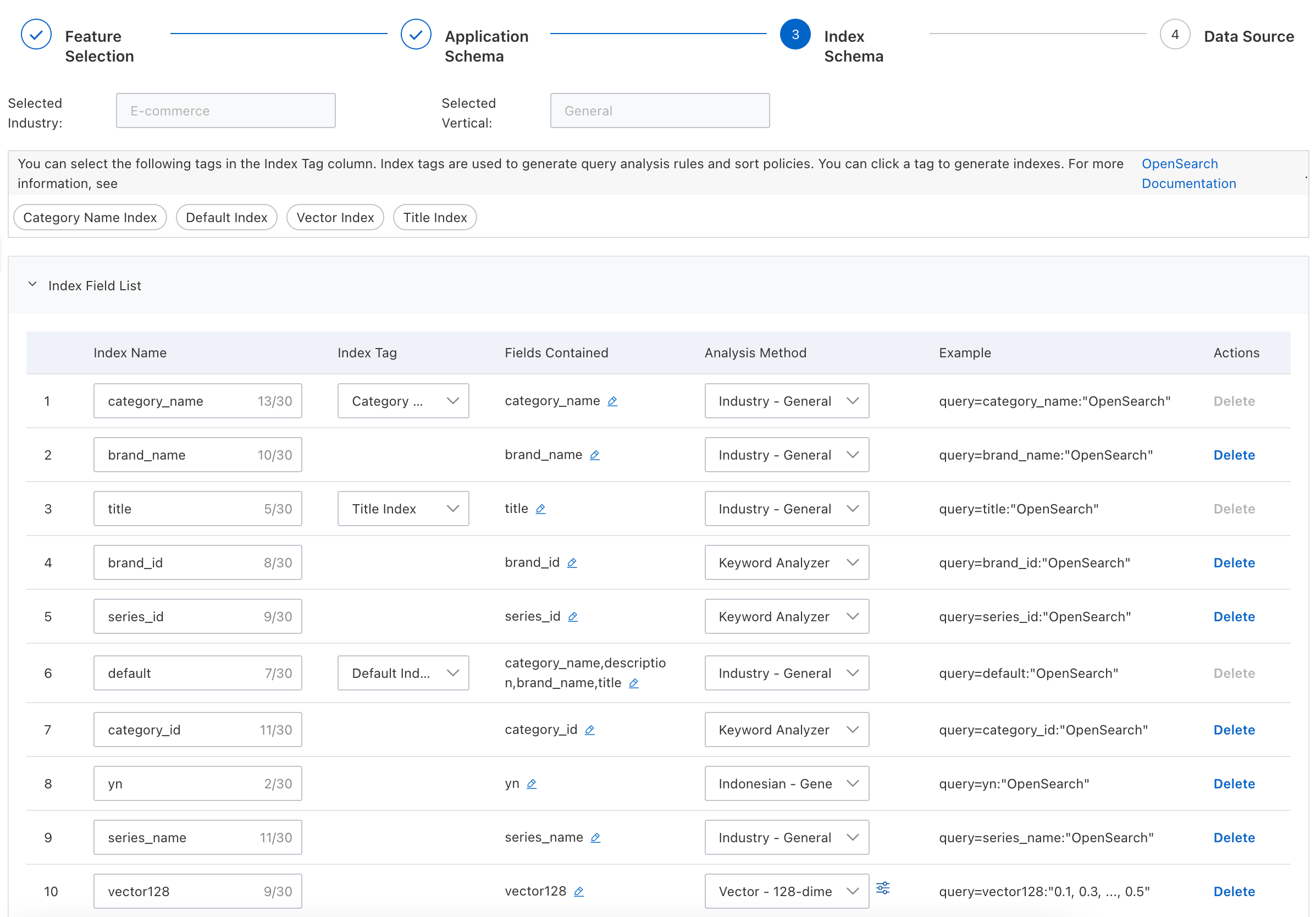
Configuration items:
Namespace: Must be a property field of the
INTtype. The default value is empty. Use namespaces to partition the vector index. This lets you limit queries to specific partitions. After you configure a namespace, you must specify it in your queries. Do not create more than 10,000 namespaces.Vector index algorithm: QC or HNSW. The default is QC. HNSW can be used only for dedicated compute-optimized instances.
Distance type:
InnerProductorSquaredEuclidean. The default is Squared Euclidean.For InnerProduct, a higher vector score indicates greater document relevance.
For Euclidean distance, a lower vector score indicates greater document relevance.