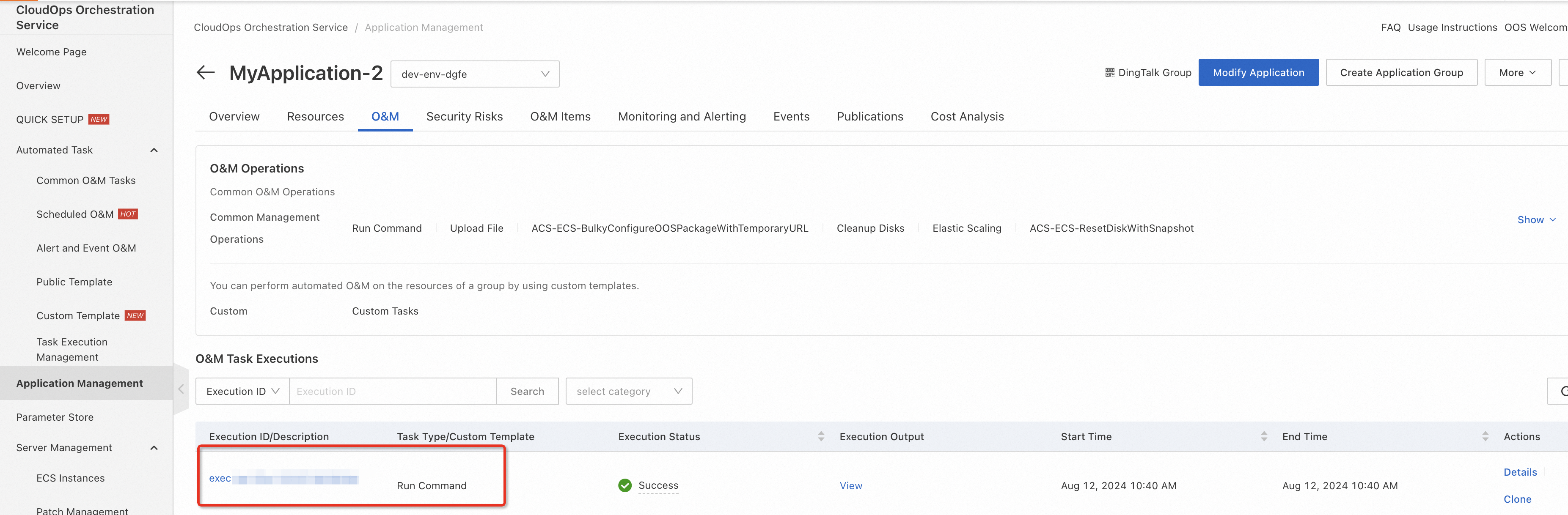
CloudOps Orchestration Service (OOS) allows you to run automated tasks on resources in an application group, such as sending remote commands, downloading files, and running custom tasks. The following example shows how to send a remote command.
Prerequisites
You have created an application in Applications. For more information, see Manage resources using application groups.
Procedure
-
Log on to the CloudOps Orchestration Service console.
-
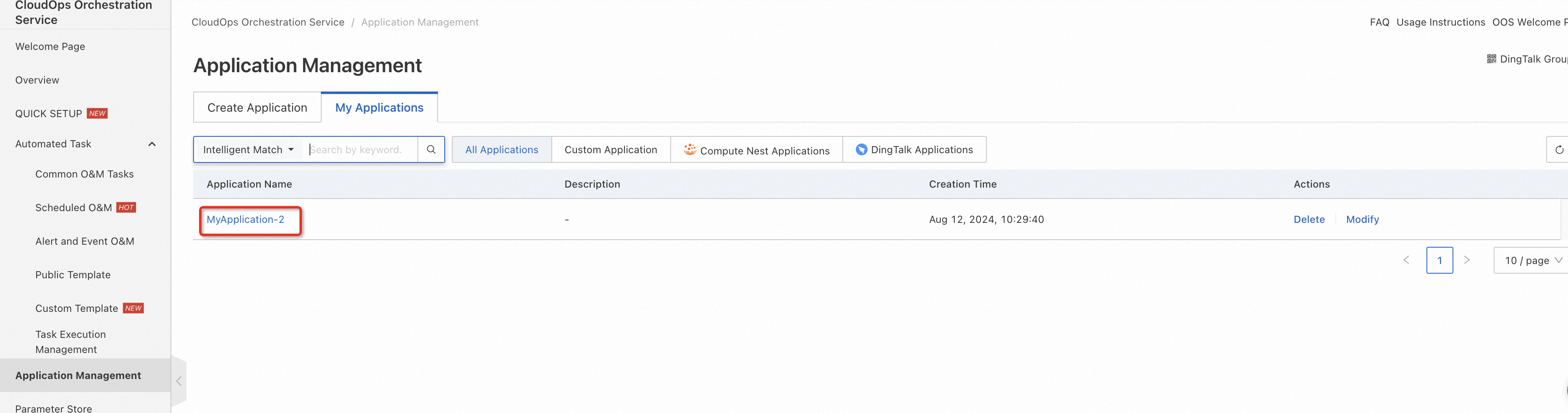
In the left-side navigation pane, click . Click the My Applications tab and select the application.
-
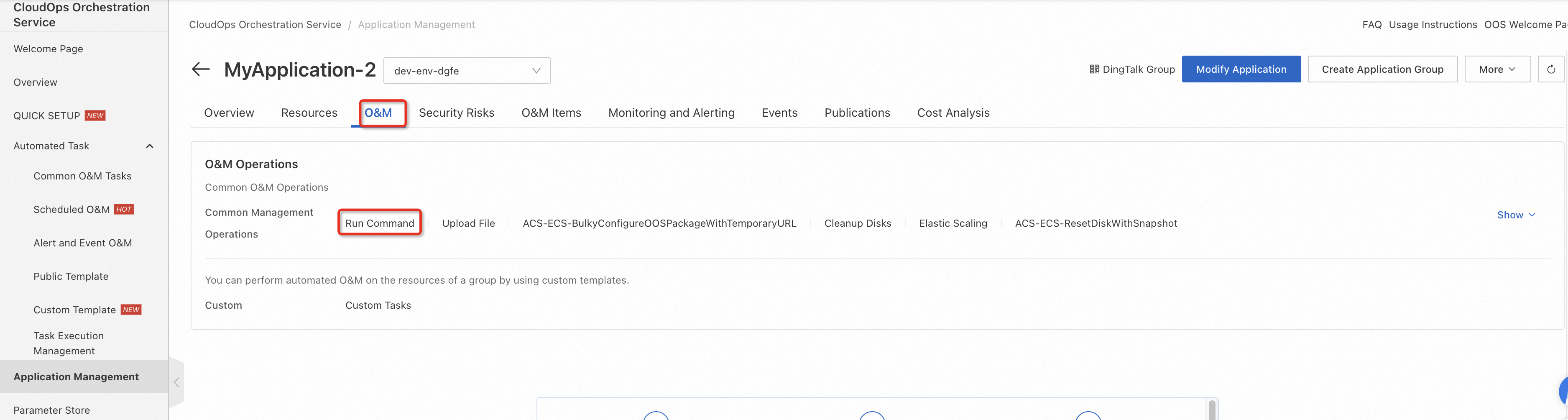
On the application details page, click the O&M tab, and then click Send Remote Commands.
-
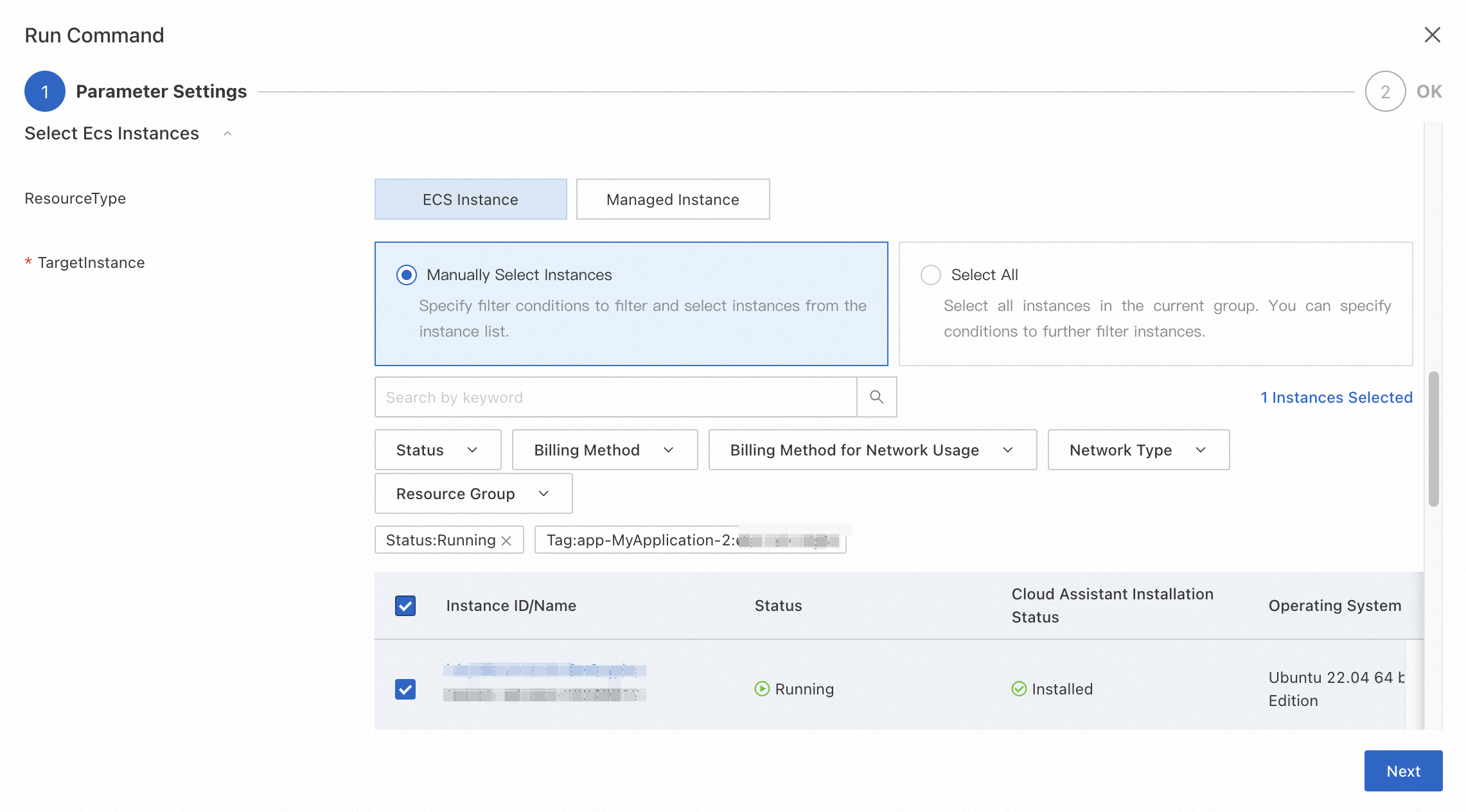
In the Command field, enter the command. Select Select Instances Manually and click Next. Confirm the information and click Create.
-
View the task's execution details and output in the task list.