Update a custom extension
Updated at:
Copy as MD
You can update a custom extension in CloudOps Orchestration Service (OOS) to modify its information. Each update generates a new version of the extension.
-
You can edit all fields except Extension Name.
-
Each update automatically increments the version number, such as v2 and v3.
Procedure
-
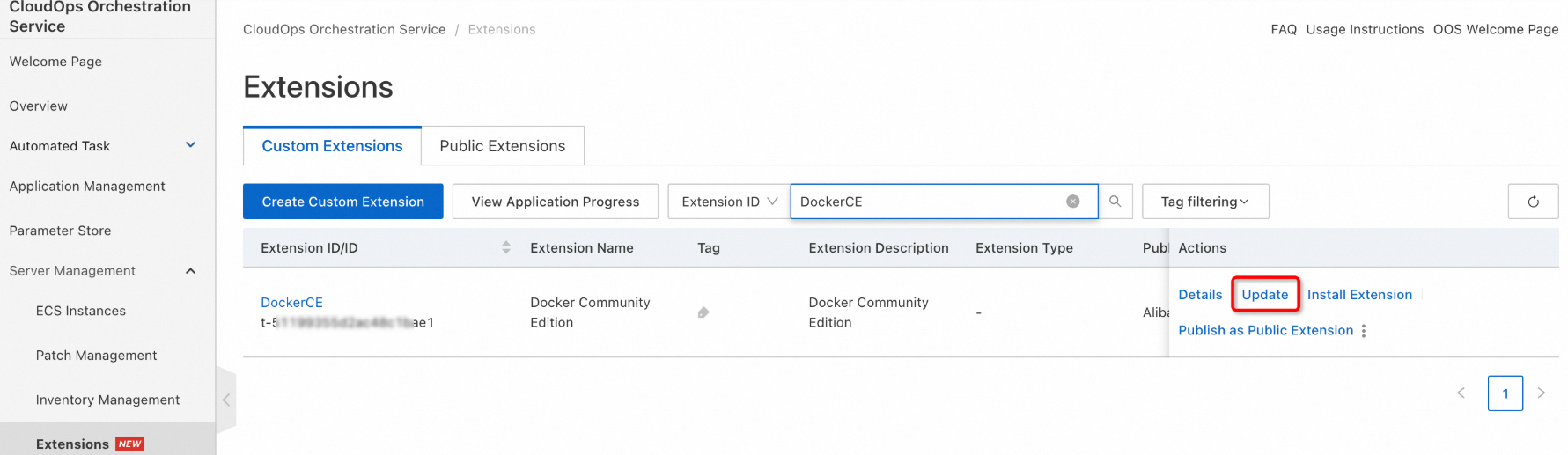
On the Custom Extensions tab of the Extensions page, find the custom extension that you want to update and click Update in the Actions column.
-
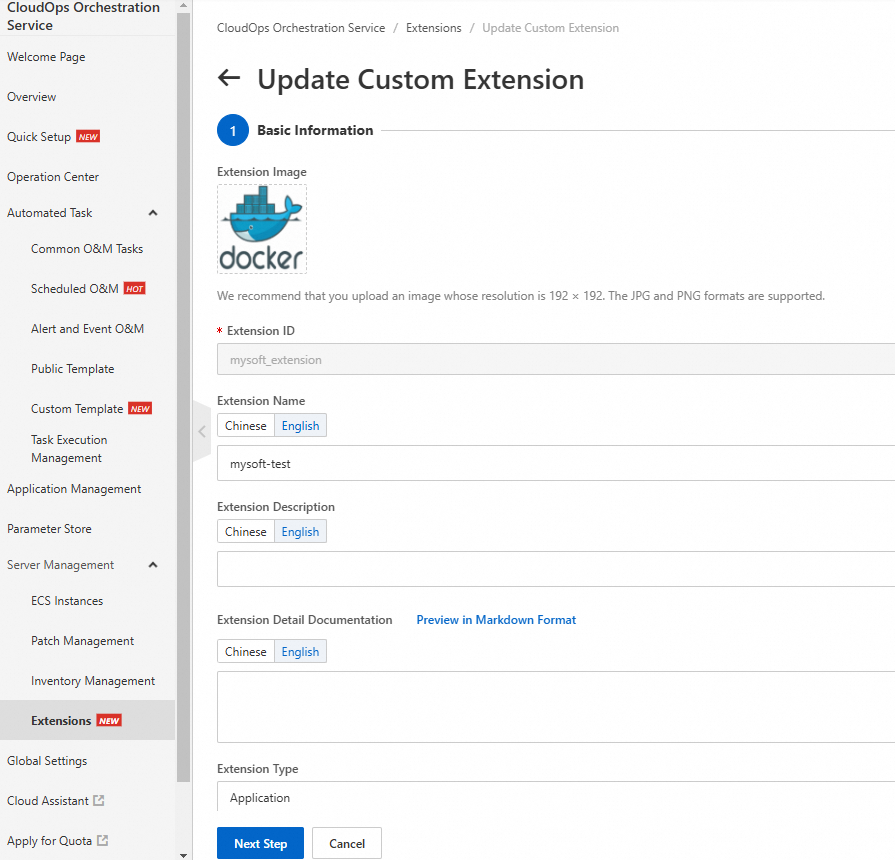
Modify the extension information other than the extension name.
-
After the modification is complete, click Create to complete the update.
Is this page helpful?