Prompt writing practices for wan3.0 video generation, covering formulas, writing techniques, and tuning examples.
Prompt optimization Skill
The platform provides a wan3.0 prompt optimization Skill to help you tune your prompts.
Download Skill: wan3-pe.zip (unzip after download)
Usage: In the AI chat box, enter /wan3-pe + your prompt content to start debugging the prompt. For example:
/wan3-pe Refine the prompt using the skill. Prompt: a cat running on the grass
Task types
wan3.0 supports the following task types. The inputs and outputs of each task are as follows. For detailed input material combination rules, see Material combinations.
| Task type | Supported capability | Reference input | Output |
|---|---|---|---|
| Text-to-video | Text-to-video | Prompt | Video with single-shot or multi-shot narrative |
| Image-to-video | First frame to video | Prompt + first frame image | Video generated with this image as the first frame |
| First and last frame to video | Prompt + first frame image + last frame image | Video transitioning from first frame to last frame | |
| Reference-to-video | Subject reference | Prompt + reference image or video of a person / object / scene / virtual character | New video preserving the reference subject's appearance / voice |
| Motion reference | Prompt + reference video containing action / expression / camera movement / VFX | New video replicating the reference motion information | |
| Style reference | Prompt + style reference image or video | Video following the reference style | |
| Audio reference | Prompt + music / dialogue / voice timbre reference audio | Video whose audio track aligns with the reference audio | |
| Clay render reference / render | Prompt + clay render video | Photorealistic re-rendered video | |
| Multi-grid shot / storyboard reference | Prompt + multi-grid shot image | Video advancing along the shot storyline | |
| Keyframe reference | Prompt + multiple keyframe images | Video aligned with the keyframe order | |
| File / webpage reference | Prompt + document or webpage link | Video generated based on the document / webpage content | |
| Video editing | Video instruction editing | Prompt + source video | Video after add/remove/modify of elements per instruction |
| Video reference-image editing | Prompt + source video + reference image | Video after replacing / modifying the source video with reference image content | |
| Video audio editing | Prompt + source video | Video after adjusting vocals / music / sound effects | |
| Video extension | Prompt + source video | Video continued before / after / bidirectionally from the source video | |
Prompt element writing
A single sentence is enough for wan3.0 to produce a video, but the more complete and precise the description, the closer the result is to what you expect. For full-modality scenarios, we recommend the following complete prompt formula — write down whatever you want to control, and simply skip any section you do not need.
Prompt = [Overall description]
       + [Reference material citation: Image N / Video N / Audio N]
       + [Shot N (start-end seconds): Subject + Scene + Motion + Aesthetic control]
       + [Dialogue: xx says: "xxxx"]
       + [Sound effect / BGM]
       + [Style / Mood]
       + [Negative prompt list]
Example
A writing example that combines reference-to-video + multi-shot + dialogue + voice timbre reference + style control. The prompt is strung together into one paragraph following the formula:
Eastern epic xianxia, majestic and imposing. A general in heavy armor holds a long spear, riding alone on a golden qilin, guarding the grand pass between two mountains as an enemy army surges like a black tide in the distance. 15 seconds, pacing shifts from steady restraint to explosive release. The general's appearance references Image 1, facial expression references Image 2, mount references Image 3, voice timbre references Audio 1.
Shot 1 (00:00-00:03): Extreme wide establishing shot, 24mm wide-angle, extreme low angle, camera static. A towering stone archway stands between two mountains; on each side stands a weathered giant stone statue of a warrior. The general rides the golden qilin alone before the gate, tiny yet unyielding. In the distance, the enemy black tide blankets the wilderness and slowly advances; dark clouds press down, fierce winds whip up sky-filling dust, tattered war banners snap in the wind.
Shot 2 (00:03-00:06): Close-up, 85mm telephoto, shallow depth of field. Half of the general's face, blood and dust on the temple, resolute eyes; cut to the hand gripping the spear, knuckles white. The qilin growls low and exhales white breath, golden scales shimmer with flowing reflections. The general speaks low: "This pass, I have guarded for ten years."
Shot 3 (00:06-00:10): Medium close-up, slightly low angle, camera pushes in very slowly. The general raises his eyes, killing intent surging within, and says in a deep voice: "Today, not one of you gets through." As the words fall, the qilin rears its front hooves high and slams them to the ground.
Shot 4 (00:10-00:15): The camera orbits 120 degrees around the general and descends to an extreme low angle, transitioning to an extreme wide shot. A three-headed, six-armed golden dharma form rises behind him, taller than the archway, moving in sync with the general; where the spear strikes the ground, radial cracks explode outward, a ring-shaped dust shockwave expands, the enemy black tide halts as one, and the silhouettes of the general and qilin stand in golden light.
Style and mood: Eastern epic, IMAX-scale spectacle, anamorphic widescreen, cinematic, film grain, high dynamic range; tragic and unyielding, the overwhelming presence of one man holding the pass.
Negative prompt list: No modern elements, no subtitles or watermarks, no extra characters, avoid facial distortion and continuity errors, avoid blur and low resolution.
| Input material | Output video |
|---|---|
Image 1 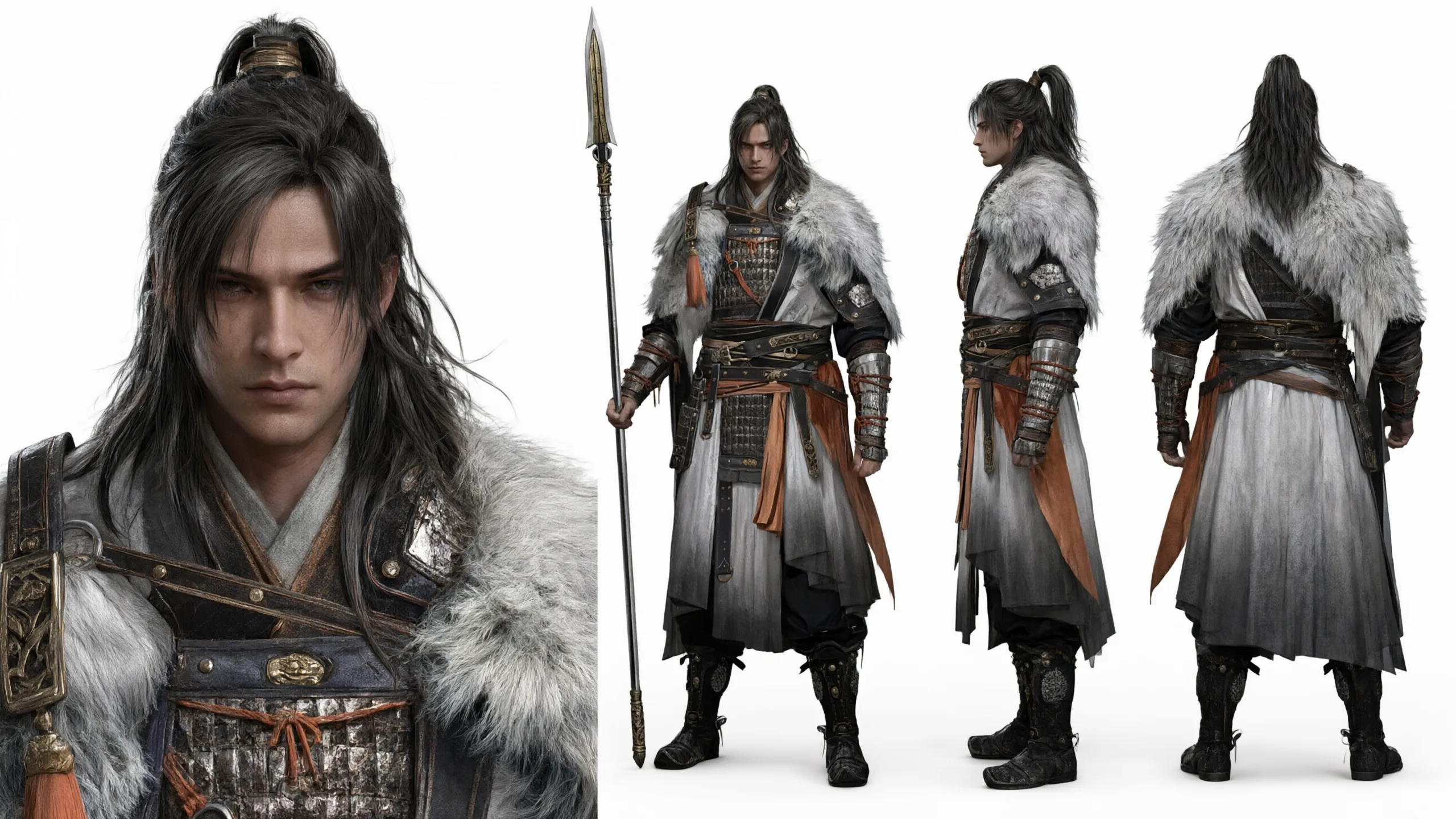 Image 2 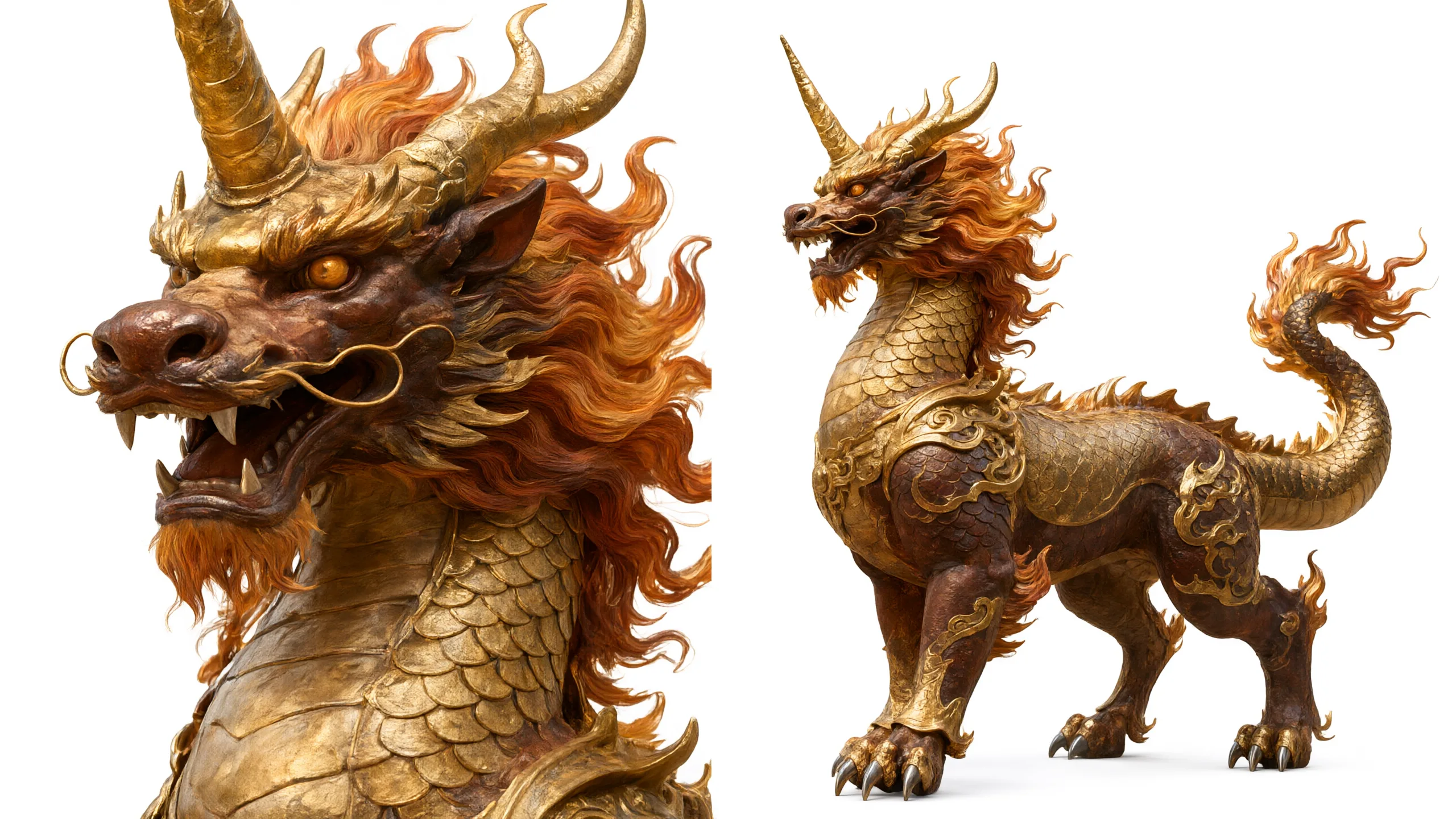 Image 3 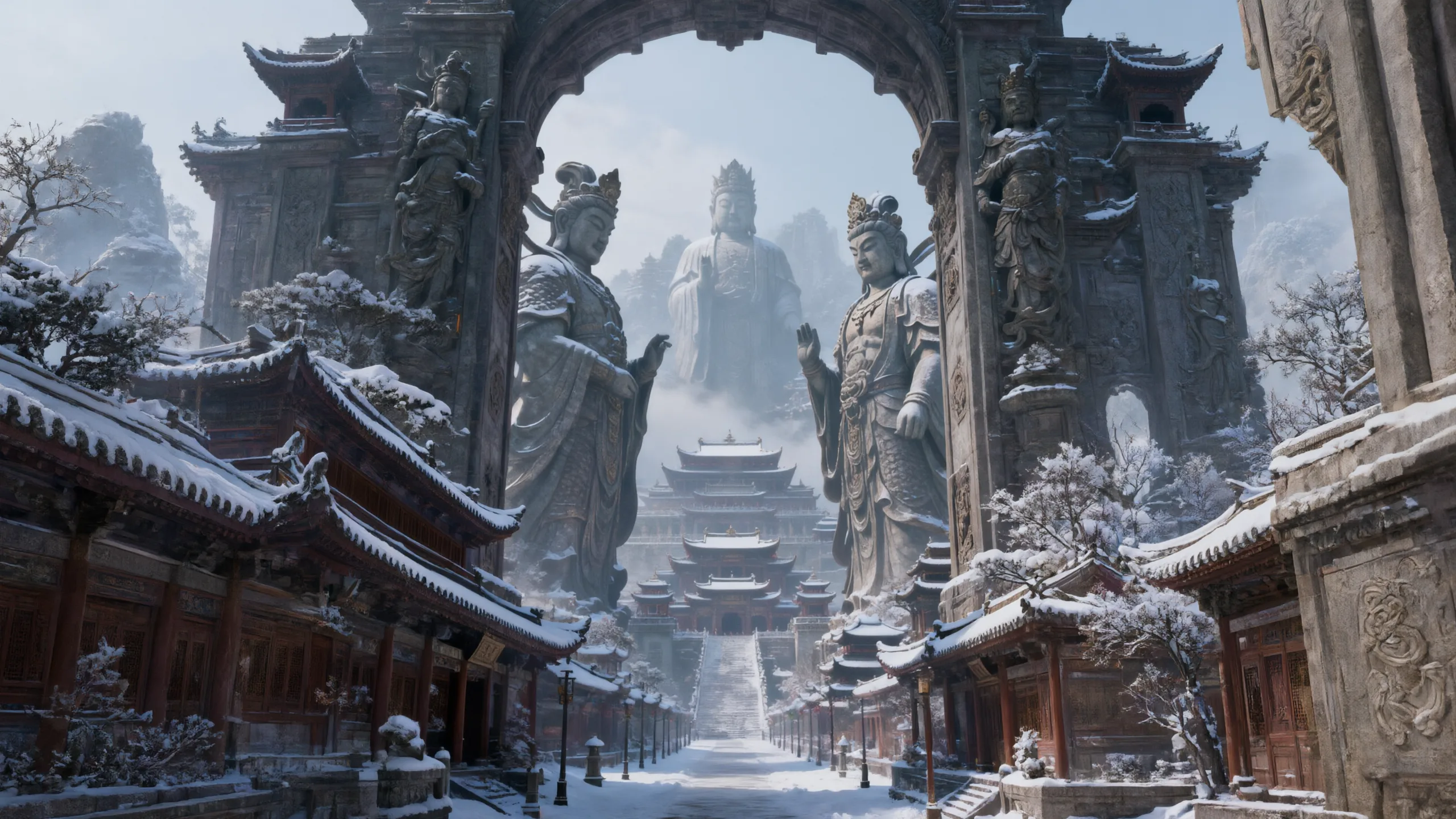 Audio 1 |
Reference material citation
Materials are numbered by upload order, with images, videos, and audio counted separately: the first image is Image 1, the second is Image 2; videos and audio follow the same pattern as Video N and Audio N. Therefore, Image 1 and Video 1 can exist at the same time.
- In the prompt, write Image N, Video N, or Audio N directly to cite the corresponding material — the numbering must match the upload order, otherwise the wrong material will be cited.
- When there is only one material, you can abbreviate it as reference image or reference video; with two or more, you must specify the number.
- The same material can be cited in multiple places — cite it separately for appearance, motion, voice timbre, scene, and other uses.
| What you want to achieve | Reference writing |
|---|---|
| Single material | Reference image, generate a video of it running; Reference the camera movement of the video, reshoot a segment |
| Lock appearance only | The child in Image 1 stands in the entryway of the modern apartment in Image 2 |
| Multi-material mix | The figure in Image 1 holds Image 2 in hand and walks into the scene of Video 1 |
| Voice cloning | Voice timbre references Audio 1; Speak in the timbre of Audio 1: "xxxx" |
| Borrow motion / camera movement only | Reference the camera movement of the video, change the scene to a cup of coffee on a rooftop cafe table |
| Borrow action only | Replace the skateboarding man in Video 1 with the woman in Image 1, keeping the skateboarding action, trajectory, and scene unchanged |
| Borrow VFX only | The character in Image 1 follows the energy VFX of Video 1, generating the same flame-burning VFX and action |
| Borrow style only | Style references Image 2; Only reference the color tone and lighting of Image 2, not the characters |
| Document / webpage reference | Based on my proposal document, generate an ad film for a brand; Based on Wang Wei's encyclopedia entry, generate a first-grade science animation |
Shots and timestamps
Multi-shot videos use "number + timestamp + shot content" to form a coherent narrative, keeping subject, scene, and atmosphere consistent across shots.
Prompt = Overall description + Shot number + Timestamp + Shot content
- Overall description: One sentence stating the theme, perspective, narrative style, and overall mood.
- Shot number: Number each shot to define the order.
- Timestamp: Mark the start and end time right after the number; each shot connects end-to-end with no gaps or overlaps, 2–5 seconds per segment.
- Shot content: Describe subject action, dialogue, expression, and scene details, same as a single-shot write-up; avoid high-frequency actions the model cannot control (such as "shaking head 3 times per second").
The number and timestamp format is flexible; [start-end] and (start-end) are interchangeable — pick one and use it consistently throughout:
| Writing | Example |
|---|---|
| Number + timestamp | Shot 1 [0-3s] xxxx, Segment 1 [0-5s]: xxxx, Shot 1 (00:00-00:03): xxxx |
| Number only, no time | Shot 1: wide shot xxxx; Shot 2: close-up xxxx |
| Timestamp only, no number | [00:00-00:03] xxxx |
Full example:
This story is told from a third-person perspective, a short drama about letting go and rediscovering hope.
Shot 1 [0-3s] A boy sits alone in a corner of the playground, looking down at the letter in his hand, then sighs softly, eyes lost.
Shot 2 [4-6s] Hard cut, fixed camera, focused on the boy's eyes, tears glistening, filled with loss and helplessness.
Shot 3 [7-10s] Hard cut, scene shifts to a simple classroom; a girl with a gentle, firm expression walks to the boy and comforts him.
| What you want to achieve | Reference writing |
|---|---|
| Single shot, no split | Write Generate single shot / One continuous shot / Generate single shot. on the first line |
| Camera completely still | Fixed shot, camera static, position unchanged |
| Specify camera movement | Use plain language, e.g. push in, pull out, orbit, handheld follow |
| Transition between shots | Write hard cut or dissolve at the end of a segment, or start the next segment with seamlessly continue from the last frame of the previous segment |
| Emphasize pacing | Add to the overall description pacing shifts from steady restraint to explosive release / eight shots total, brisk buildup, sudden conflict, short climax, warm ending |
| Emphasize focal length / depth of field | 85mm telephoto, shallow depth of field / 24mm wide-angle, deep focus |
| High-speed photography | High-speed photography (1000fps slow motion) |
Dialogue
Dialogue is written as "character + speaking verb + colon + quoted content", e.g. xx says: "content", she whispers: "content".
- Multi-person dialogue: Write line by line and identify the speaker, e.g.
Image 1 says: "xxxx";Image 2 replies: "xxxx". - Voice cloning: Append
Voice timbre reference Audio N— write it once and it applies to all of that character's dialogue. - Lip sync: Append
Lip syncorLip sync.. - Voiceover, monologue: Same format, e.g.
Voiceover: "xxxx";Female voice chanting: "xxxx". - No dialogue: Explicitly write
No dialogueorNo dialogue., otherwise the model decides on its own whether to include dialogue.
Sound effects / BGM
Ambient sound auto-matching: As long as the action, material, and weather are clearly described in the frame (war banners snapping, white breath from nostrils, splashing through puddles), the model will automatically fill in the corresponding sound effects.
Specifying sound effects as standalone sentences, optionally with timestamps:
Gunshot sound effect + fox-fire particle VFX
Whoosh on color-block slide-in, light keyboard click on number jumps
From the 8th second, female voice chanting: "xxxx"
BGM three-level control:
- Conservative / open: Write nothing and let the model choose.
- Explicitly specify:
BGM drops to the low register, cello enters very softly and slowly,Epic symphony + electronic sound effects mixed, rhythm in sync with shot cuts. - None at all:
No BGM, generate only ambient and action soundsorNo background music..
Style / Mood
The three-part set of art style + color tone + mood can be placed at the beginning or end of the prompt; you can expand into a detailed description or just give keywords.
| Section | Keyword reference |
|---|---|
| Art style | 35mm cinematic film / Hong Kong realism / line illustration / wasteland style / Miyazaki animation / Chinese-style mineral-color painting / clay animation / motion graphics / Apple Keynote minimalist business style |
| Color tone | High-saturation warm yellow / Cyan-blue × gilded gold contrast / Low-key high-contrast lighting / Desaturated ambient cyan-gray against high-saturation gold |
| Mood | Tragic and unyielding / Light and healing / Oppressive and tense / Relaxed and confident / Mysterious and magical |
Negative prompt list
Write only what you do not want to appear; leave it empty if there is none. Do not pad the list or repeat content already stated in the positive prompt.
| Common negative | Example |
|---|---|
| Characters / frame | No face distortion, No face swapping, No extra fingers, No twisted limbs, No clipping artifacts, No cutout traces, No low clarity |
| Text / watermark | No subtitles, No watermark, No complex text, No extra brand names |
| Style | No childish cartoon, No photorealistic live-action, No game-CG look, No music-video showboating, No cheap cyberpunk, No modern high-definition digital look |
| Sound | No background music, No voiceover, No dialogue, No background music dominating the mix |
| Action | No simple tearing, No characters running illogically, No exaggerated limb movements, No exaggerated blinking, No slow motion |
| Camera movement | No large camera movements, No exaggerated lens rotation, No sustained camera shake, No over-stabilization, No frequent shot cuts |
| Space | No spatial chaos, No vehicle clipping, No axis errors, No multiple people in frame |
| Consistency | No character position changes, No costume changes, No scale drift (common in editing / reference scenarios) |
Prompt scenario examples
Multi-subject consistency
Pass in multiple people, prop, and scene materials at once, and lock them individually with Image N / Video N / Audio N. Clearly separate the purpose of each material in the prompt to prevent features from bleeding across subjects.
| Reference material | Prompt | Output video |
|---|---|---|
Image 1 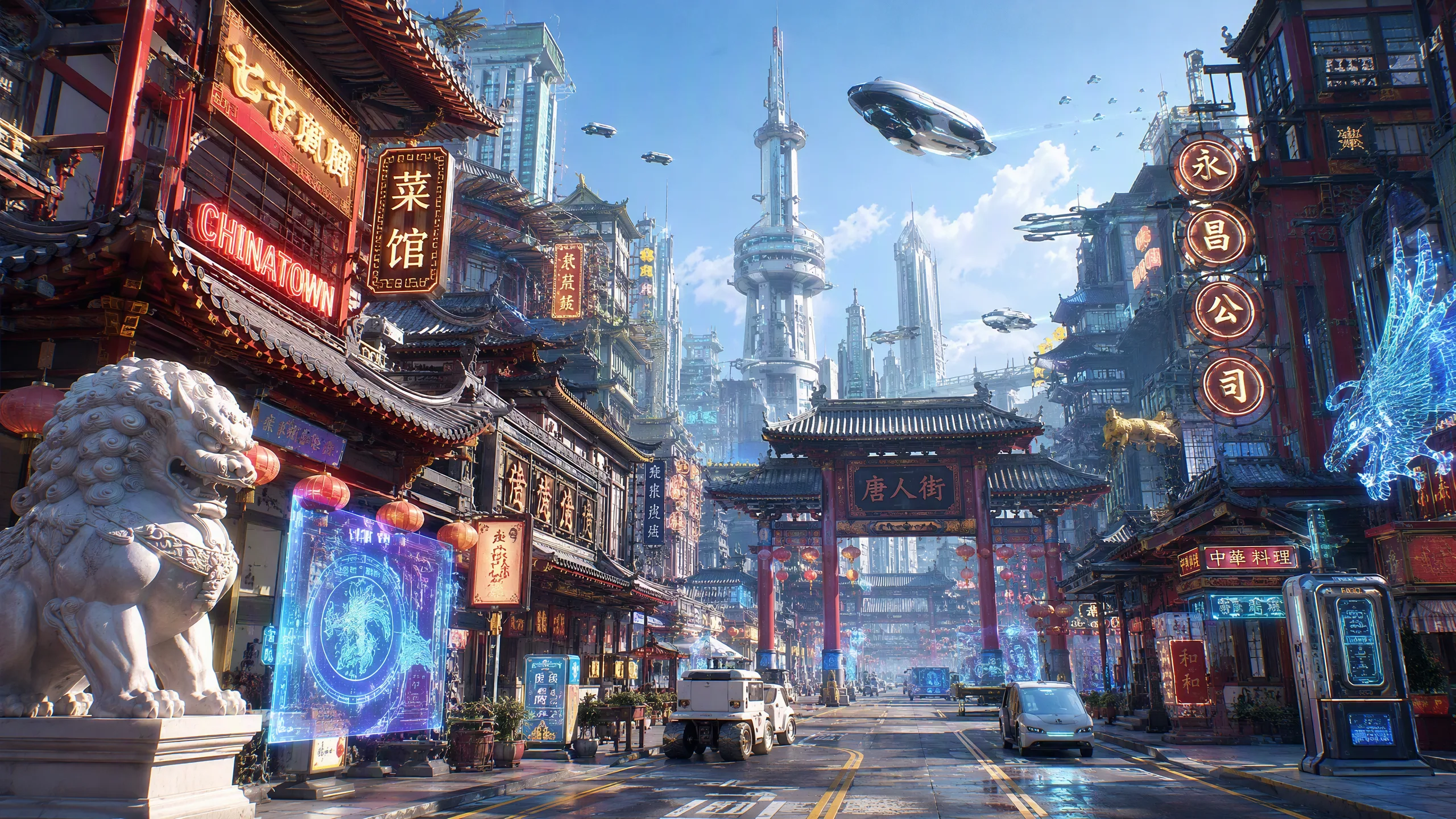 Image 2 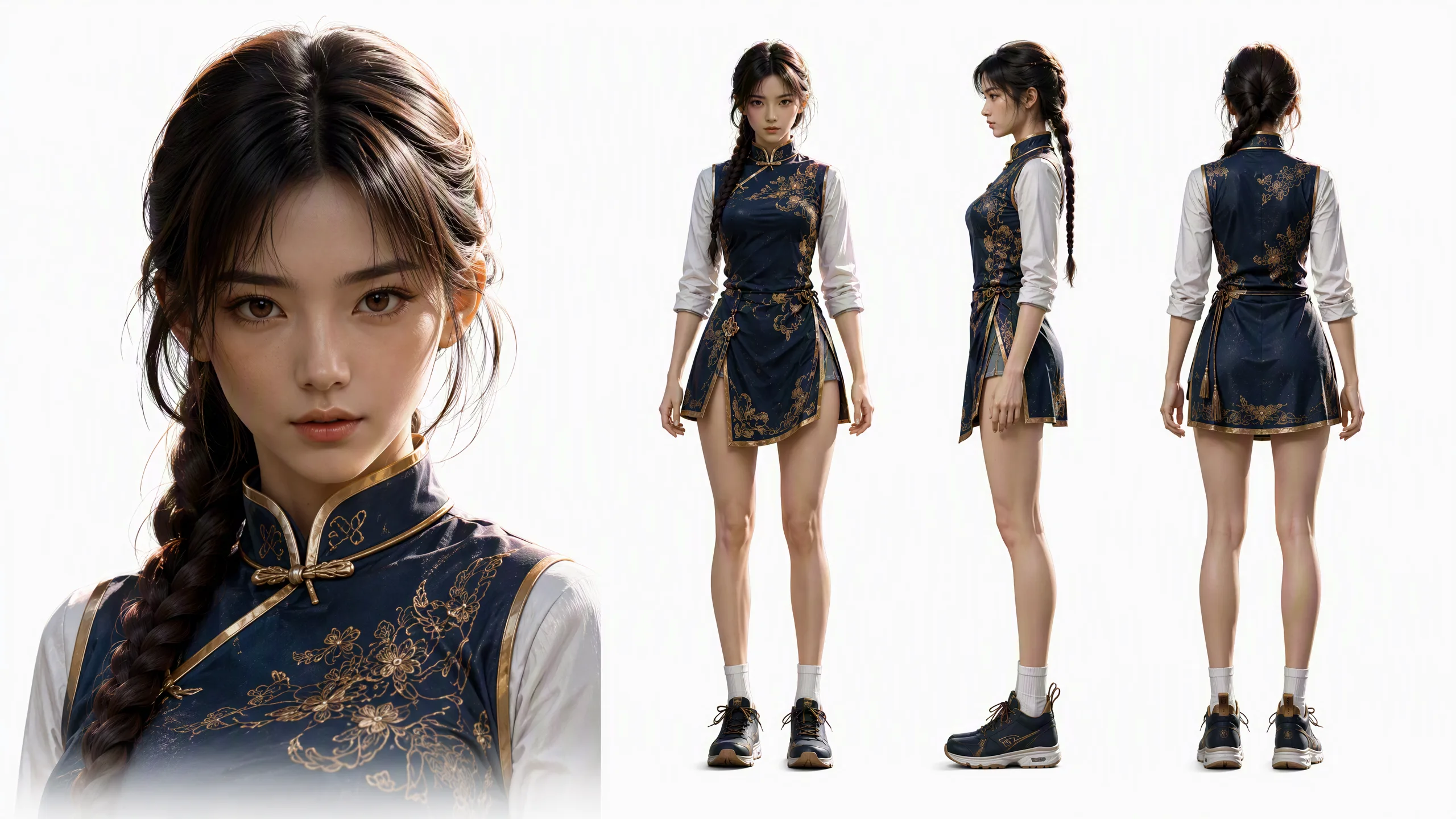 Image 3 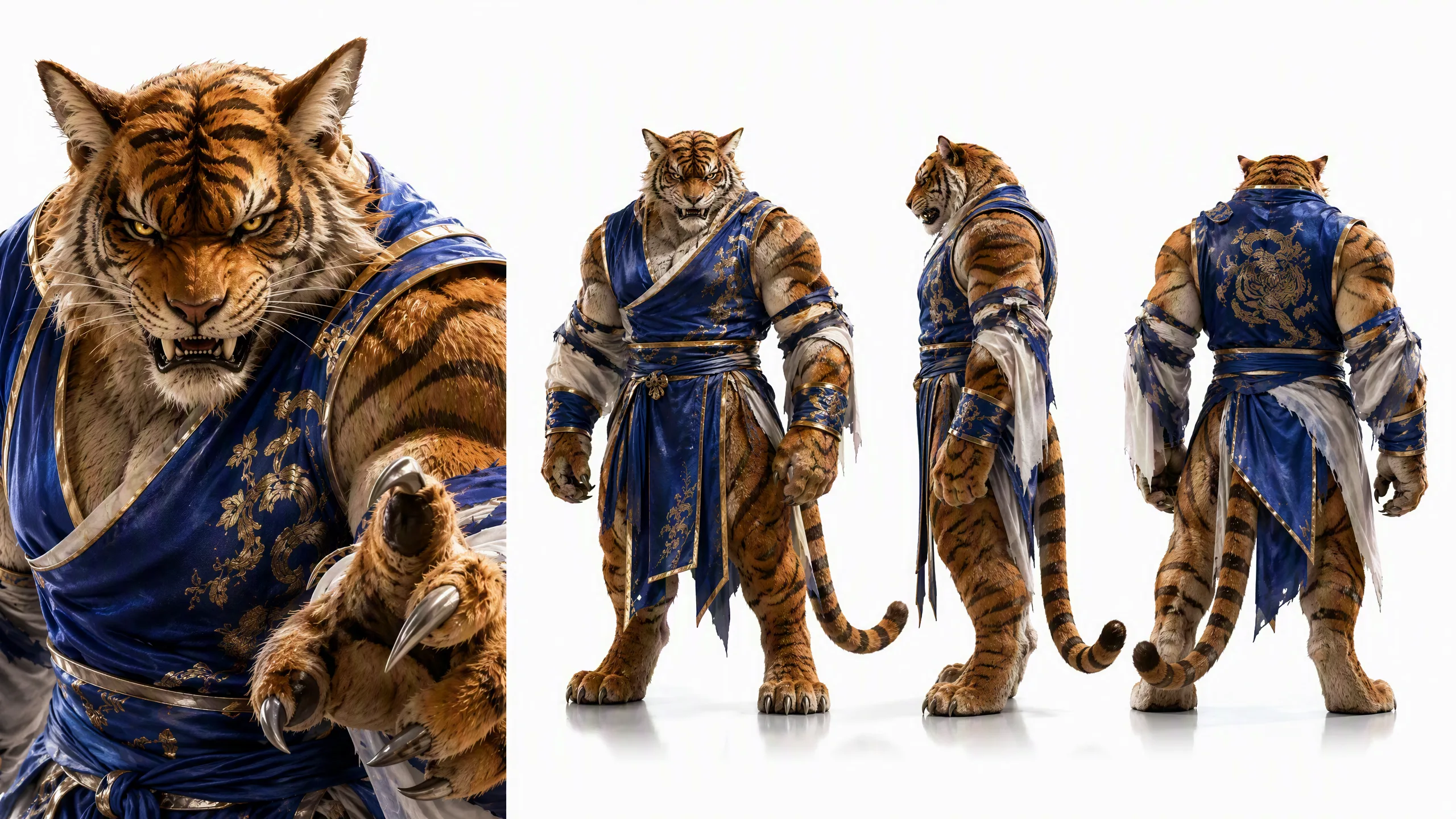 Image 4 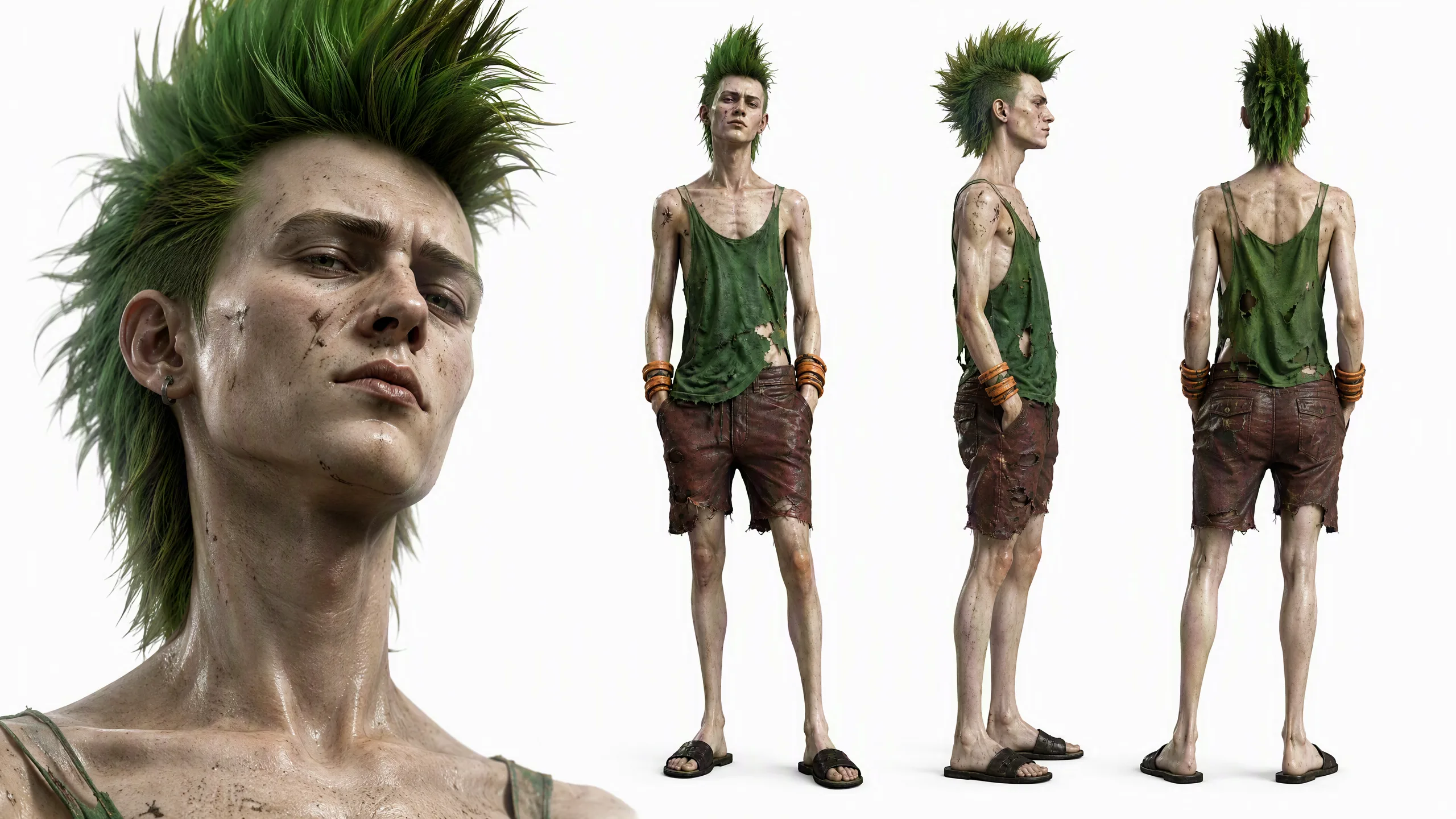 Image 5 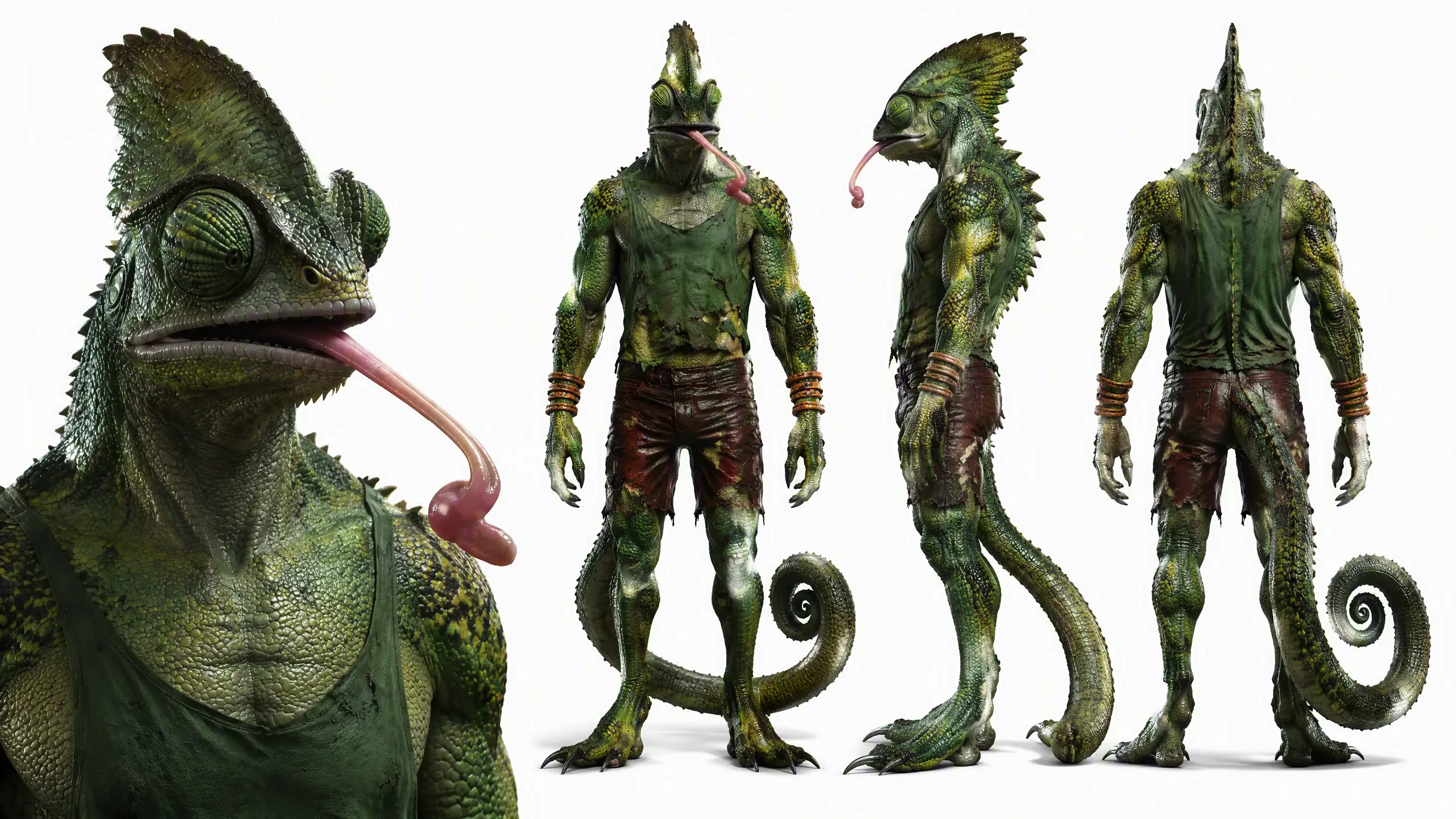 Image 6 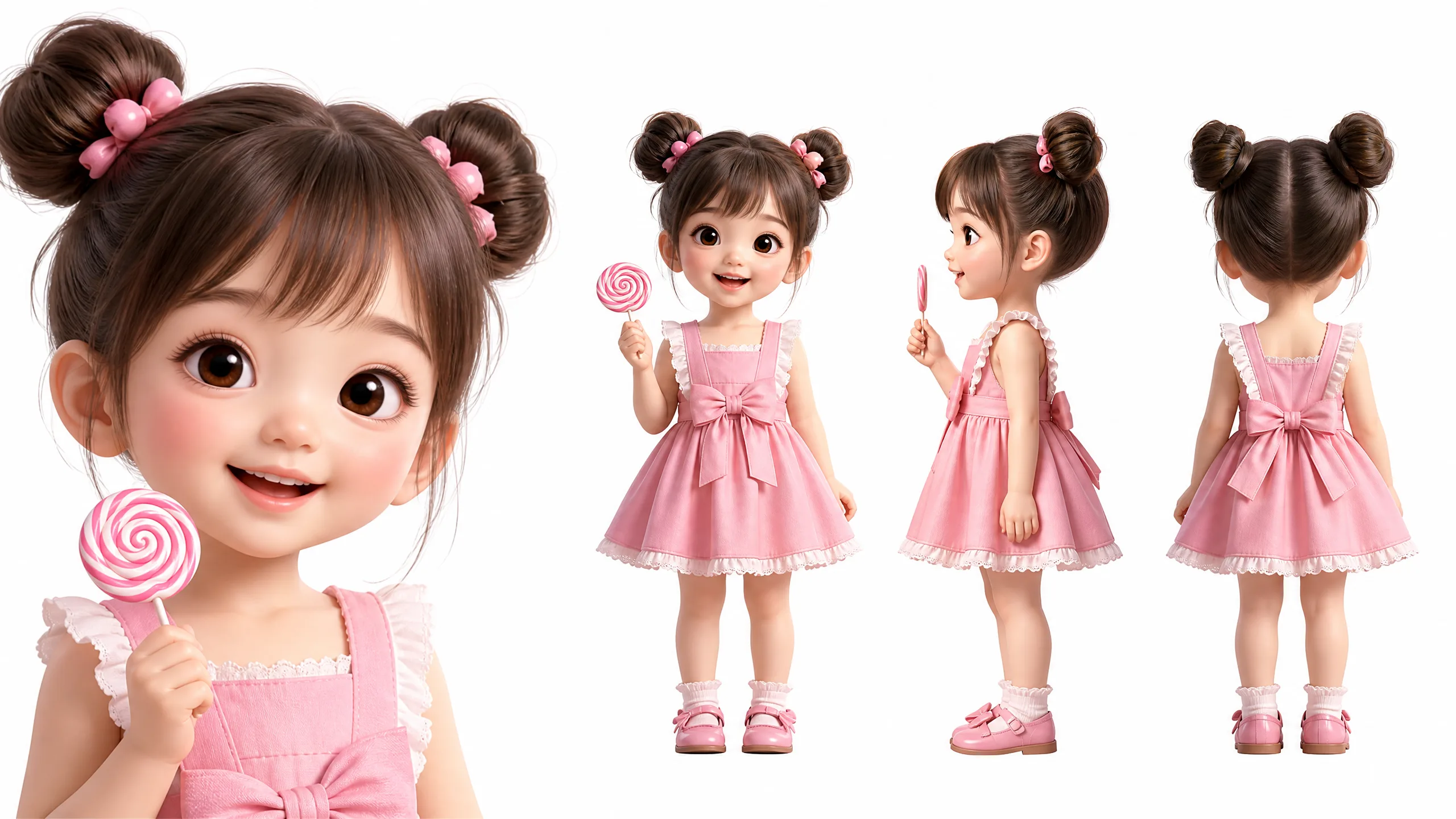 Image 7 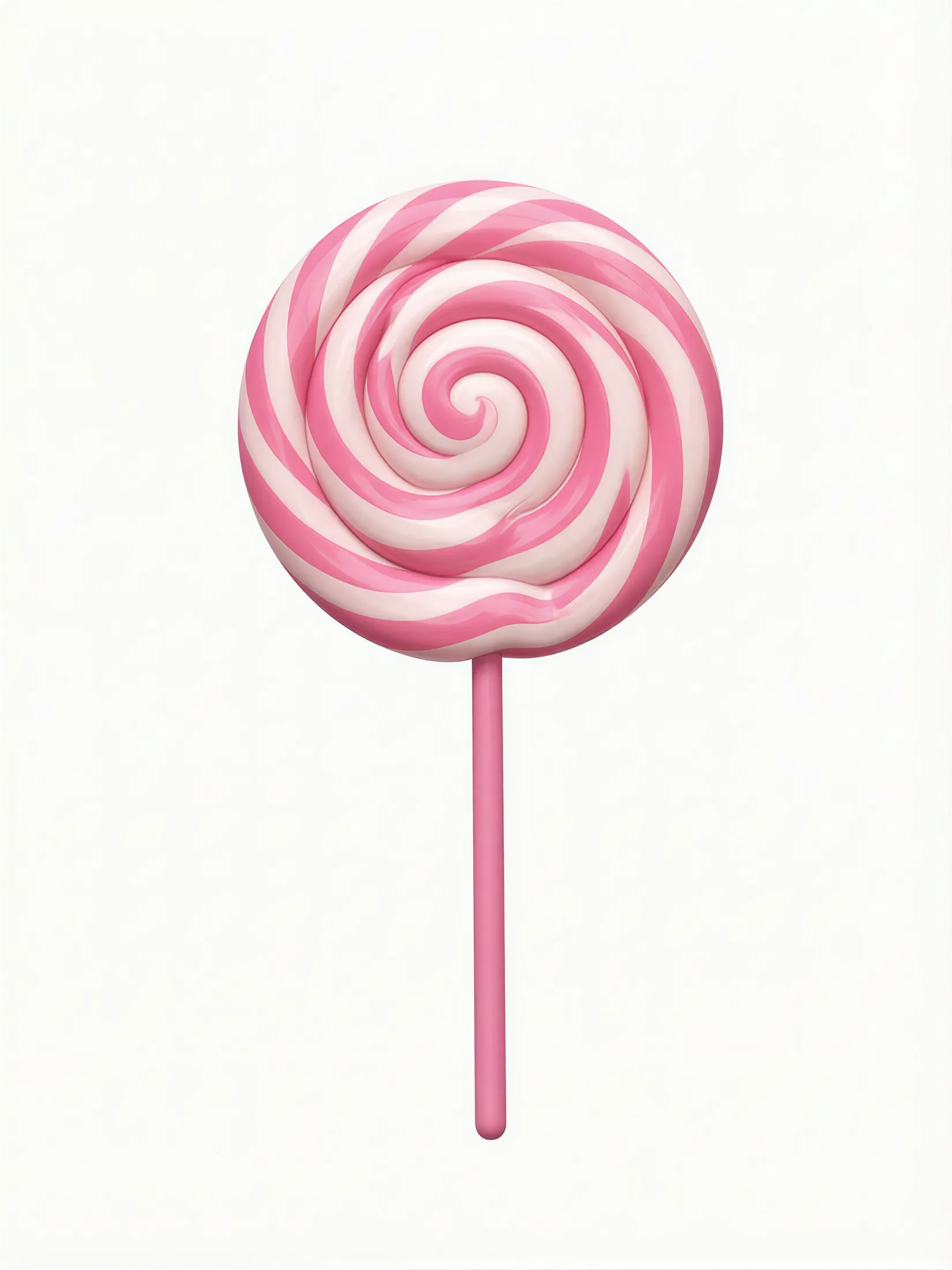 | | |
Image 1  Image 2  Image 3 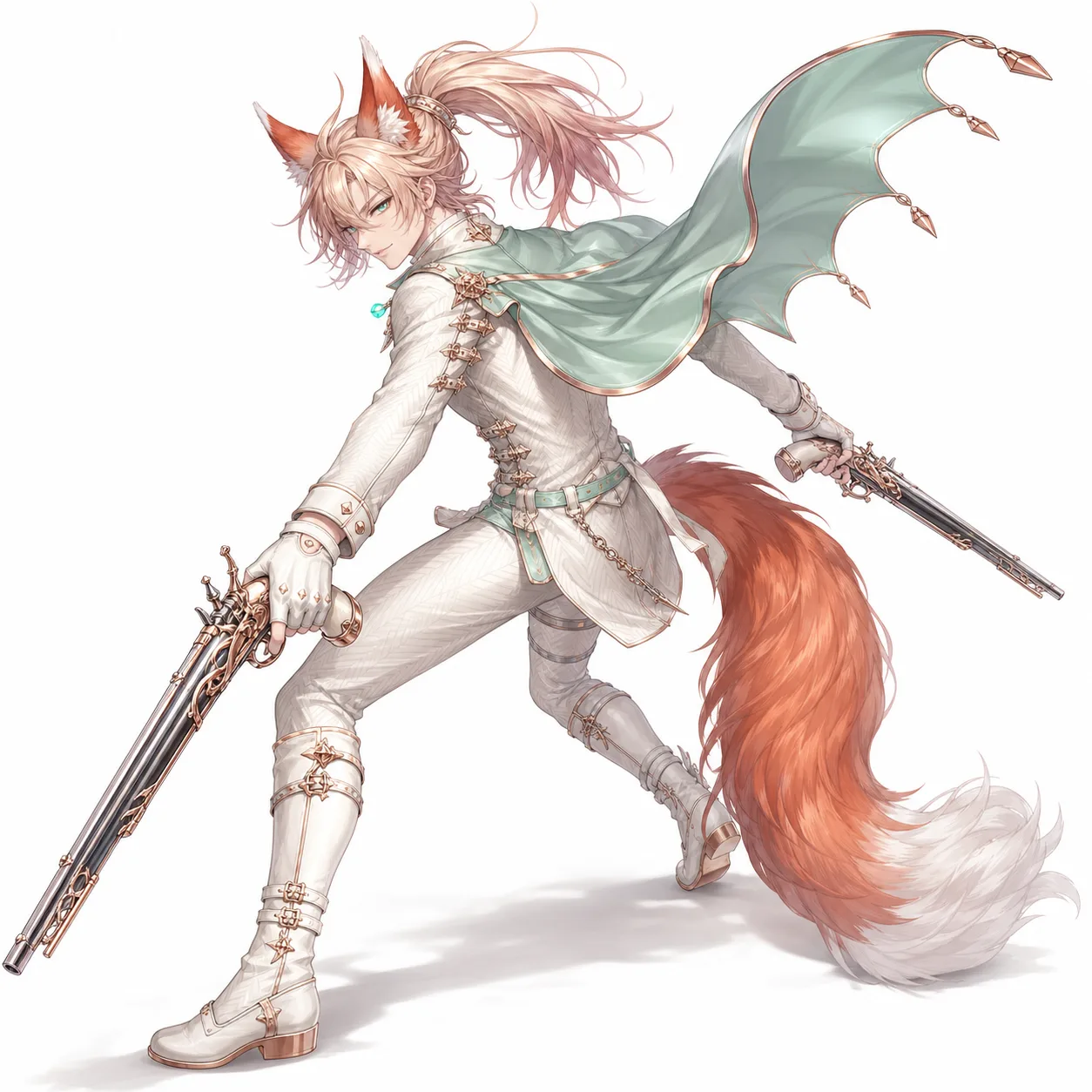 | | |
Image 1 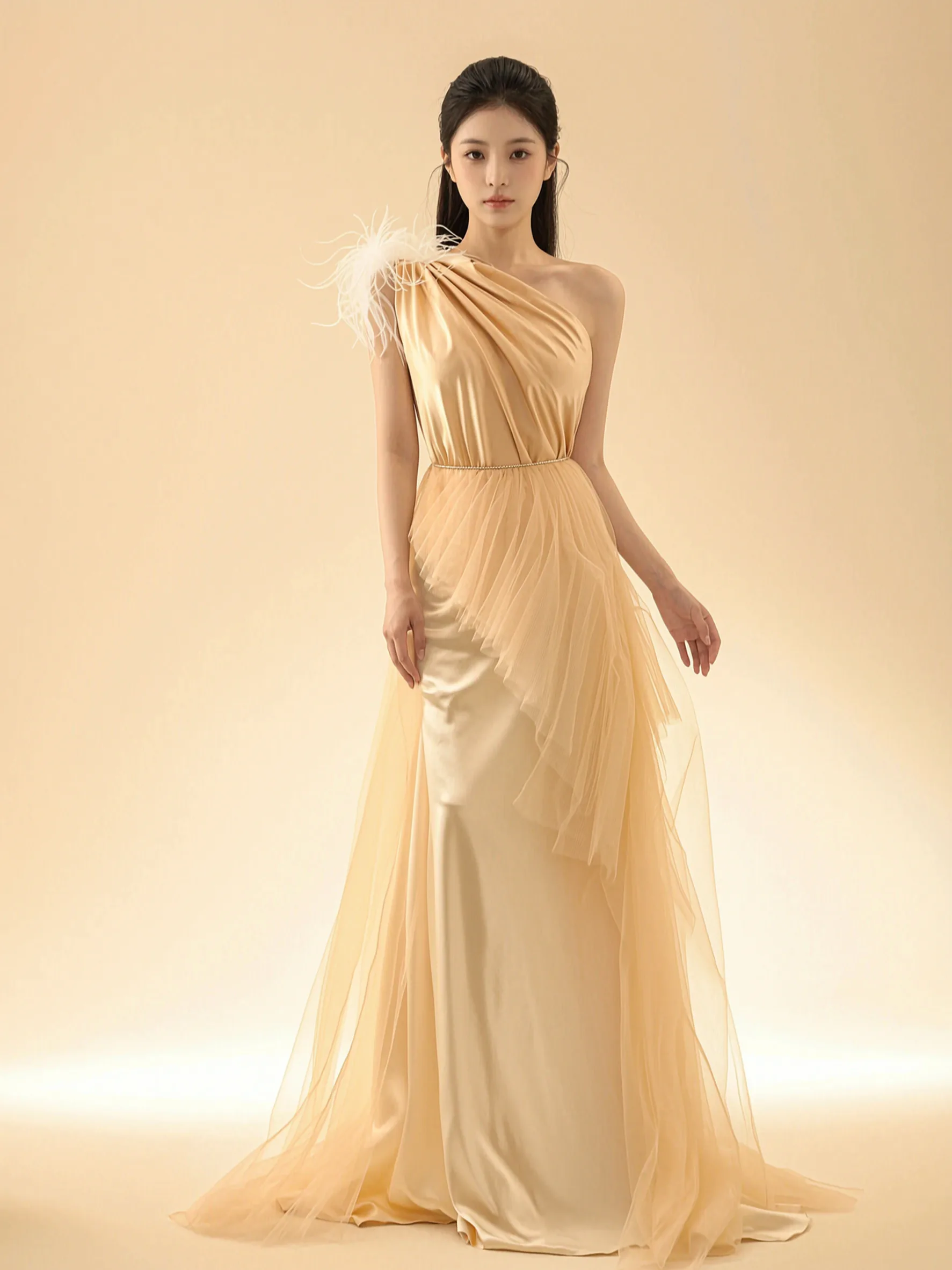 Image 2 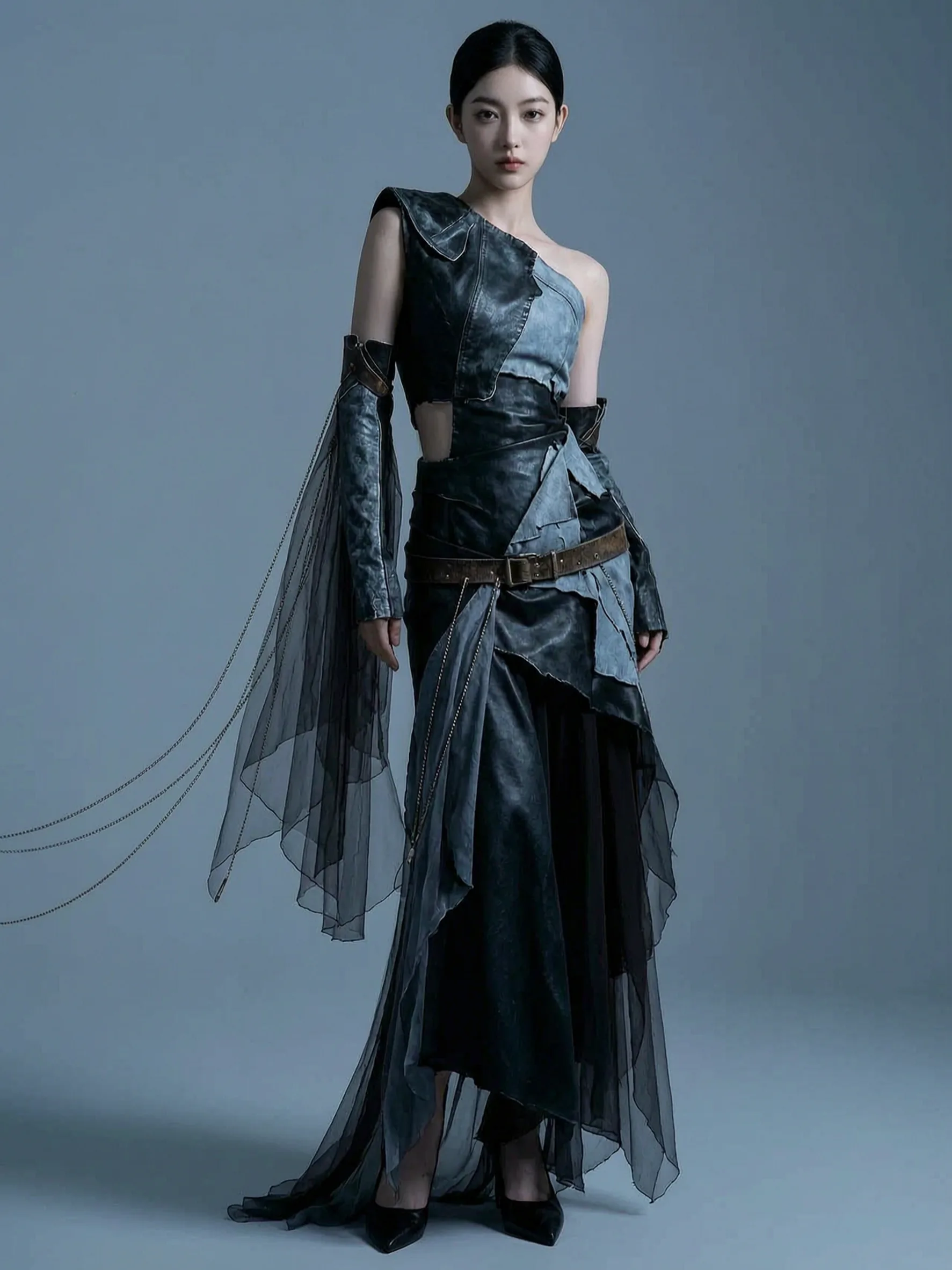 Image 3 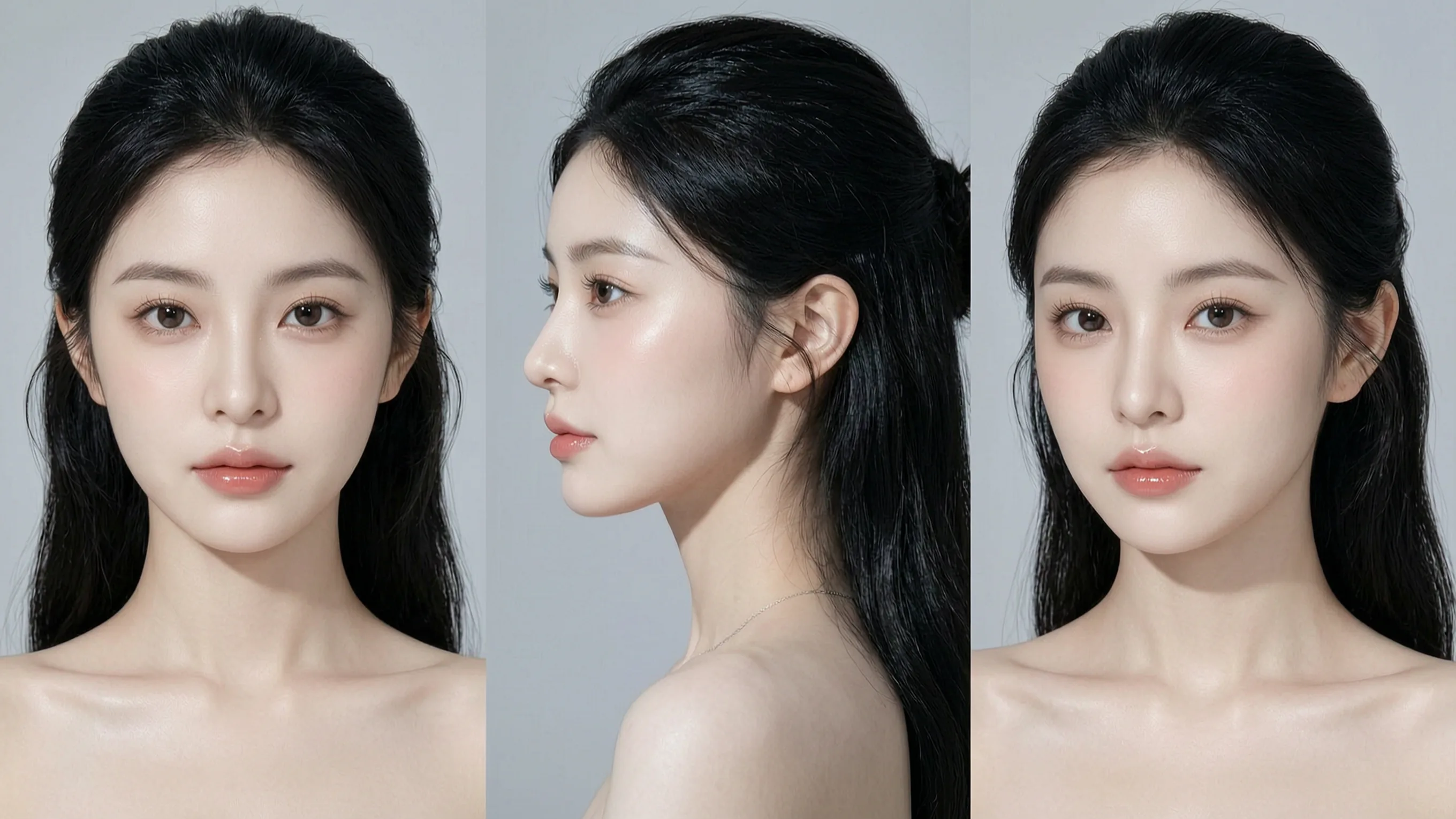 Image 4 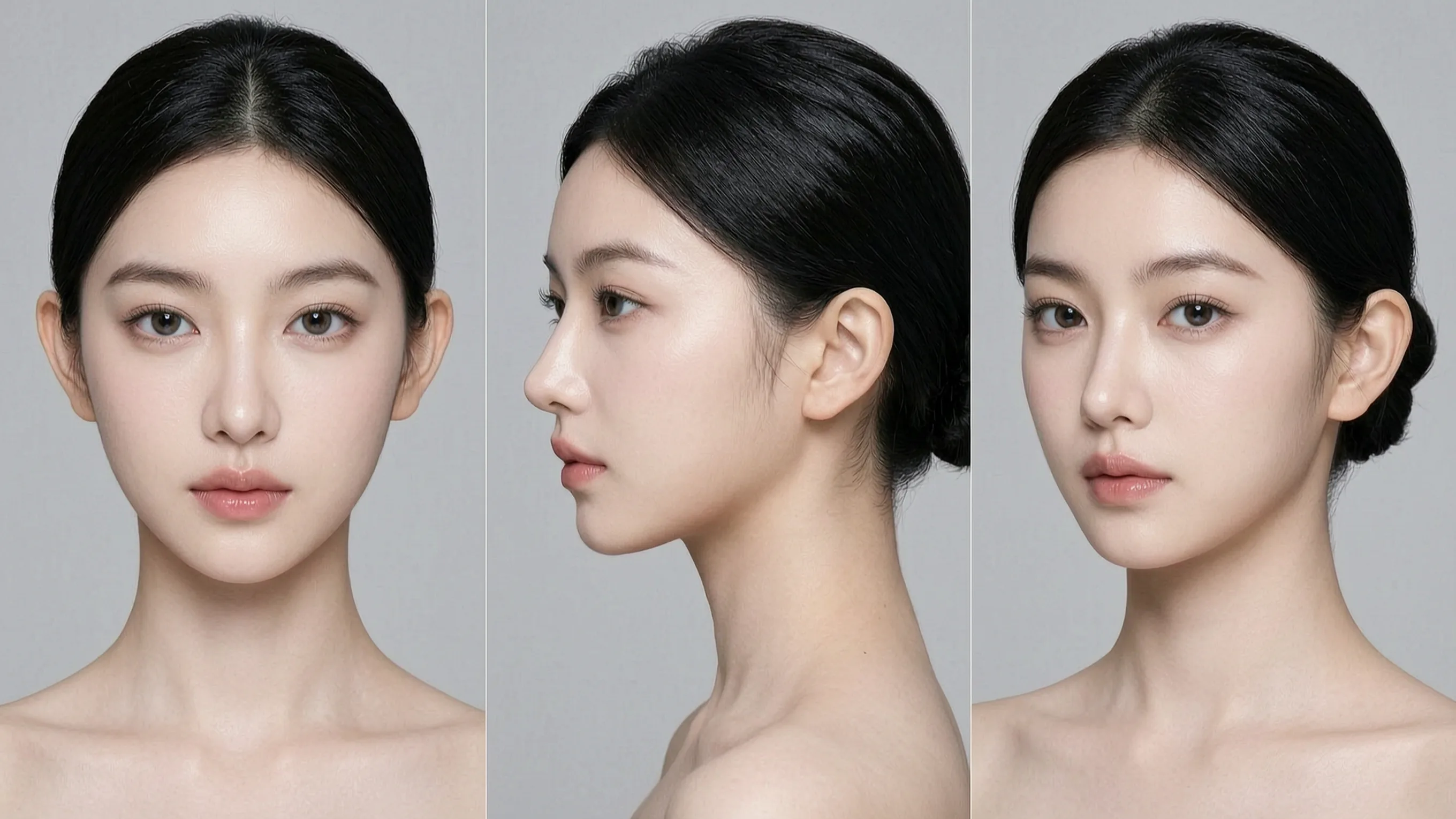 | | |
Image 1 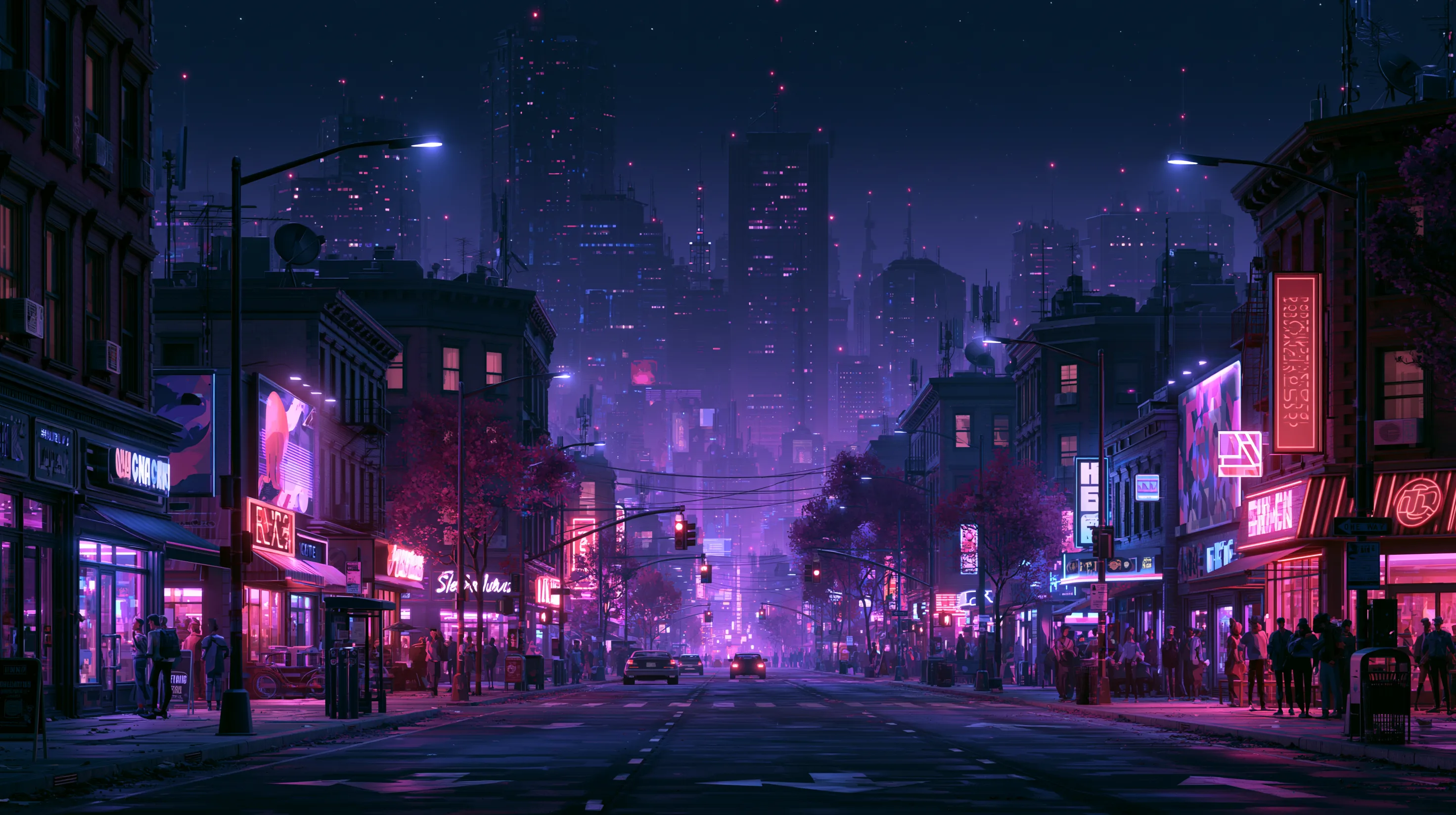 Image 2 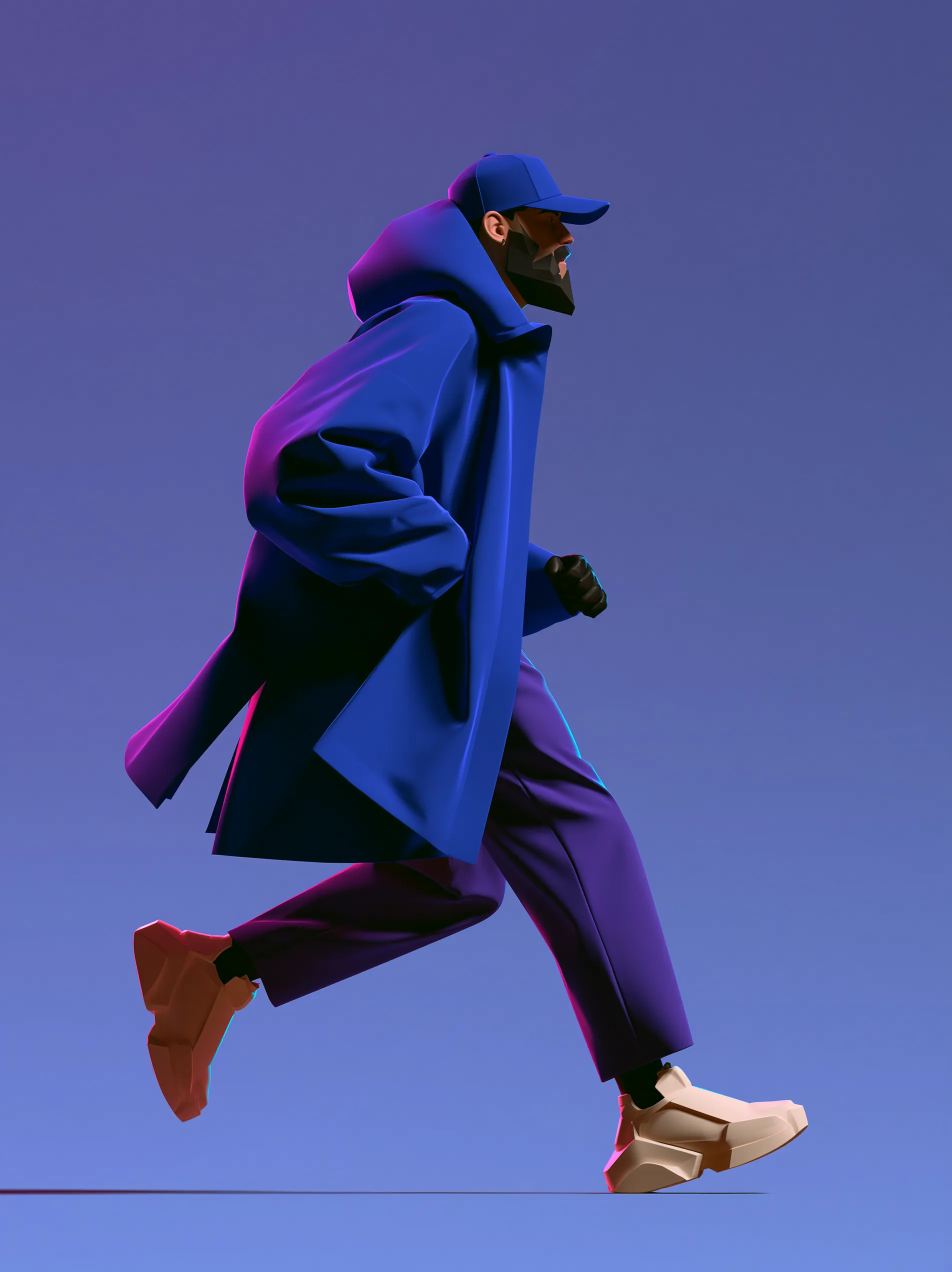 Image 3 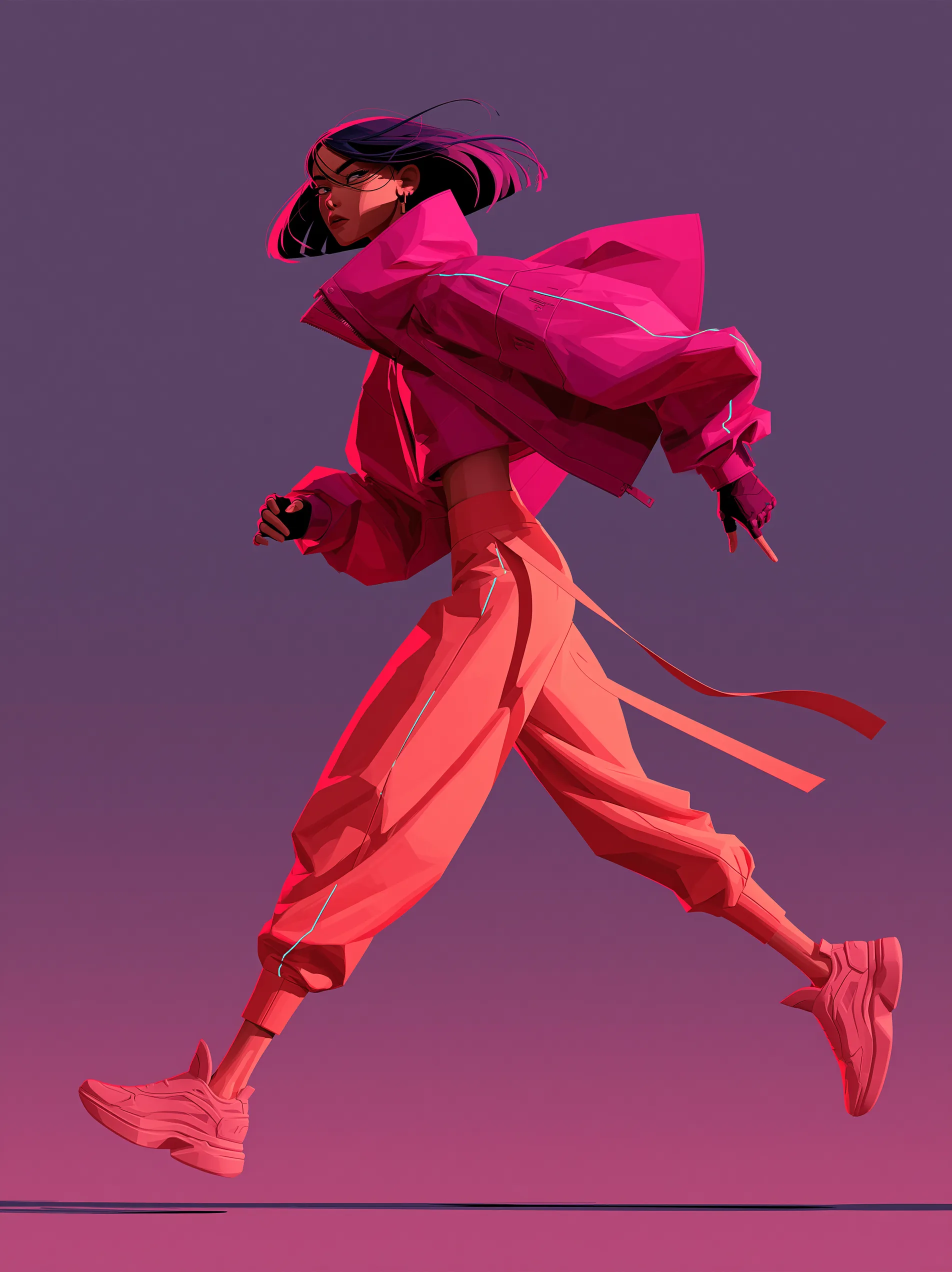 | | |
Image 1 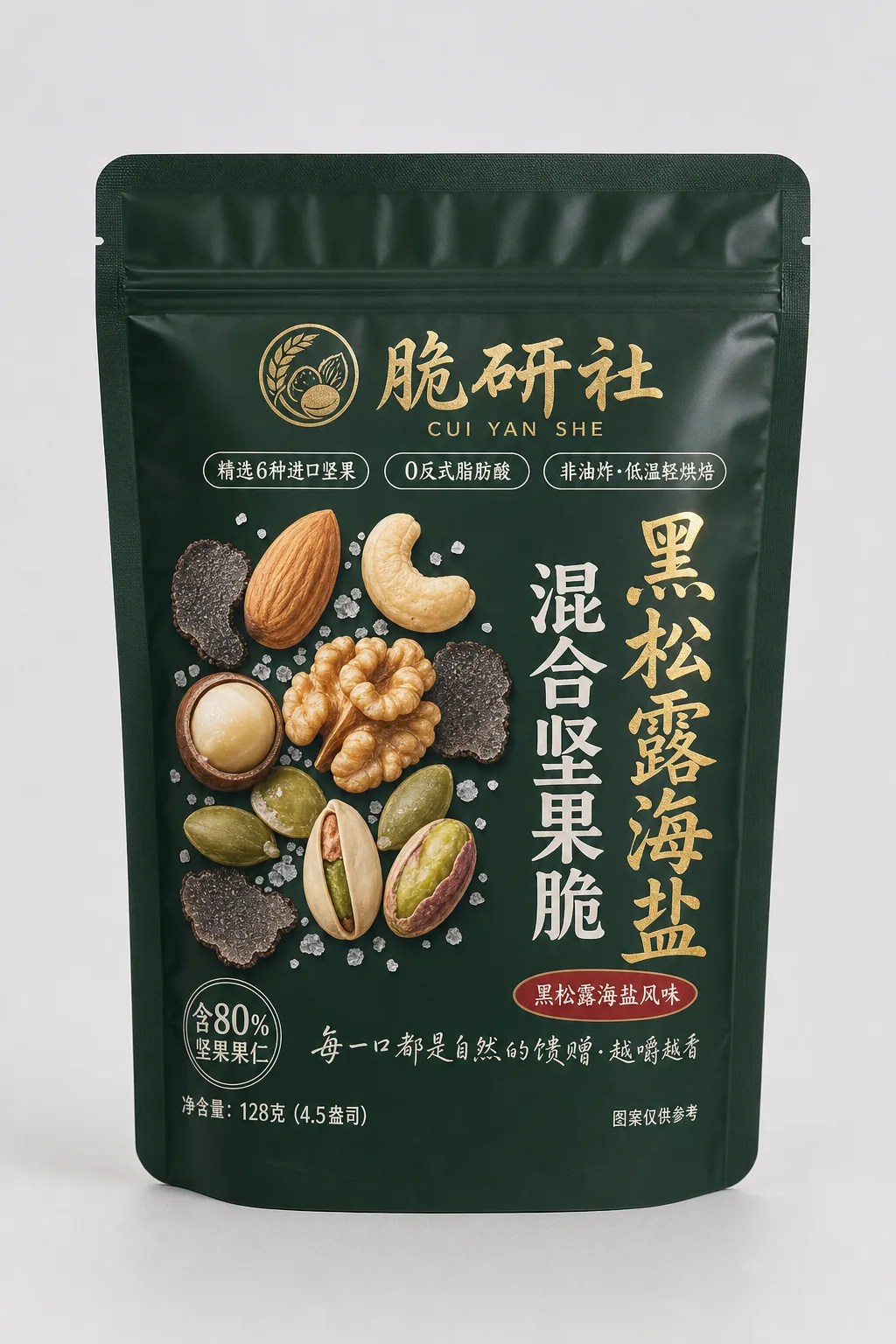 Image 2 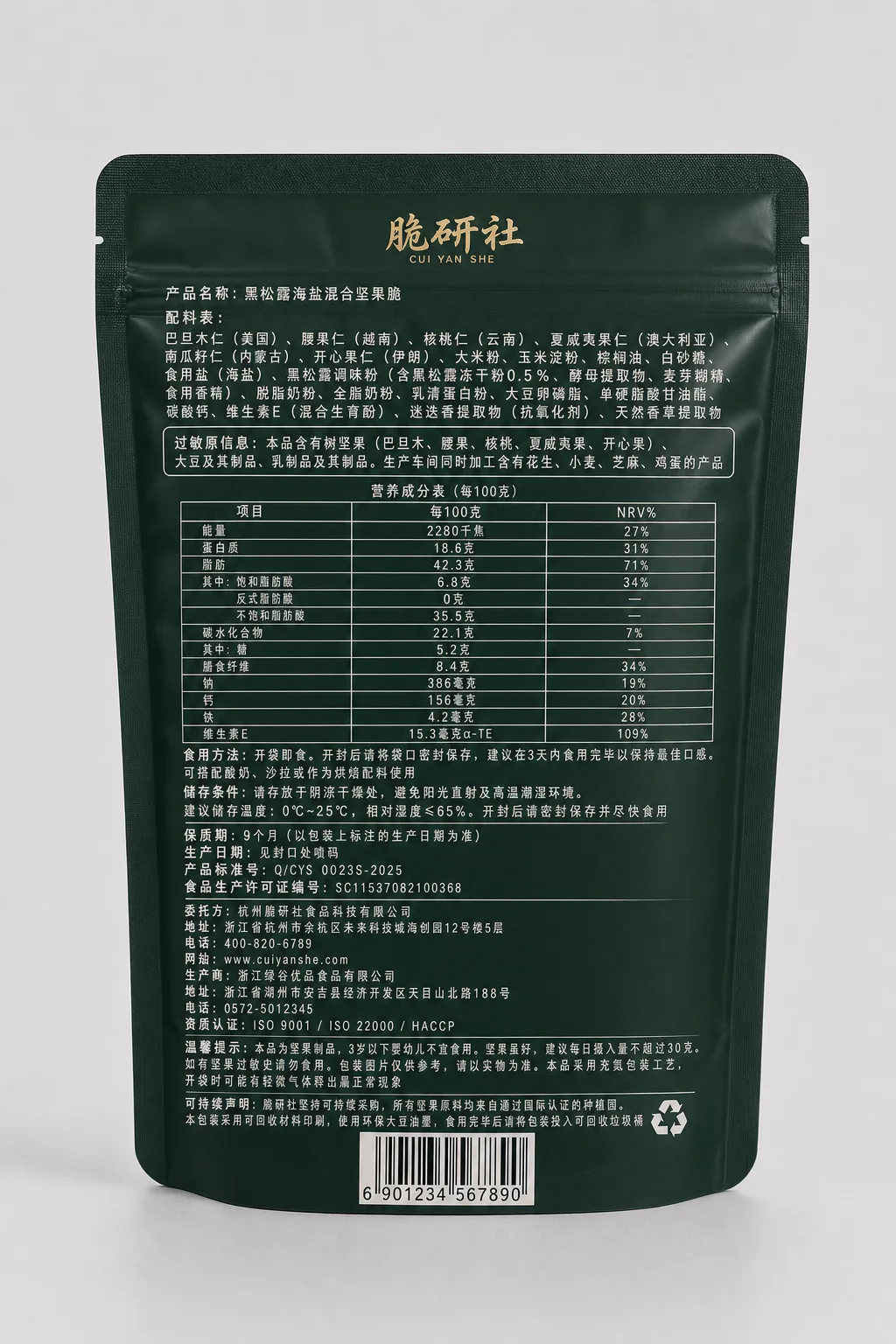 | Shot 1: wide shot, the Cuiyan Society black-truffle sea-salt mixed-nut crisp packaging of Image 1 is displayed centered in a kitchen wooden-table scene, with a few almonds, cashews, walnut halves and black-truffle slices scattered beside it as atmosphere props; the camera slowly pushes in closer. Shot 2: close-up, the front of the packaging fills the frame, clearly showing the top gold-stamped wheat-ear nut circle badge logo, the "Cuiyan Society" gold-stamped calligraphy wordmark, the "Black Truffle Sea Salt Mixed Nut Crisp" product name, three capsule labels "Selected 6 Imported Nuts", "0 Trans Fatty Acids", "Non-fried · Low-temp Light Bake" and the deep-forest-green base with gold-stamped color scheme, text sharp and legible. Shot 3: a hand picks up the packaging from above and flips it to the back of Image 2, showing the densely packed ingredient list, nutrition facts table, manufacturer information and bottom barcode, off-white small text clearly readable on the dark green base, then flips back to the front. Throughout, the packaging's gold-stamped logo, text, deep-forest-green color scheme and printed pattern stay highly consistent without deformation. E-commerce product showcase style, warm-tone lifestyle feel. |
Storyboard / multi-grid
Upload a nine-grid / stick-figure storyboard image as a plot outline; the prompt fills in the shot, action, sound effect and mood for each panel in order, and the model generates the video panel by panel.
- Declare usage up front: At the start of the prompt, state that the storyboard is only for shot guidance, e.g.
Use the storyboard only as shot guidance; do not generate video from the storyboard as a single image, to prevent the model from treating the whole grid image as a single-frame input. - Restate panel by panel: Describe each panel's shot size, camera movement and subject position in left-to-right, top-to-bottom order; environmental, lighting, particle and other details not shown in the grid are supplied by the prompt.
- Segments need not map one-to-one to panels: The storyboard is only a plot outline; the number of segments can be flexible.
- End with a unified declaration of art style, render texture and aspect ratio, and attach a negative prompt list to exclude unwanted styles, e.g.
No 2D hand-drawn, no Japanese anime, no live-action footage.
| Reference storyboard | Prompt | Output video |
|---|---|---|
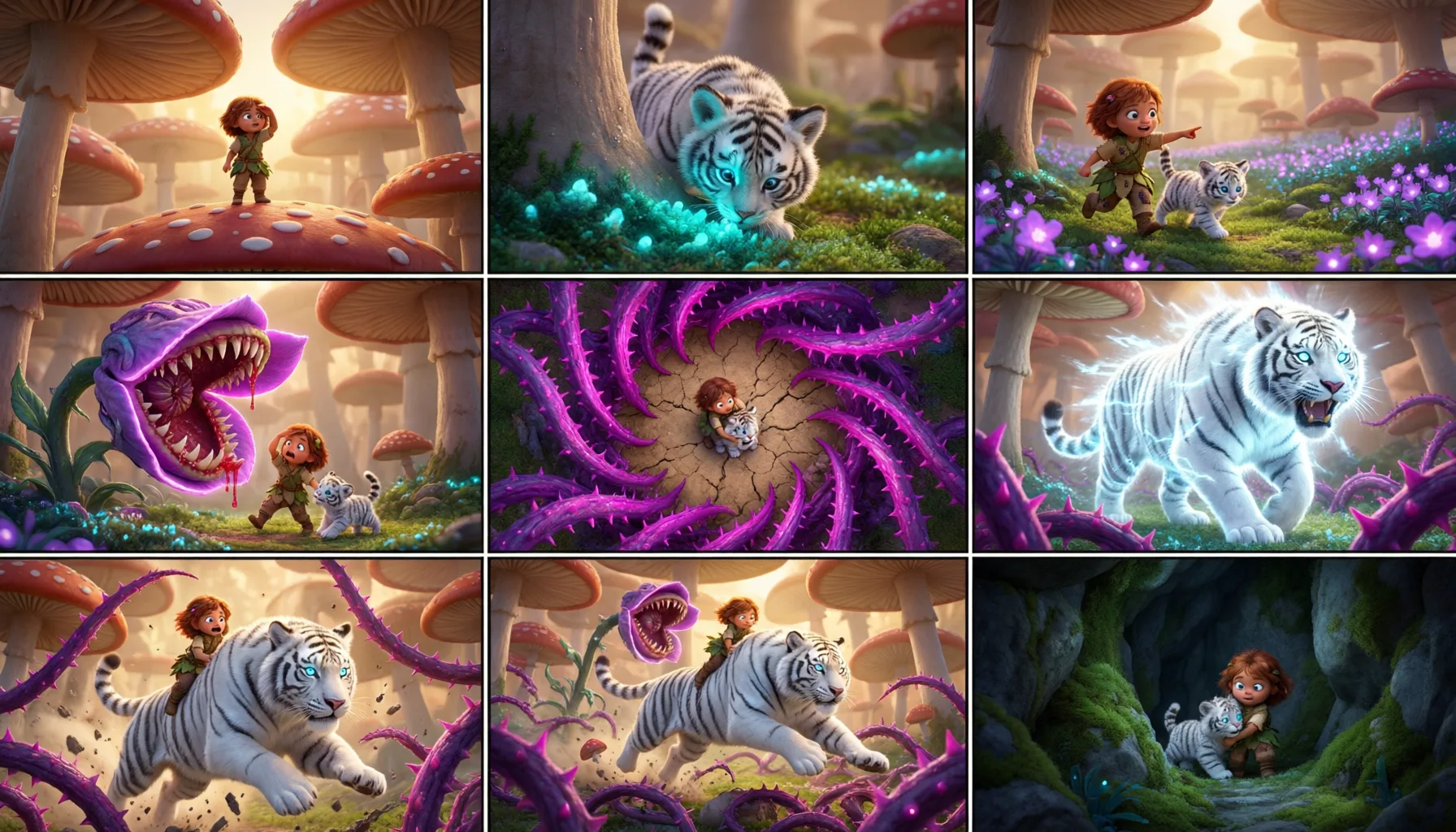 | | |
Image 1 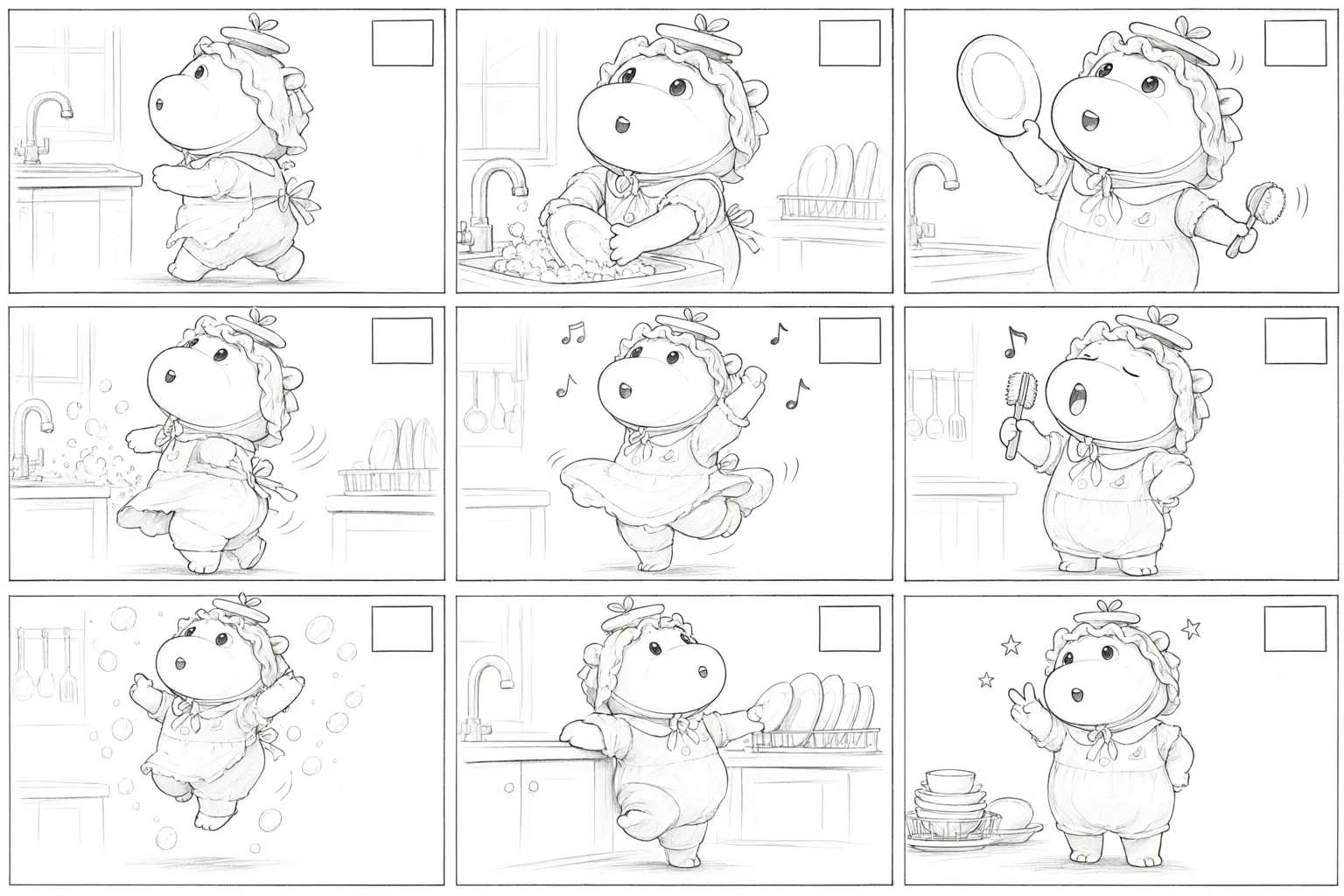 Image 2 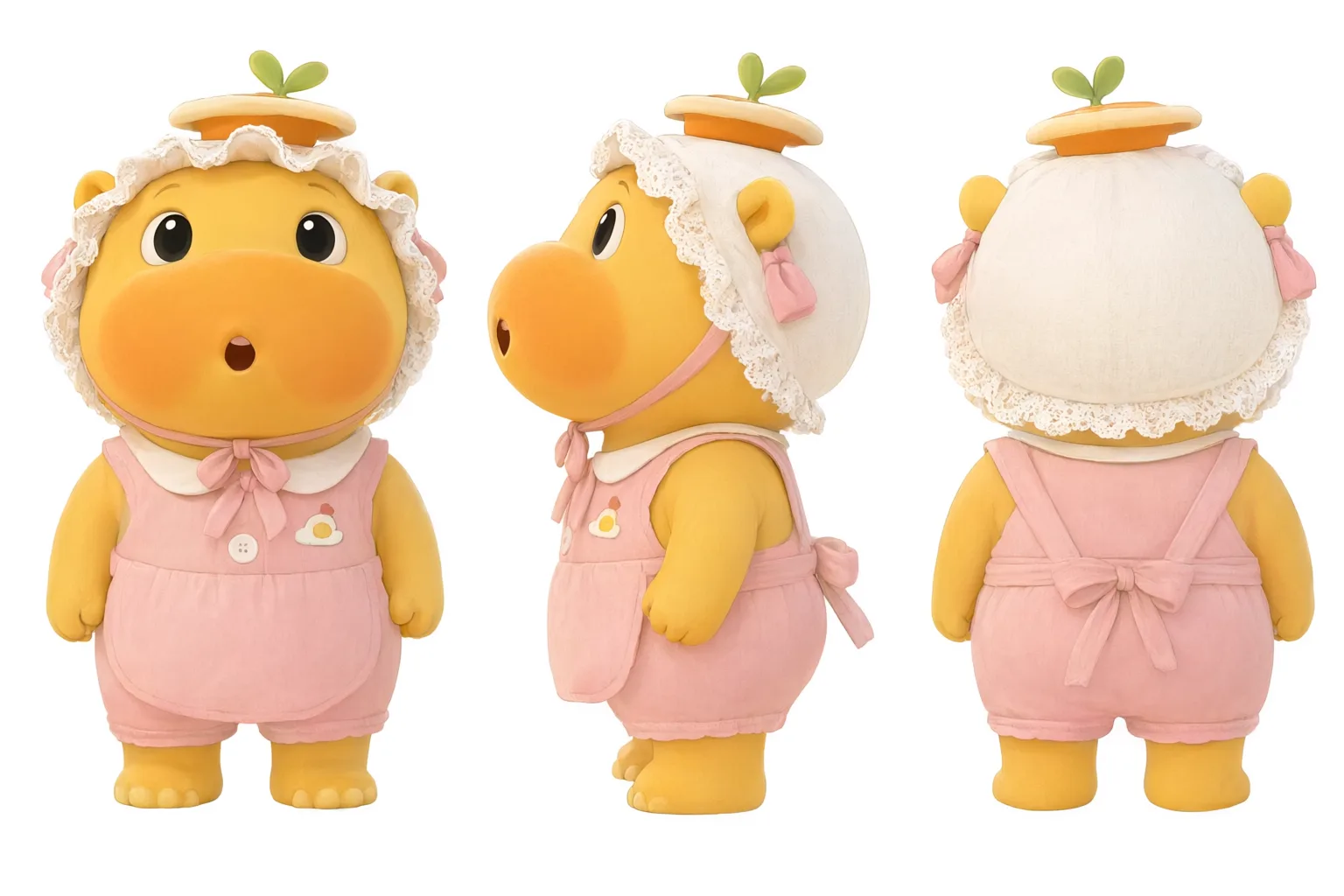 | Use Image 1 as an advertising storyboard to guide the shoot; do not generate video from the Image 1 storyboard as a single image. Use Image 2 as the character, and shoot the full process of "Lu Mei," a yellow cartoon little hippo wearing a lace bonnet, overalls and a small apron, dancing while washing dishes in the kitchen (her performance is very cheerful and soft-cute, dancing with hip-twirls and spins while washing dishes, lifting the dish brush as a microphone to sing, limb movements exaggerated and lively, referencing Disney character-animation performance style); motion and camera movement natural and fluid. [Visual texture] Cinematic shots, 3D render texture, C4D render texture, Octane renderer texture, Pixar / Ghibli-style soft-cute cartoon, soft cinematic lighting, cinematic color grade, film grain, depth of field; [Music & sound effects] [Playful child-voice humming] Simultaneously generate lighthearted cheerful background music and sound effects, matching the camera and character performance: a breezy celesta and marimba lead melody, the splashing water of dishwashing, the soft pop of bubbles, the ding of notes lifted by the spin, and a final soft-cute "phew~". |
Clay render reference / rendering
Upload a pure-white clay render video as the sole blueprint; replace only the material, color and texture with real-world texture, keeping everything else in the frame unchanged frame by frame.
- State locked items explicitly: Declare "change nothing except material and color," and list camera trajectory, cut points, object positions, character actions and the like as "absolutely unchanged," repeatedly emphasizing "no additions, no deletions, no moves" and "not one frame added or removed, not one second out of place."
- Emphasize realism: Use optical details like
realistic glass refraction,bark transmittance and leaf veins,skin subsurface scatteringto give the generated image a more authentic texture.
| Input clay render video | Prompt | Output video |
|---|---|---|
|
File / webpage to video
Upload docx / pptx / xlsx / pdf or paste a webpage link; the model reads the content automatically. The prompt only needs to state clearly who it is for, what style, and what format. For fine control, write the shot structure, voiceover pace and number-animation effects into the prompt.
NoteUploaded files and webpage links must be publicly accessible resources on the internet; the model cannot read content that requires login or is on an intranet.
| Reference material | Prompt | Output video |
|---|---|---|
| Suyan · Light Essence · Creative Proposal.pptx | Based on my proposal document, generate a Suyan Light Essence brand commercial — a story about "three minutes in the morning." The heroine goes from waking up to skincare to heading out, bare-faced throughout, using natural-light texture to prove: good skin doesn't need covering, only kind treatment. No voiceover, no product-efficacy claims throughout; the "bare-faced confidence" brand attitude is conveyed purely through image mood. Keep the protagonist consistent. The final shot ends on the product image. | |
| H1-2026 Cross-border E-commerce Monthly GMV.xlsx | | |
Turn the quantum-mechanics content from this webpage into an accessible, fun popular-science short video. | ||
Based on this encyclopedia entry on Wang Wei, I want to make a "Who is Wang Wei" animation video for first-grade children. |
Line-guided camera movement
On the reference image, mark the camera-movement path and waypoint order with red lines. The prompt then restates the flight trajectory, pass-through relationships, and speed cadence waypoint by waypoint. The model generates a continuous, single-take camera movement that closely follows the red lines.
| Reference material | Prompt | Output video |
|---|---|---|
Image 1 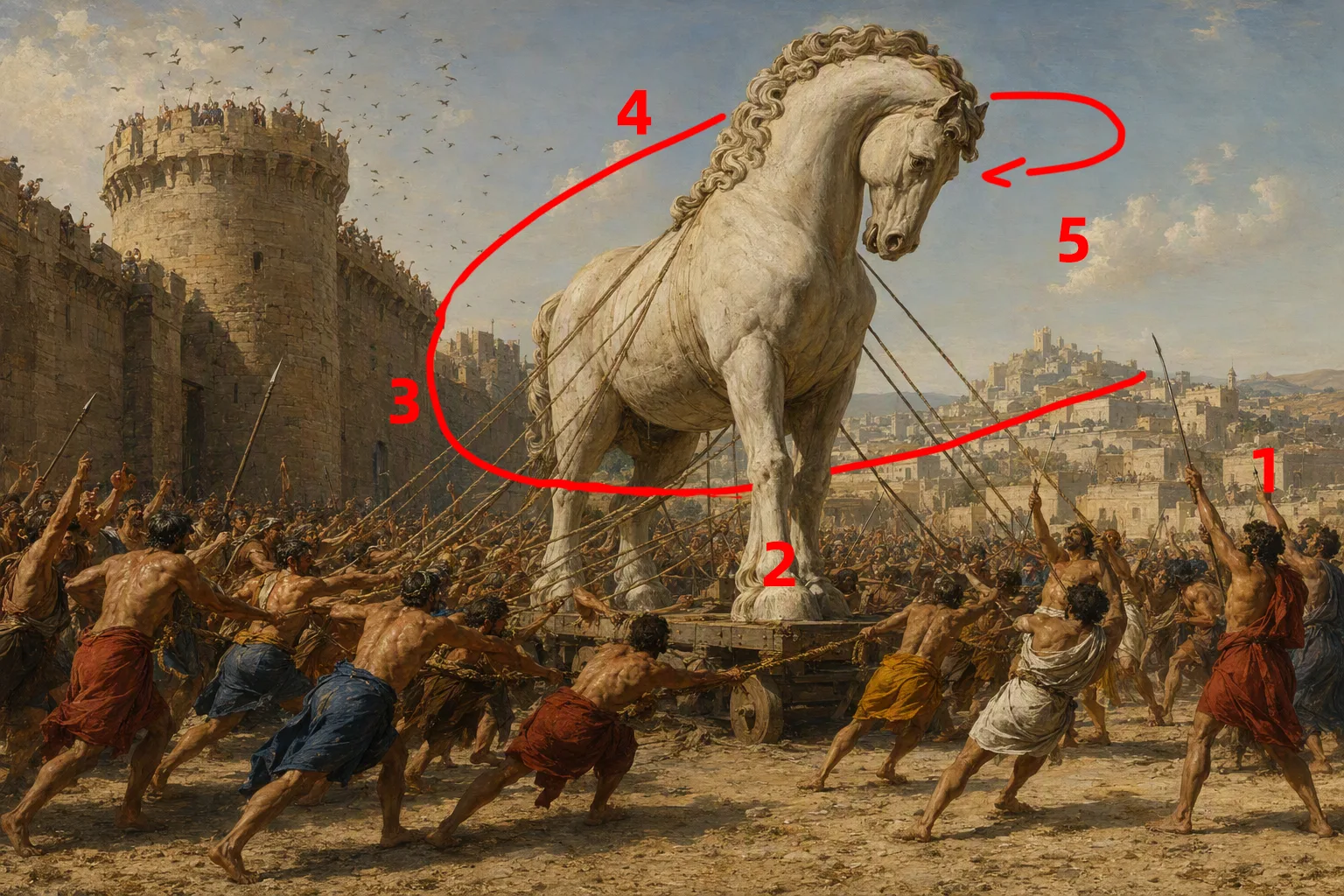 | | |
Image 1 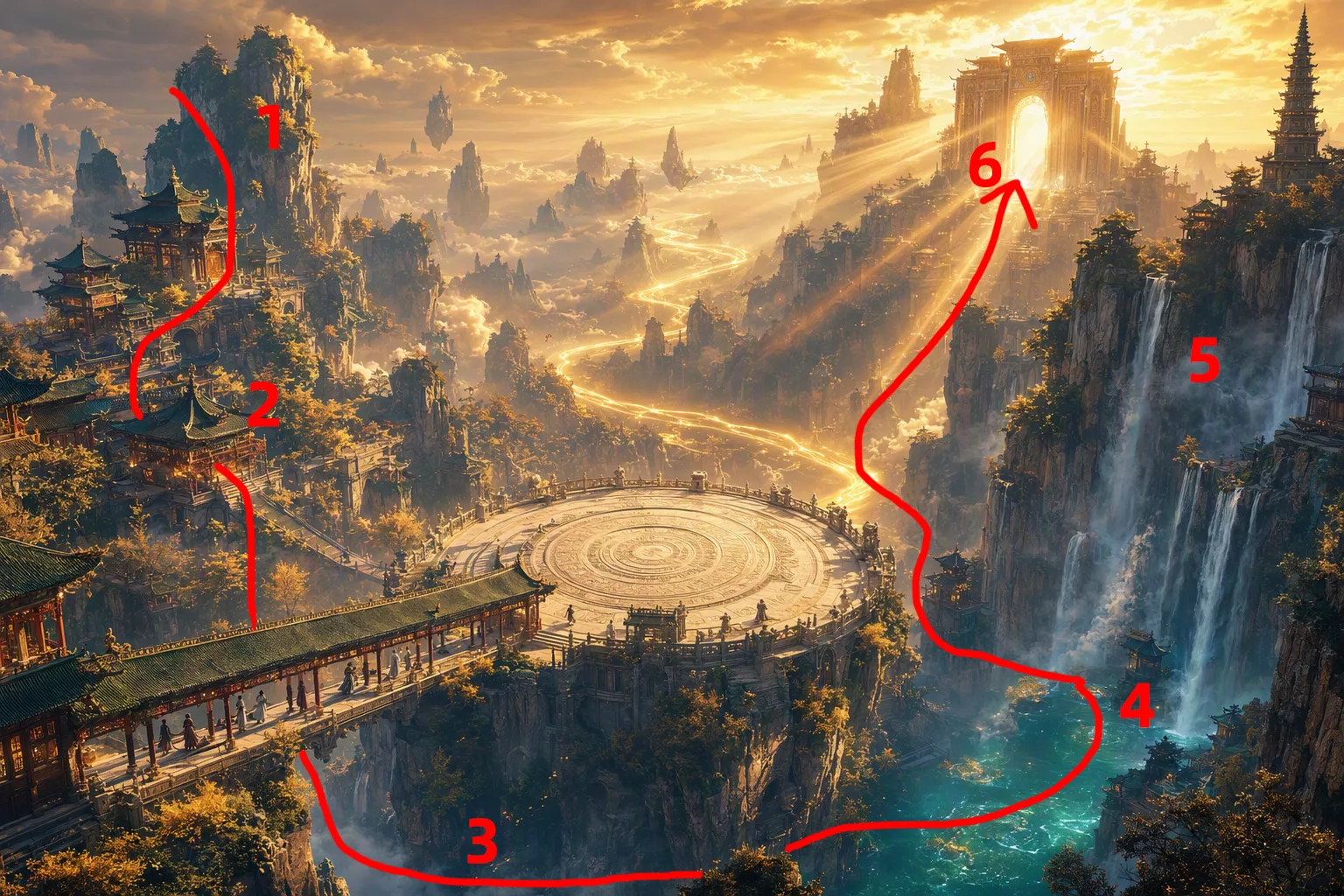 | |
Temporal video transfer
Treat the reference video's action, camera movement, and effects as a temporal signal and transfer it to a new character or scene — keeping the rhythm intact while freely swapping subject and environment.
Action reference
| Reference material | Prompt | Output video |
|---|---|---|
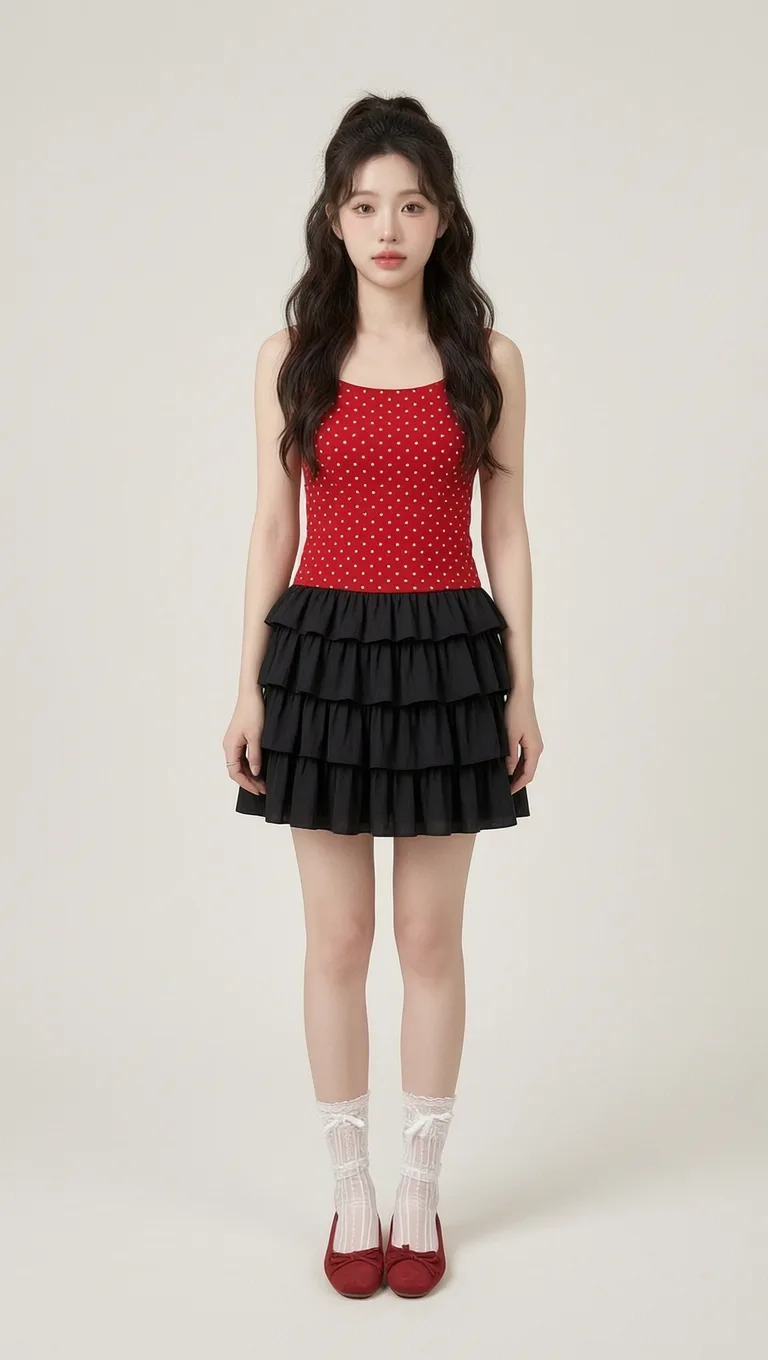 | Reference video: replace the skateboarding man in Video 1 with the woman and outfit in Image 1. Note: replace only the character; keep the original skateboarding motion, trajectory, and skatepark background in the video completely unchanged. |
Camera-movement reference
| Reference material | Prompt | Output video |
|---|---|---|
Reference the camera-movement style of the reference video; change the scene to a cup of coffee placed on a rooftop café table. |
Effect reference
| Reference material | Prompt | Output video |
|---|---|---|
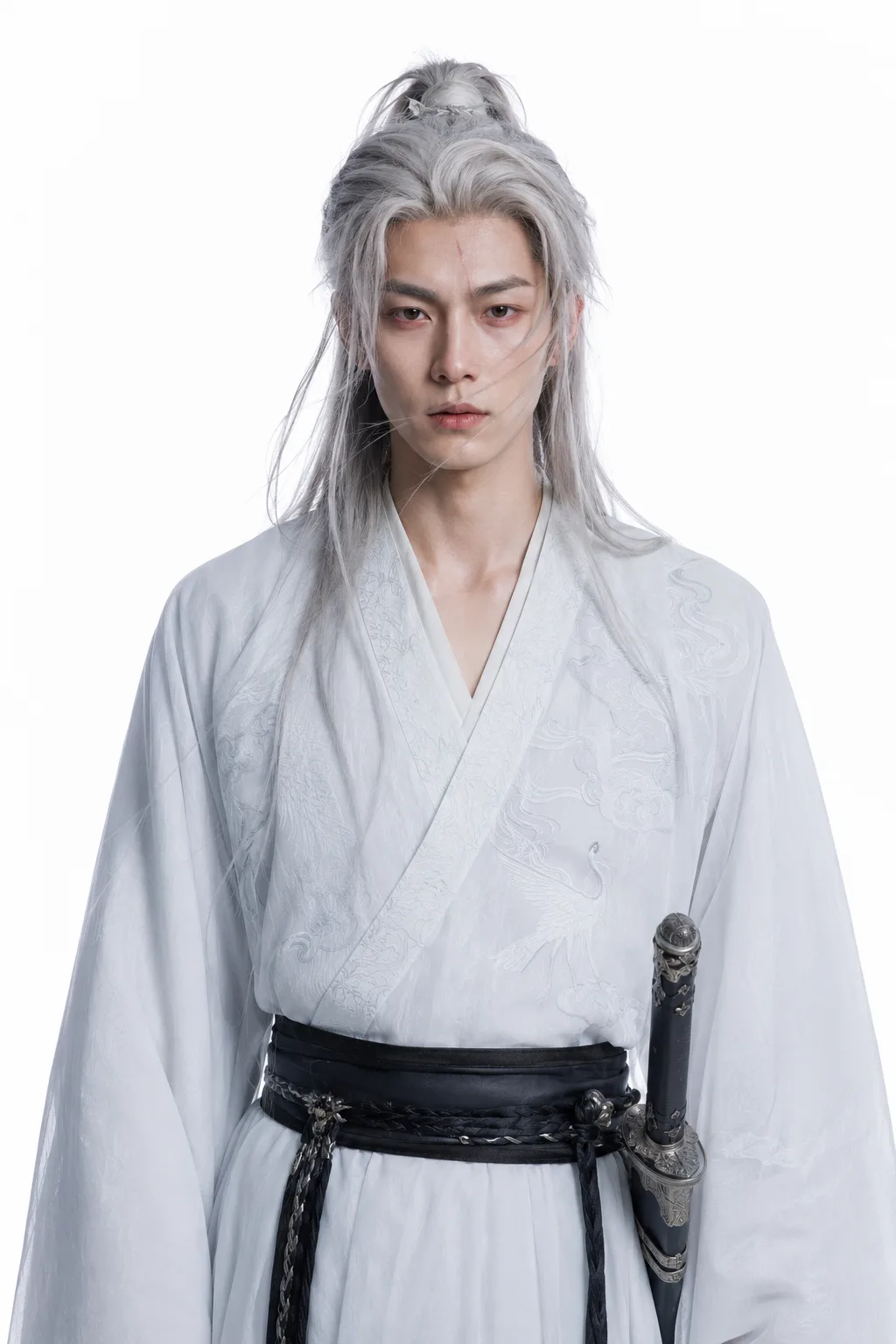 | Apply the energy effect from Reference Video 1 to the character in Image 1; generate the same effect and action. |
Audio-driven
Audio can drive either the beat (dance-to-beat) or the timbre (dialogue transfer), keeping motion, lip sync, mood, and audio precisely in sync.
| Reference material | Prompt | Output video |
|---|---|---|
Audio 1 | Vertical 9:16, full-body shot, fixed and stable camera. A young woman with long black hair, wearing a white floral-embroidered long-sleeve top, a white pleated mini skirt with a black belt, and white platform sneakers, dances in an idol-style routine in a modern minimalist kitchen, following the beat of the fixed audio. The background is light-gray cabinetry, a white island counter, and a dark night-view window; behind the figure is a square fill light forming a rim light, with indoor cool-white lighting. Choreograph the dance according to the rhythm, speed, and emotional swells of the fixed audio: heavy drum downbeats correspond to crisp, large-range movements and hold poses; gentle passages correspond to soft body waves and hand gestures; the chorus-climax passages are denser and more explosive. Overall it is an idol-style dance, with movements coherent and fluid, full of rhythm and expressiveness, perfectly in sync with the audio beat. Motion is smooth, limb proportions natural. | |
Image 1 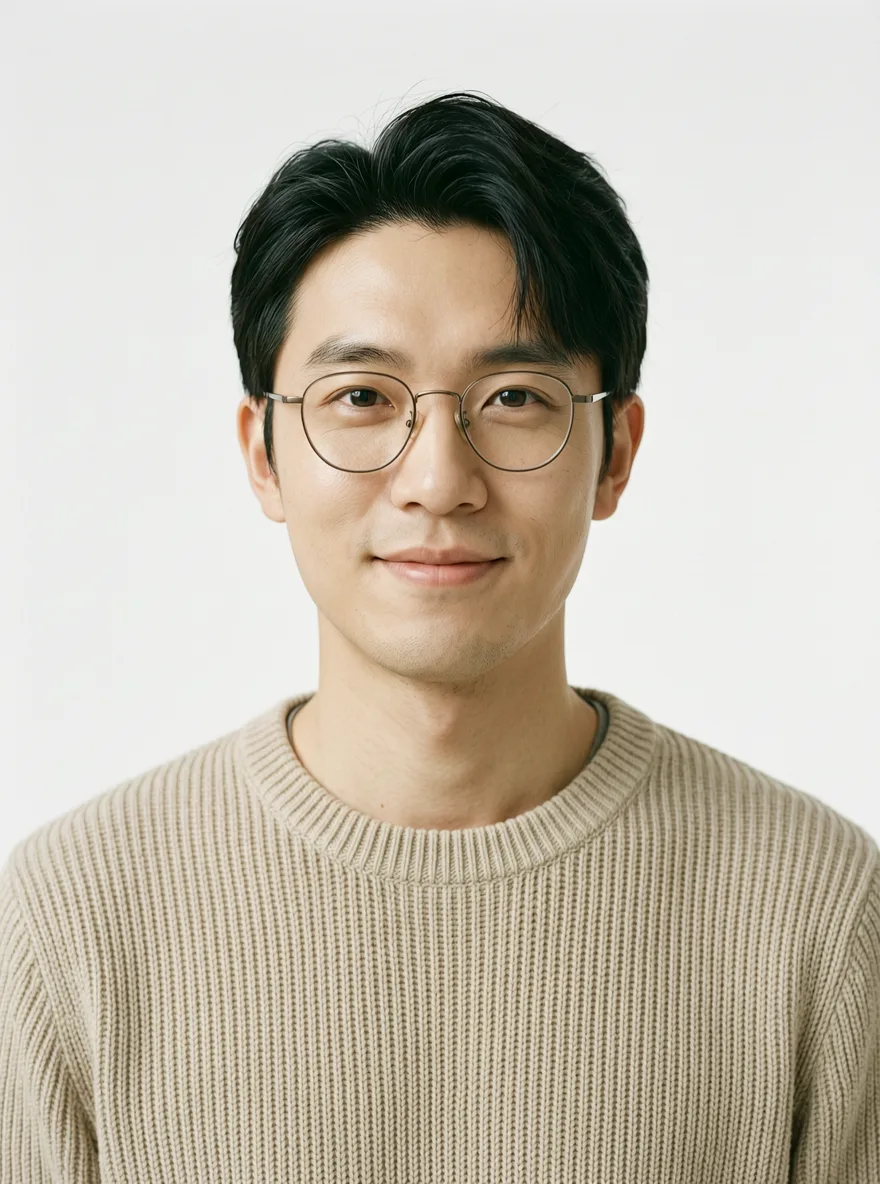 Video 1 Audio 1 | Seamlessly replace the woman in Video 1 with the male character from Image 1. The character sits by the window, holding a phone to the ear and speaking. [Timbre and dialogue] Extract the timbre features from Audio 1, and have the character speak the following dialogue: "Really? That sounds great! When are you coming back? I miss you so much." [Lip sync and expression] The generated speech must precisely drive the character's lip movements to open and close naturally. Speaking is accompanied by natural blinking, slight head nods, and a sense of breathing; the facial micro-expressions must perfectly match the caring, nostalgic emotion in the dialogue. [Lighting and scene] The figure's face naturally receives mixed lighting from warm indoor light and cool neon light outside the window. Raindrops outside the window slide down continuously and slowly; the coffee on the table gives off a faint wisp of steam; the character and scene edges blend naturally with no cutout artifacts. [Camera and quality] A 15-second long take, the camera pushing forward extremely slowly, the frame rock-steady, cinematic lighting, 8K resolution, photographic realism. |
Video editing
Feed in the original video and use natural-language instructions for precise editing — only the specified content changes; the rest of the frame stays unchanged. A reference phrasing is Edit the video: change xxx in video 1 to yyy, keep the rest of the frame unchanged (the leading "edit the video" can be omitted). Use the verbs add / delete / replace / change to / reshape; modifying one item at a time is the most stable.
- Element editing: Describe the elements to add, remove, or modify. When reference images are involved, refer to them by name as
image 1/image 2.- Add:
The man puts on a red hat. - Modify:
Replace the cat with a dog. - Delete:
Remove the cat on the grass. - Reference image:
Have the man in the video wear the top from image 1 and the pants from image 2.
- Add:
- Global parameter editing: Describe changes to the overall style, lighting, color tone, or weather. When the rest should be preserved, add the phrase
keep everything else unchanged.- Weather:
Change the video to overcast weather. - Color tone:
Change to a warm color tone. - Style:
Change the video to a 2D cartoon style.
- Weather:
- Temporal editing: Describe how actions / dialogue change over time. You can pair this with
4-6stimestamps to pinpoint a segment.- Action:
Have the man in the video pick up a water glass and take a sip of water. - Dialogue (preserving voice timbre):
Keep the character's voice timbre and tone; change the woman's spoken line to: 'Hello World'
- Action:
| Type | Video before editing | Prompt | Output video |
|---|---|---|---|
| Add element | Video 1 | Edit the content of video 1. Add a reef on the beach, half-buried in the wet sand; when the tide recedes, let the seawater gently wash over the base of the reef. | |
| Modify element | Video 1 | Edit the video: replace the skateboarding man in video 1 with a short-haired woman wearing a sports tank top and loose cargo pants. Keep the baseball cap, knee pads, elbow pads, and other protective gear from the original video. The skateboarding motion, movement trajectory, and skatepark background stay exactly the same. | |
| Delete element | Video 1 | Edit the video: remove the woman's sunglasses in video 1, revealing natural eye makeup and gaze; the woman's movement and the rest of the frame stay unchanged. | |
| Lighting edit | Video 1 | Edit the video: brighten the overall lighting of video 1, applying soft three-point lighting with a TV-drama feel. Eliminate the hard shadow on the right side of the man's face so the facial features are evenly lit, with natural, translucent skin tone. Synchronously boost the light on the white tiled wall and window in the background, keep the overall image tone consistent, and leave the man's movement and frame content unchanged. | |
| Action edit | Video 1 | Edit the video: swap the positions of the suited man and the ostrich in video 1. Move the ostrich to a forward position on the left side of the frame, and move the man to the right side right behind the ostrich. Keep both figures' walking motion and stride rhythm consistent; the street background stays unchanged. | |
| Style edit | Video 1 | Edit the video: change the video style to claymation style. | |
| Dialogue edit | Video 1 | Edit the video: change the young man's dialogue in the video to: "The deal is done. Now... we disappear." | |
| Reference edit | Video 1 Image 1 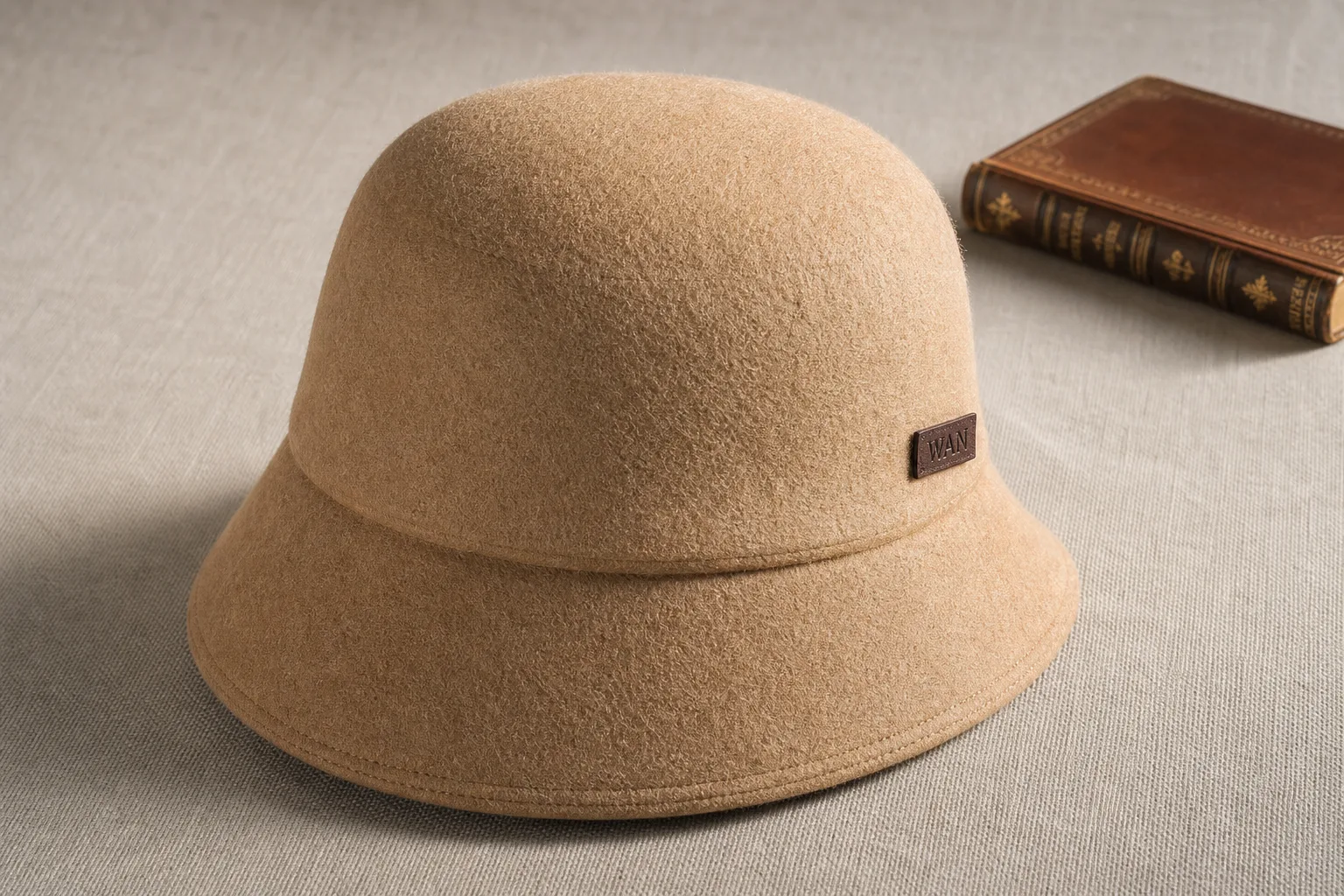 Image 2 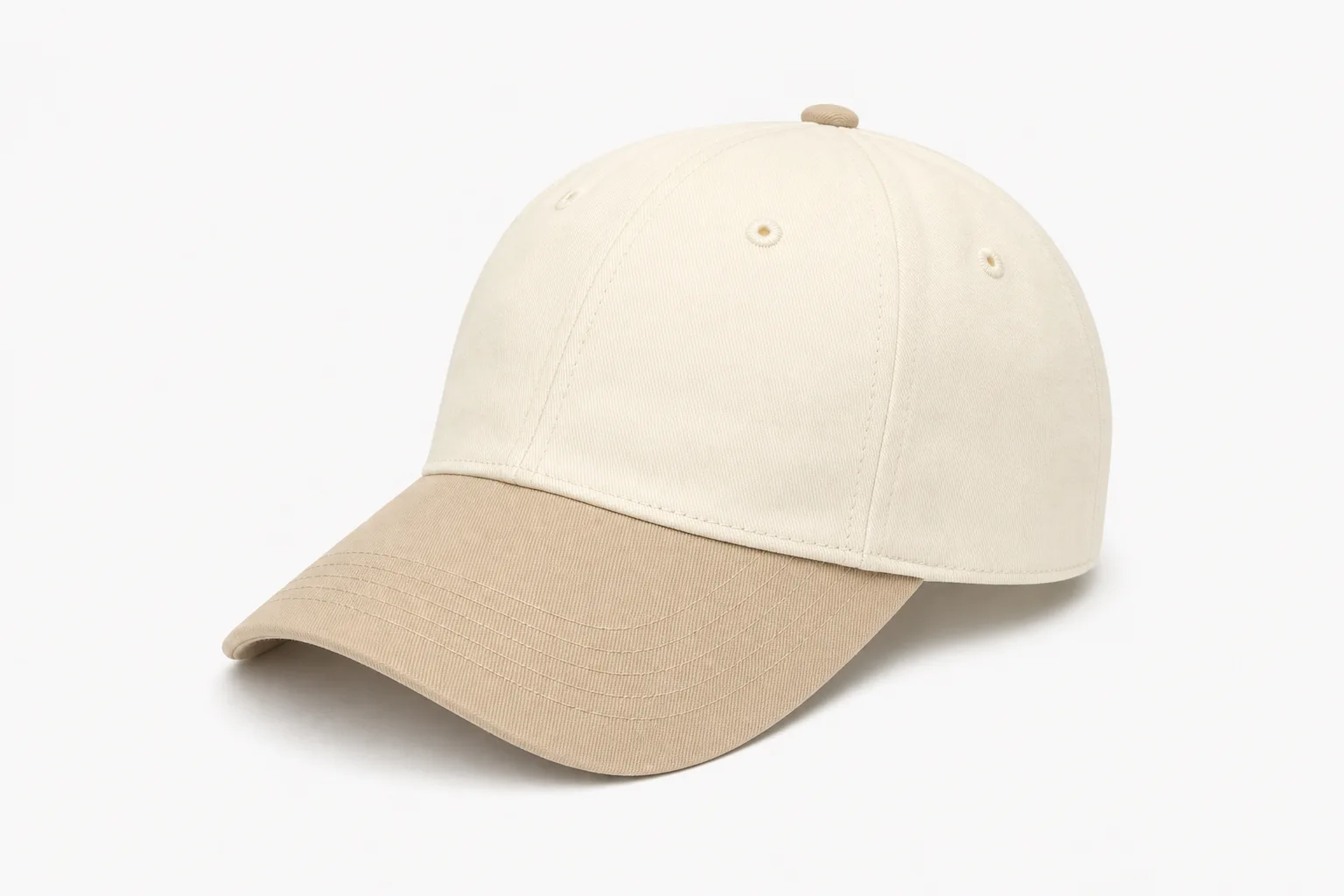 Image 3 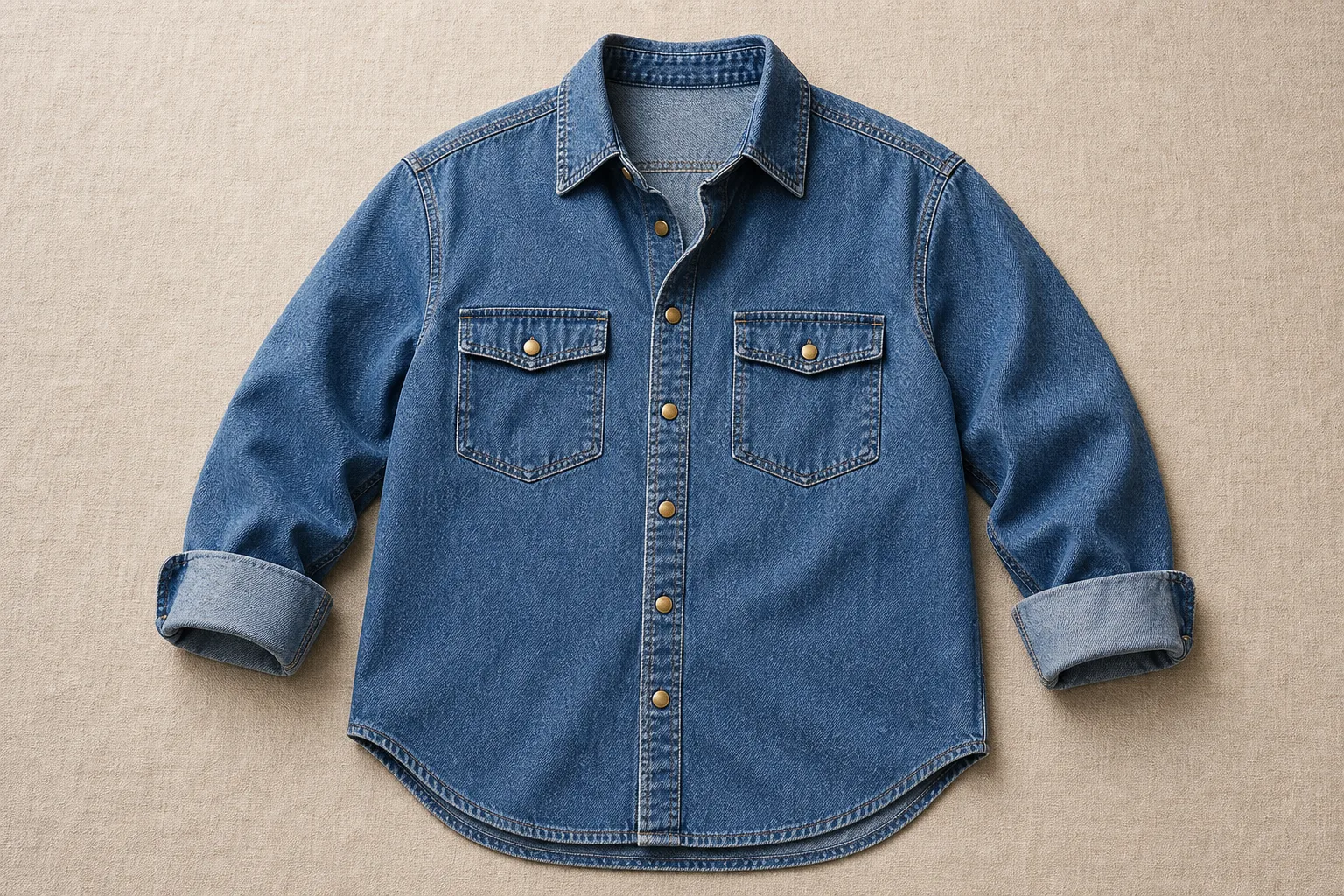 | Edit the video: have the woman in video 1 put on the hat from image 1, naturally fitting her head shape. Have the man in video 1 put on the hat from image 2, naturally fitting his head shape; replace the man's ochre-brown shirt with the blue washed loose denim shirt from image 3, collar unbuttoned and sleeves rolled up to the forearms. Both figures' movements, clothing, and the rest of the frame stay unchanged. | |
| Plot reshape | Video 1 | Reshape the plot of video 1: have the man directly pick up the guitar and begin playing a piece of music. |
Video extension
Continue the footage from the original video; the style, subject, and scene carry over from the original. The prompt should clearly state the extension intent, direction, and new content:
- Extension intent: The prompt should contain keywords such as
extend/continue/continue writing. - Extension direction:
Extend backward(starting from the last frame),Extend forward(ending at the first frame),Extend forward and backward(using the original video as the middle segment). - Extension content: Clearly state the new actions, dialogue, and frame changes, and restate the character traits, clothing, and scene to avoid continuity glitches in the continued segment; you can use "timestamp + shot" to carry over the mood and camera movement from the original.
NoteInput video duration + output video duration ≤ 30 seconds. It is recommended to set duration to -1, or to the sum of the input duration and the expected extension duration.
| Type | Video before editing | Prompt | Output video |
|---|---|---|---|
| Extend backward | Extend video 1 by 15s. Character A is a man with slicked-back hair, wearing a dark-gray Chinese-style long gown, with a brown prayer-bead bracelet on his left wrist; character B is a man wearing a dark Chinese-style long gown. Character B slowly sets down the teacup, his gaze dropping slightly, and taps the tabletop twice with his fingertips; unhurriedly he says, "The price is easy to discuss, but when will the goods arrive at port? You need to give me an exact date." Character A, his smile undiminished, picks up the lidded teacup and skims the tea foam. Character A takes a sip of tea, sets the teacup back on the saucer, leans forward and lowers his voice; the prayer beads sway gently with the gesture as he says in a firm tone, "By the end of the month at the latest. I've already sorted everything out at the dock — a full shipment will be delivered neatly to the door of your warehouse." With that, he presses his right hand palm-down on the tabletop, his gaze locked on character B. Character B mulls for a moment, his eyes sweeping to the "Wan An Dang" plaque outside the window; the bamboo curtain lifts gently in the street breeze. He turns back, a smile creeping onto his lips, picks up the lidded teacup and offers a slight toast toward character A: "Good — delivery at the end of the month, I'll wait for your good news." The two smile at each other. Keep the steady, grounded tone of a Republican-era business-war film; the dialogue rhythm is unhurried, with low tea-house ambient sound underneath. | ||
| Extend forward | Extend video 1 forward by 15s. Character A is a dark-brown short-haired man wearing a black tailcoat, white shirt, black bow tie, and beige waistcoat; character B is a brown-haired woman in an updo, wearing a beige puff-sleeve vintage long dress with black lace trim and dark teardrop earrings. The crystal chandelier in the ballroom casts light over the marble floor; guests converse in twos and threes, holding glasses and speaking in low tones, as a melodious waltz string prelude slowly begins and the crowd's chatter gradually quiets. Character B walks slowly from one side of the ballroom, her hem brushing the marble floor, her gaze sweeping the room. Character A steps out from the crowd, threading through the guests straight to character B, gives a slight bow, extends his right hand, and gazes at her tenderly. Character B lowers her eyes with a faint smile, rests her right hand lightly on character A's palm; the two share a look and a smile. Character A leads character B to the center of the dance floor; the surrounding guests naturally step back to clear the space, all eyes on the two of them. Character A holds character B's right hand raised with his left hand, his right hand lightly resting on the small of her back; the two assume the waltz posture, step out on the first beat with the strings, and begin to spin. An elegant 19th-century palace-ball atmosphere, warm golden tone. | ||
| Extend forward and backward | Using the video as the middle segment, extend forward by two seconds: the camera follows smoothly as the girl walks slowly toward the lens, stops, gently tilts her head up, takes a deep breath in the cold air, lips parting slightly; using the video as the middle segment, extend backward by three seconds: after rubbing her hands, the girl looks straight into the lens and breaks into a warm, radiant smile. She slowly raises one gloved hand to catch a gently falling snowflake; the camera slowly pulls back into a medium-wide shot, revealing the sunlit snowy forest path, golden-hour backlight, lens flare, shallow depth of field, warm and healing atmosphere. |
First frame / First and last frame
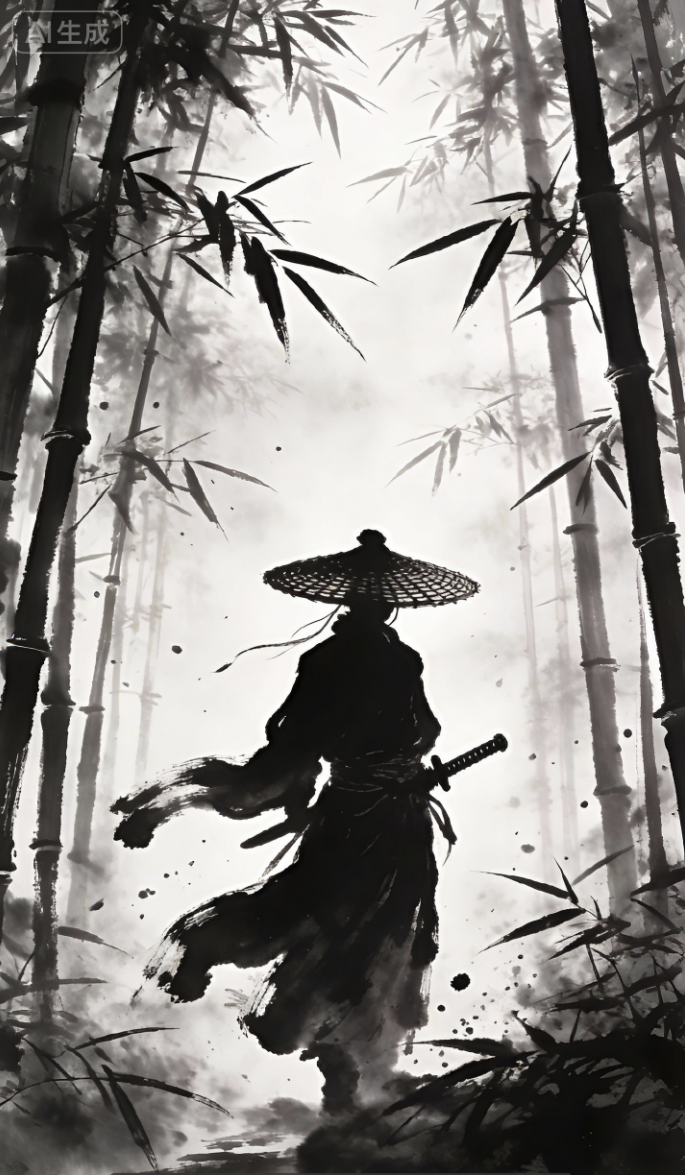
Use a first frame (or first frame + last frame) to lock the start and end of the picture; the model is responsible for completing the motion in between. The image already establishes the subject, scene, and style, so the prompt should focus on describing the motion, plot, dialogue, and camera movement.
NoteFirst-and-last-frame mode and all-reference mode are
mutually exclusive; once enabled, reference material input is no longer supported.First frame to video
| Input first frame | Prompt | Output video |
|---|---|---|
 | |
First and last frame to video
| First frame & last frame | Prompt | Output video |
|---|---|---|
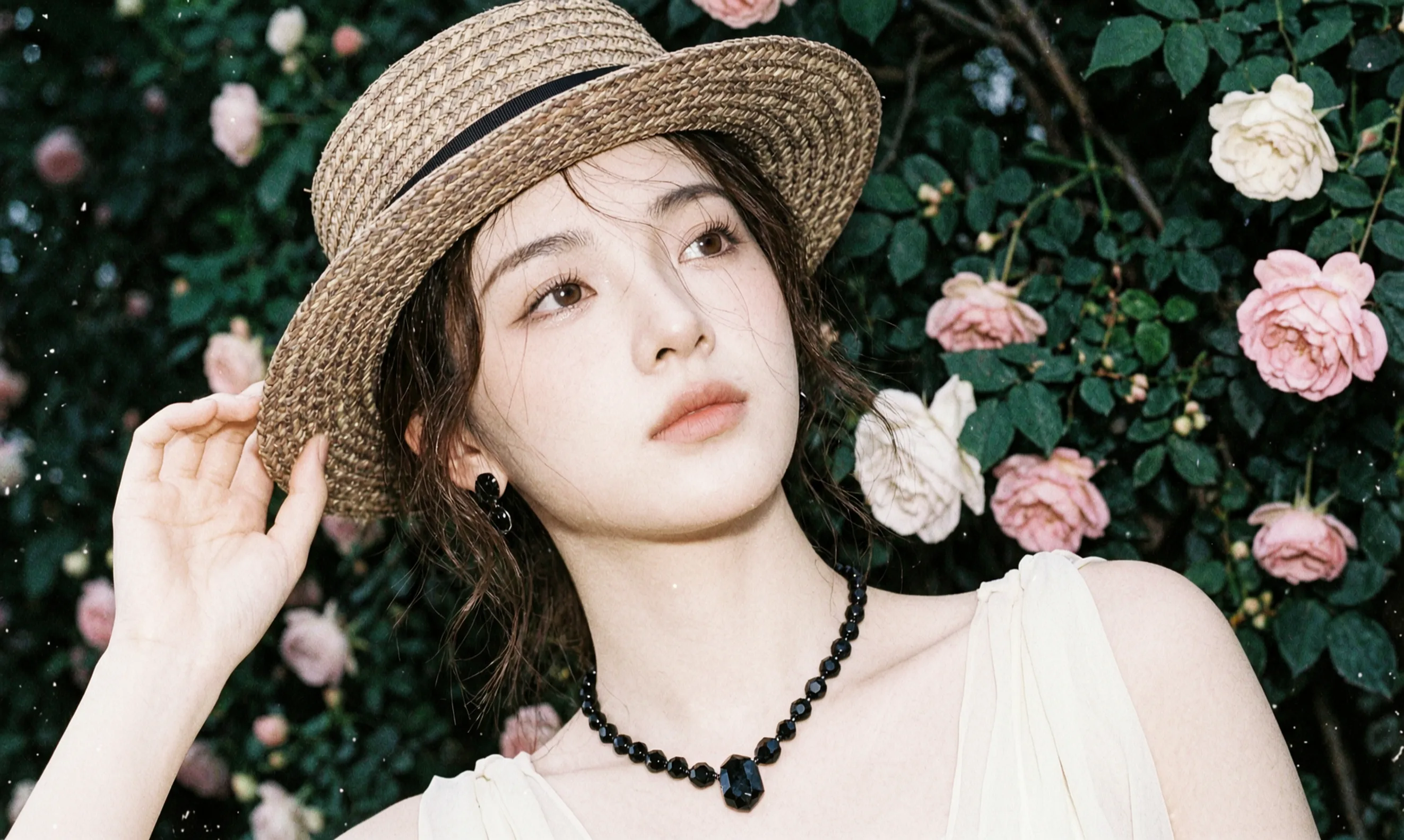 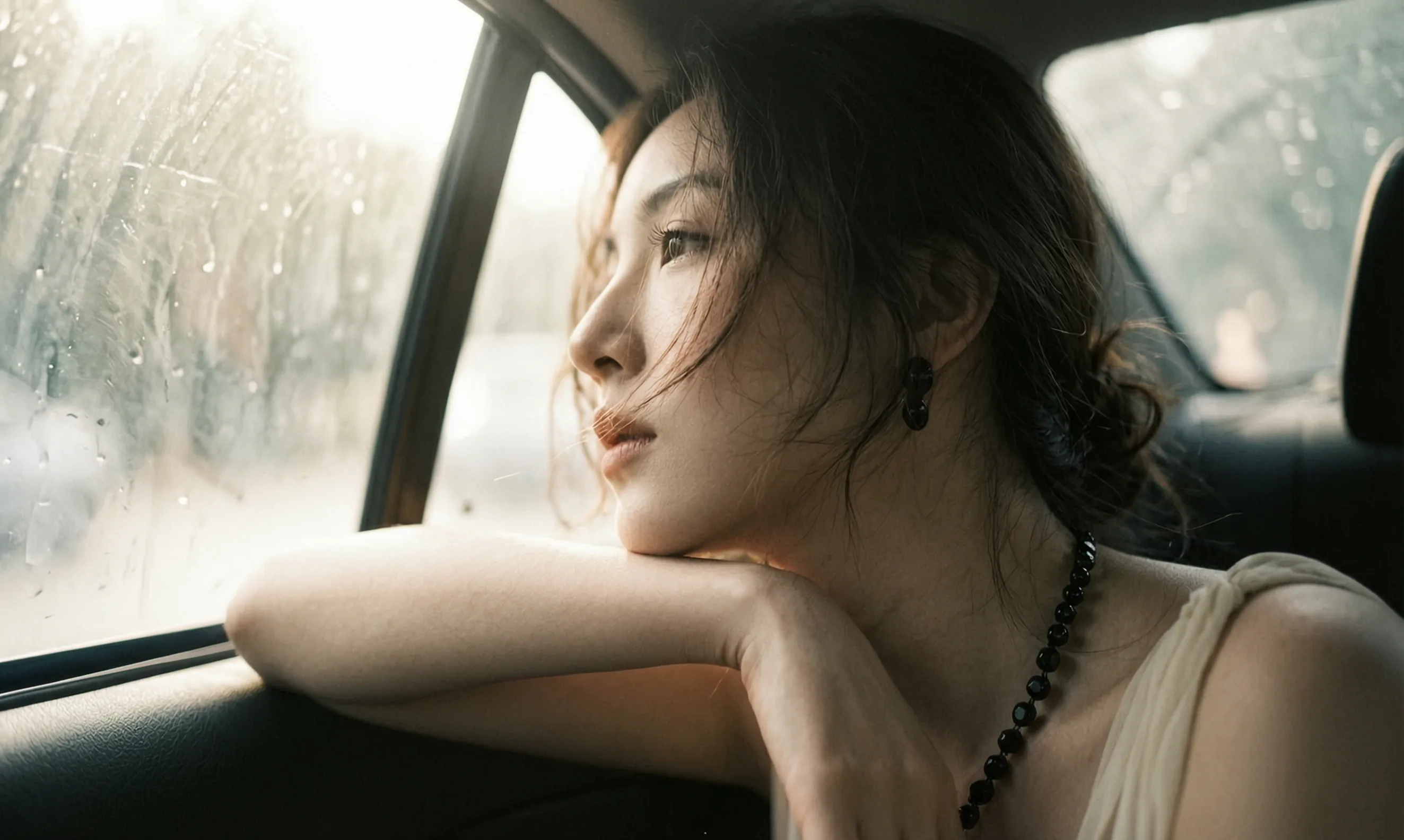 | | |
 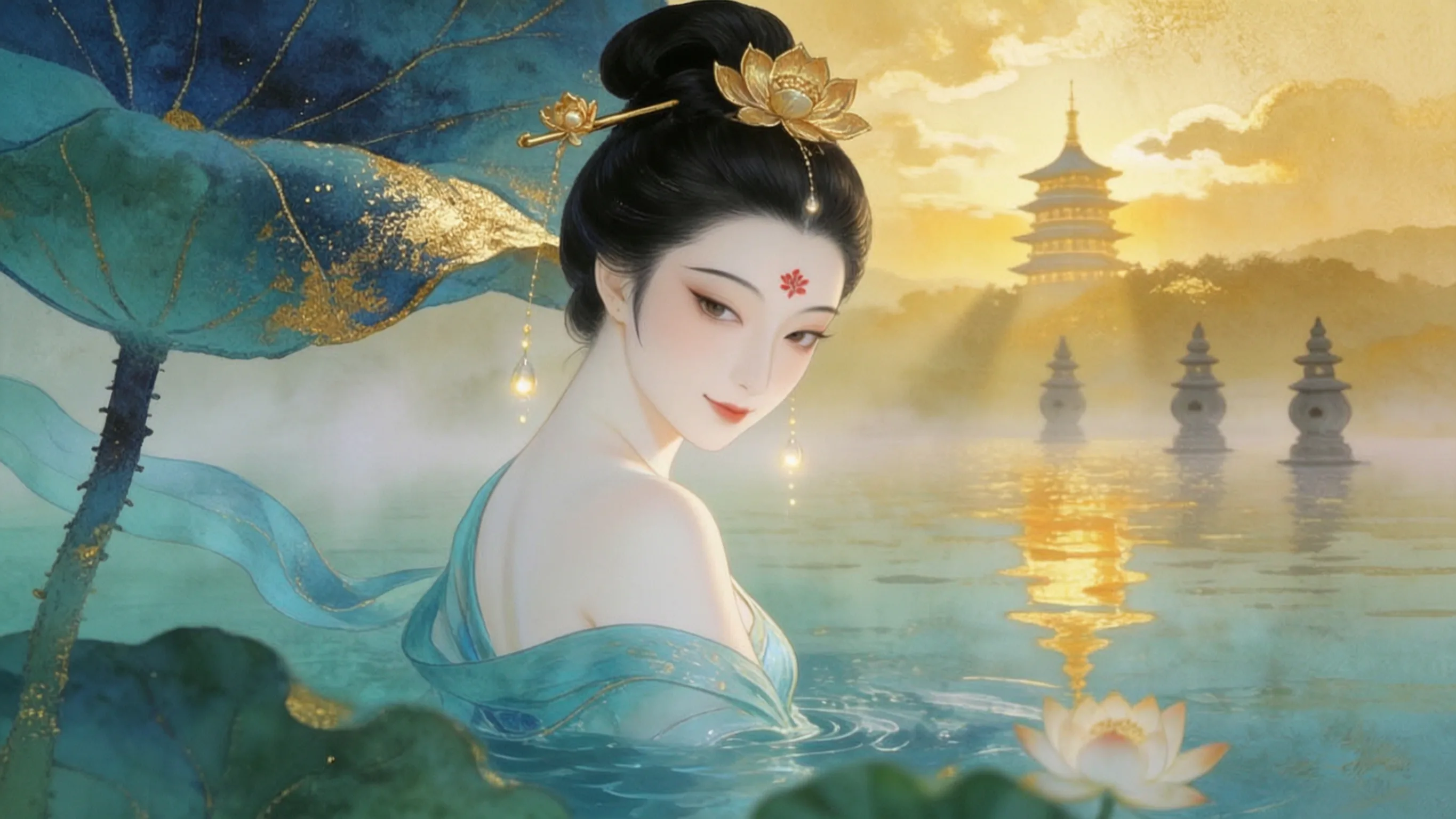 | |
Industry best practices
Short drama
| Reference material | Prompt | Output video |
|---|---|---|
Image 1 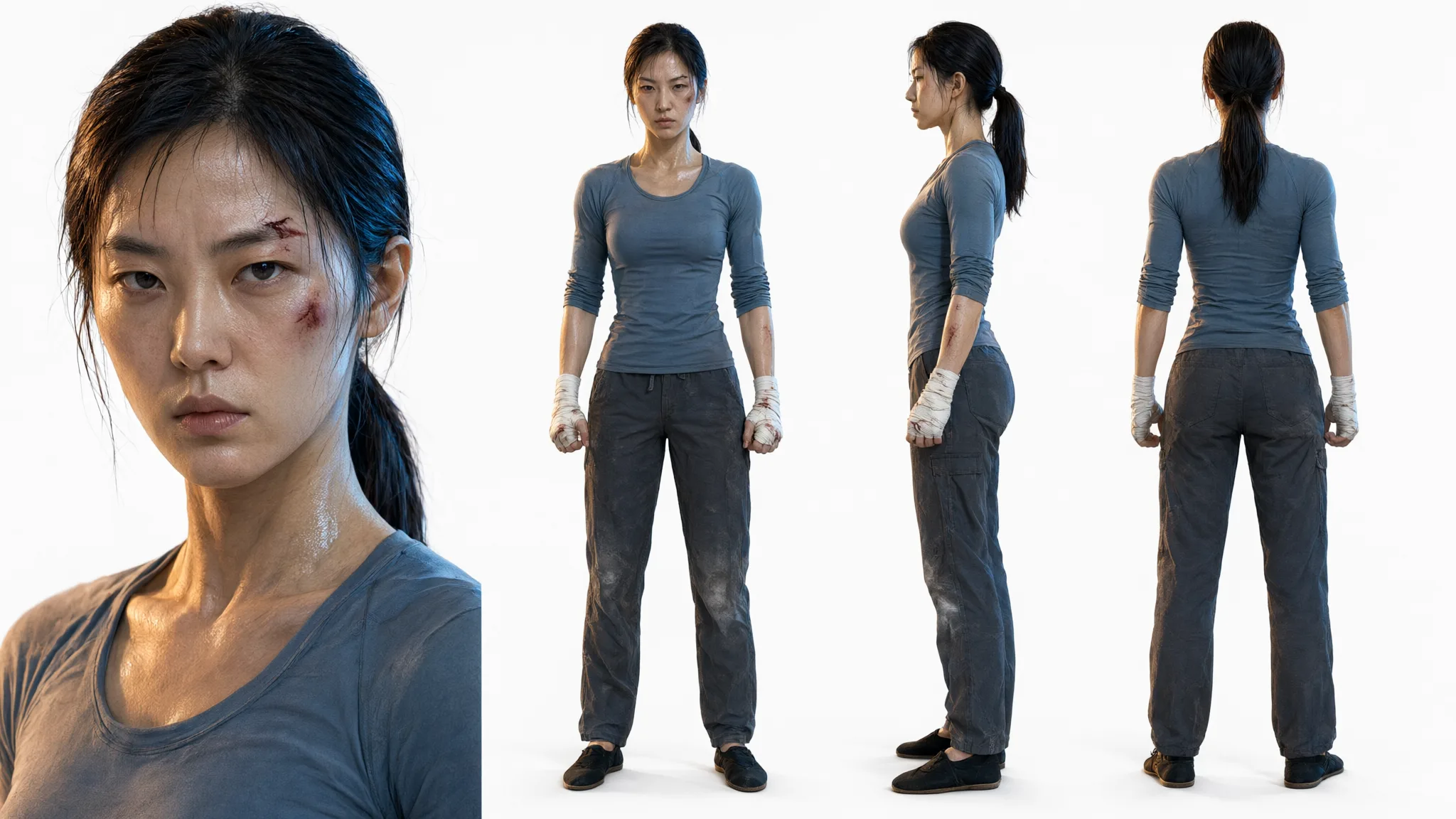 Image 2 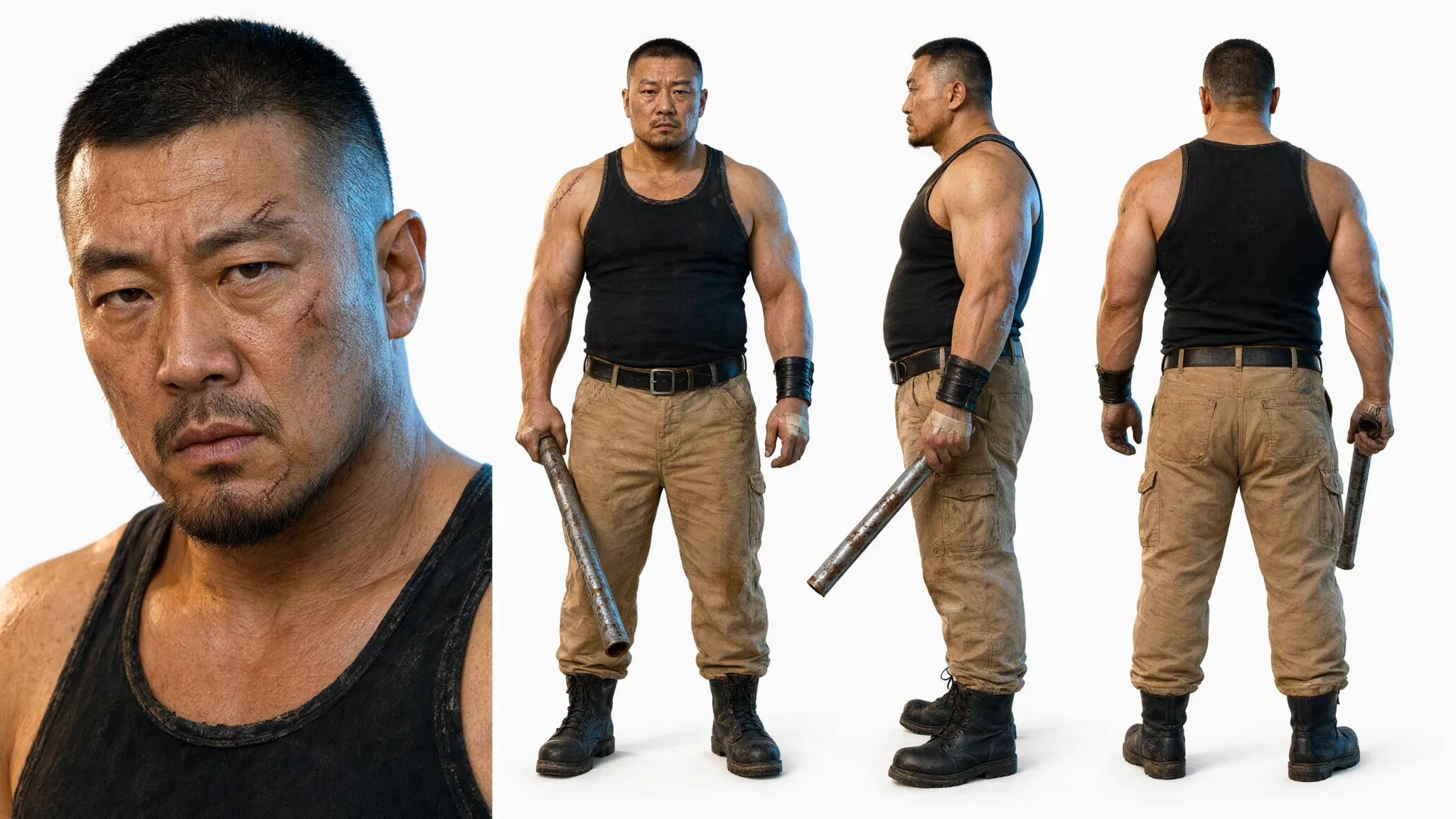 Image 3 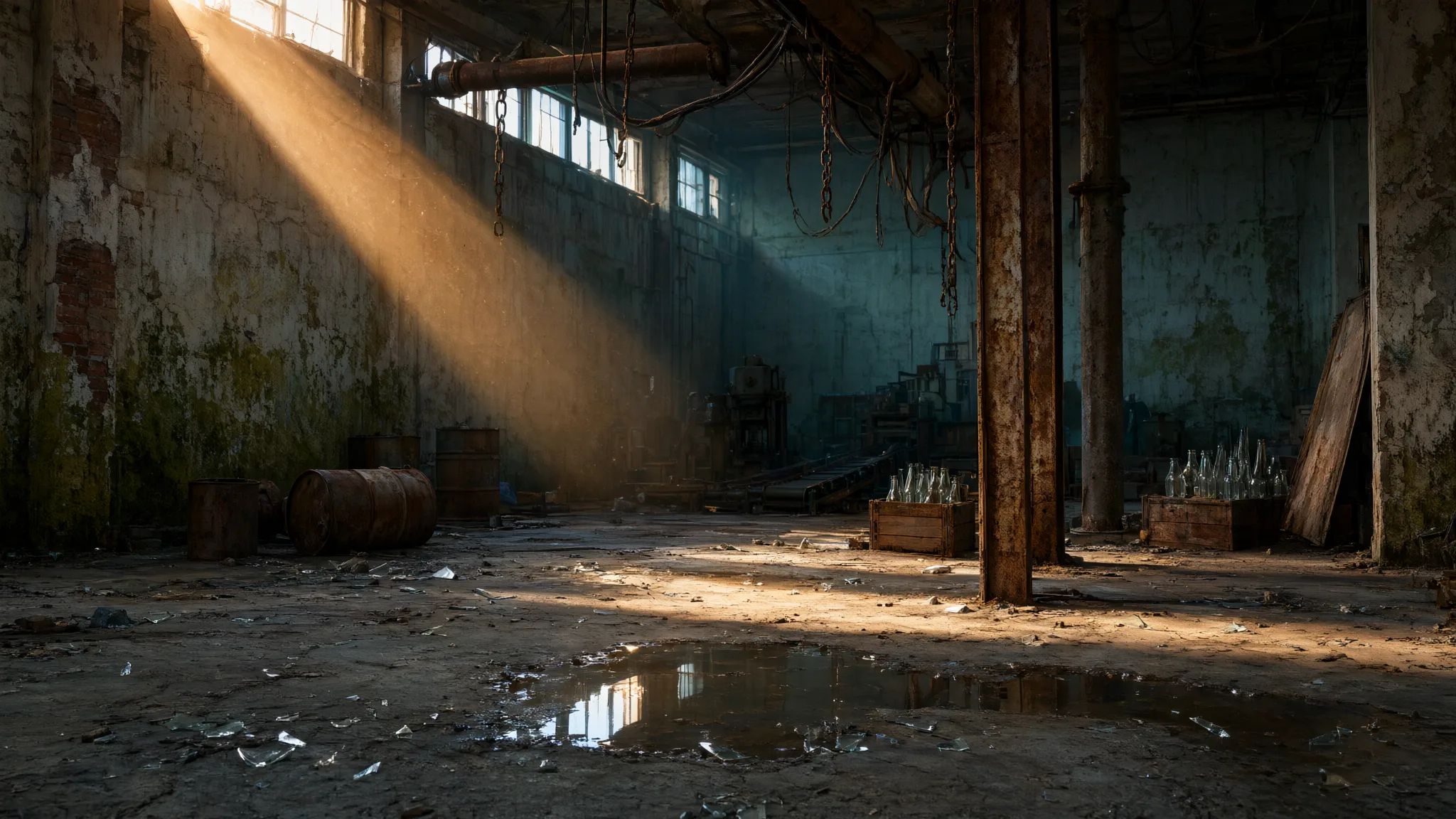 | | |
Image 1 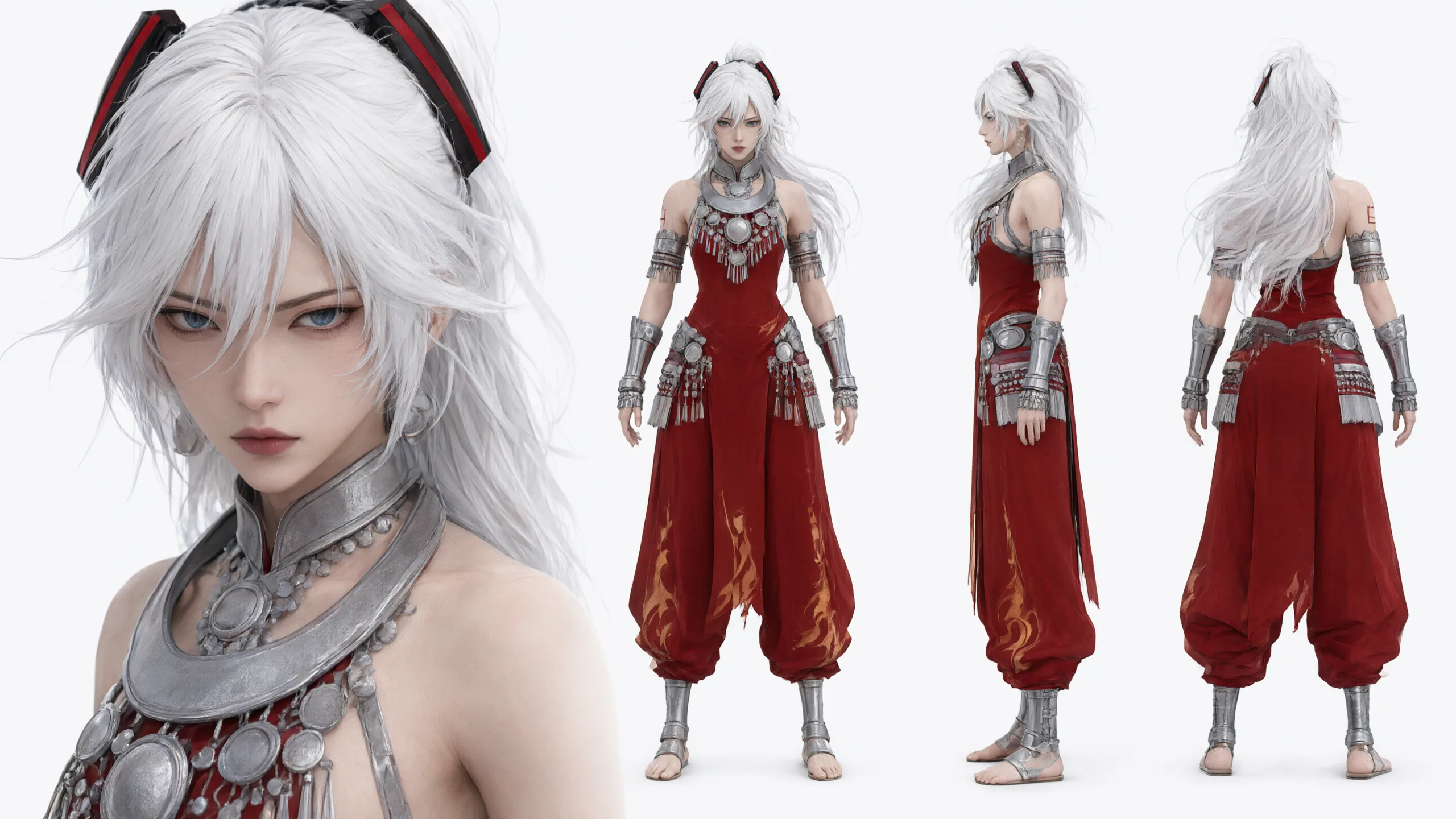 Image 2  Image 3 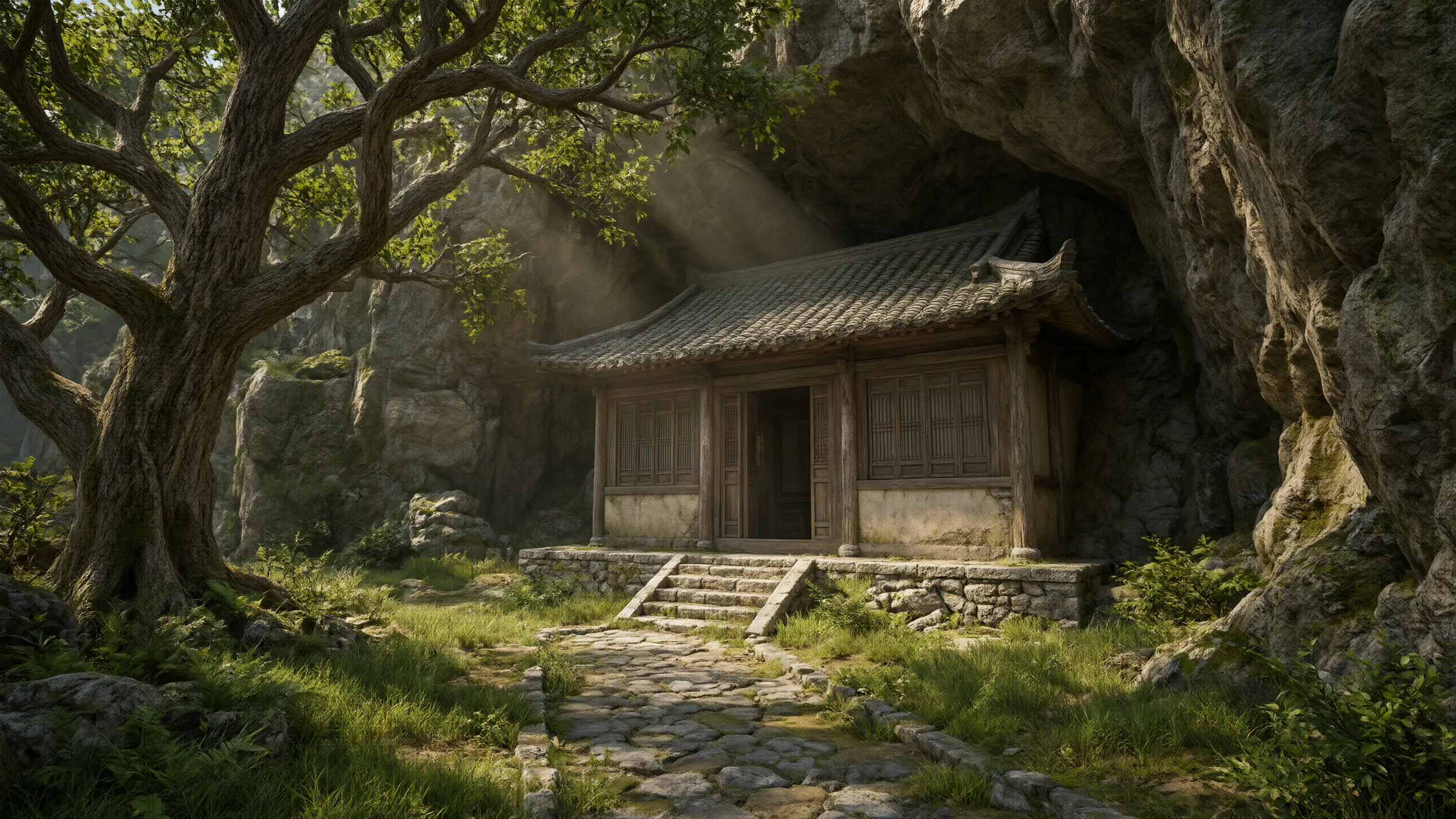 Image 4 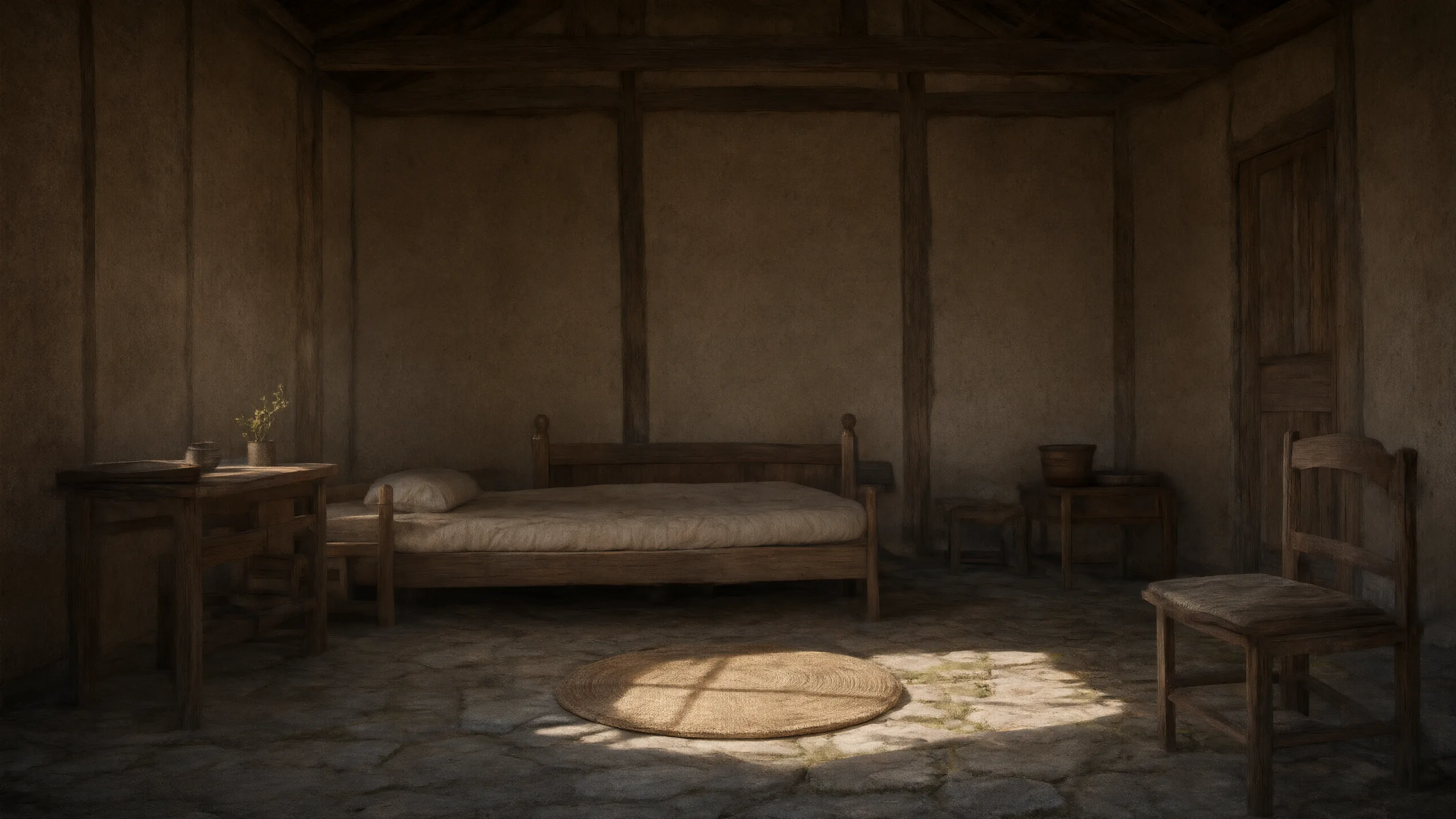 | |
| Reference material | Prompt | Output video |
|---|---|---|
Image 1 Image 2 Image 3 Video 1 | Referencing the characters of Image 1 and Image 2, and referencing only the video motion of Video 1, generate a 14s fight video. The characters' appearance, hairstyle, build, and clothing follow the provided images and stay consistent throughout. The characters replicate all of the actions, postures, rhythm, and pauses from the reference video; the sequence, amplitude, speed, and timing of movements stay consistent, and the original video's music is retained. Expressions change naturally with the rhythm of the action. The reference video is used only for motion control and its character appearance is not inherited. The final image is in normal color, the characters are stable, the motion is fluid, with no subtitles and no watermarks. The characters' faces are stable, their body structure is correct, fingers and limbs are natural, with no limb interpenetration, no posture errors, and no deformed gestures; if the reference video shows obvious hand or limb deformities, especially during turns — if the hands show deformity or incoordination — the motion may be lightly adjusted. The scene uses the environment of Image 3: a cyberpunk-style future Chinatown street, with Chinese-style gateways and neon signs, red lanterns, holographic billboards, stone lions, and wet reflective asphalt; in the distance, soaring future-city towers and flying vehicles. The two square off face-to-face on this street; the environment's building structures, sign placement, lighting mood, and color tone stay as shown in Image 3 throughout, and must not be replaced with other scenes. The Image 1 character (a black-haired girl in a dark gold-floral embroidered qipao vest, white shirt, and long braided hair) and the Image 2 character (a girl with long white hair, red combat suit, and silver armor) are the two fighters; each character's look is locked to their own reference image, with no mixing or swapping of clothing or hair color. |
E-commerce advertising
| Reference material | Prompt | Output video |
|---|---|---|
Image 1 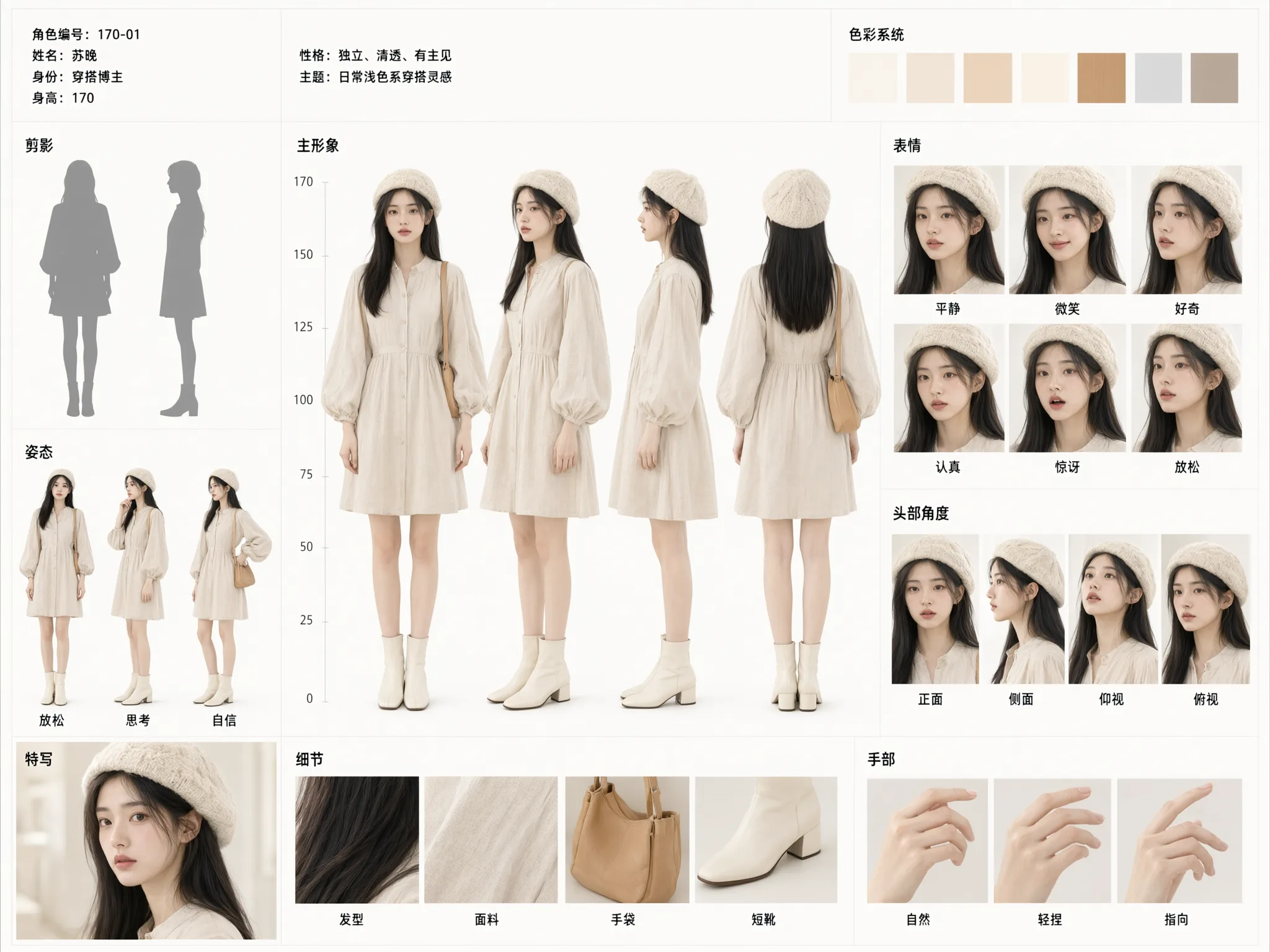 Image 2 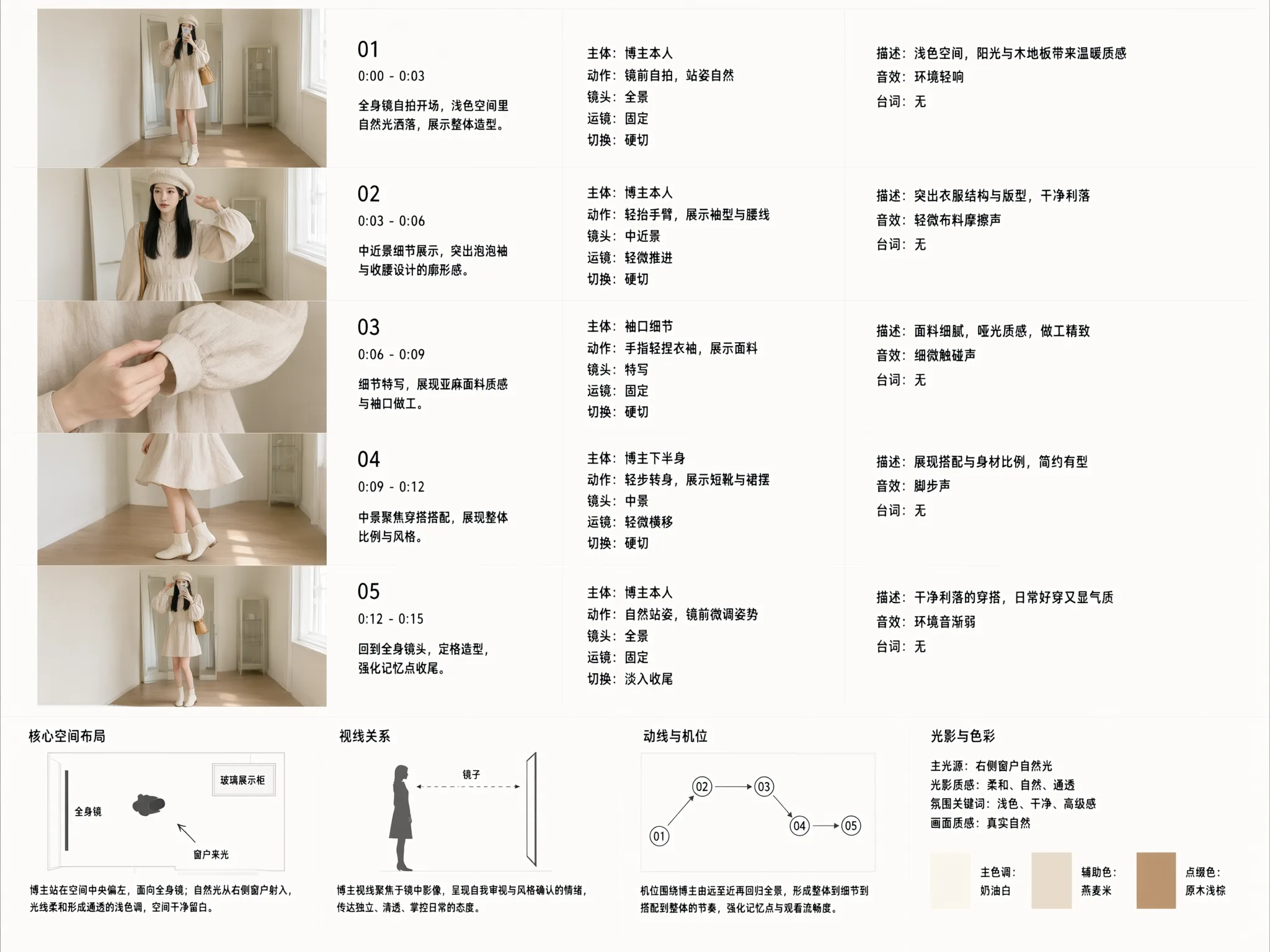 | Image 1 is the main subject character; generate a video based on the content of Image 2. | |
Image 1 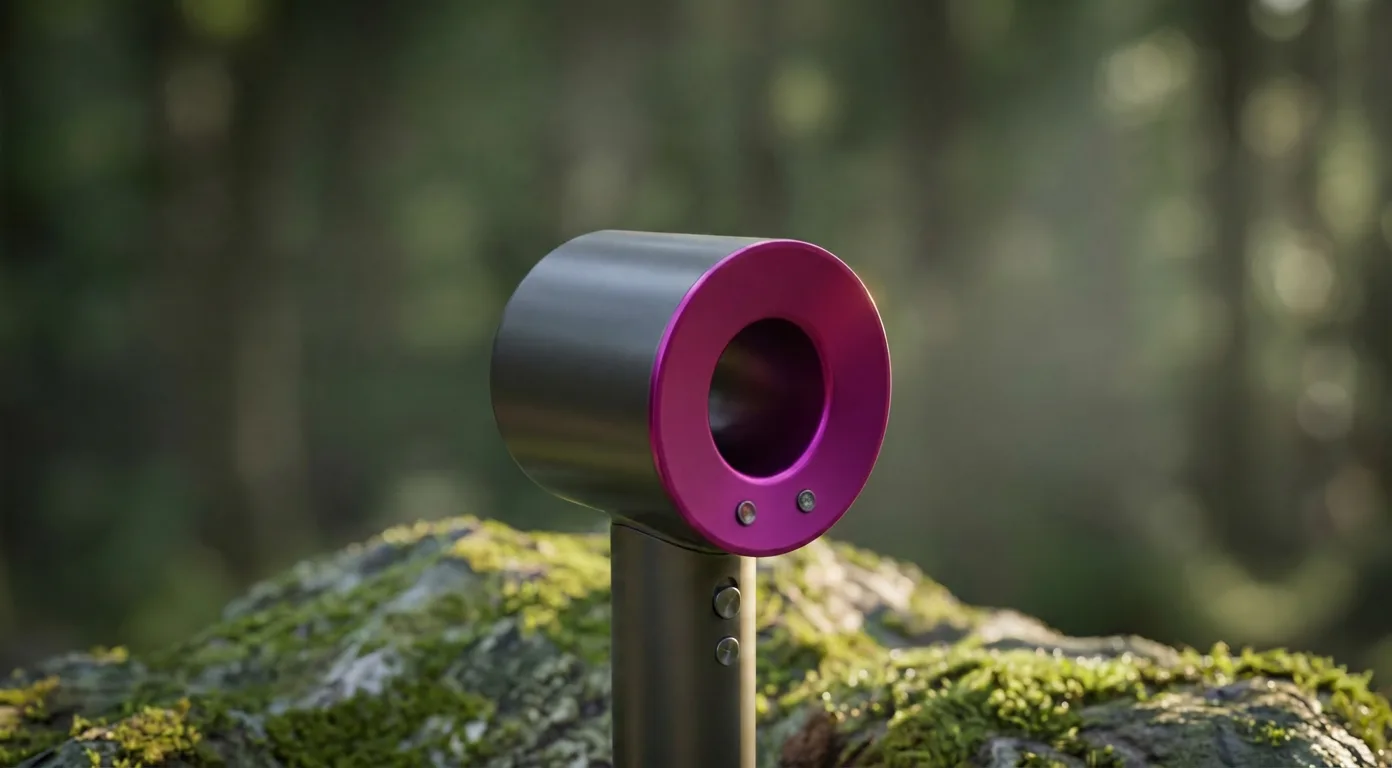 Image 2 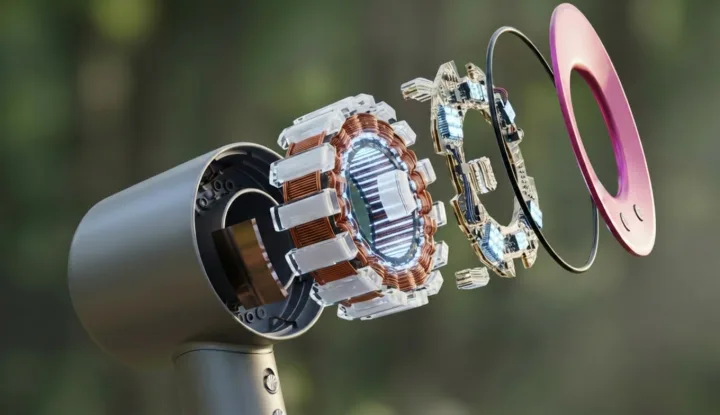 Video 1 | Convert Video 1 into an image style: a hair dryer exploded-view diagram, detailed internal components, ring-shaped chips, an internal ring-shaped motor module, motion graphics, 4K high definition. |
Gaming
| Reference material | Prompt | Output video |
|---|---|---|
Image 1  Image 2  | | |
Image 1 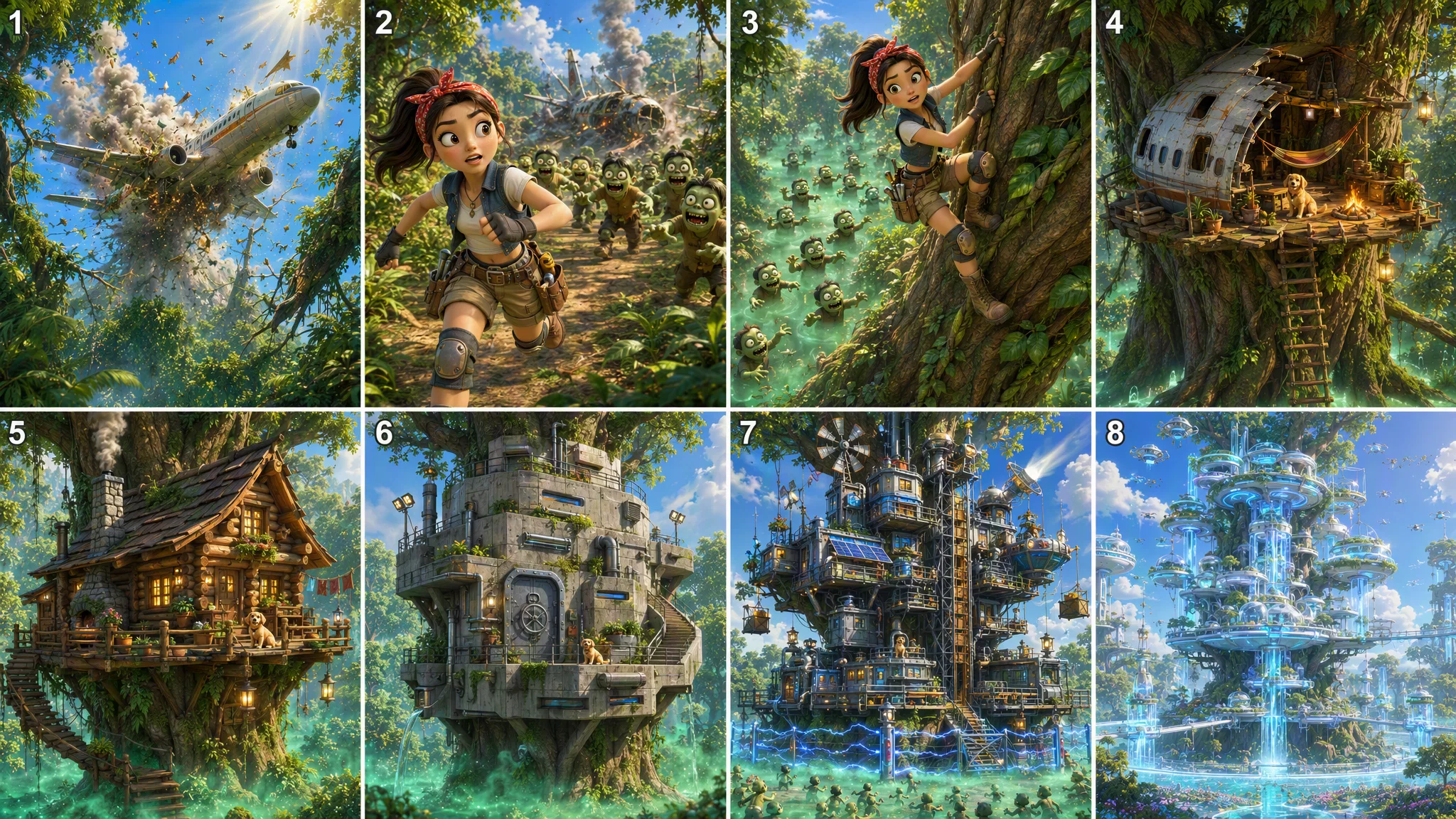 | | Voiceover version: No-voiceover version: |
Creative use cases
Text-to-video
| Prompt | Output video |
|---|---|
| |
|
LOGO growth animation
| Reference material | Prompt | Output video |
|---|---|---|
Image 1  Image 2  Video 1 | First frame: Use Image 1 as the first frame at the start of the video. Last frame: Use Image 2 as the last frame at the end of the video. Reproduce the logo-appearance animation effect and the text-appearance dynamic effect from Video 1, and generate a professional MG-animation style (Motion Graphics, dynamic graphic design). The overall visual presentation should carry a "tech feel, beat-synced rhythm, clean and crisp" tone. | |
Image 1 | |
Dance motion replication
| Reference material | Prompt | Output video |
|---|---|---|
Image 1 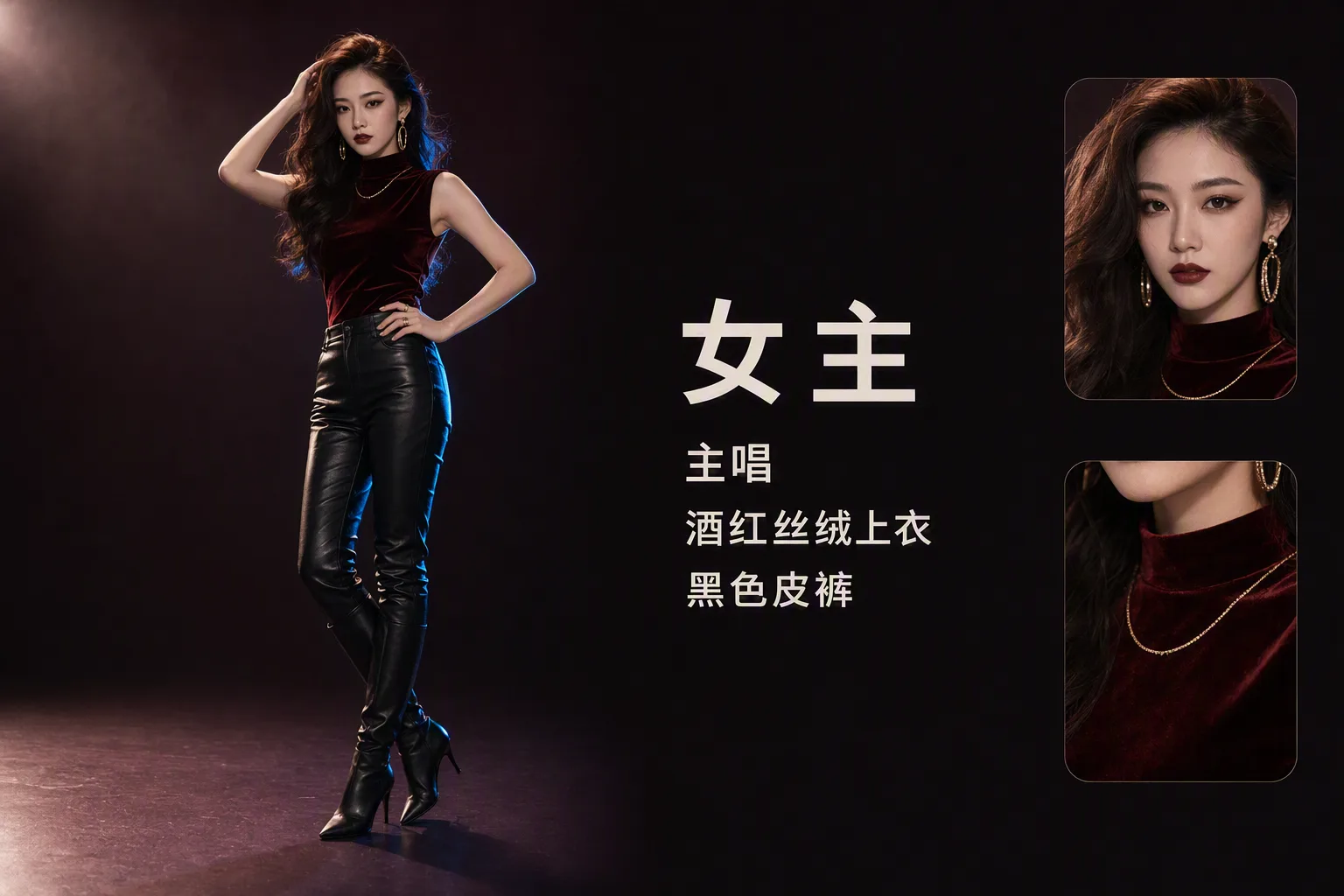 Image 2 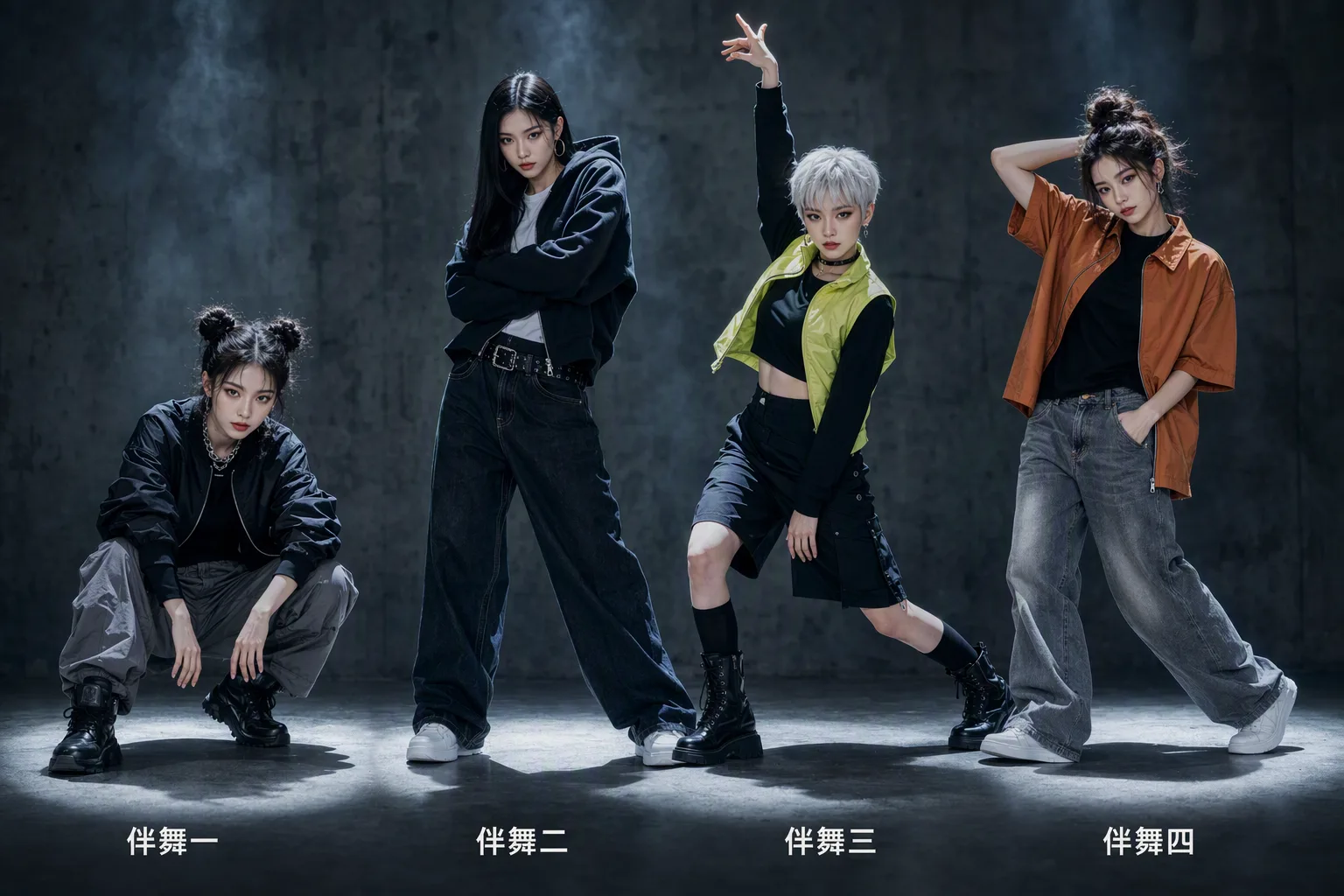 Video 1 | Reference Video 1's camera movement, shot size, shot rhythm, and choreography. Use Image 1 as the center-position female lead, replacing the male lead in the original video; follow the original video exactly, with the character entering from the right side of frame. Keep the character's appearance, hairstyle, body type, and temperament highly consistent, and faithfully recreate all of the male lead's dance moves and rhythm from the original video; use Image 2 as the surrounding backup dancers, matching the original video's backup-dancer positions, formation changes, and synchronized moves. The overall look is hyper-realistic cinematic quality, fusing the camera language of a Hollywood song-and-dance action blockbuster; the moves are silky smooth, the camera movement stable and fluid, the rhythm precisely beat-synced. | |
Image 1 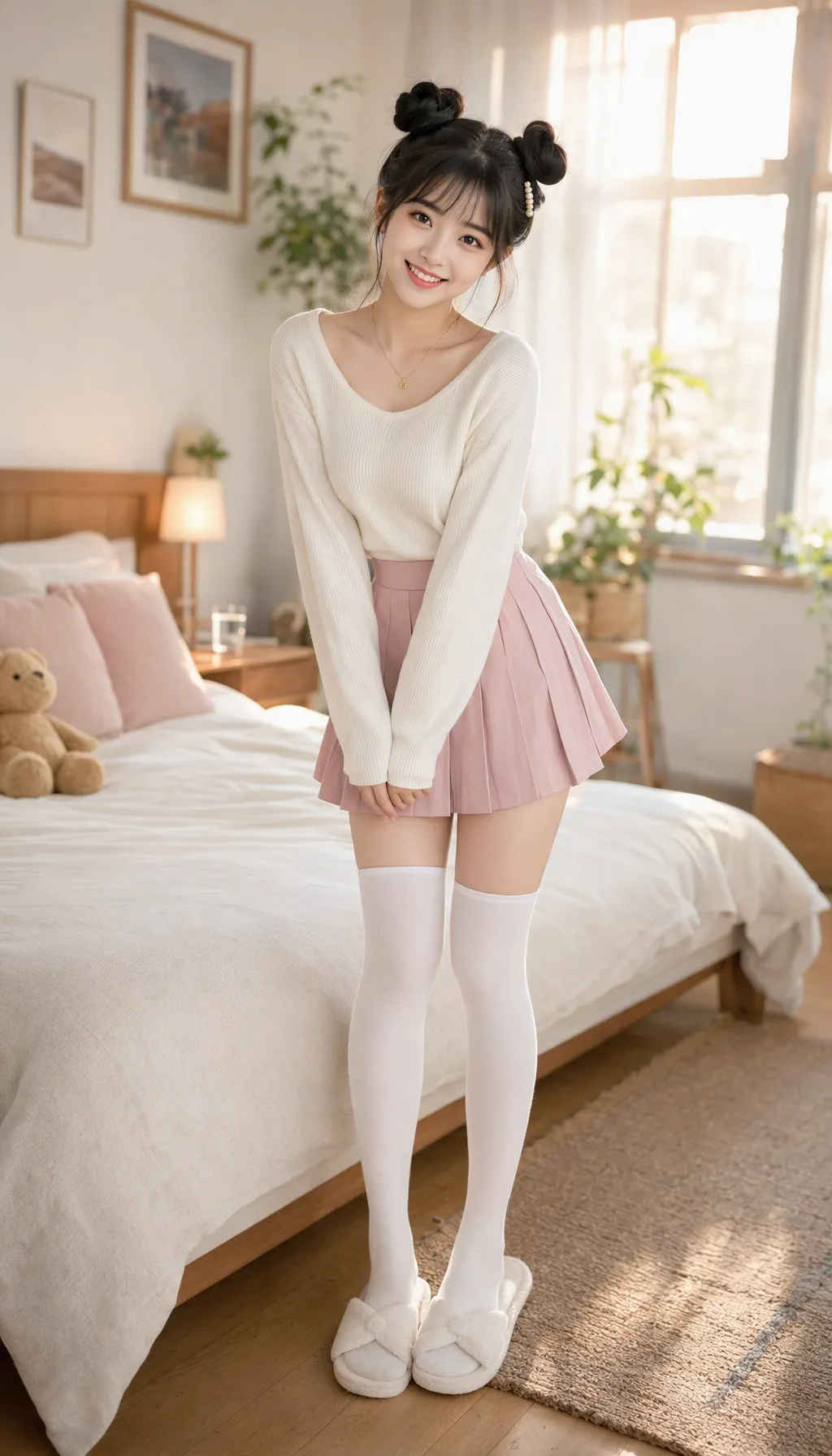 Video 1 | Reference the character from Image 1; use Video 1 only as a motion reference. Generate a one-take, real-phone-shot-quality dance video in a pure-white shadowless studio: bright even soft light, clean background, the camera essentially fixed, with no transitions and no cuts. The character's face, hairstyle, body type, and clothing should follow the provided image and remain consistent throughout. The character replicates all the moves, poses, rhythm, and pauses from the reference video; the order, amplitude, speed, and timing of the moves stay consistent, and the original video's music is preserved unchanged; expressions change naturally with the rhythm of the motion. The reference video is used only for motion control; do not inherit its character appearance. The final frame should be normal color, the character stable, the motion fluid, with no subtitles and no watermarks. The character's face is stable, the body structure correct, the fingers and limbs natural, with no limb interpenetration, no pose glitches, and no deformed gestures; if the reference video shows obvious hand/limb structural deformation — especially during turns, with deformed or uncoordinated hands — the motion may be lightly adjusted. |