In template mode, you can define CSS for page styles in the <style></style> section. The supported styles are based on common styles.
In template mode, you can apply styles to components within the <template></template> section using classes. For example, <text class="mytext">✅.
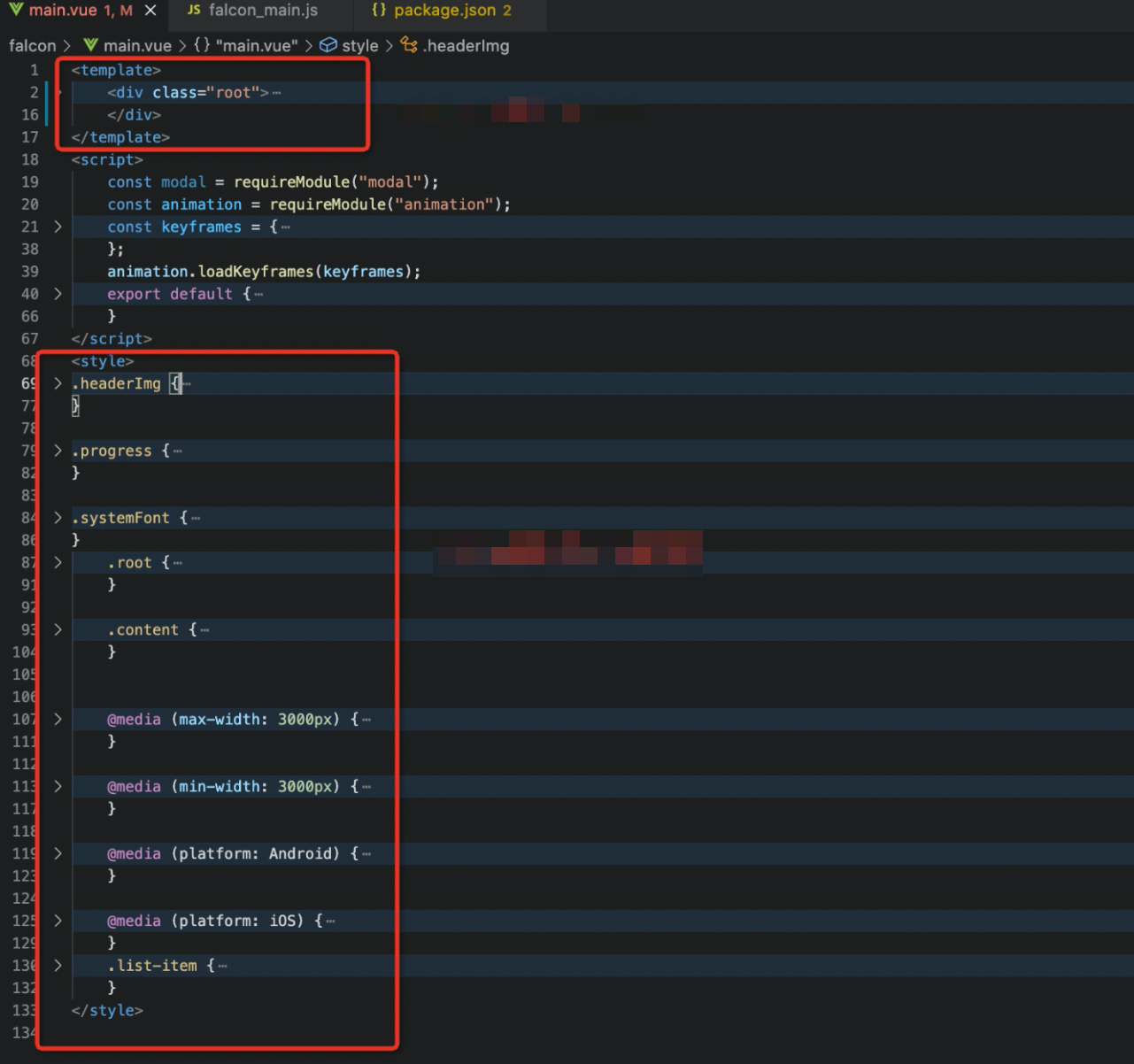
CSS styles
The `class`, `id`, and `type` selectors are supported. More complex combinations, such as parent-child or state selectors, are not supported. The following code shows examples of the three supported selectors:
// class
.class {
}

// id
#id {
}

// type
div {
}
Inline styles
Template mode lets you inject styles at runtime using the built-in style field of a component.
The syntax for inline styles is the same as in popular frontend frameworks, such as VueJS and ReactJS. Both bound and non-bound formats are supported.
Bound inline styles
You can group the style fields for binding into a single JSONObject.
The keys for the style fields must be in camelCase. For example, you must convert `background-color` to `backgroundColor`.
Non-bound inline styles
You can group the style fields for binding into a single string that follows CSS syntax.
The keys for the style fields must use hyphen-separated words as specified in CSS, for example, `background-color`.
The order of style priority from highest to lowest is inline style, id, class, and type.
// main.vue
<template>
  <div class="root">
    <div class="div1" :style="style"></div>
    <div class="div2" style="width: 100px; background-color: blue"></div>
  </div>
</template>

// mock.json
{
  "style": {
    "height": "100px",
    "backgroundColor": "red"
  }
}
For inline styles, the template accepts a JavaScript (JS) object as the attribute value.
<div class="root" :style="{height: height}"> // Example from aboveDynamic class binding
You can dynamically bind different selectors to a component's CSS styles.
<div :class="mydiv">Media queries (@media)
Template mode includes the media query feature from the CSS specification. This feature is mainly used for mobile UI adaptation.
The media query capabilities in template mode are more limited than those in the CSS specification and require specific usage patterns as described in the following sections. For more information about media queries, see Introduction to @media.
Media types
You do not need to specify the media type. The default value is `all`.
Media type
Supported
all
Yes
screen
No
print
No
speech
No
Media features
In cards, media features are based on firmware attributes, which is different from how they work in frontend browsers.
Media feature
Value
Description
platform
ios | android
Adapts to a specific platform. The usage differs from the CSS specification. Set the platform value directly after `@media`. For example, `@media android`.
support
safearea
Adapts to the screen security zone on the iOS platform.
Media operators
Operator
Support
and
Yes
not
No
only
No
The following example shows how to adapt styles by combining CSS attributes and `@media` queries.
<template>
    <div class="banner"></div>
</template>
<style>
    @media android {
        .banner {
                  width: 100px;
                        height: 100px;
            background-color: #00fff0;
        }
    }
    @media ios and (support: safearea) {
        .banner {
            width: 100px;
                        height: 100px;
            background-color: #00fafb;
        }
    }
    .banner {
              width: 100px;
        height: 100px;
        background-color: green;
    }
</style>
Importing styles
Before you import styles, you need to understand the following two types of styles:
Imported styles: These are styles in a .css file that can be centrally managed and imported.
Scoped styles: These are styles in the <style></style> section of a .vue file that apply only to that template.
Syntax format
The syntax for importing styles is as follows:
<style src="[relative path to .css file]" />File structure
.
└── template_name                                                 // Template folder (named after the template ID)
    ├── main.vue                                                       // Template layout and style description file
    ├── manifest.json                                                // Template configuration file
    └── mock.json                                                     // Test data for template binding
    └── common.css                                                 // Common template style file
Template code
<template>
        ... [Template layout description]
</template>

<style src="./common.css" />

<style>
        ... [Styles that apply only to this template]
</style>
Cascading rules
When compiling style resources in a .vue file, template mode cascades and merges only style fields that share the same selector. Different selectors remain unchanged.
The cascaded result is a combination of imported styles and scoped styles, as shown in the following table.
Imported styles | Scoped styles | Cascaded result |
| | |
Code example
You can download the FalconDemo code example.