Switch configuration dynamically changes client-side code logic without requiring a new application release. The client pulls switch values from the backend to control its behavior. Each switch is a key-value pair that you can configure, modify, and push through the switch configuration service.
mPaaS provides the configuration management service (ConfigService) for switch configuration. By default, the client pulls configurations during a cold start. It also pulls configurations when the application returns to the foreground if more than 30 minutes have passed since the last pull. ConfigService also provides an API for immediate pulls and a listener to detect changes, ensuring configurations are refreshed promptly.
To use switch configuration, add the iOS SDK, configure your project, and read the configurations.
Switch configuration calls the Mobile Delivery Service (MDS) update and publish APIs, which incurs charges. For more information about billing, see the real-time publishing section in Pricing.
Prerequisites
You have integrated your project with mPaaS. For more information, see Connect to an existing project using CocoaPods.
About this task
This topic uses the switch configuration code example to illustrate the process.
Add the SDK
Use the cocoapods-mPaaS plugin to add the SDK.
Follow these steps:
-
In your Podfile, add the
mPaaS_pod "mPaaS_Config"dependency for the switch configuration component.
-
Refer to the CocoaPods Usage Guide and run
pod installorpod updateas needed to complete the integration.
Configure the project
This step is only required for version 10.1.32. You can skip this step for versions 10.1.60 and 10.1.68 because project configuration is built-in.
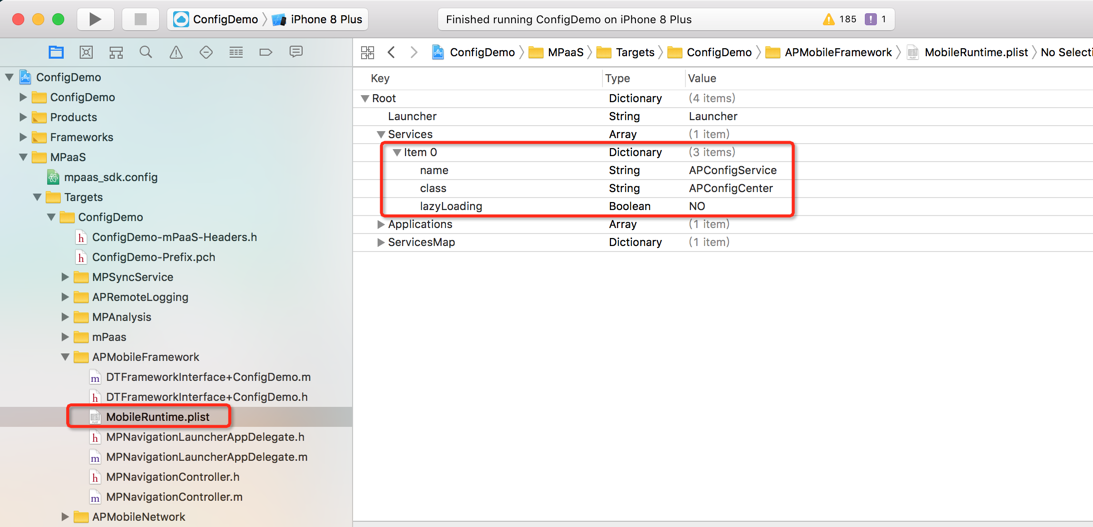
mPaaS encapsulates switch configuration as a service. Register the service in the service manager before use, as shown in the following code example.
Read the configuration
You can dynamically publish values for switch keys from the mPaaS console. In the navigation pane, choose Real-time Release > Configuration Management > Configuration Key to view the details.
What to do next
Get switch values
In the mPaaS console, navigate to Real-time Release > Configuration Management to add configuration items. You can push configurations based on criteria such as platform, whitelist, percentage, version number, device model, and iOS version. For more information, see Android/iOS Configuration Management.
After you publish a switch key in the console, the client can call an API to retrieve its value.
+ (void)testStringForKey
{
     id<APConfigService>configService = [DTContextGet() findServiceByName:@"APConfigService"];
    NSString *configValue = [configService stringValueForKey:@"BillEntrance"];
    assert (configValue && [configValue isKindOfClass:[NSString class]]);
}Switch key values are returned by a remote procedure call (RPC) pull, which can fail. Implement local client logic to handle pull failures. We recommend setting a default value for the switch in your local client logic. When a new switch is published from the console, the client uses the new configuration. If the pull fails, the client falls back to the local default logic.
Advanced guide
-
When the client pulls switch configurations:
-
An application cold start triggers a pull.
-
When the application returns to the foreground, the client pulls the configurations again if more than 30 minutes have passed since the last pull.
NoteThe default interval is 30 minutes. You can change this interval by adding the
Load_Config_Intervalswitch on the Real-time Release > Switch Configuration Management page in the console. For more information, see Android/iOS Configuration Management.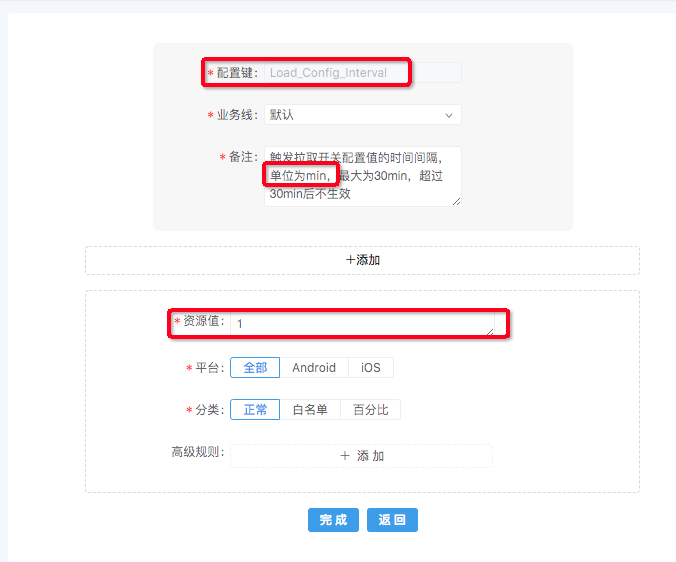
-
-
Dynamically listen for switch changes
-
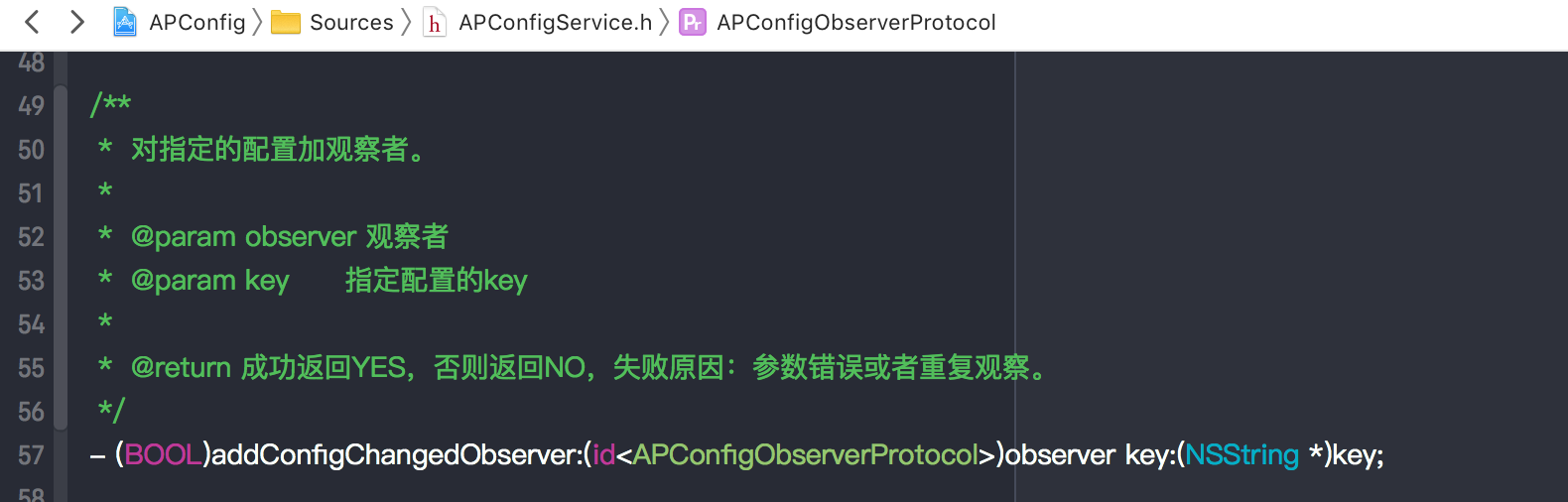
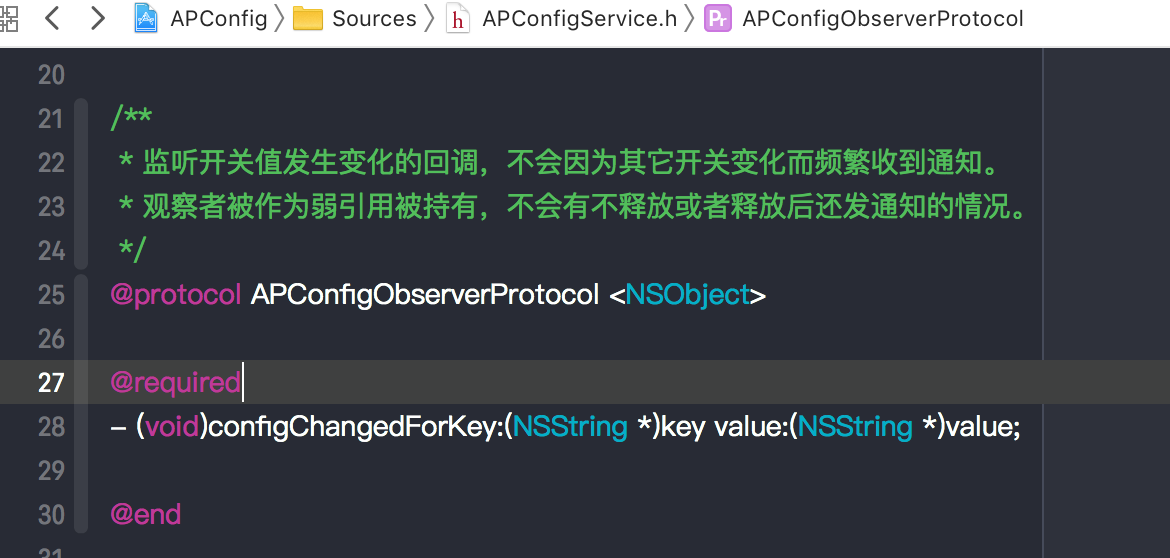
Add an observer to a specified key to dynamically listen for changes to the switch value.
-
When the client pulls the switch configuration, retrieve the latest value for the specified key in the callback method.
-
-
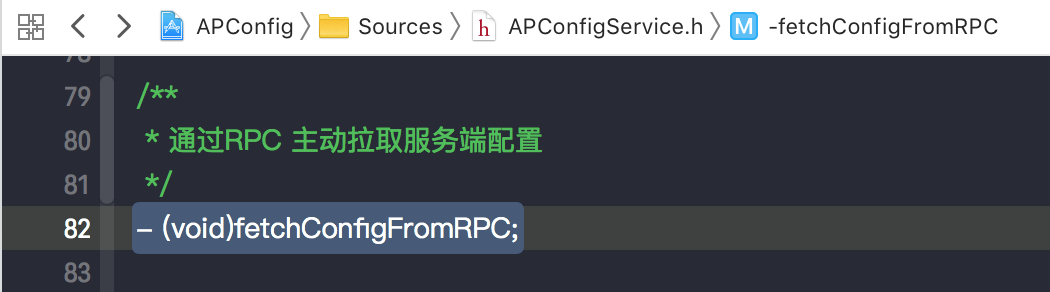
Force a pull of switch values: The SDK provides a method to force an immediate pull of the latest configurations from the console.