This topic describes how to connect a mobile analytics component to an iOS client. You can use CocoaPods to connect the mobile gateway SDK to the client based on an existing project.
Prerequisites
Before you add the mobile gateway SDK, make sure that you have completed the following operations:
Connect the project to mPaaS. For more information, see Use CocoaPods.
Introduce a wireless bodyguard picture
yw_1222.jpgfor requesting signature: After the first step is completed, the wireless bodyguard picture will be automatically generated in the project, and you do not need any additional operation.
Add SDK
Use the cocoapods-mPaaS plug-in to add the mobile gateway SDK.
Here are the steps:
In the Podfile file, use the
mPaaS_pod "mPaaS_RPC"to add the mobile gateway component dependency.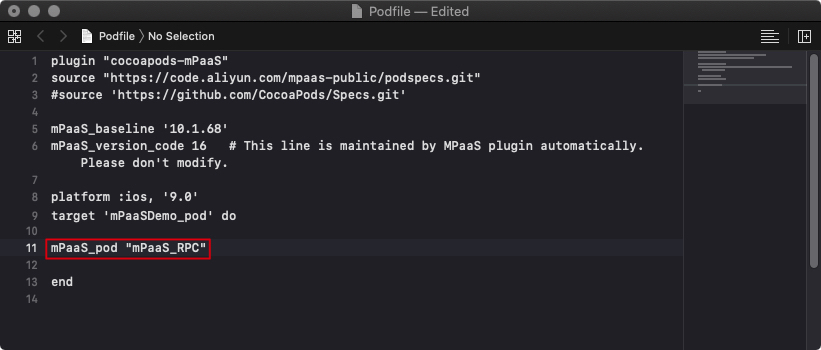
Run
pod installon the command line to complete the connection.