Complete the five-step publishing workflow to list a service product on the Alibaba Cloud Marketplace independent software vendor (ISV) portal.
For a walkthrough, see video guidance.
The following fields cannot be changed after the service product is published. Set them carefully before submitting for review.
Production Notification (Step 1)
Delivery process template (Step 1)
Product Type (pricing sales type, Step 4)
Step 1: Configure access information

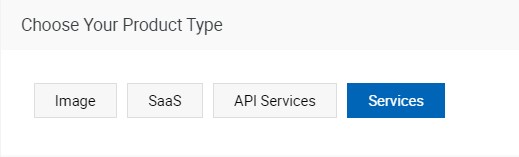
Product type — Select Services. Service products have no technology-layer configurations, unlike other product types.
In addition to the product name, configure the following:
Production Notification (required) — Configure notifications for production orders. This field cannot be modified after the product is published.
Delivery process template (required) — Select the template that defines how services are delivered to customers after purchase. This field cannot be changed after the product is published.
Every service product must be associated with a delivery process template. After a customer purchases your product, you deliver services according to the template. Customers must confirm specific delivery nodes before you proceed.
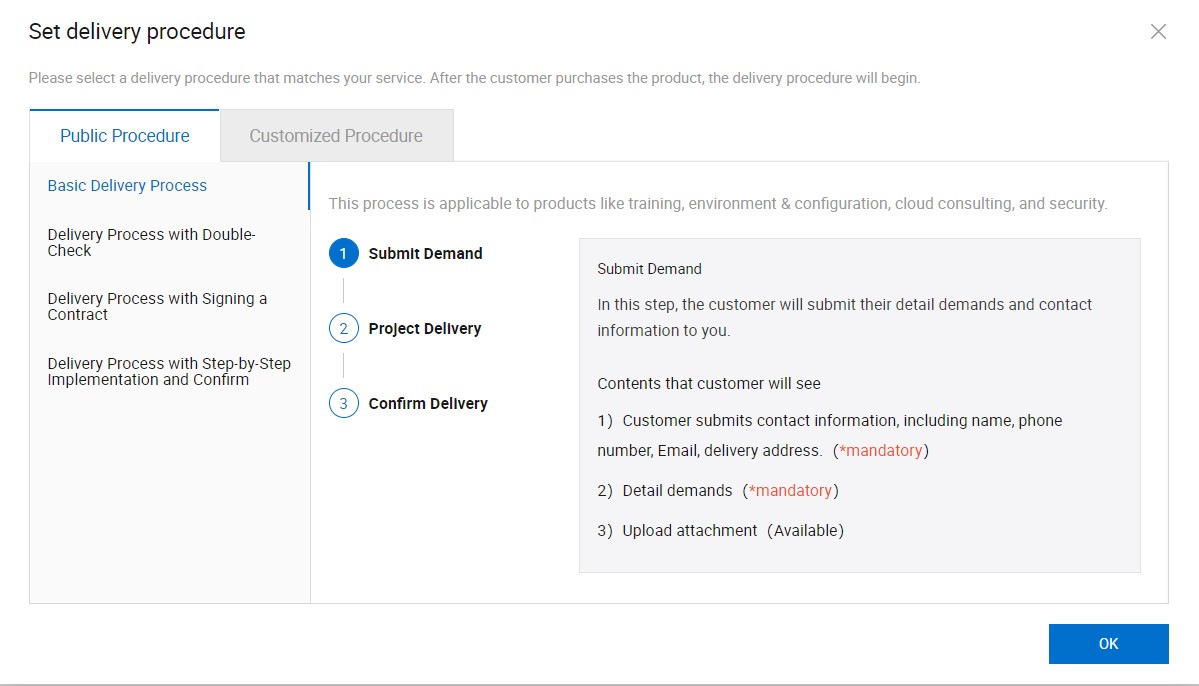
Each purchase order generates a delivery project. Both you and your customers can track delivery progress in Delivery Center. Delivery Center also serves as the communication and coordination platform throughout service delivery.
Step 2: Configure basic information

Configure the following fields to describe your service product clearly:
Product Logo — Upload a product image displayed on the product list page and product details page. Recommended size: 200 x 150 pixels.
Short Description — Displayed on the product list page in Alibaba Cloud Marketplace. Keep it under 200 characters.
Product Highlights — Displayed in the upper section of the product details page. Describe your product in as much detail as possible.
Product Description — A rich-text detailed description of the service product. Drag images directly into the rich text editor to include them.
Product Snapshots — One or more images of the service product for customer reference.
Product Certifications — Certificates such as intellectual property certificates, patent certificates, and special certificates.
User Guide (required) — Documentation for the service product. Alibaba Cloud checks this during review.
Refund Policy — A custom refund policy, including the validity period for refund claims. For example, specify whether customers can claim refunds before services start, while services are in progress, or after services end if results are unsatisfactory.
Support Offered — After-sales support details, including a phone number and email address for customers to contact you.
Step 3: Configure business information

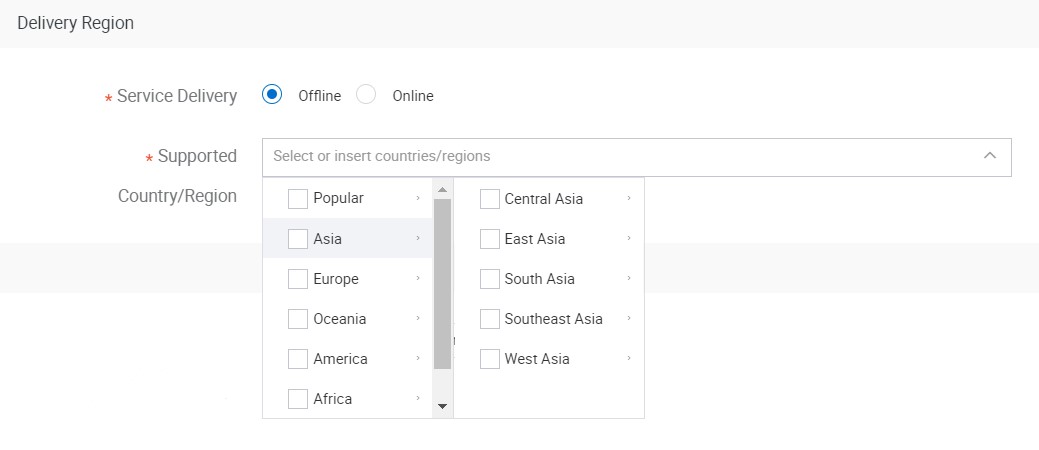
Supported Country/Region — Select the countries or regions where you can provide the service. Customers see this before purchasing to confirm availability in their location.
Delivery Cycle — The number of days required to deliver the service.
Product Warranty — The number of days during which warranty services are available after delivery.
If you selected the Delivery Process with Double-Check template: confirm that warranty services are complete during the warranty period after the customer confirms delivery. The system automatically confirms and ends delivery after the warranty period expires.
If you selected a different template: the warranty period is for customer reference only and does not affect the delivery process.
Product Category — Select the category that best matches your service. Professional Service/Security Service is recommended for most service products, as it determines how customers find your listing in category searches.
Keywords and SEO descriptions — Keywords and descriptions for search engine optimization (SEO). These improve your product's visibility in search results.
Step 4: Configure pricing information

Product Type (required) — The sales model for this product. This field cannot be modified after the product is published.
|
Value |
Description |
|
Package |
One-off purchase; no renewal required. |
|
Subscription |
Customers are billed periodically and receive renewal notifications before expiration. If a customer continues after expiration, they must renew. Each renewal generates a new delivery project. |
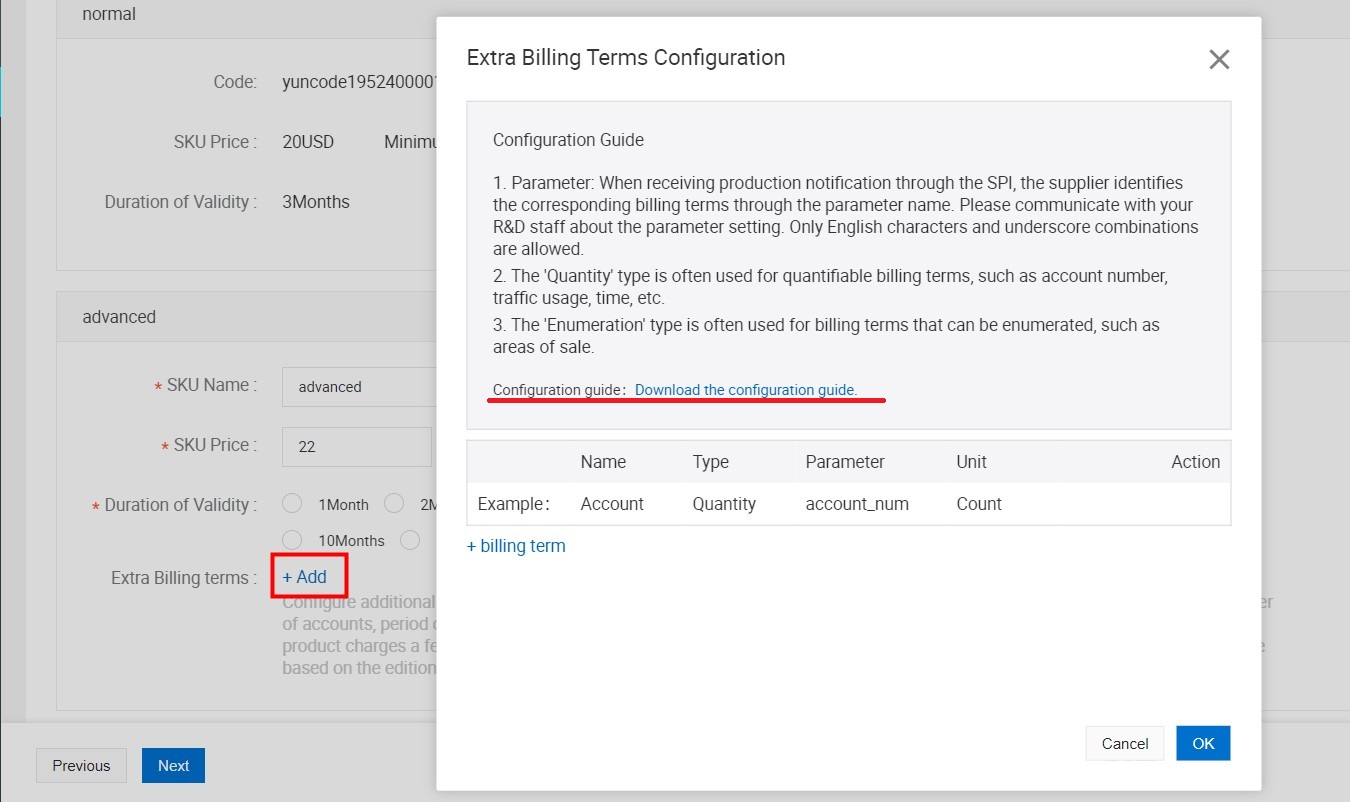
SKU — The minimum sales unit of the service product. Add multiple stock keeping units (SKUs) to offer different product editions with distinct pricing and billing items. For an example, see the additional billing items of a sample service product. For configuration details, see the user guide of that sample product, available to download when you publish your product.
Step 5: Configure product agreement information

EULA — Enter an End User License Agreement (EULA). This is a legally binding agreement between you and your customers; customers must accept it before purchasing. Use the EULA template provided by Alibaba Cloud Marketplace and modify it as needed, or import your own custom template.
Product review
After you submit all the preceding information, Alibaba Cloud reviews the service product. The review focuses on the product category and verifies that the delivery process template is appropriate and that product descriptions are complete.
Receive the product certificate
After the product is published, you receive the product certificate by email.
